Purpose
A Recipe defines how much raw material is needed to make one finished product.
Steps
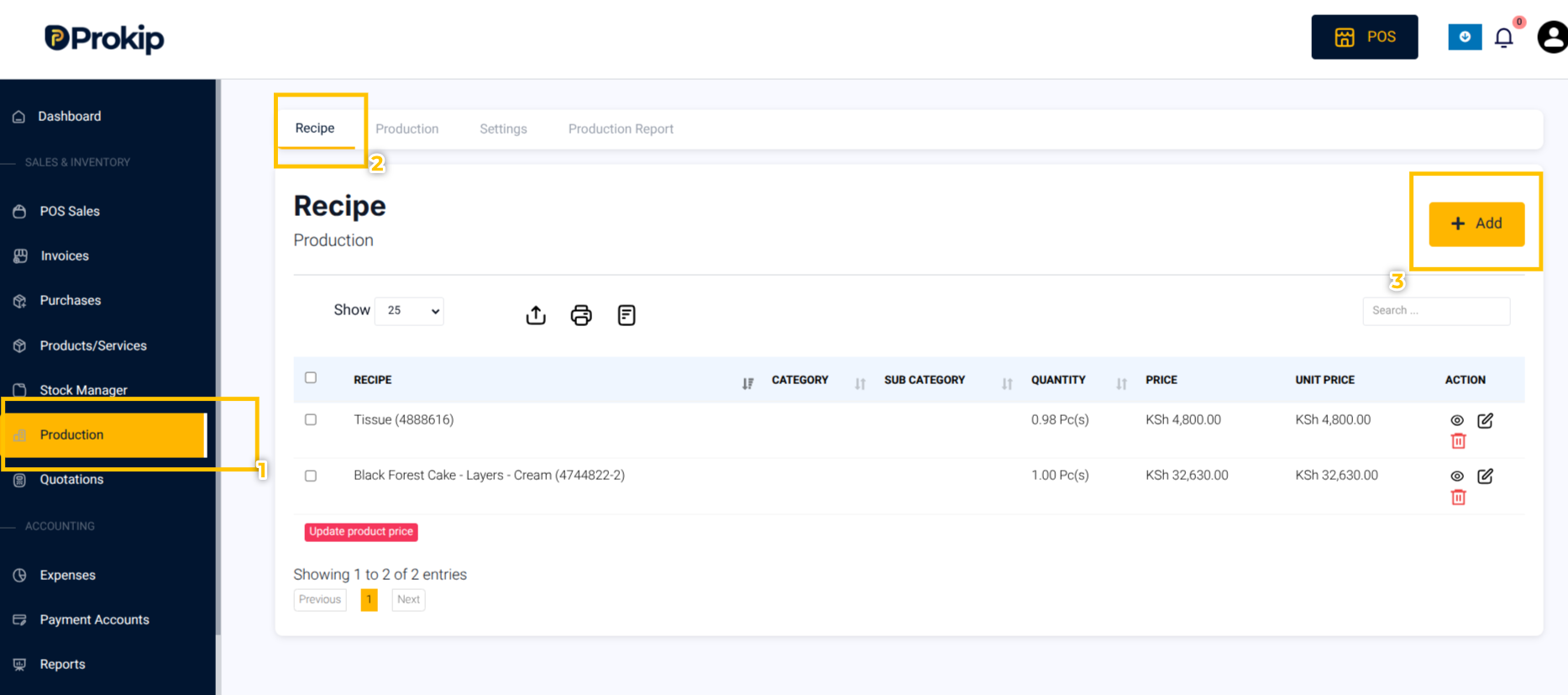
- Click Production → Recipes → Add Recipe.
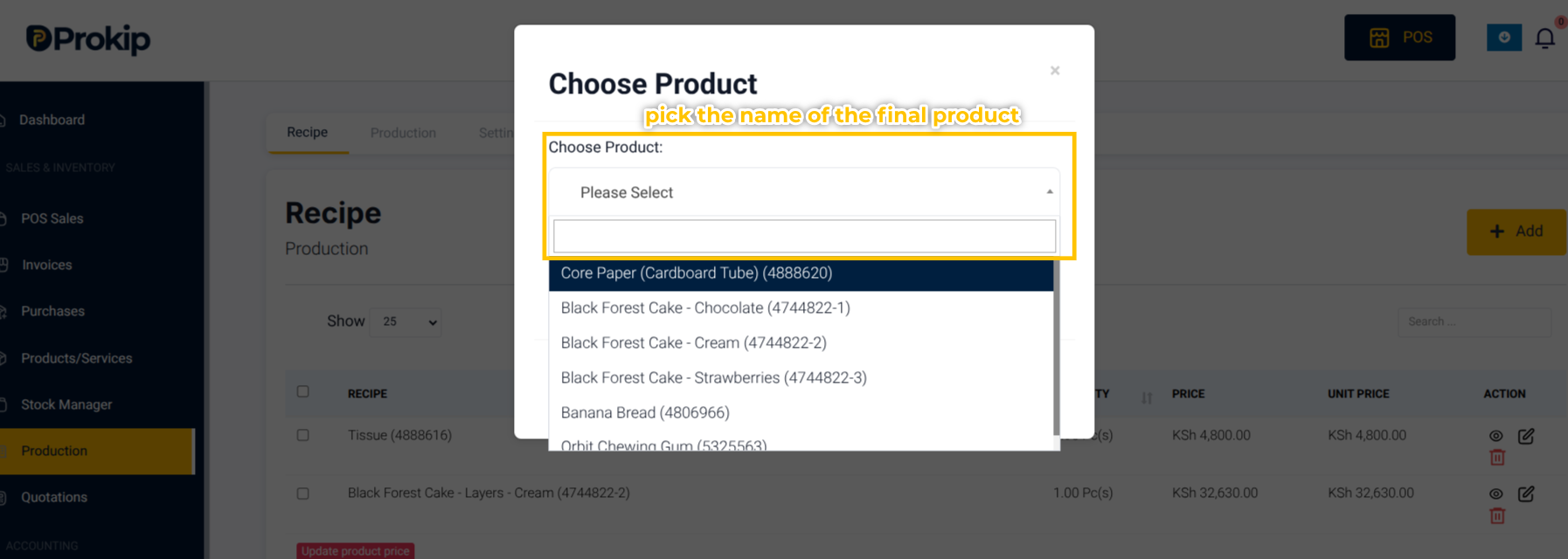
2. Select your Finished Product (e.g., Bread).
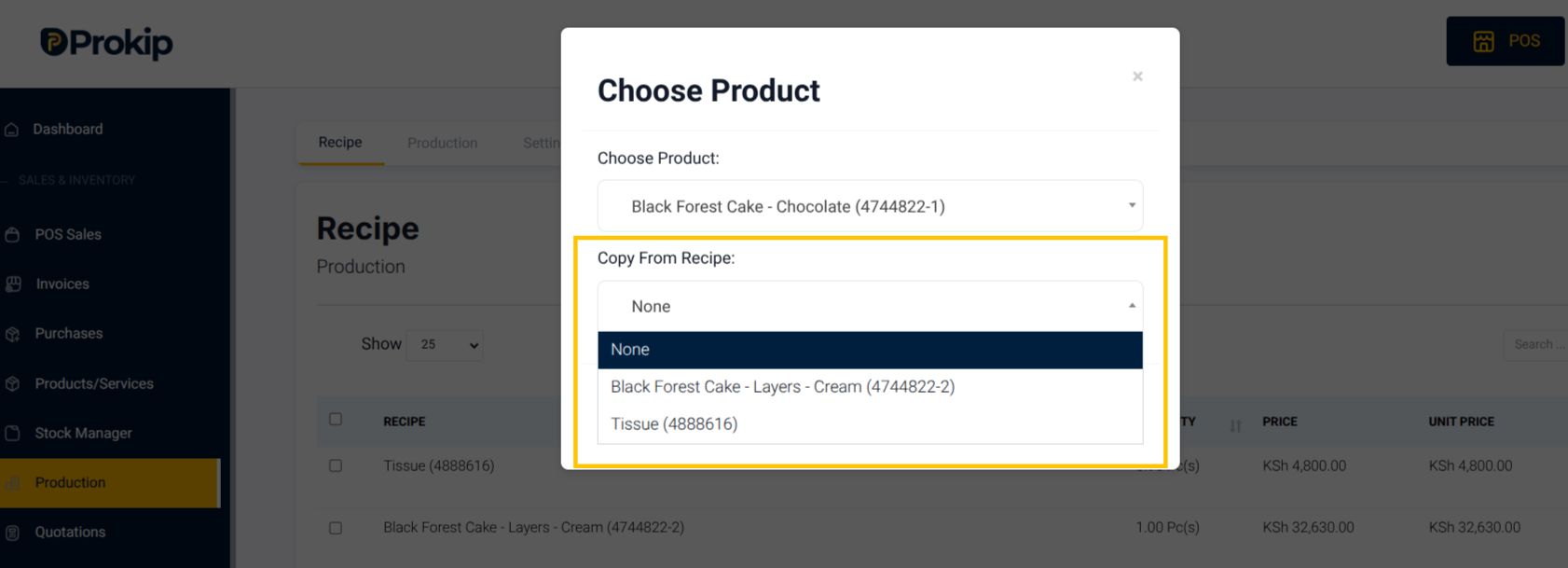
3. Select an existing Recipe that you want to to copy from under Copy Recipe; if none select None.
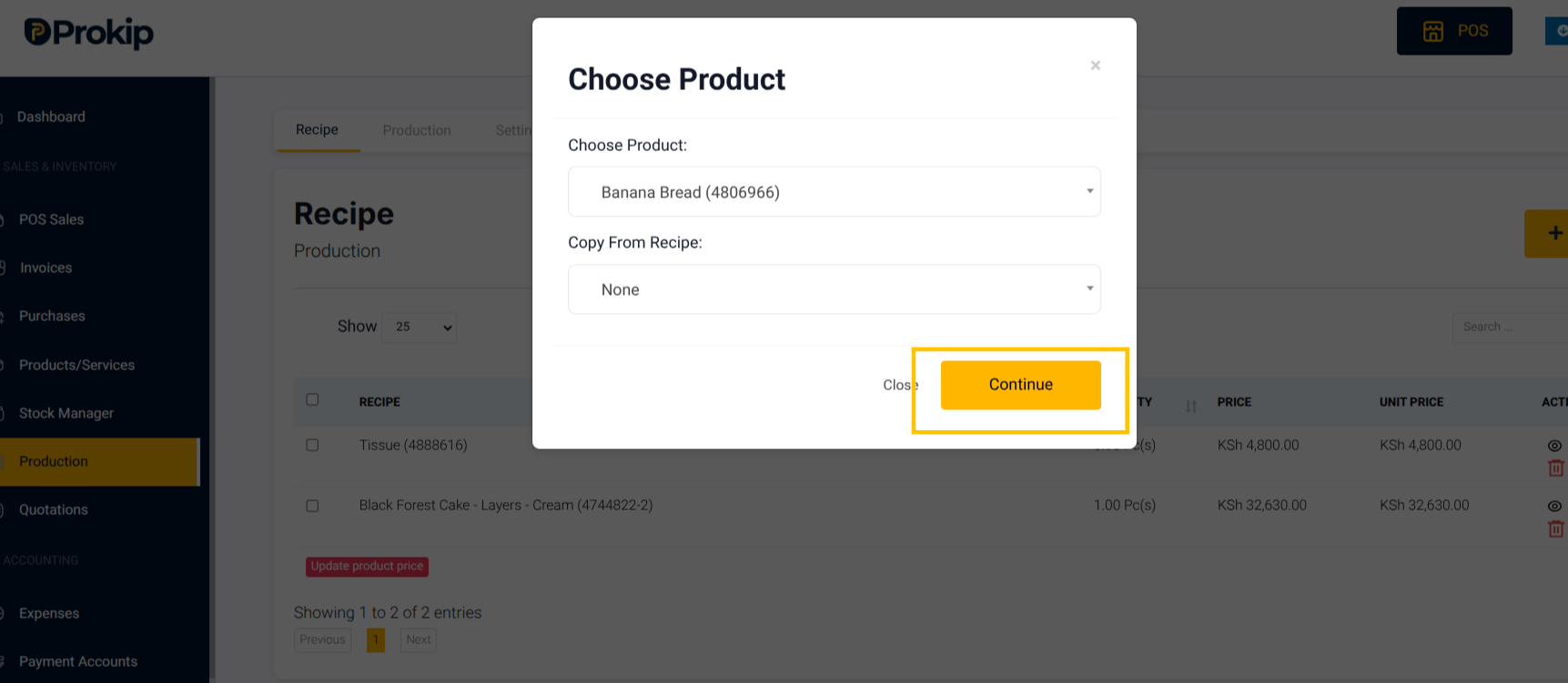
4. Click Continue.
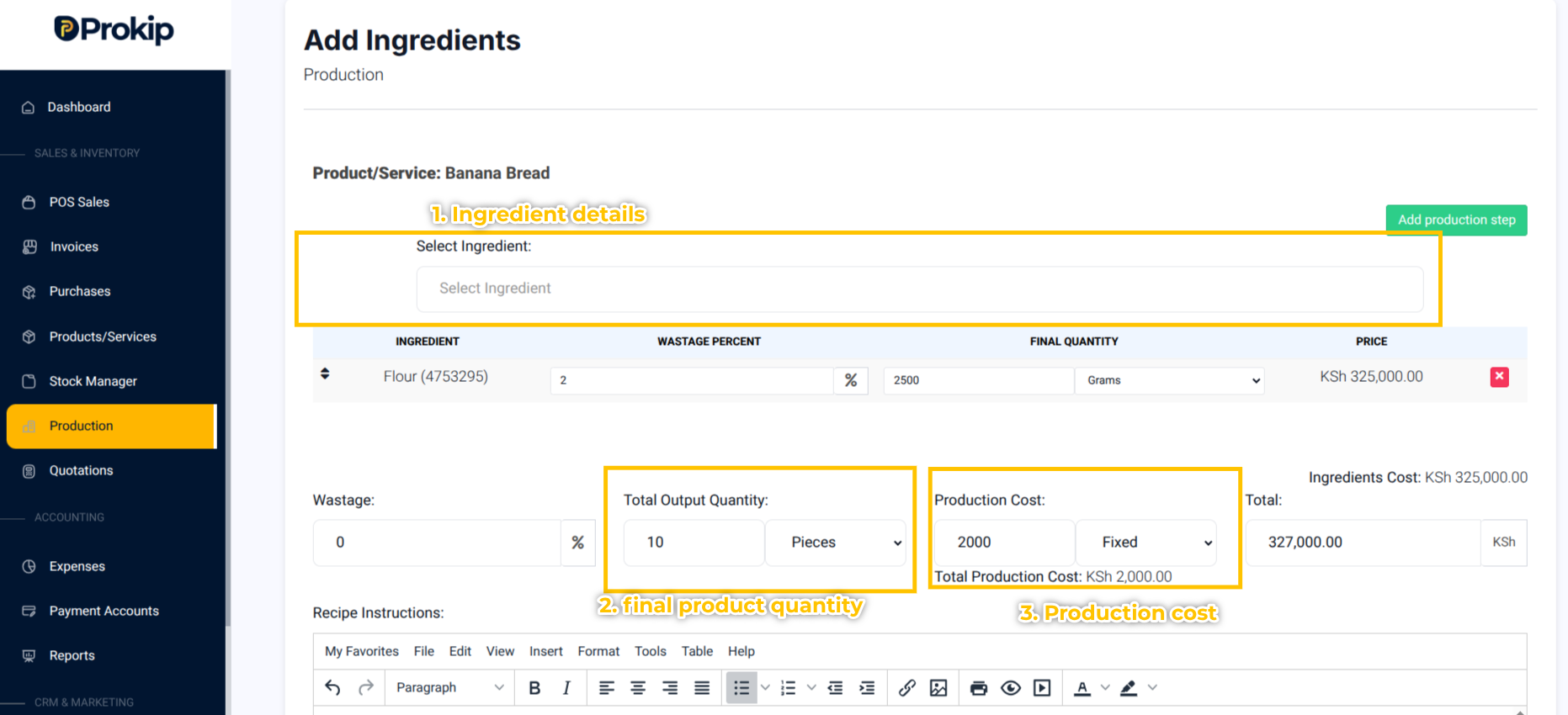
5. Add each Ingredient with Quantity needed
Example: 100 cups of Flour = 200 pieces of Bread.
6. Enter Production Cost (if applicable, e.g., ₦20,000).
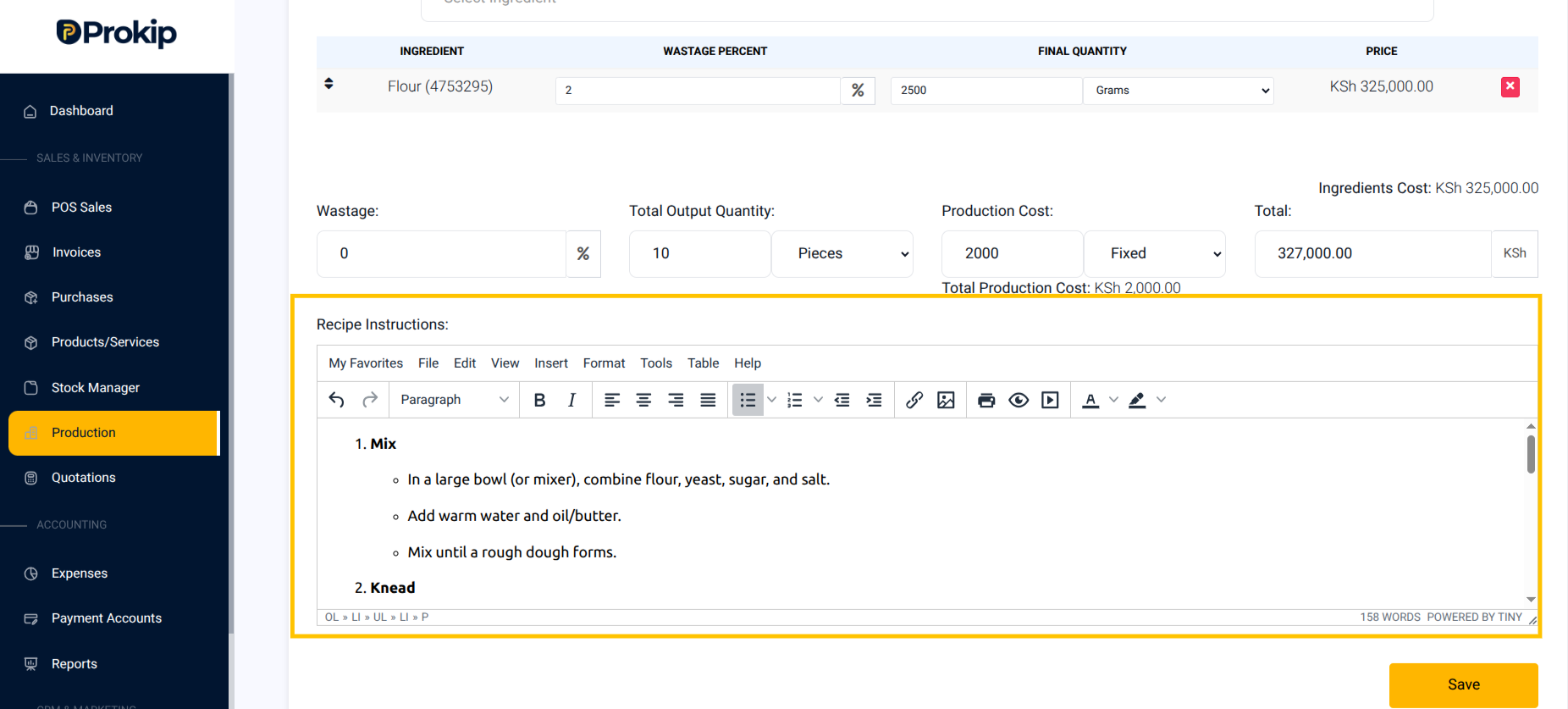
7. Add Production steps or Recipe Instructions if necessary.
(e.g., “Mix flour, yeast, and water”).
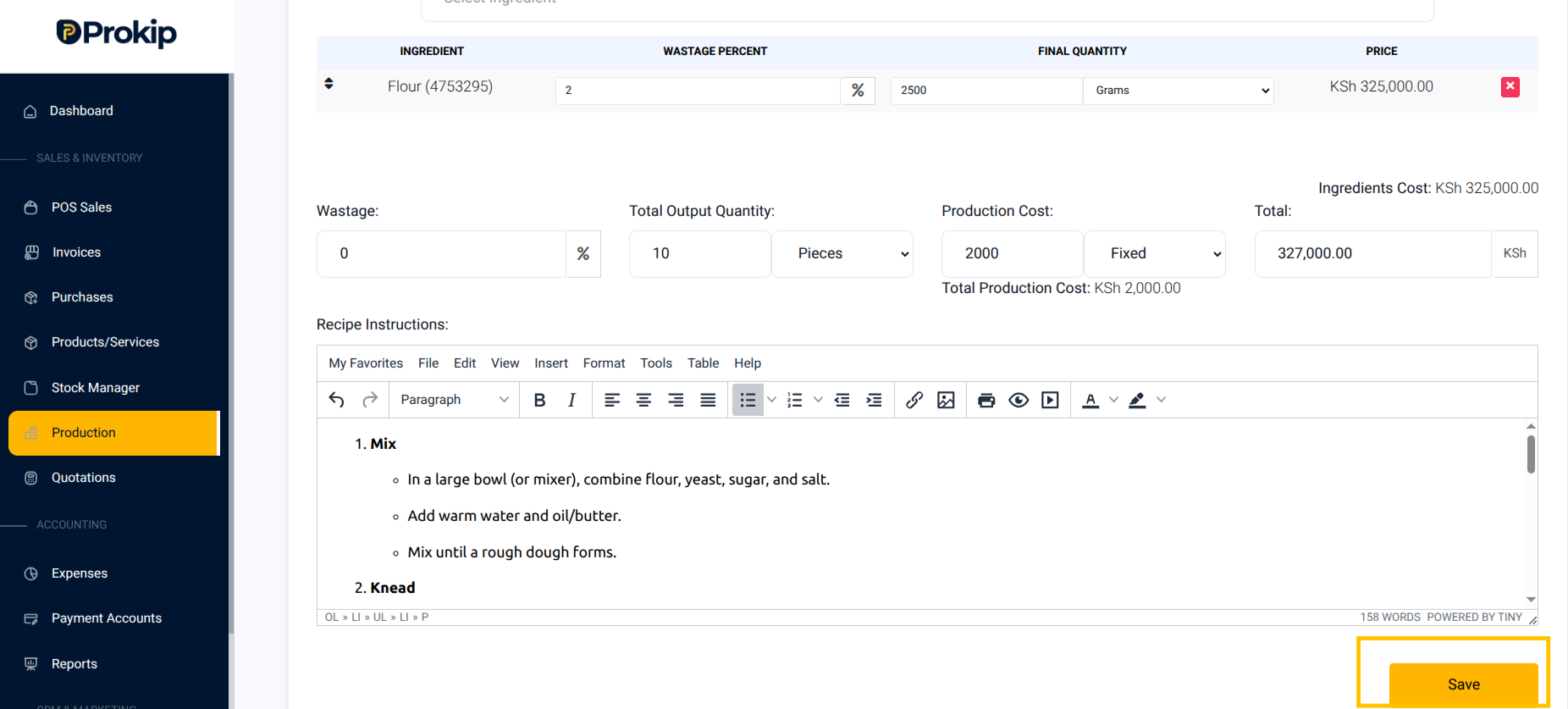
8. Click Save.
What Happens Next:
Your recipe is saved and can be reused to quickly create new production batches.