purpose
Expiry helps you track products based on their expiry dates. It ensures that expired or soon-to-expire items are not sold unless if permitted by you and that you are notified about it.
It ensures that you identify the product involved.
Steps
- Login to prokip
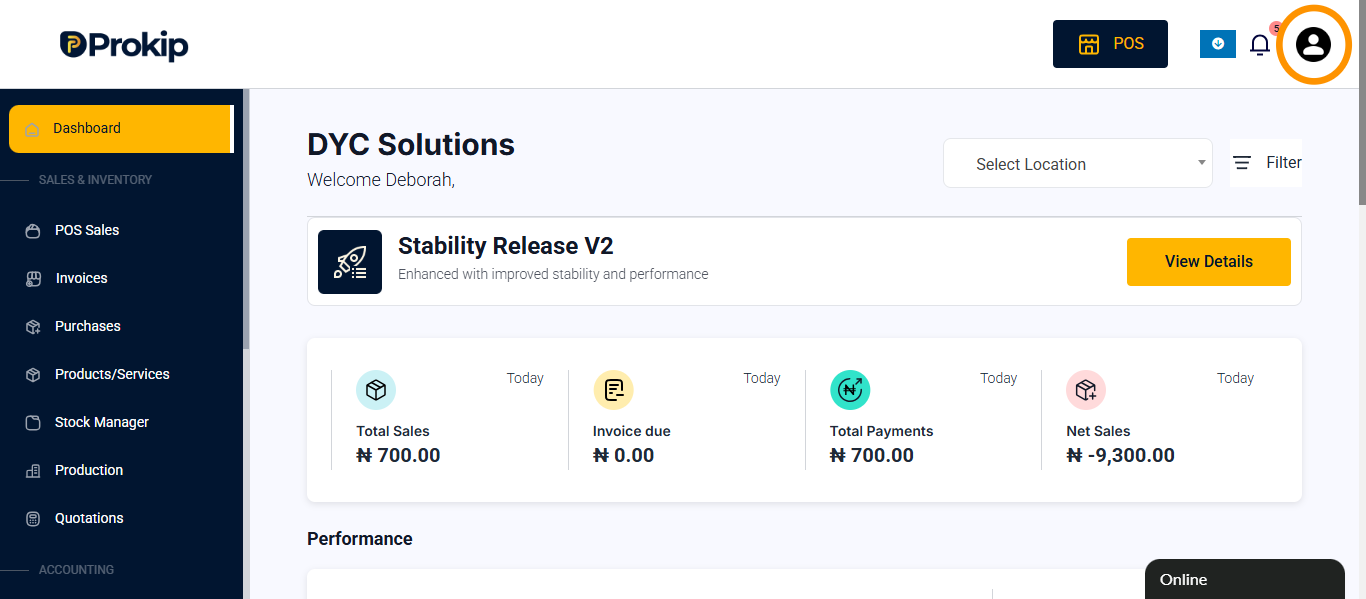
- Click on profile icon
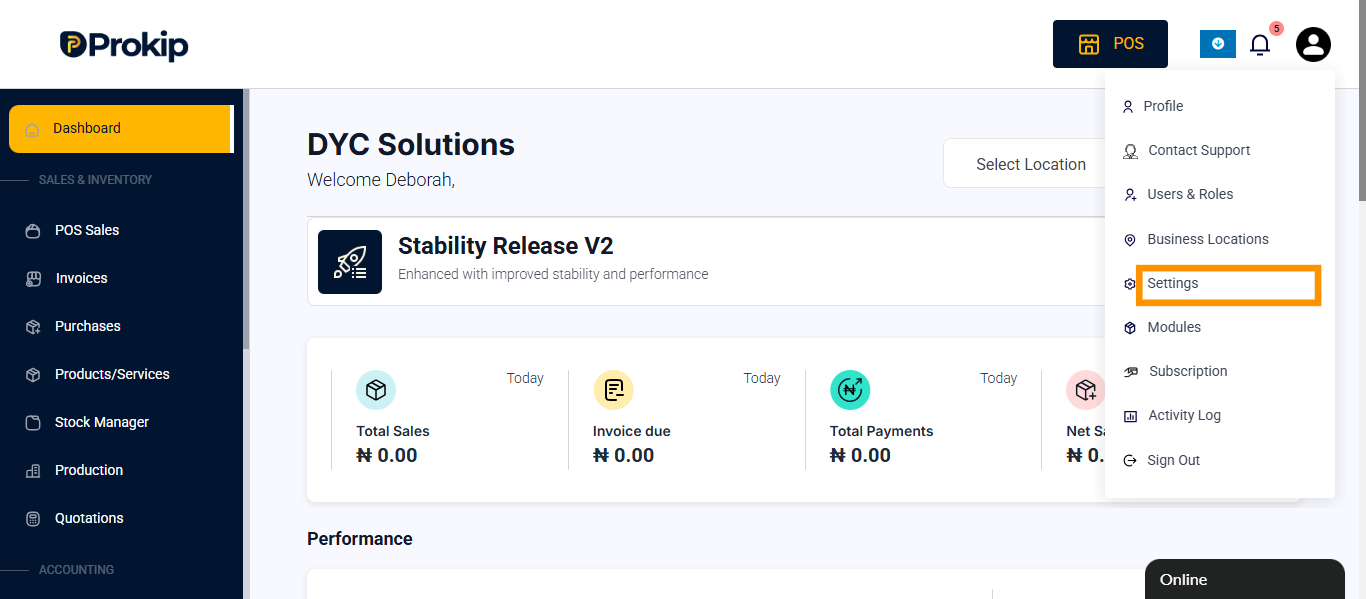
- Click on settings
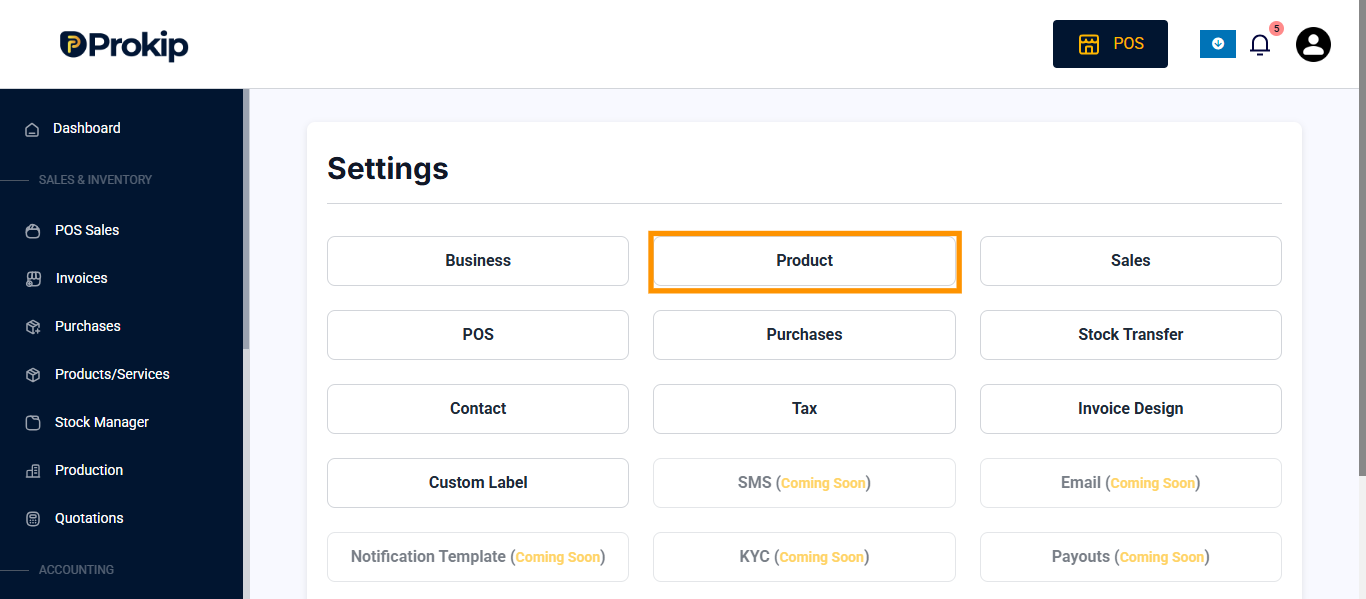
- Click on product
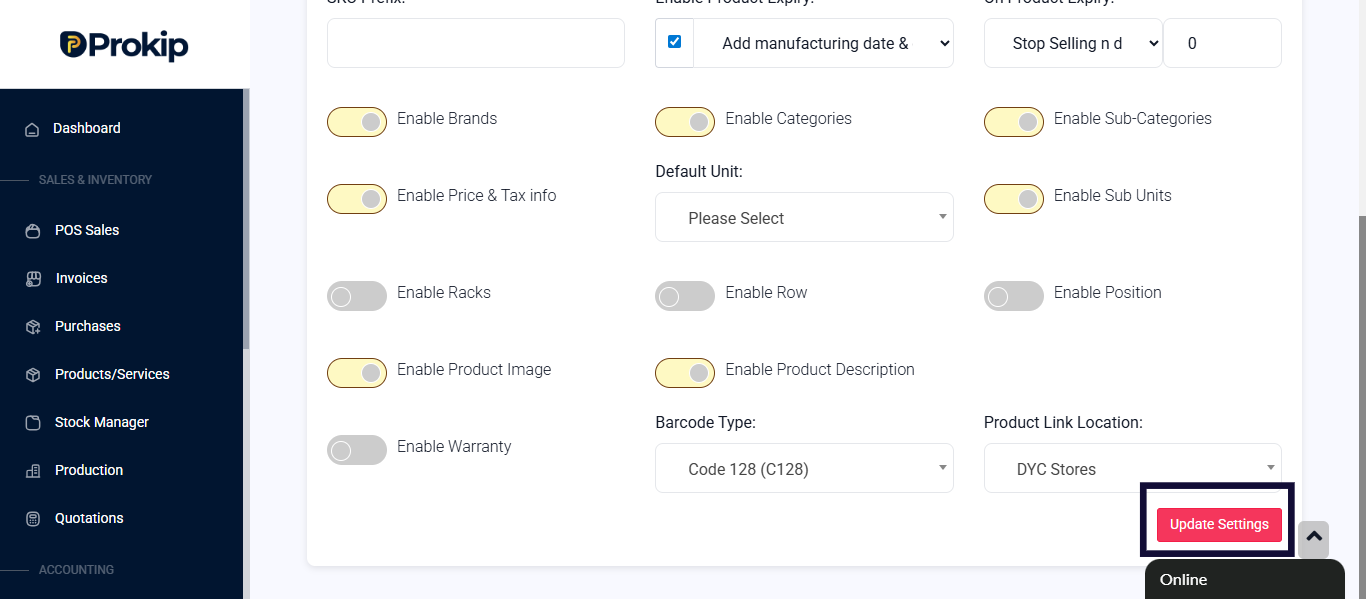
- Click on enable product expiry
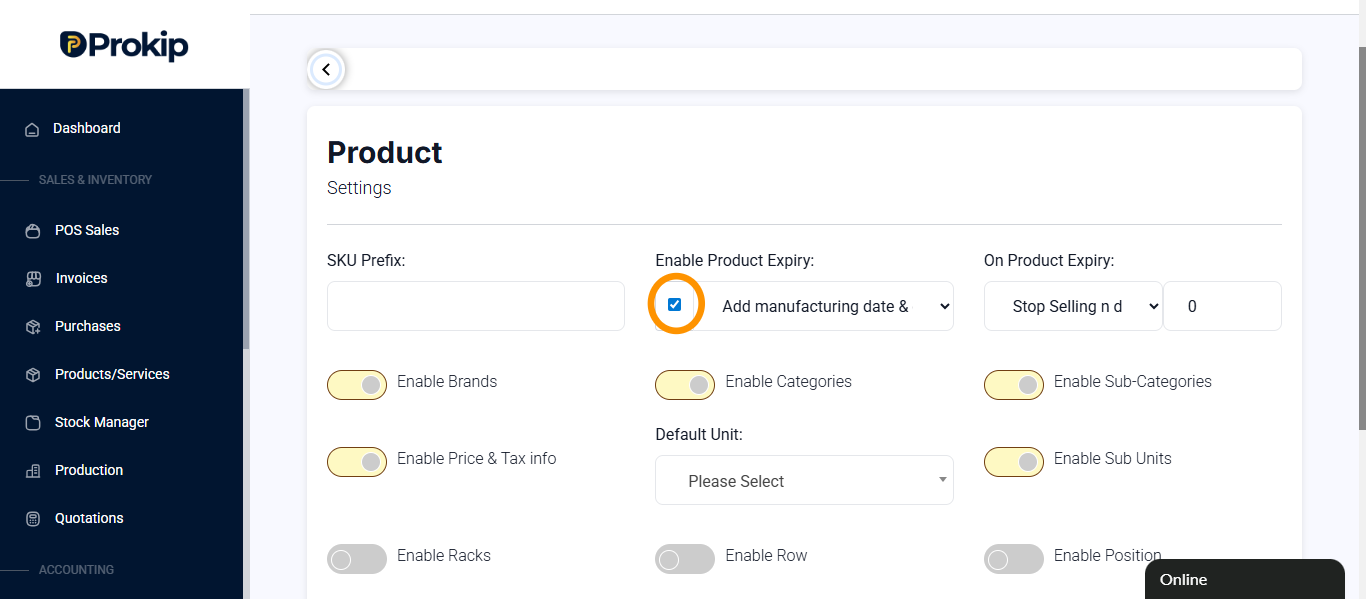
- Click on update settings