purpose
Allow you to track individual items uniquely using their identification numbers.
It helps businesses manage products that need unique tracking, such as phones, electronics, or appliances.
Steps
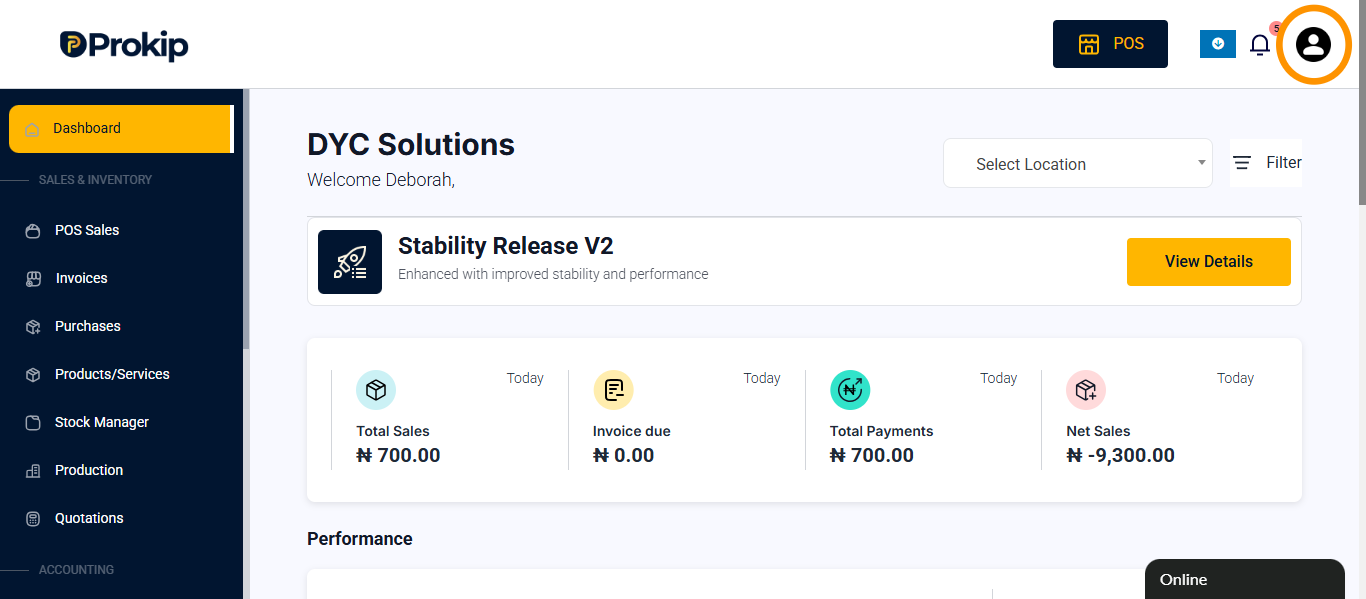
- Click on profile icon
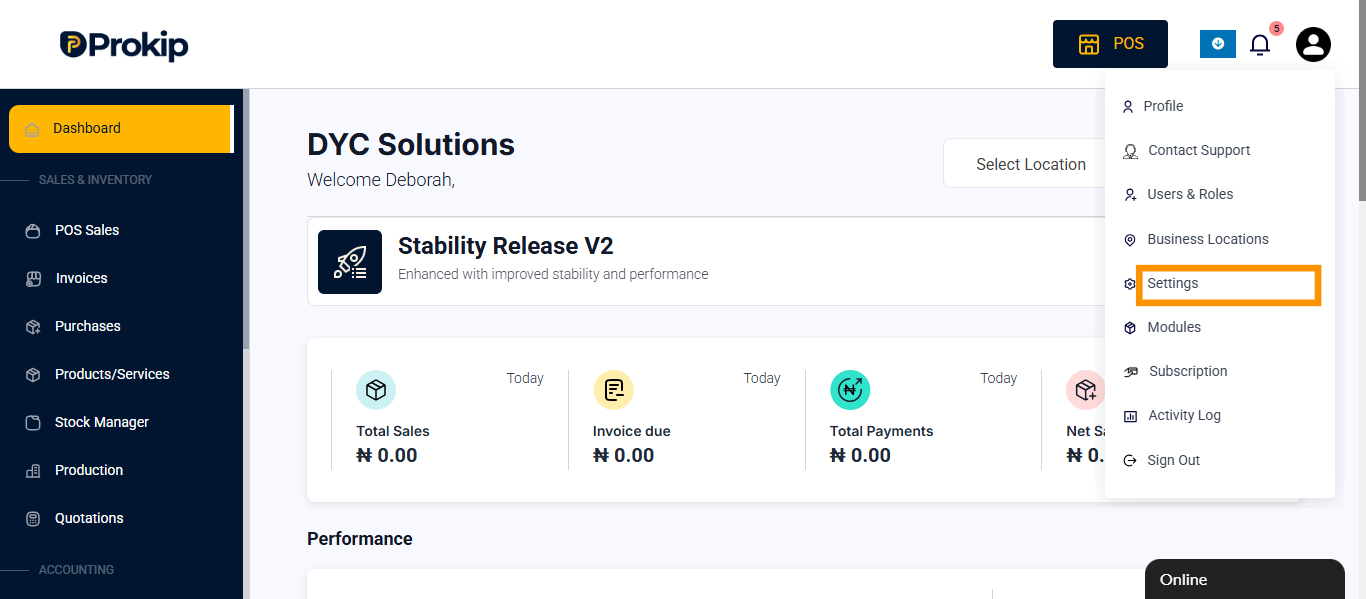
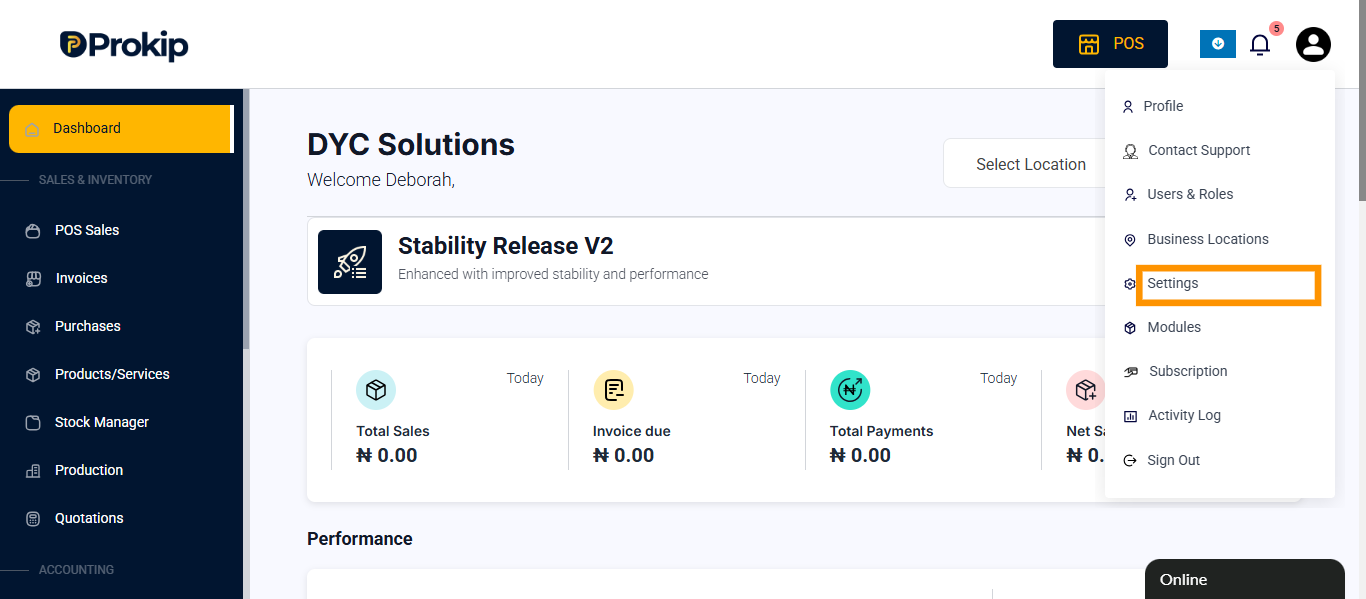
- click on settings
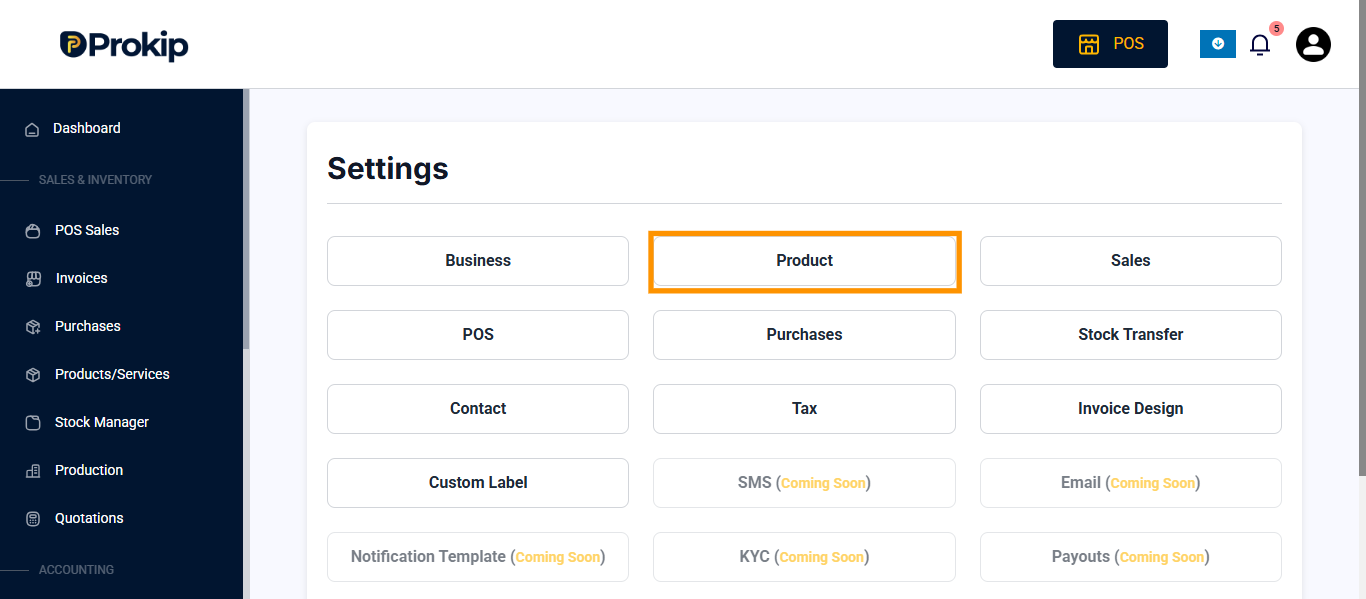
- click on product
- toggle on “enable product description”
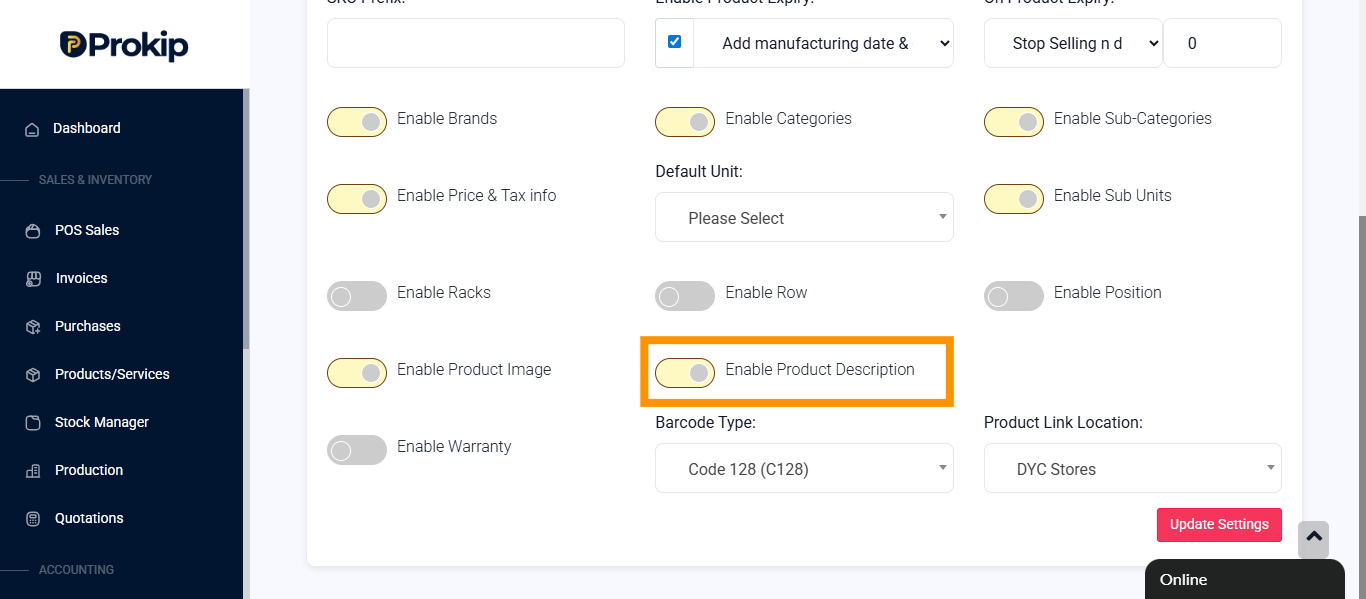
- click on update settings
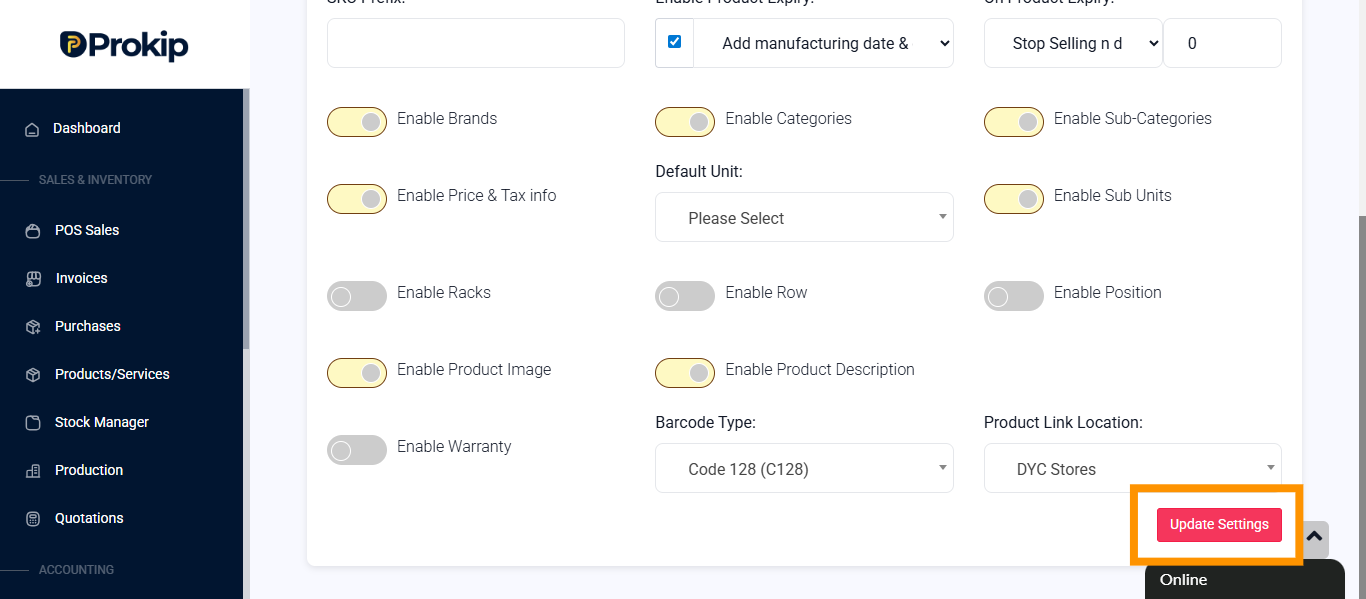
On product
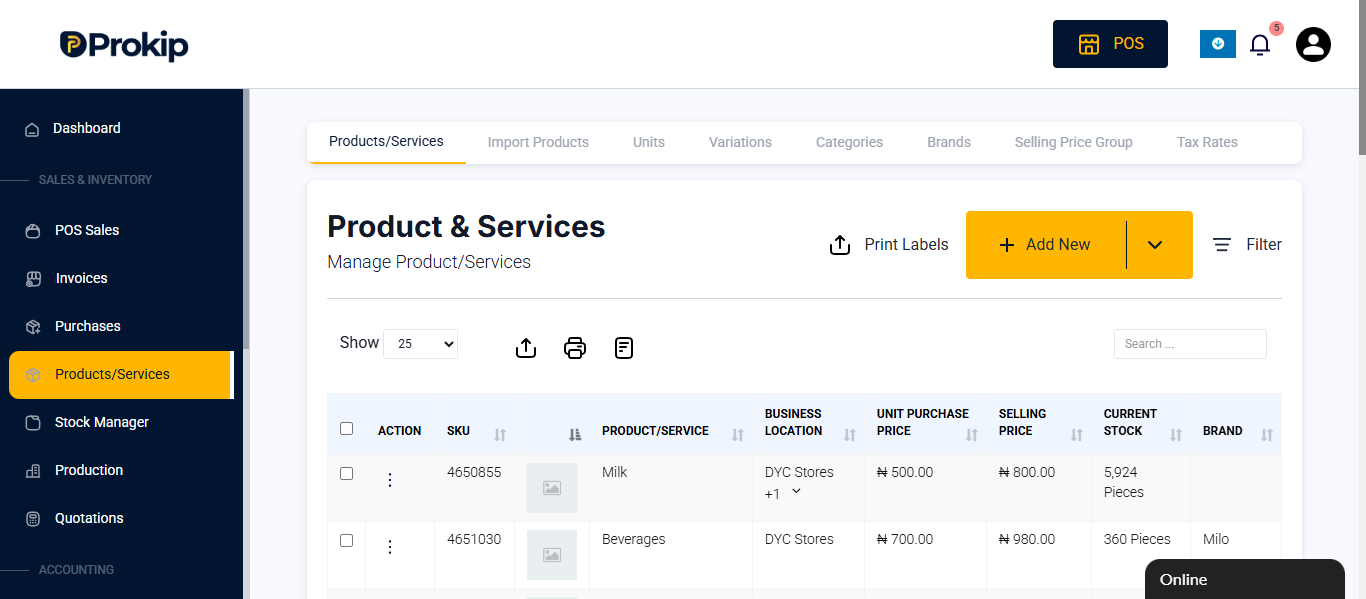
- click on product/services
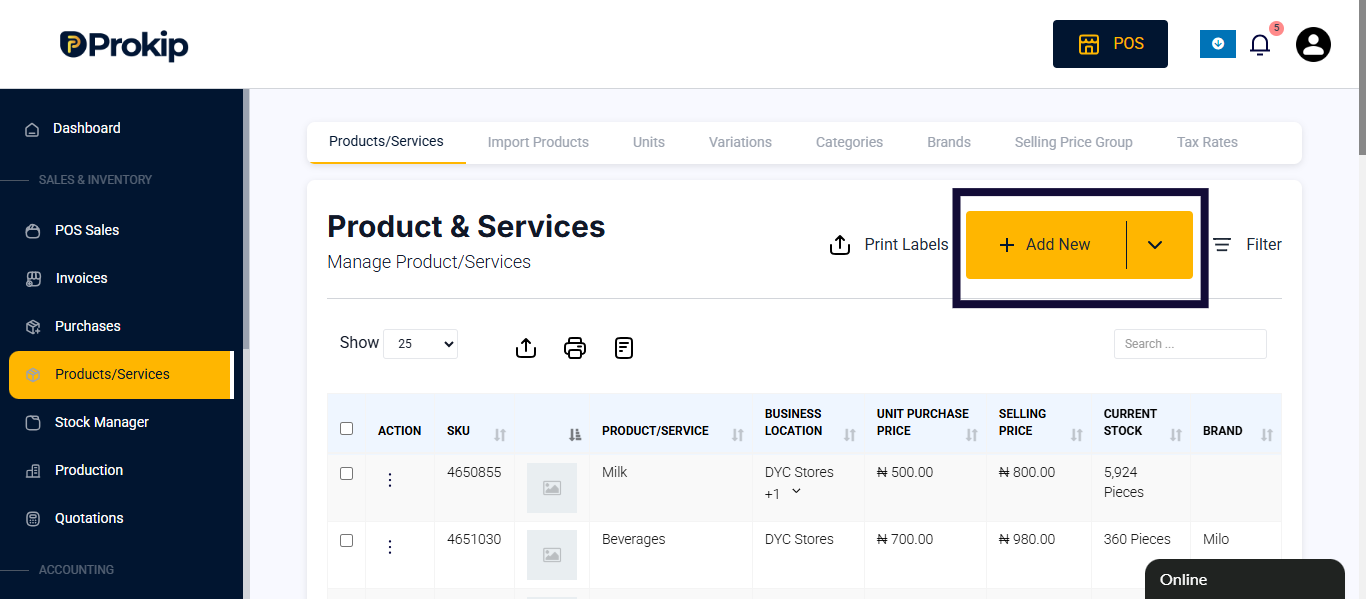
- click on add button
- enter product details
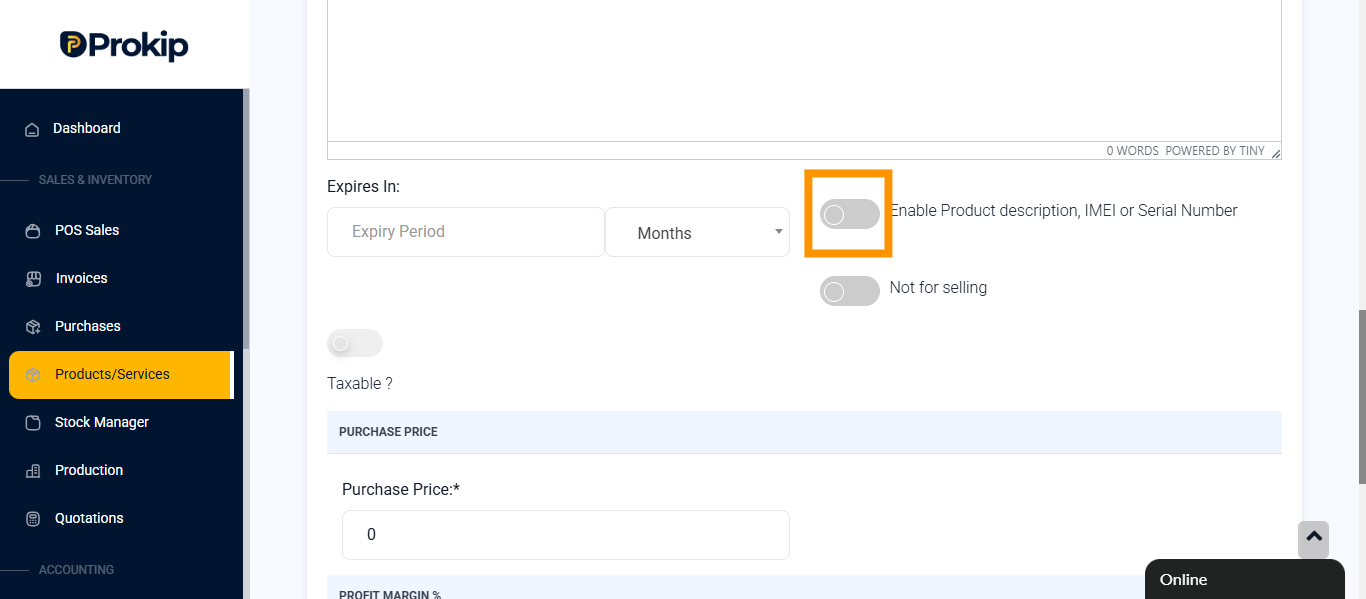
- scroll down and toggle on the enable product description, imei/serial number
- enter product price
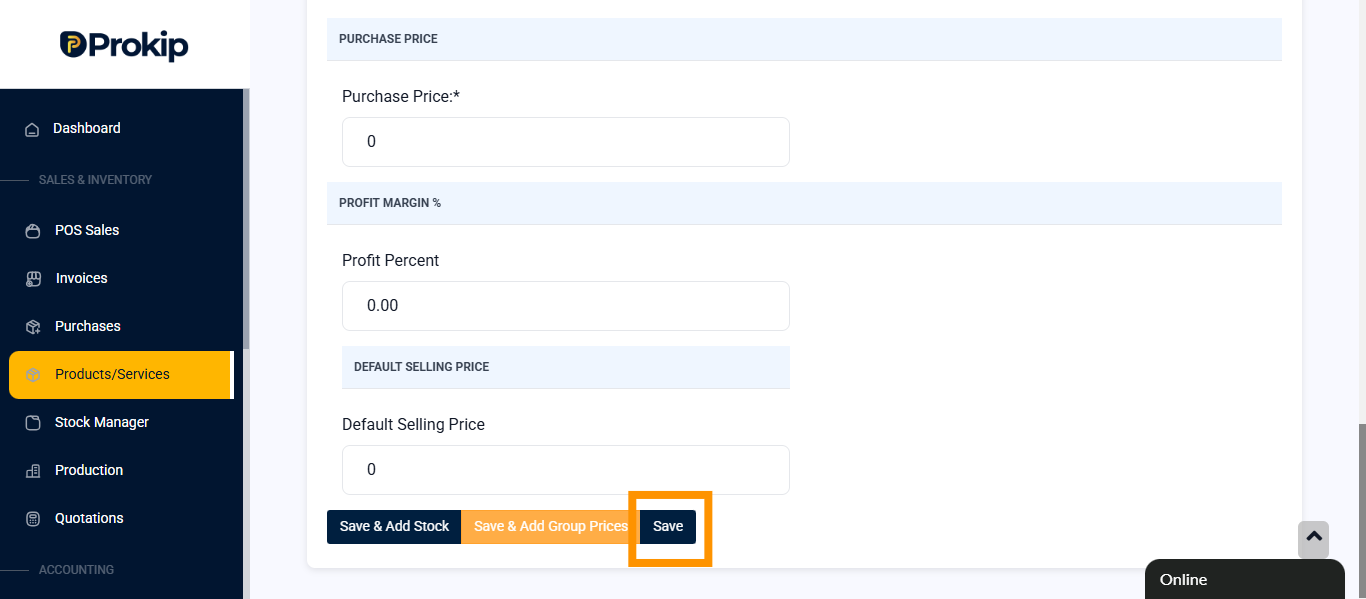
- click on save
To make the serial number appear on the invoice, follow these steps
On the app
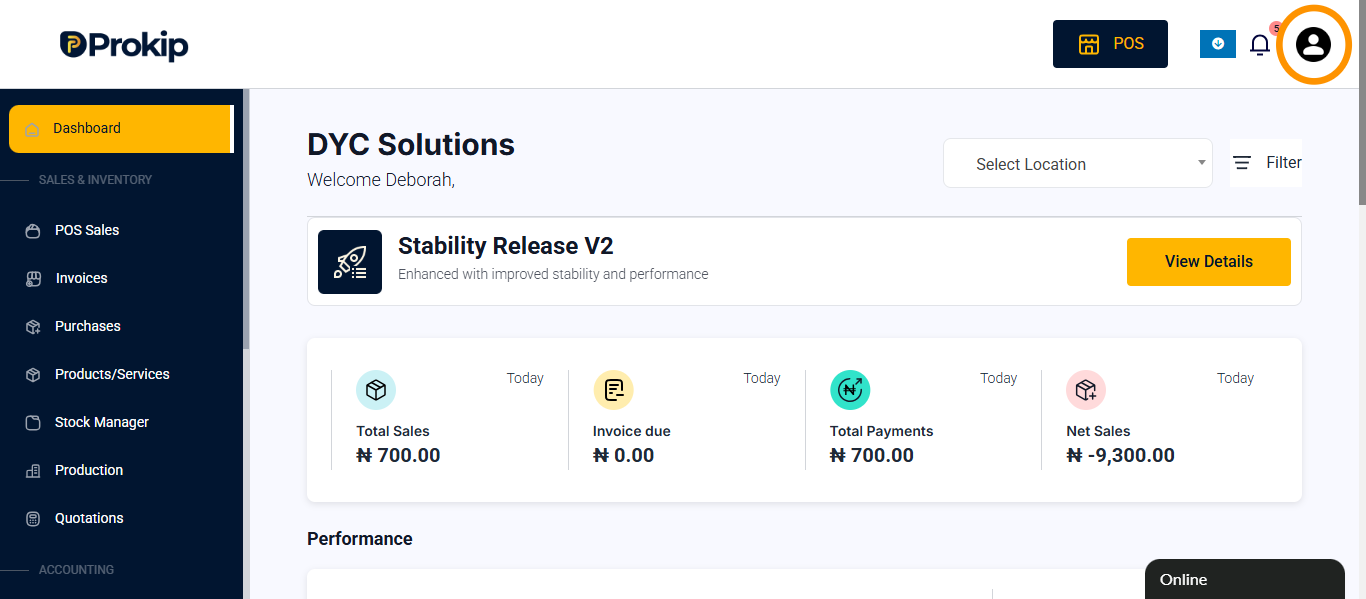
- Click on the profile icon
- Select settings
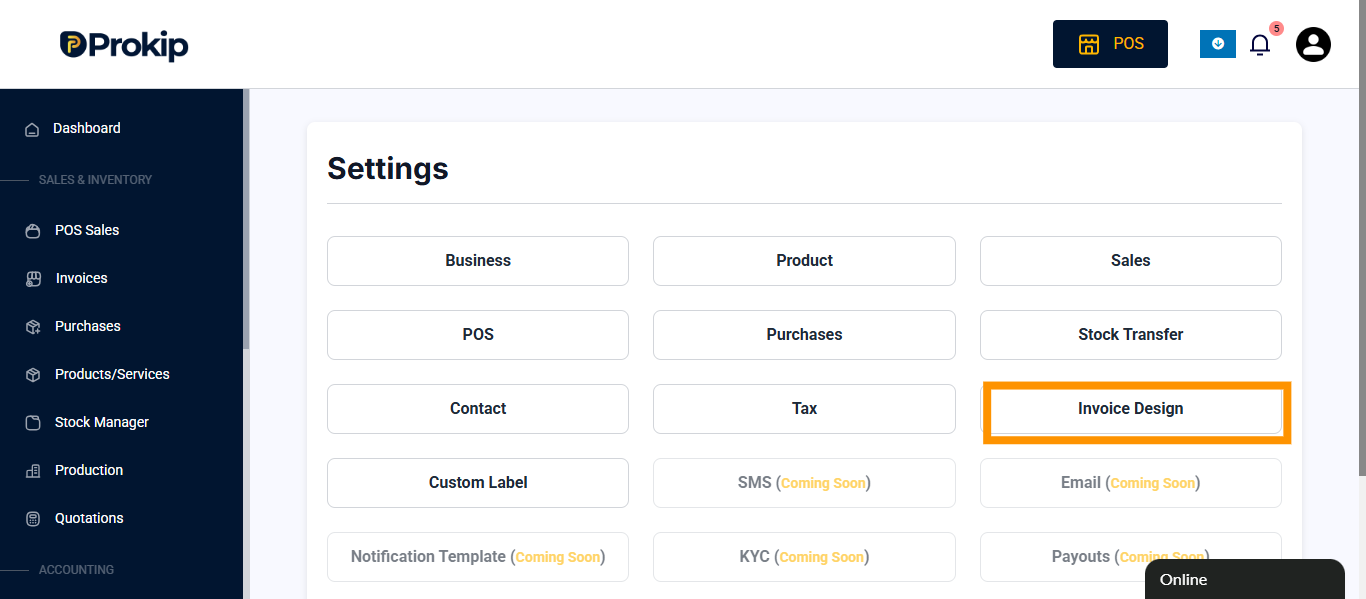
- Click on invoice design
- Select the invoice layout
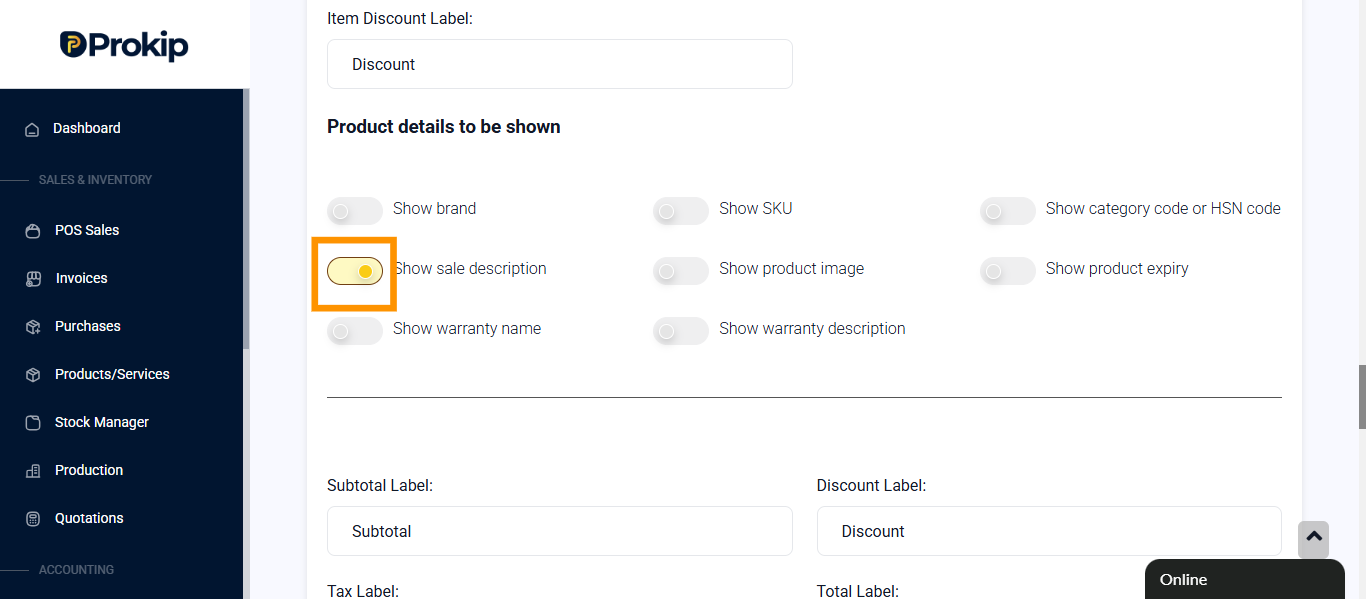
- Toggle on Show sale description
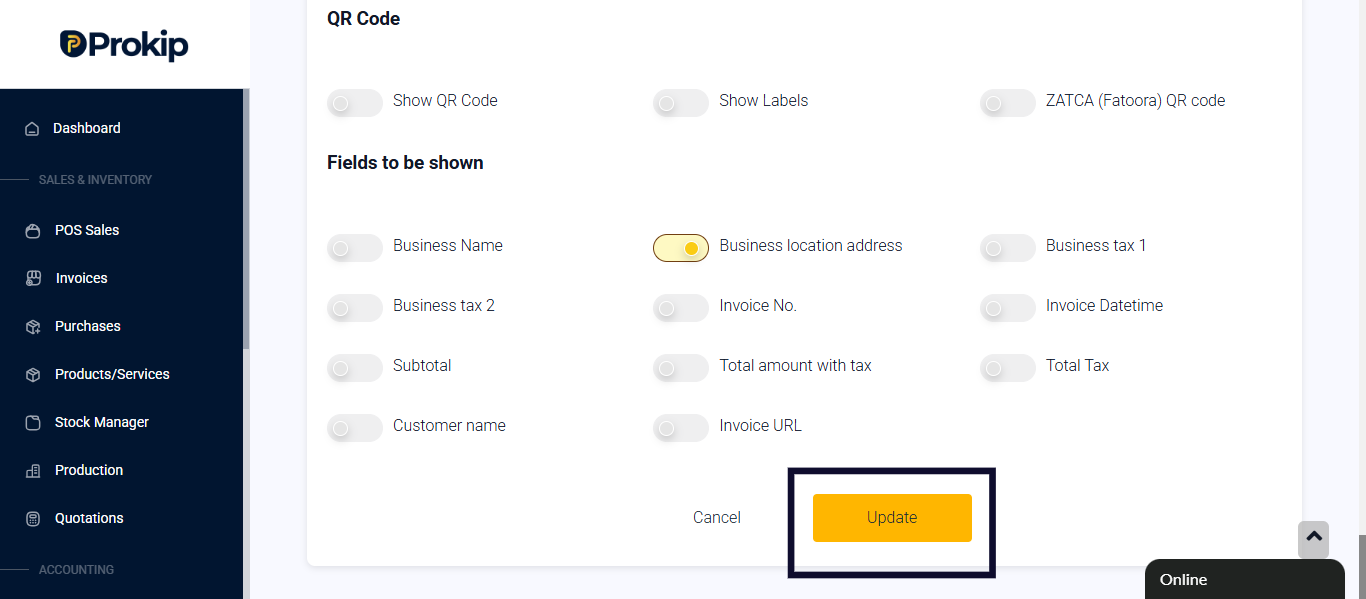
- click on update
Tips
After following these steps above, anytime you sell a phone or computer on the Point of sales.
- A modal appears for the user to enter the Serial or IMEI number
- Once the serial number is entered, click on close