purpose
It helps businesses assign, track, and manage staff responsibilities efficiently.
It ensures that every team member knows what to do, when to do it, updates the status of the task, and allows admins to monitor progress.
How to add task
steps
- Login to prokip app
- Click on task
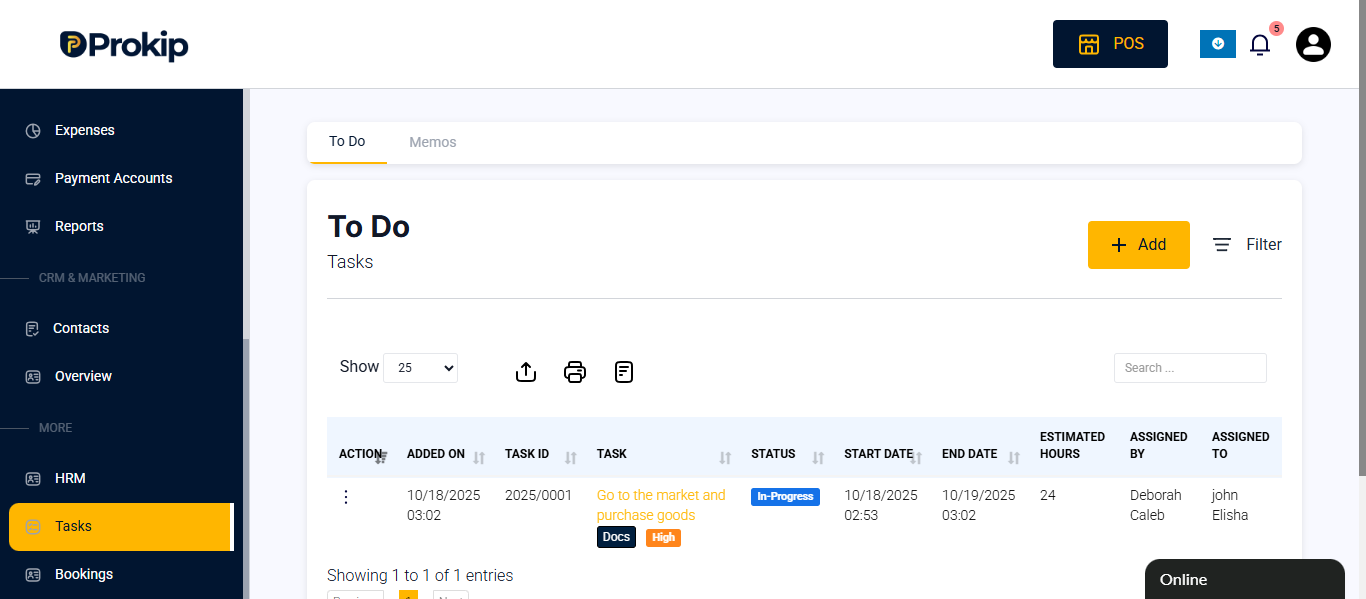
- Click on the add button
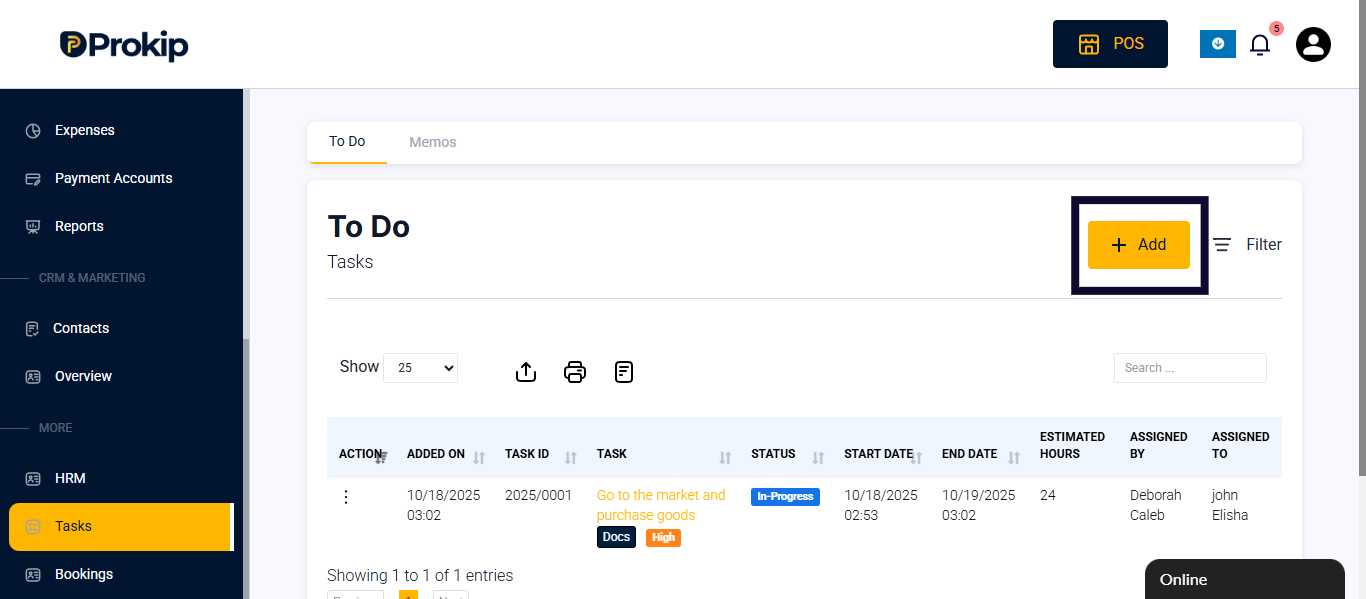
- Enter task details
-
- Fill in Task
- Fill in the person assigned to
- Select priority
- Select progress
- Fill start date an end date
- Fill in description(optional)
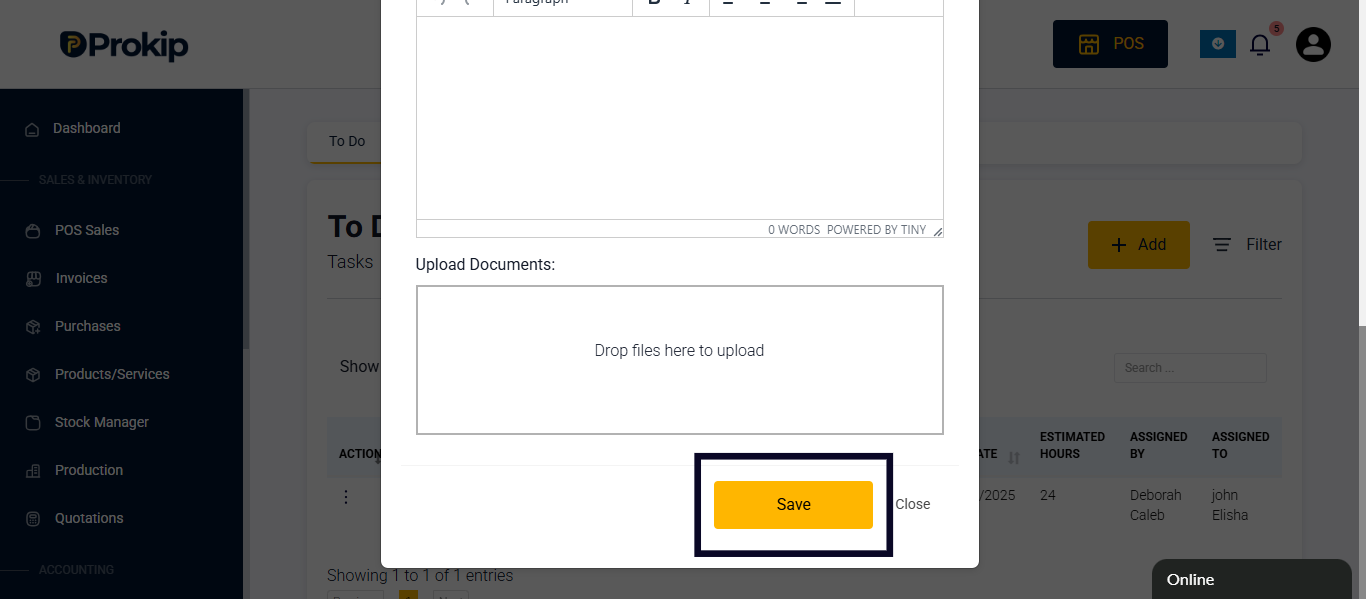
- Upload document (optional)
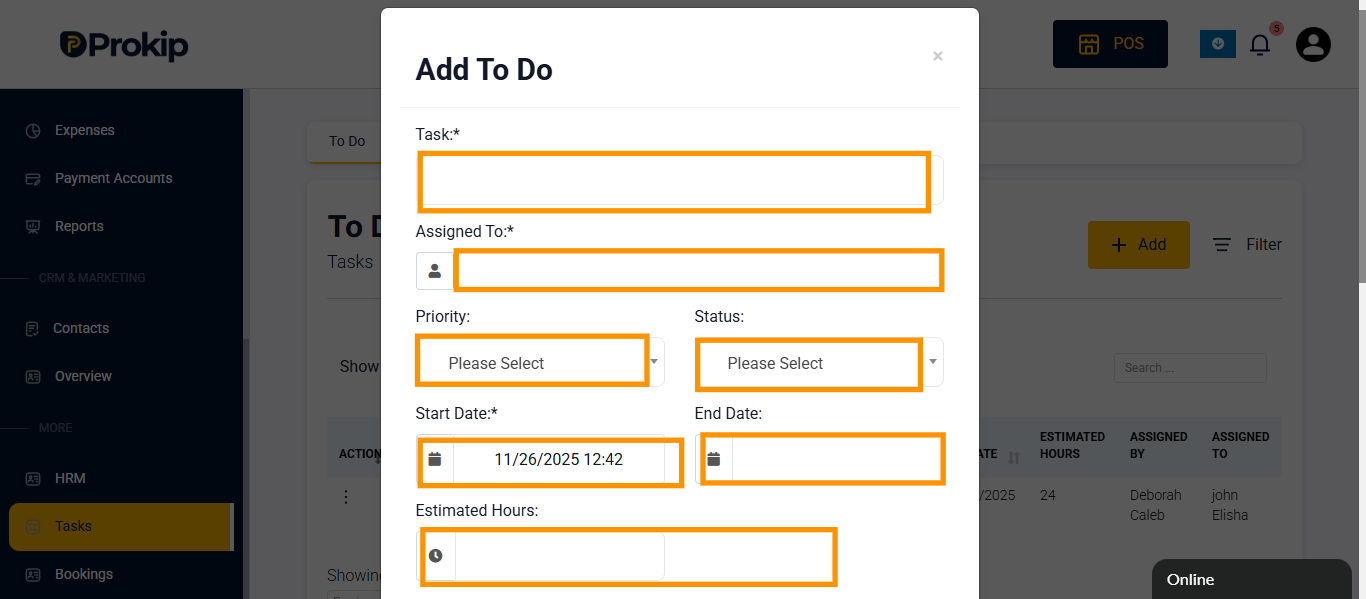 5. Click on save.
How to update task status
Steps
- Click on task.
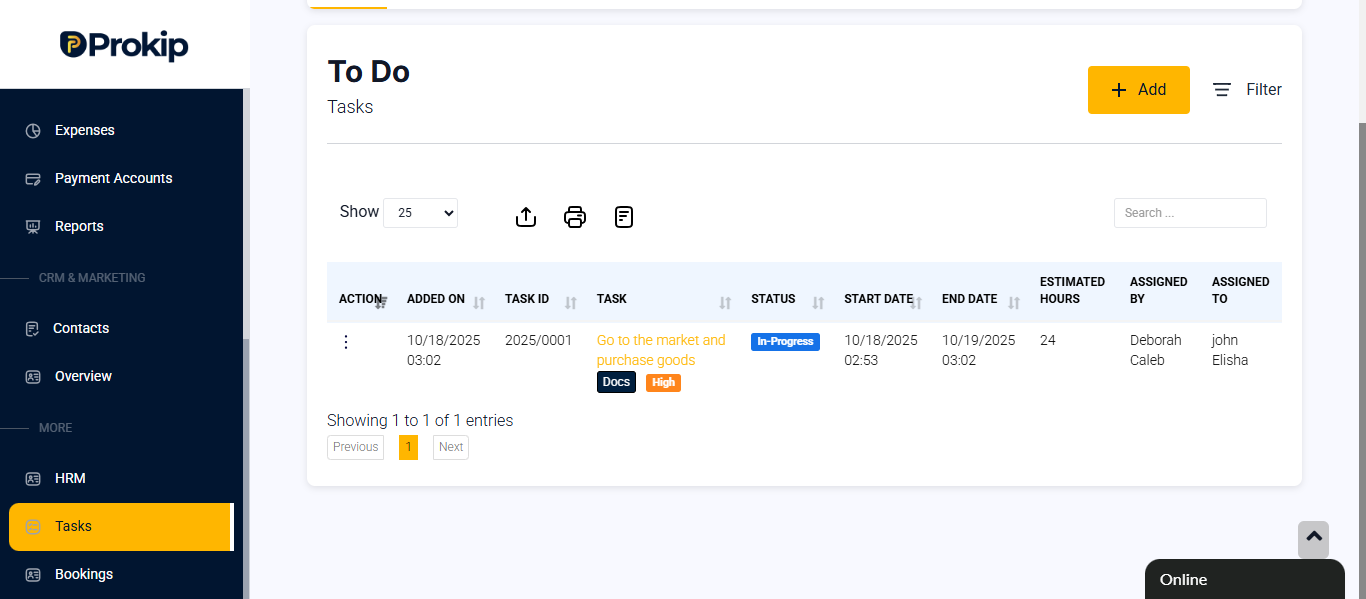
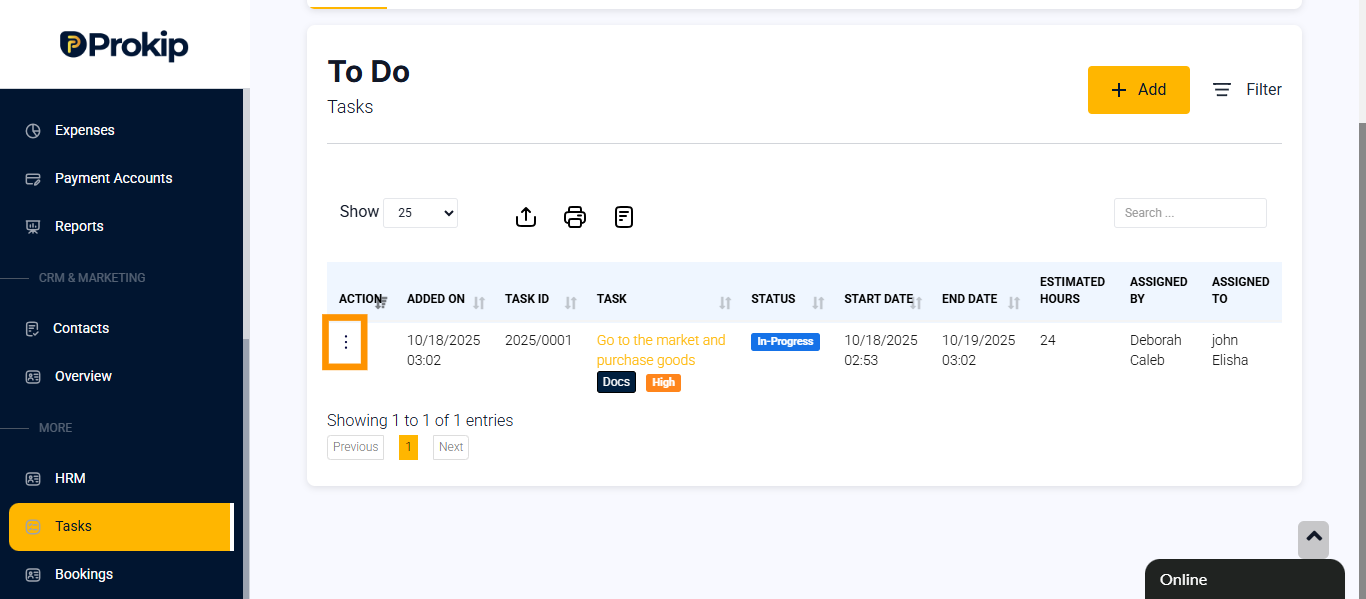
- Click on the 3 dots (action button)
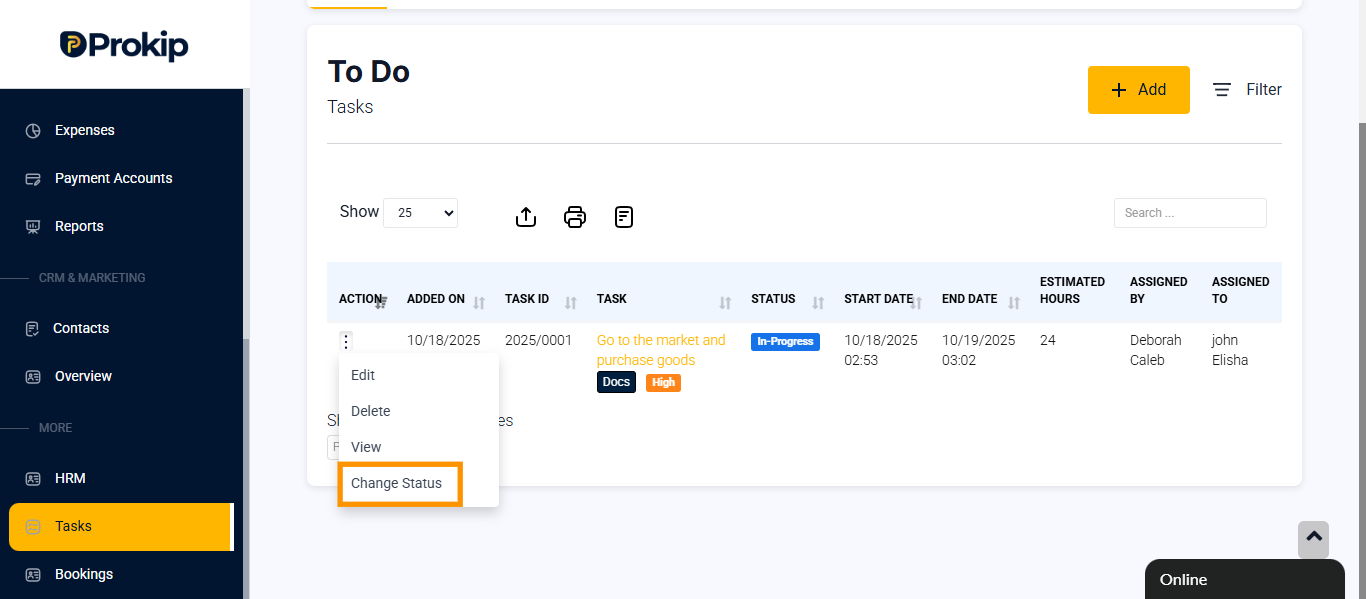
- Select change status
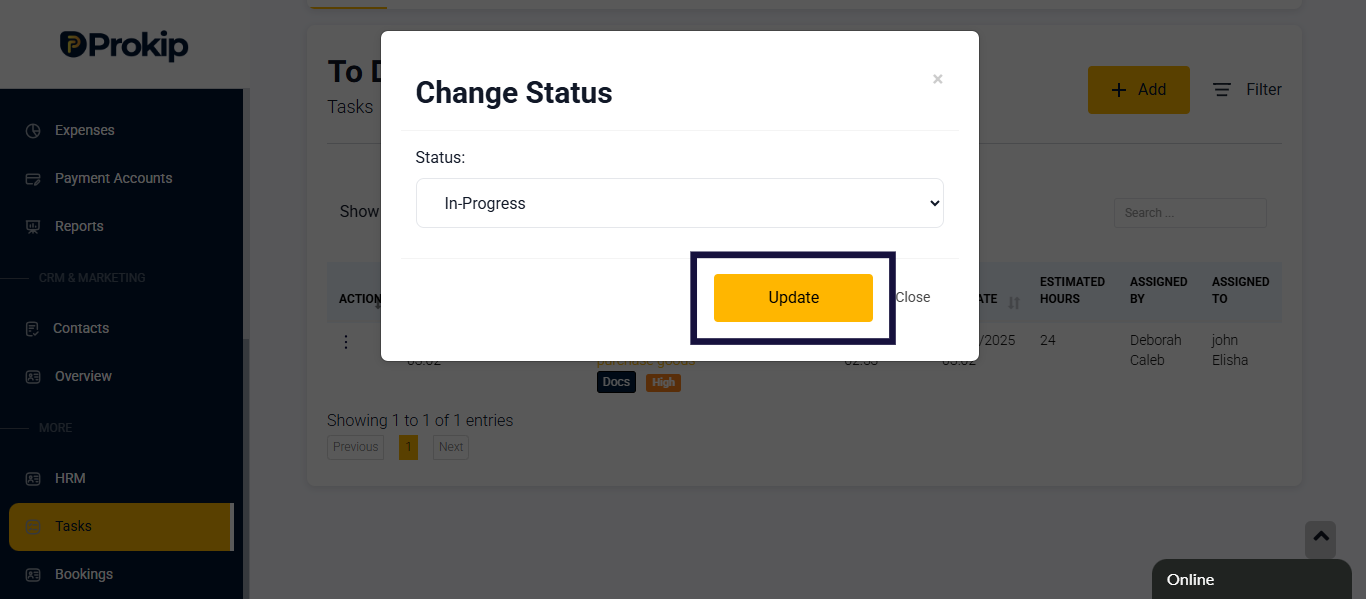
- Click on in-inprogress and Select the status
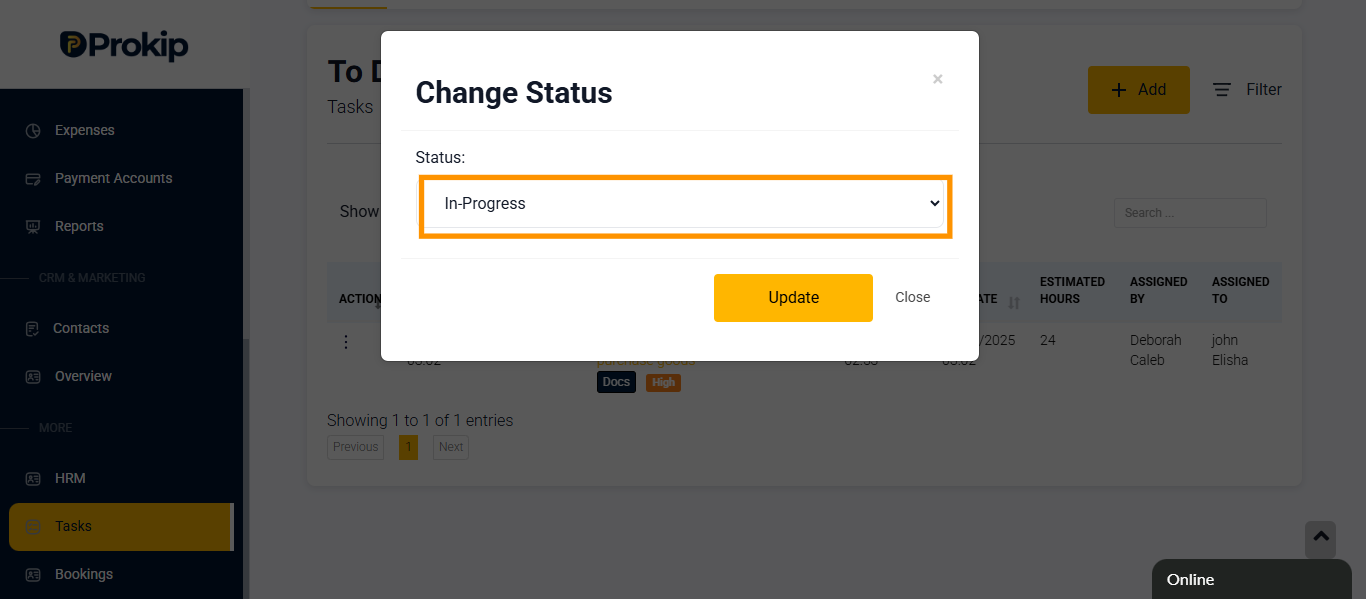
- Click on update