purpose
Managing Tax in Prokip allows you to set up, apply, and monitor taxes on your products and services.
How to add tax
Steps
- Login to prokip
- Go to product/Services and click on it.
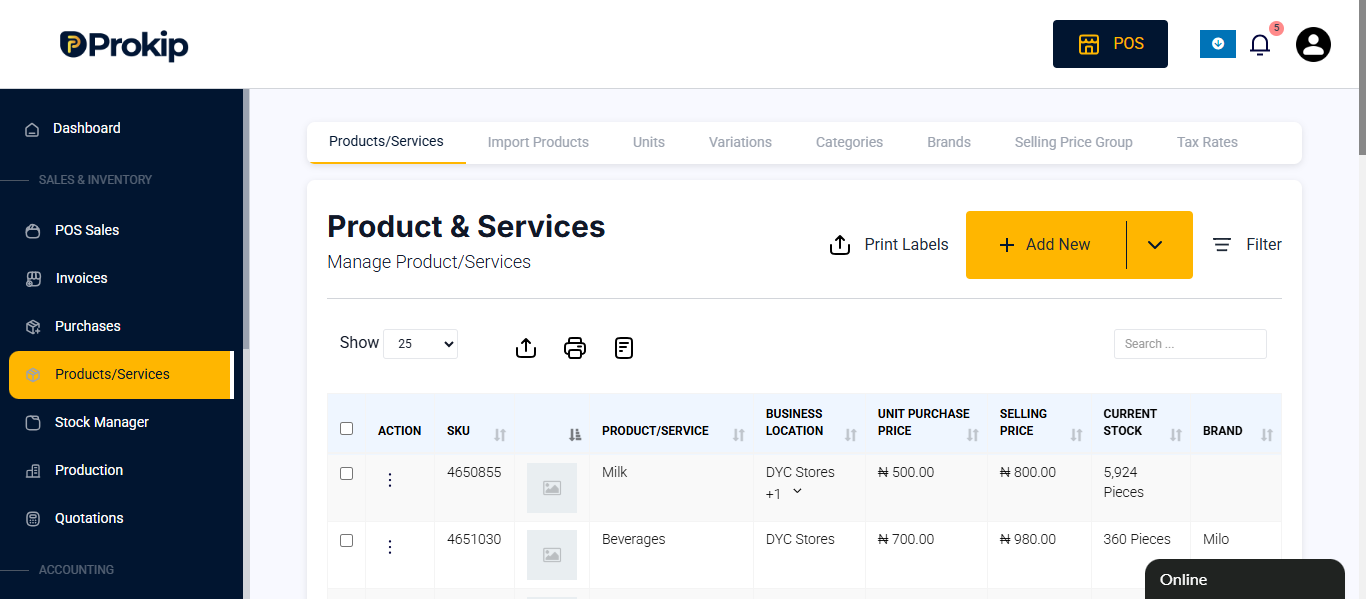
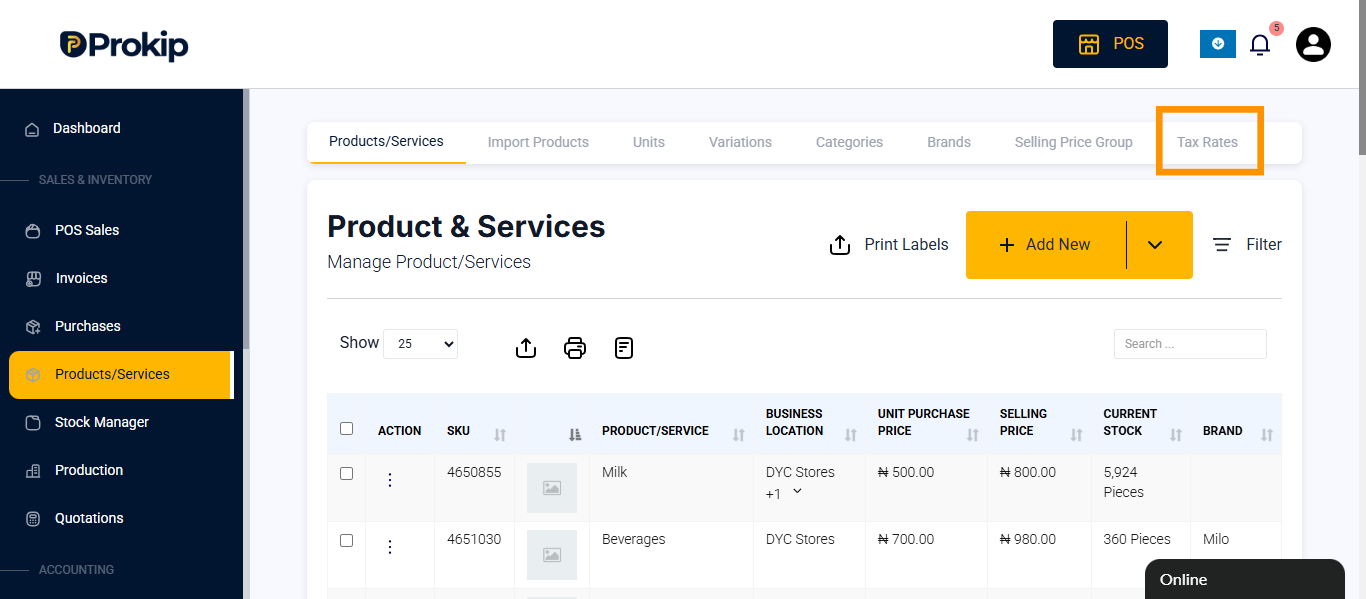
- Click on Tax Rates
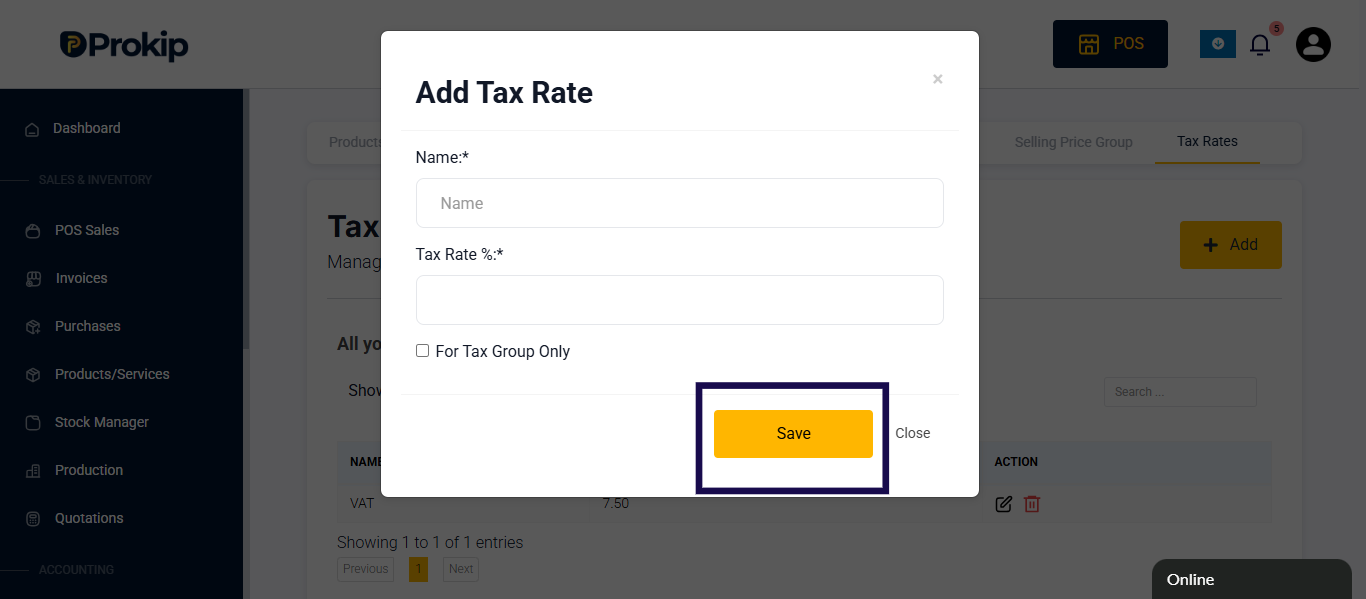
- Click on add new button.
- Enter details
-
- Name of tax
- Tax rate by %
- Click on the check box if it for only tax group
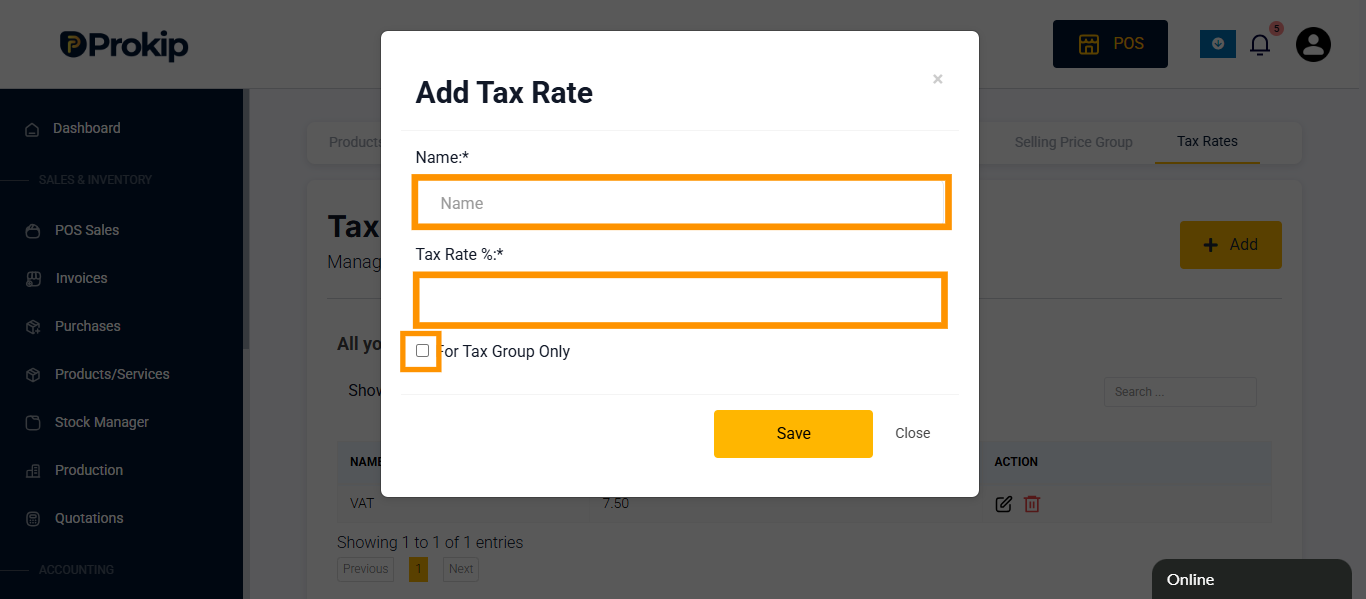
6. Click on save
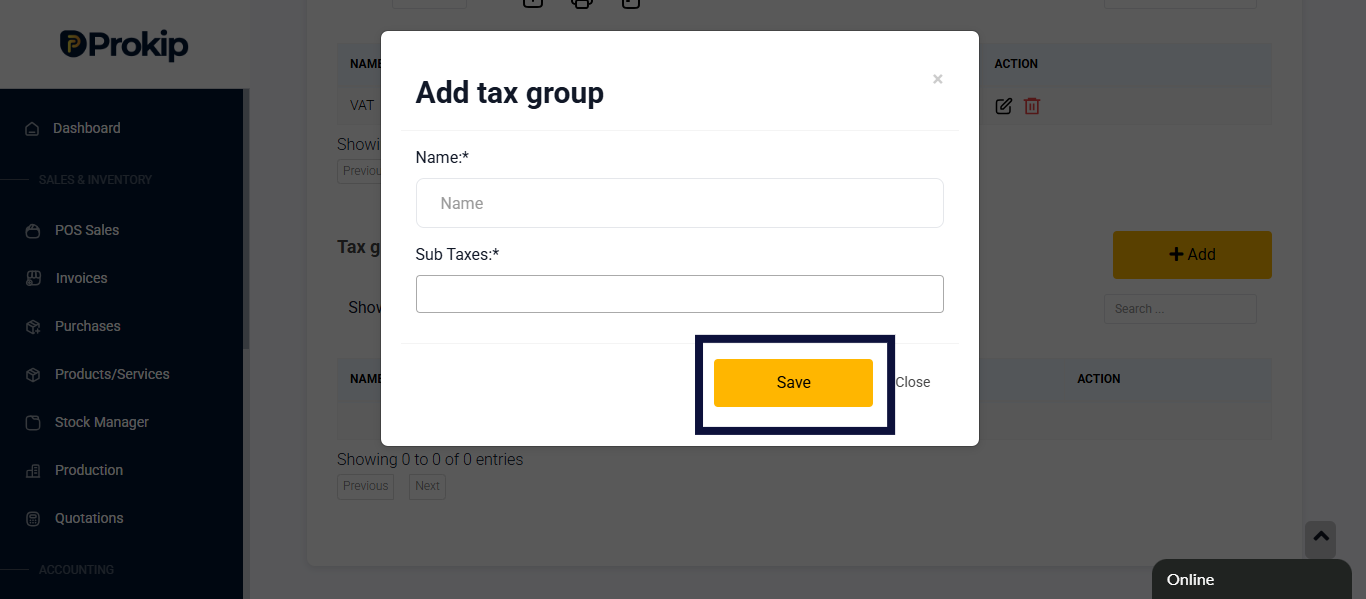
How to add group tax
Purpose
Group Tax allows you to combine multiple individual tax rates into one unified tax. This helps simplify tax selection when creating transactions.
steps
- Login to prokip
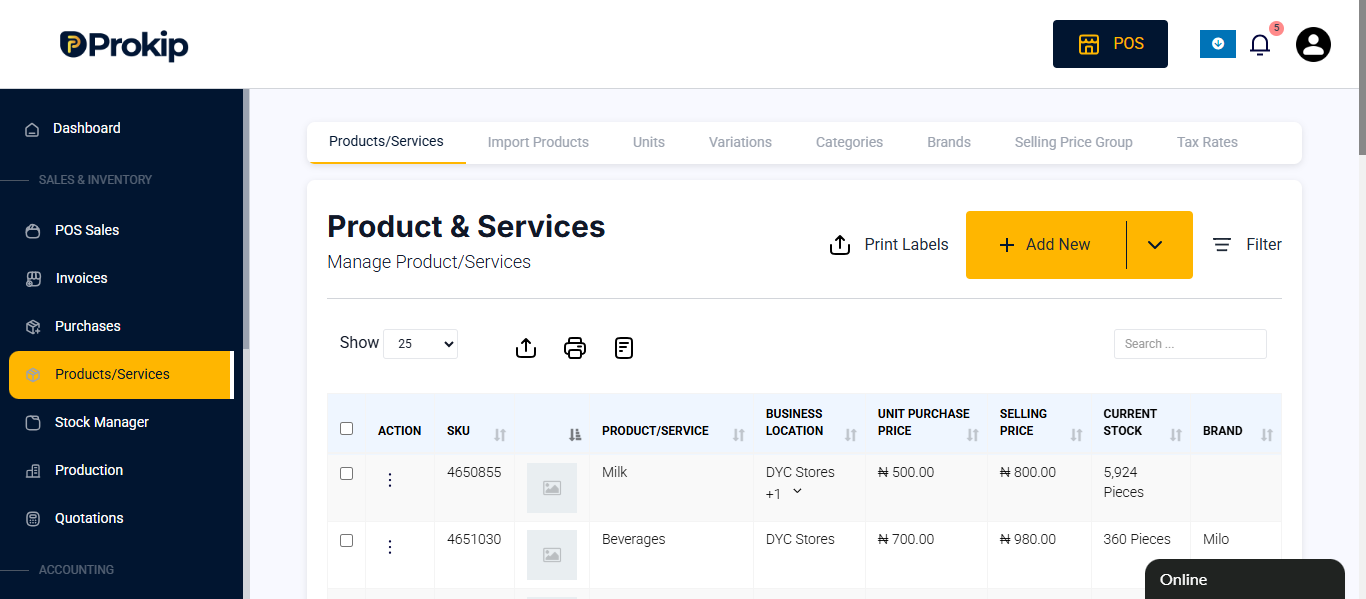
- Go to products/ services and click on it.
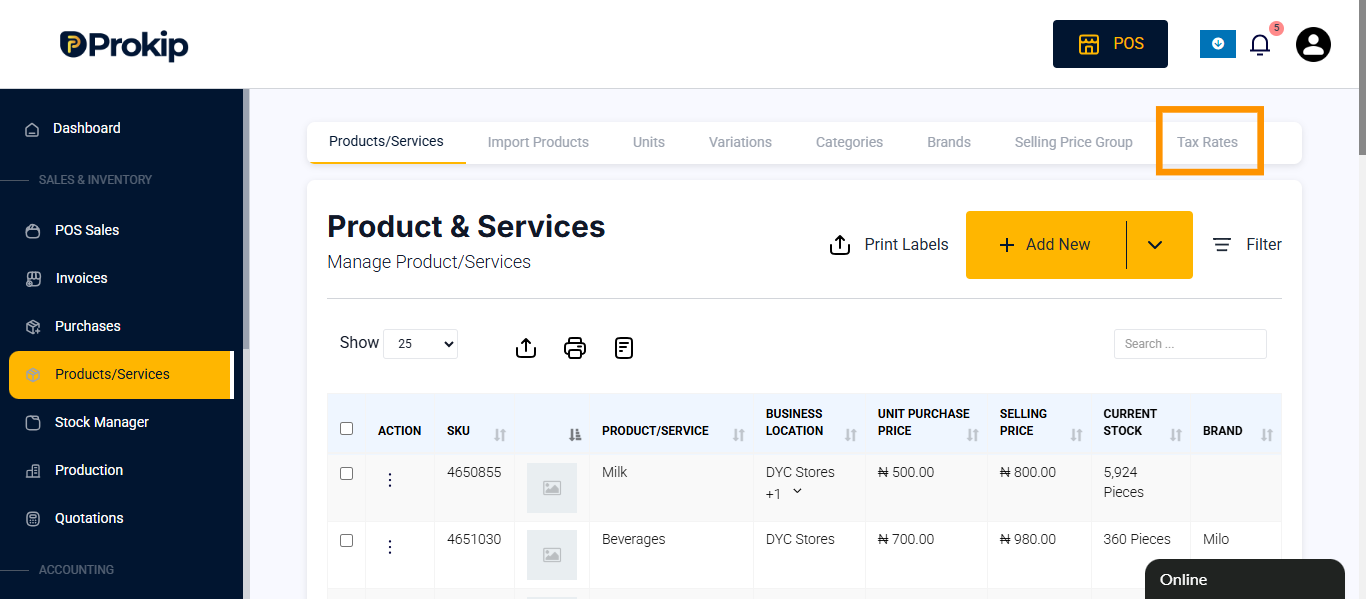
- Click on Tax Rates
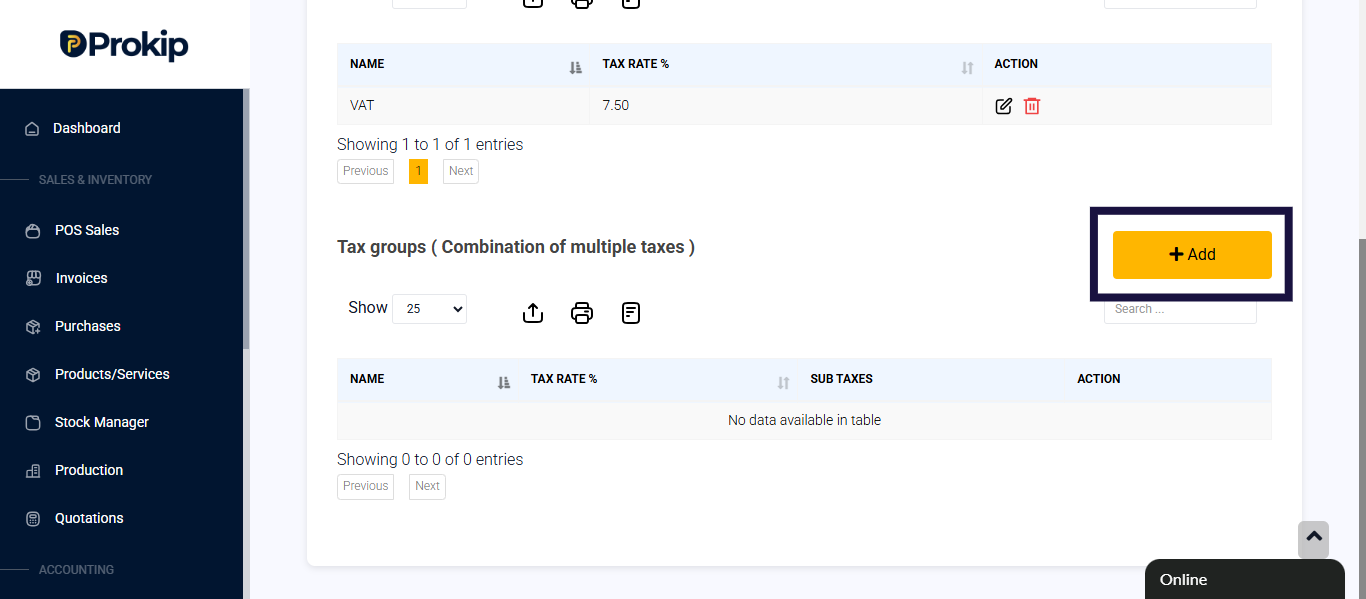
- Click on add button
- Enter details
- Name
- Select sub tax
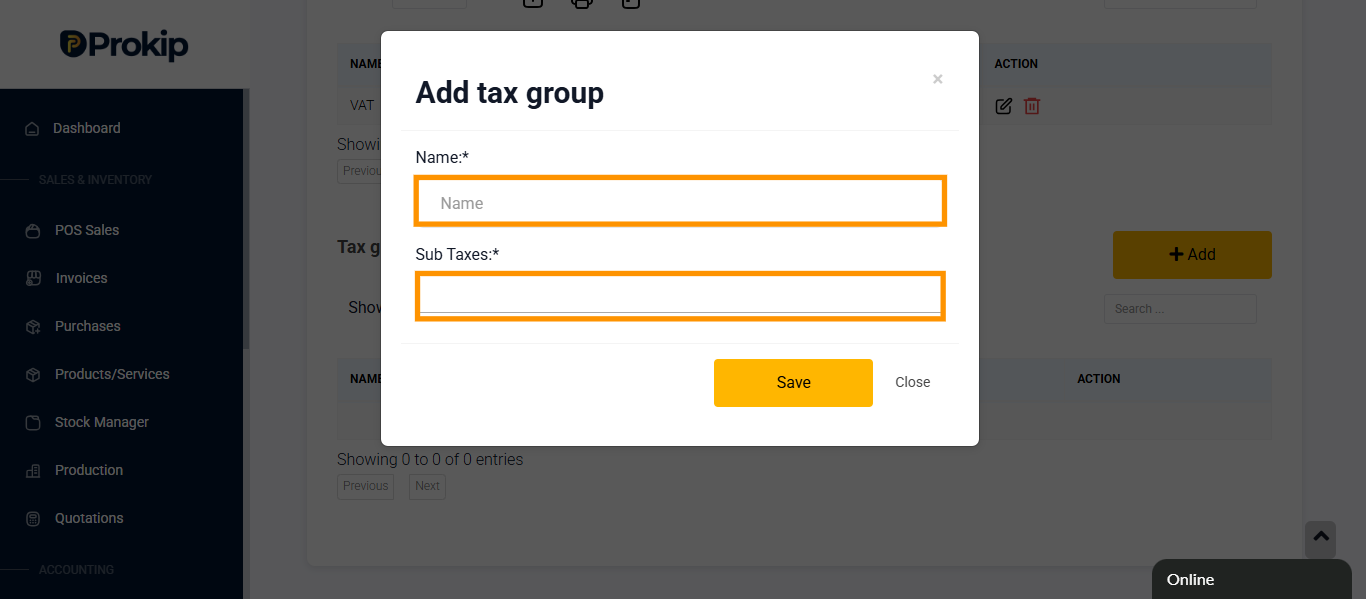
6. Click on save