purpose
It enables users to identify products easily within the system.
It also assists in identify products whose designs have been changed by the manufacturer.
Steps
- Login to prokip
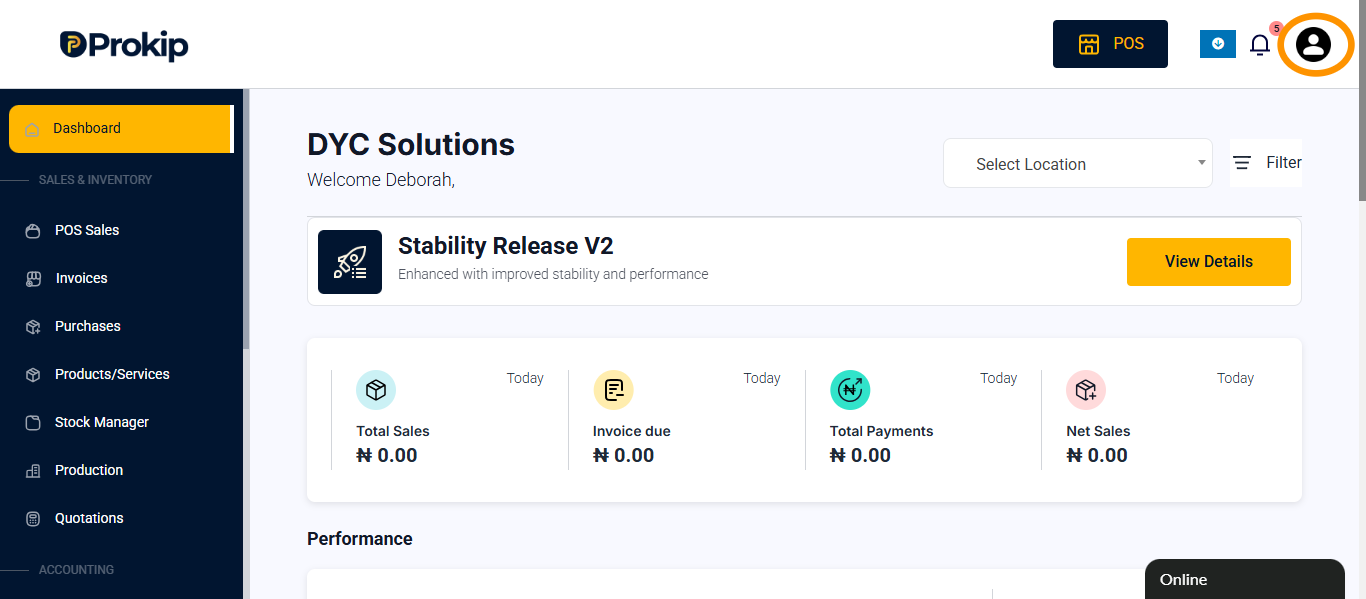
- Click on profile icon
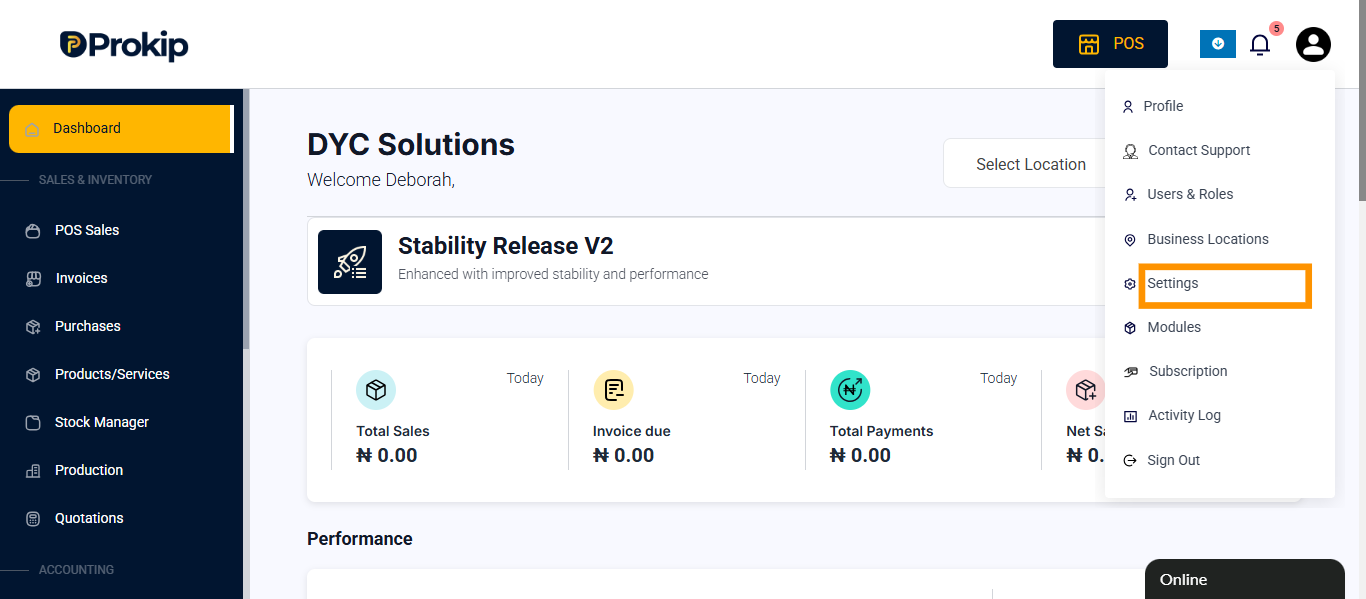
- Click on settings
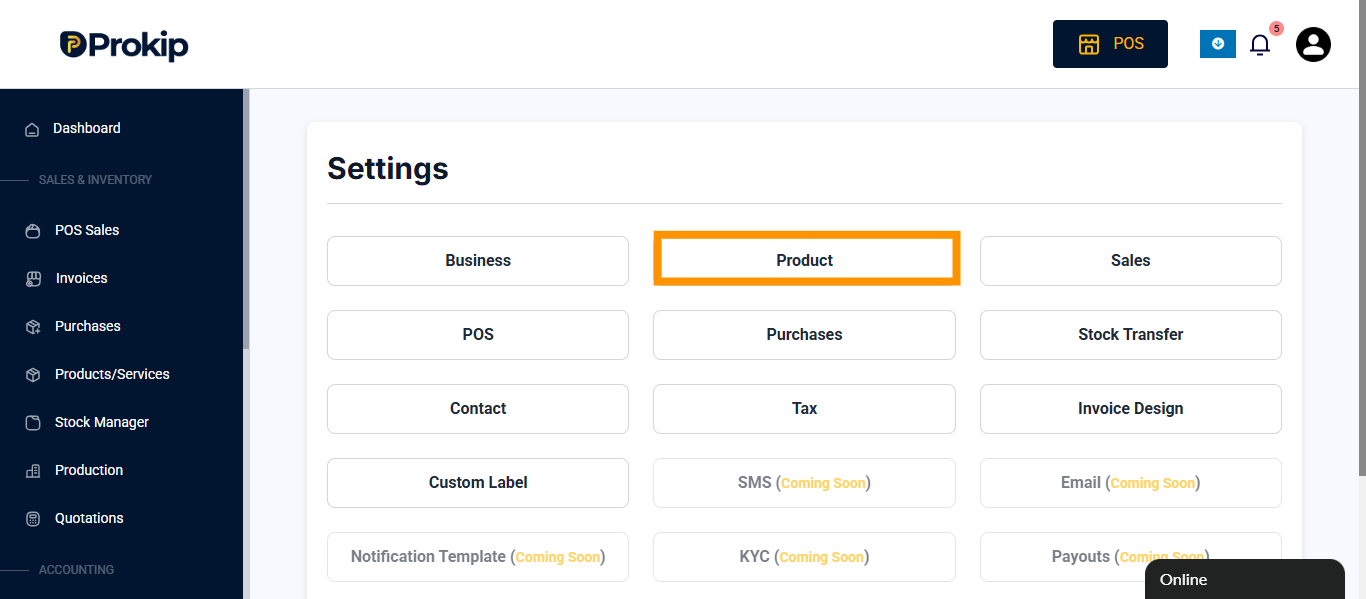
- Click on product
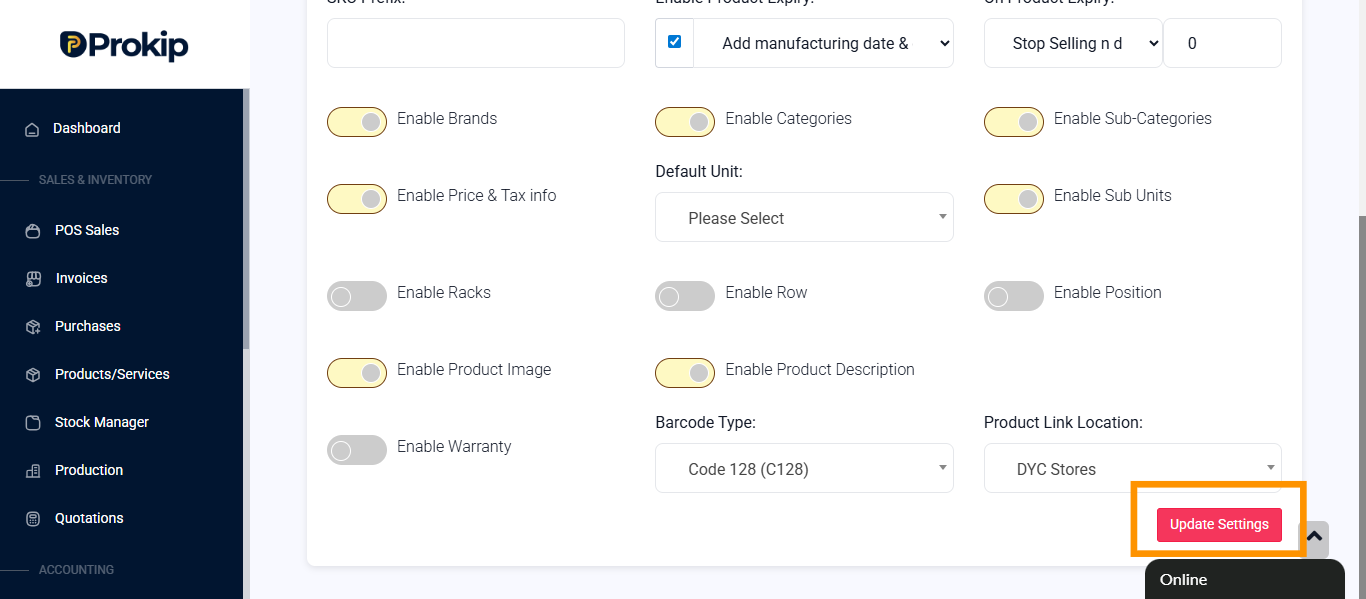
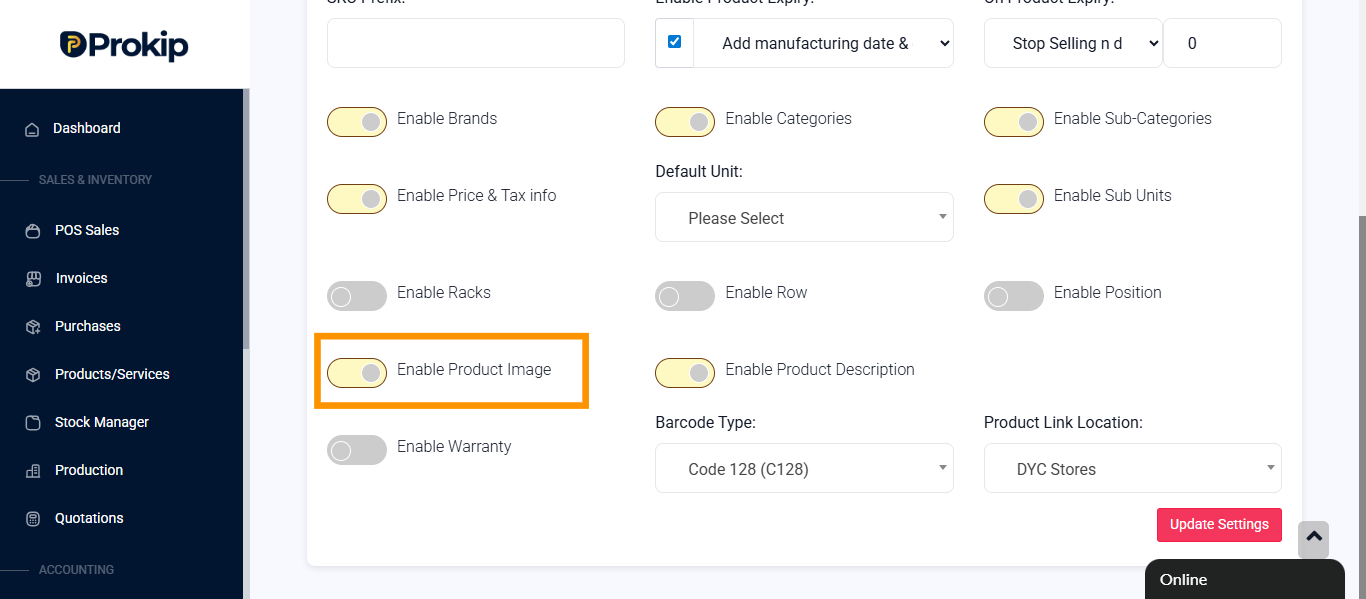
- Toggle on Enable Product Image
- Click on update settings