Purpose
To enable business owners to manage and sell products in different measurement units or packaging sizes while maintaining accurate inventory tracking.
Steps
- Login to prokip
- Click on product /Services
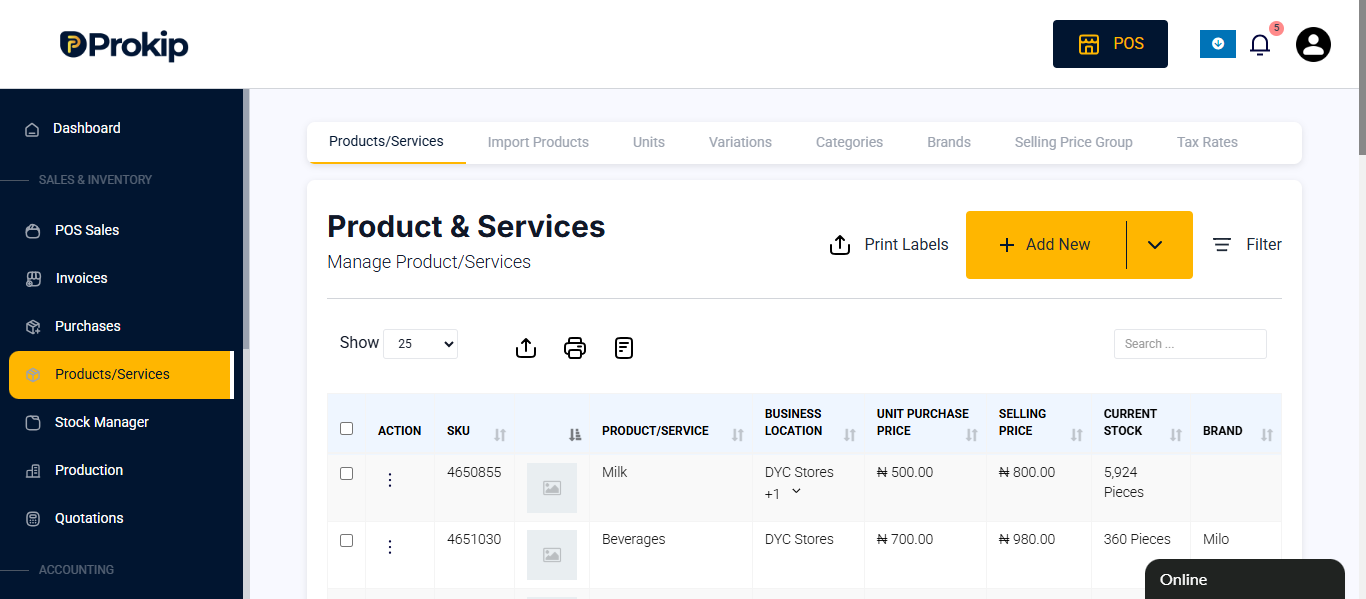
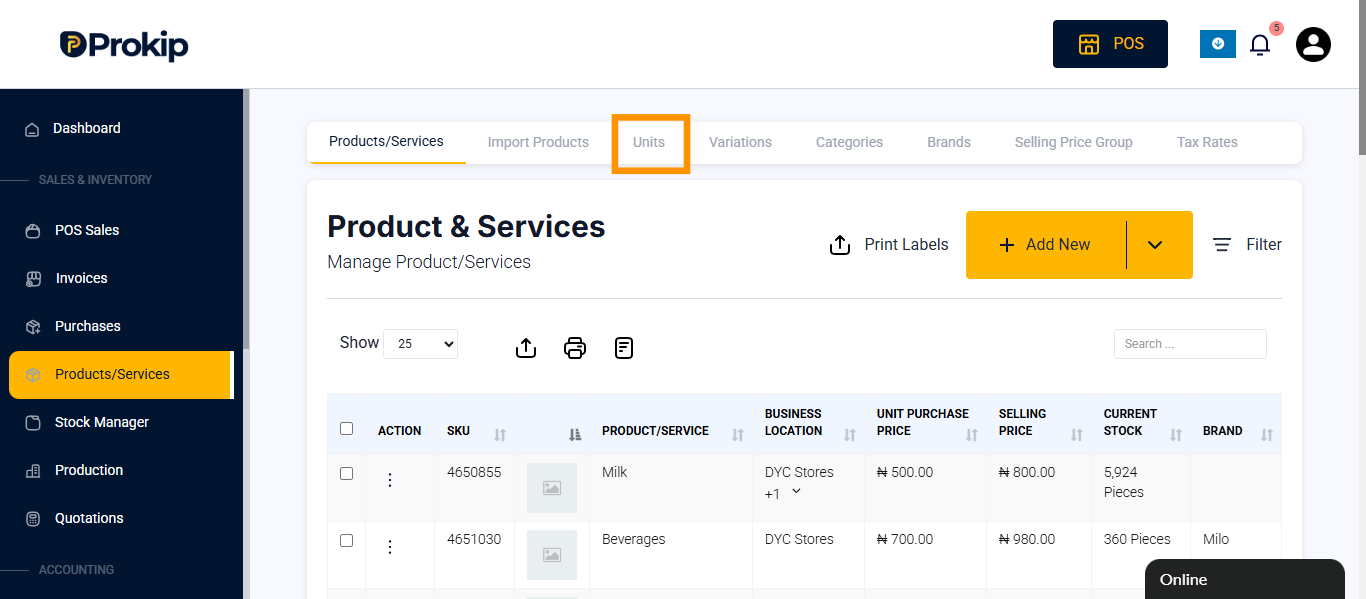
- Click on units
- Click on add
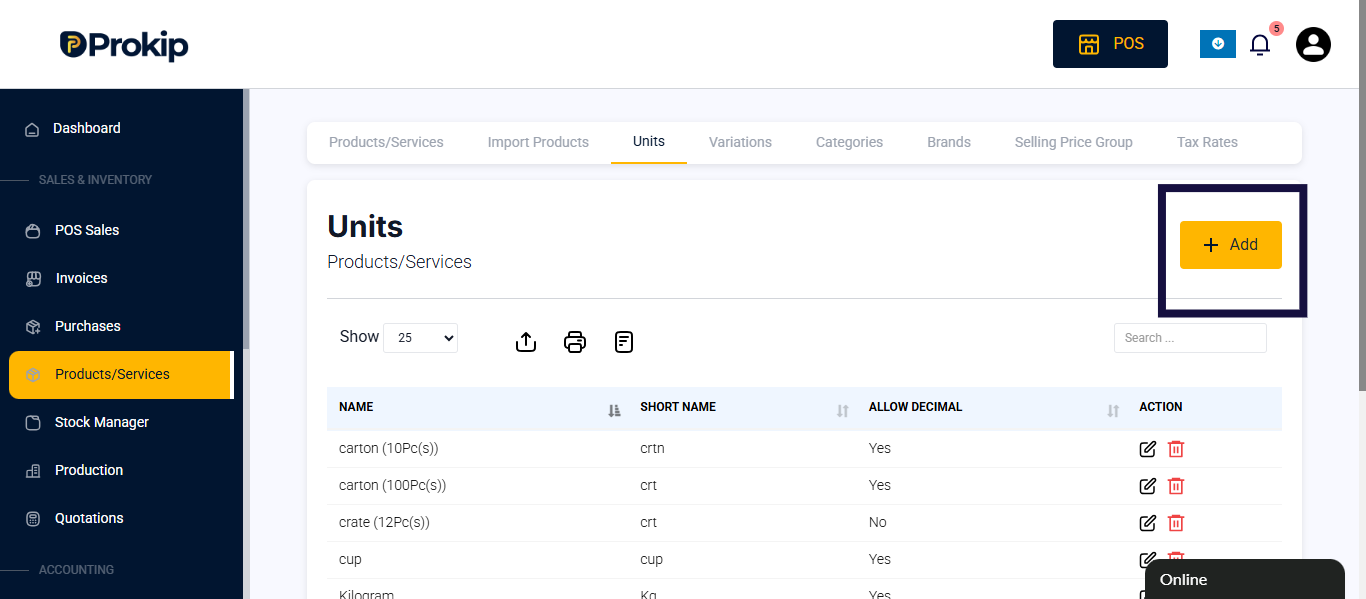
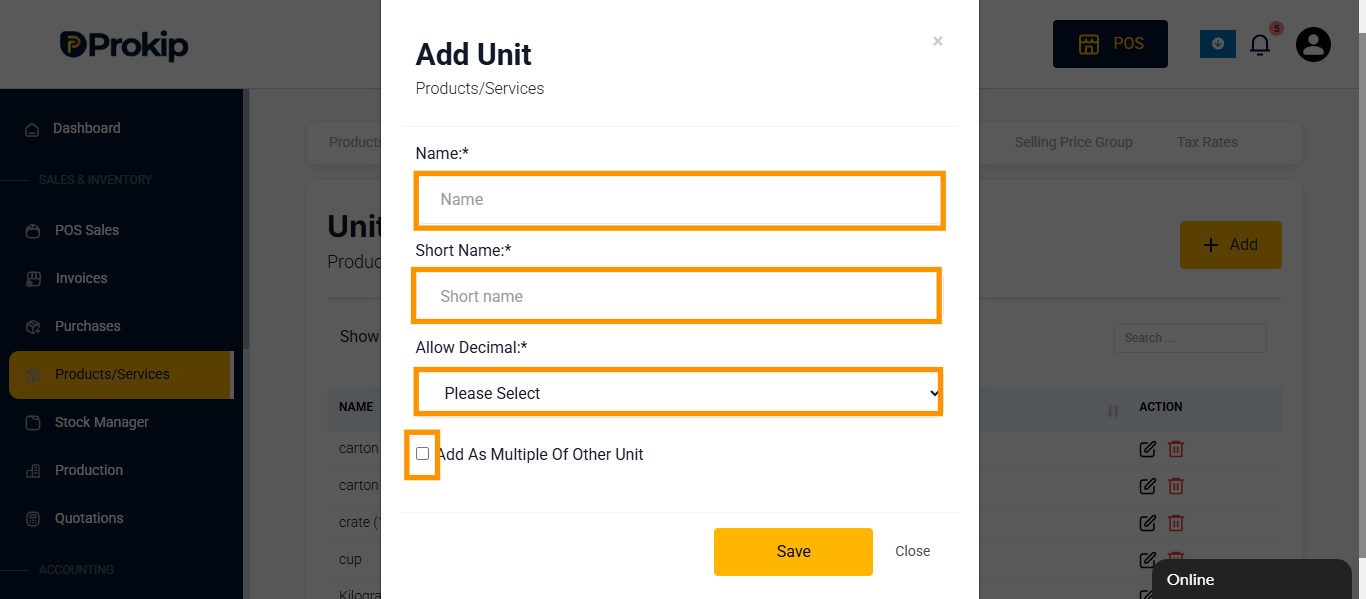
- Enter details:
- Name
- Short name
- Click on allow decimal and click on Yes if it does.
- Click on add as multiple of other unit if other unit makes up the unit.
E.g 12pieces = 1 Dozen
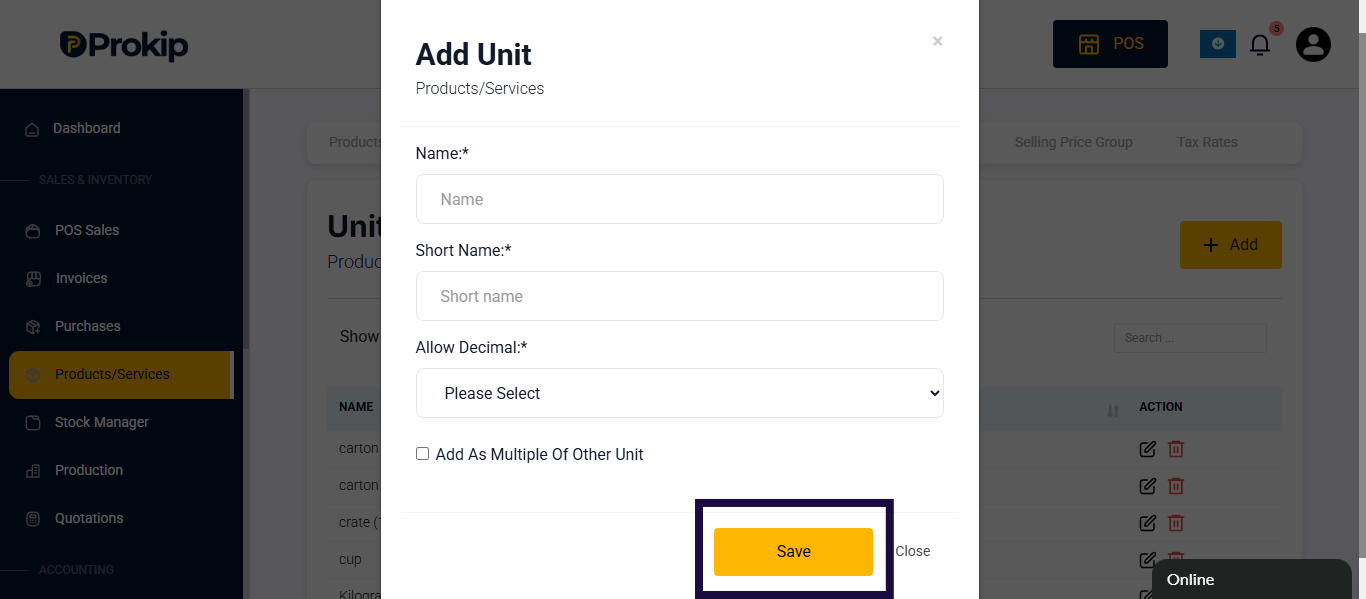
6. Click on save
FAQs
Q: I can’t find unit in product / Services
A: Follow the steps below:
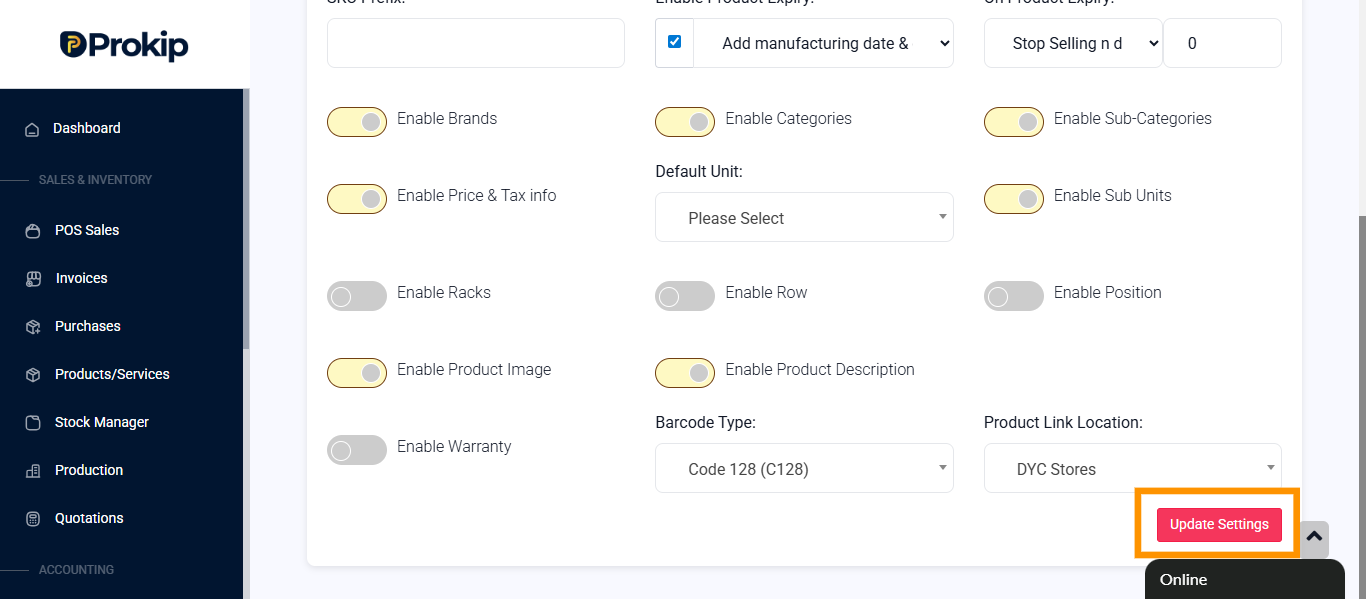
- Click on profile icon
- Click on settings
- Click on product
- Toggle on enable sub units
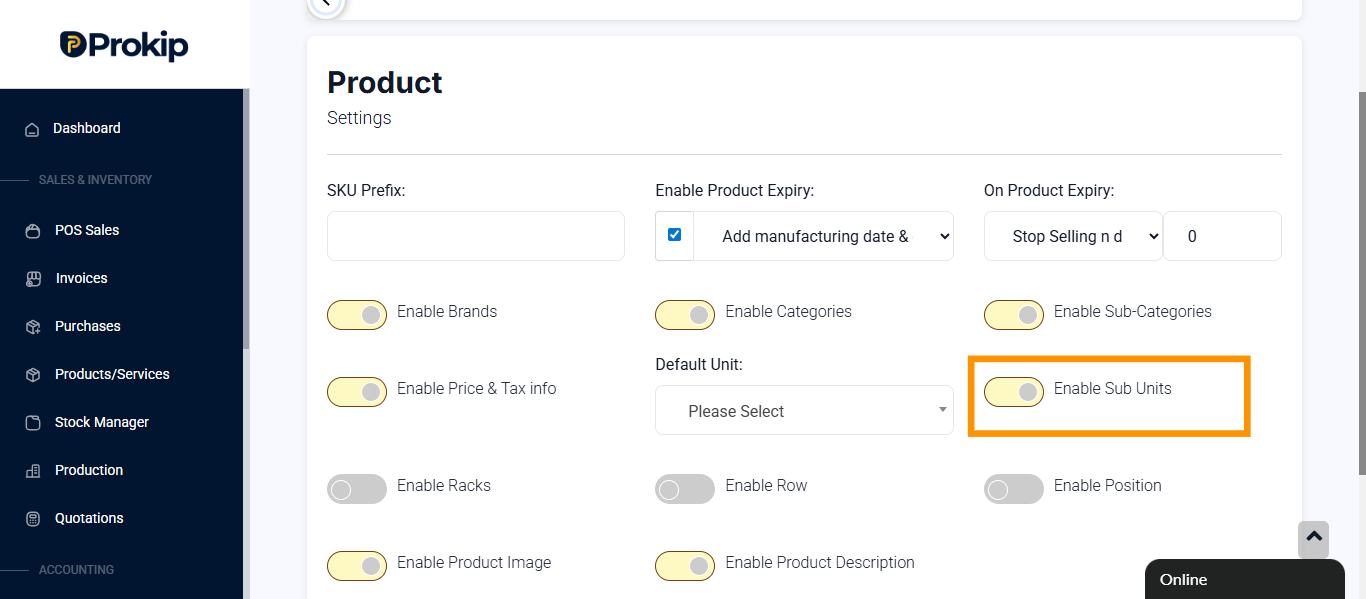
- Click on update settings