Purpose
Allows authorized users to record or modify transactions for a previous date. This is useful when sales, purchases, or stock adjustments were made but not entered into the system immediately.
Steps
- Login to prokip
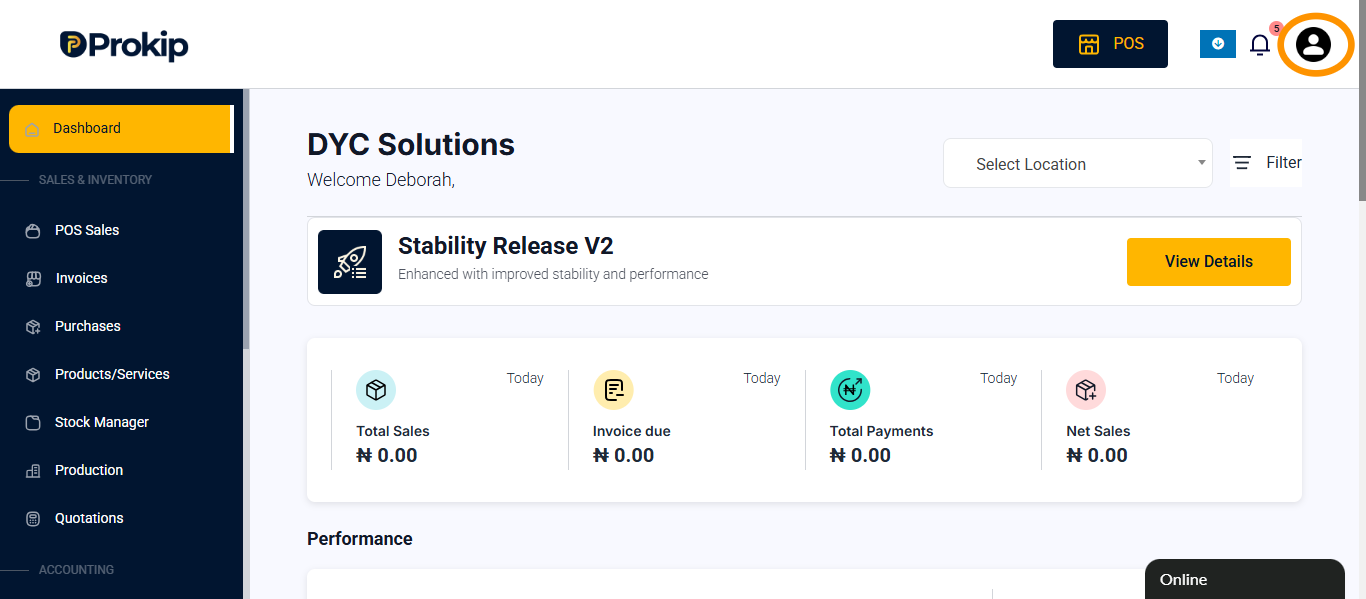
- Click on profile icon
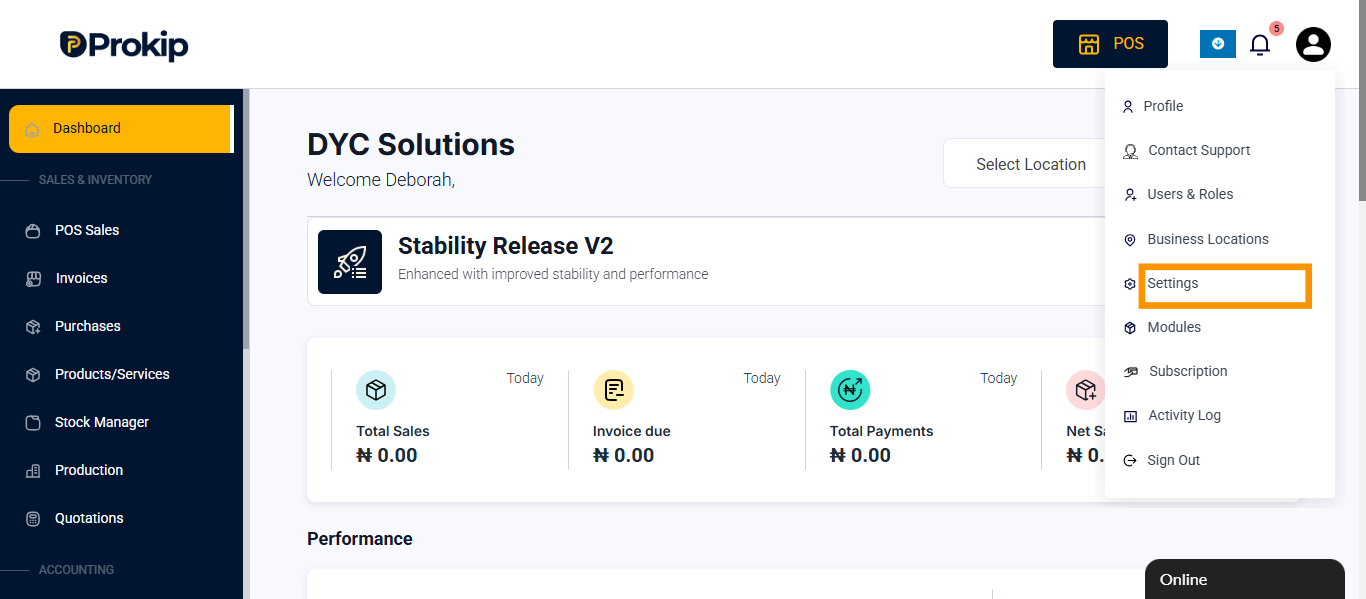
- Click on settings
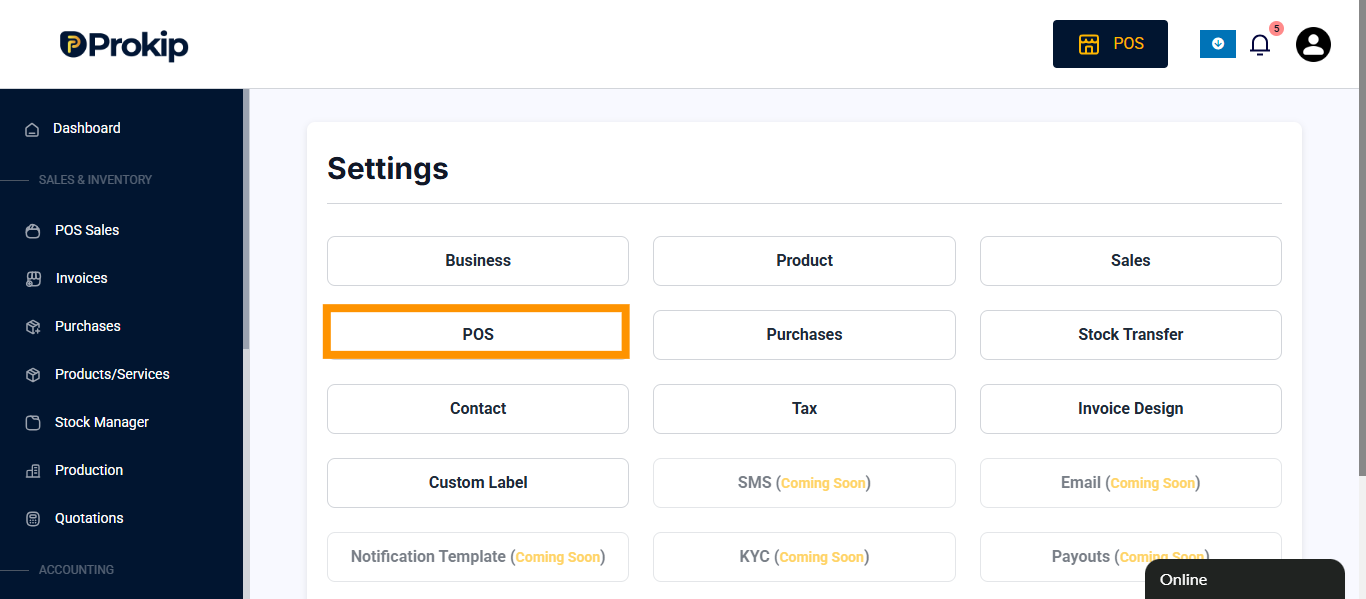
- Click on POS
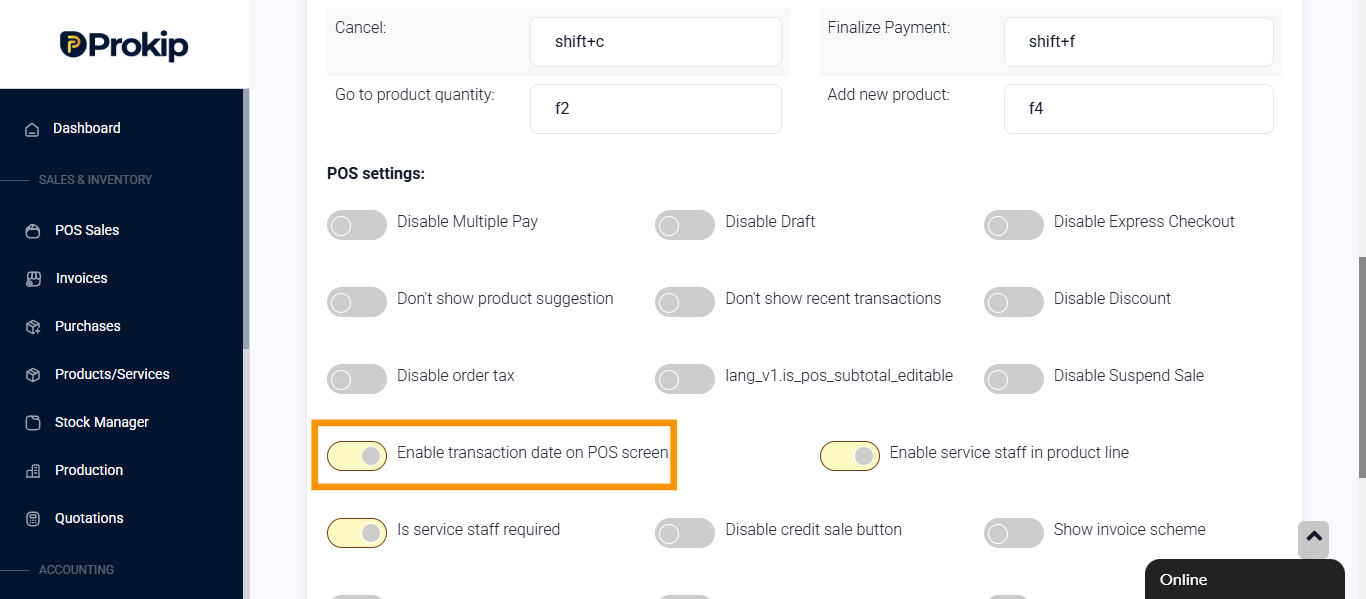
- Toggle on Enable transaction date on POS screen
- Click on update settings
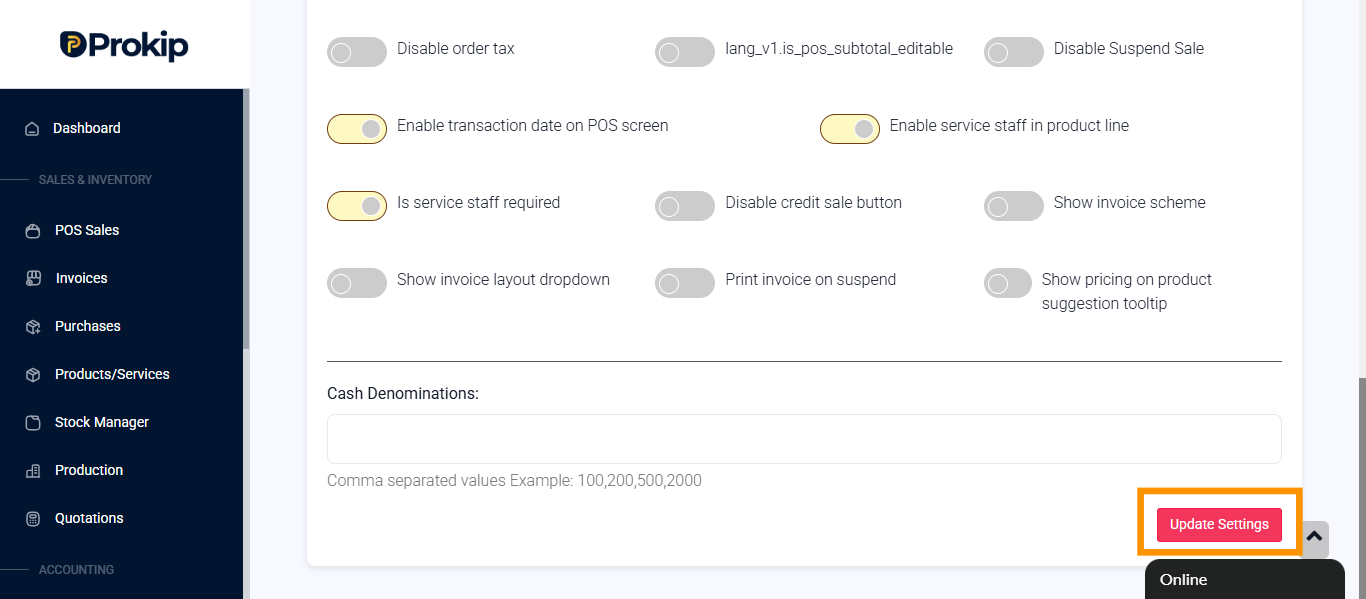
Note: Once transaction date is toggle on you can backdate from the POS.
FAQ
Que. Who can perform backdated entries?
Ans. Both admins and sub-user.
Que. Does backdating affect reports?
Ans. Yes. Backdated entries will appear under the selected past date, potentially altering historical sales or stock reports.