Answer
Only the admin’s password can be changed, and he has to know the former password to be able to change it, and only the admin has the permission to reset or change a sub-user’s password.
How to change admin password
Steps
- Login to prokip.
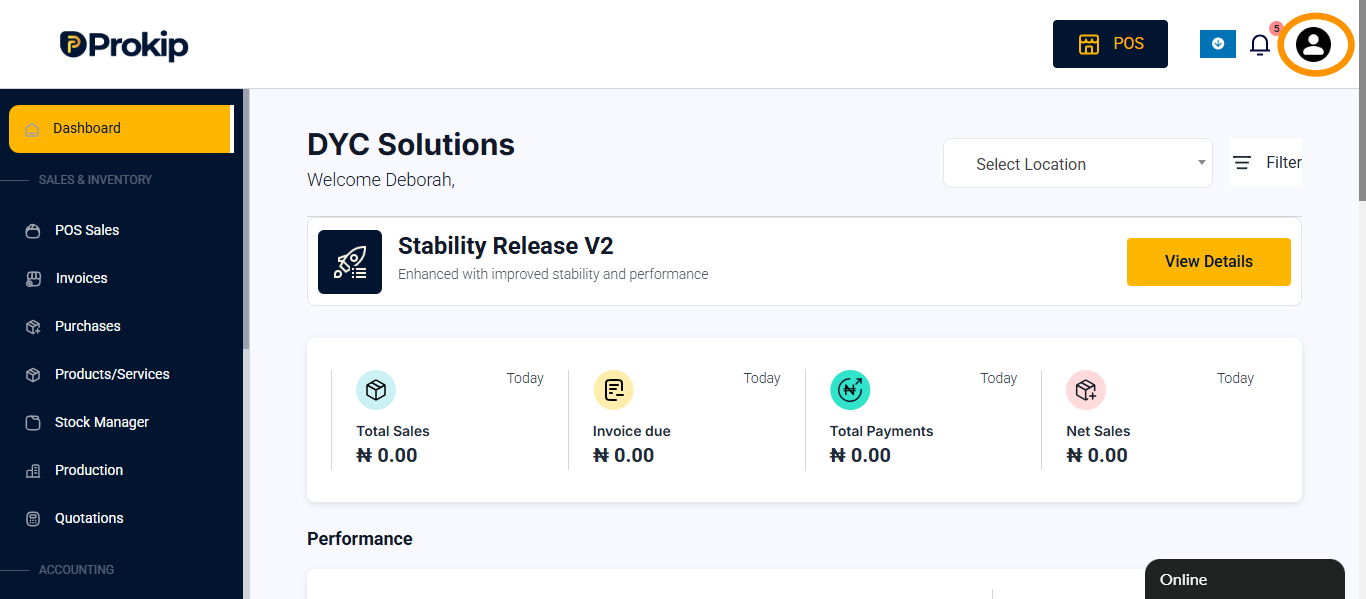
- Click on profile icon.
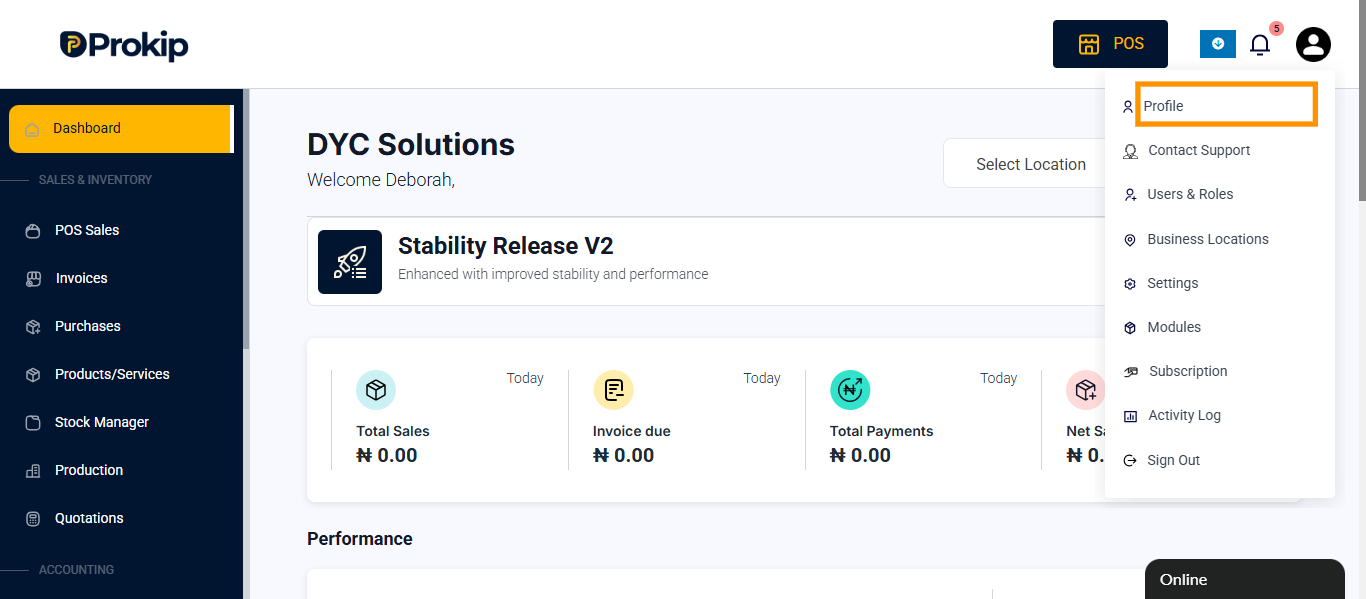
- Click on profile.
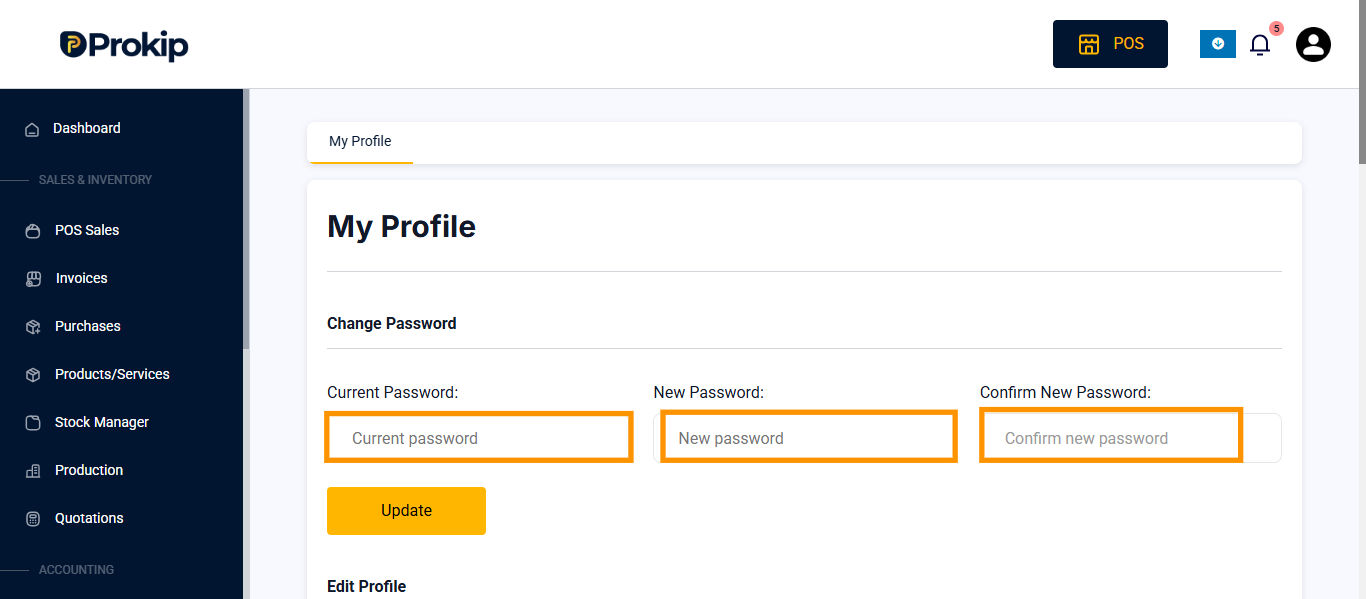
- Enter current password, new password and confirm nwew passwrod which is same as new password.
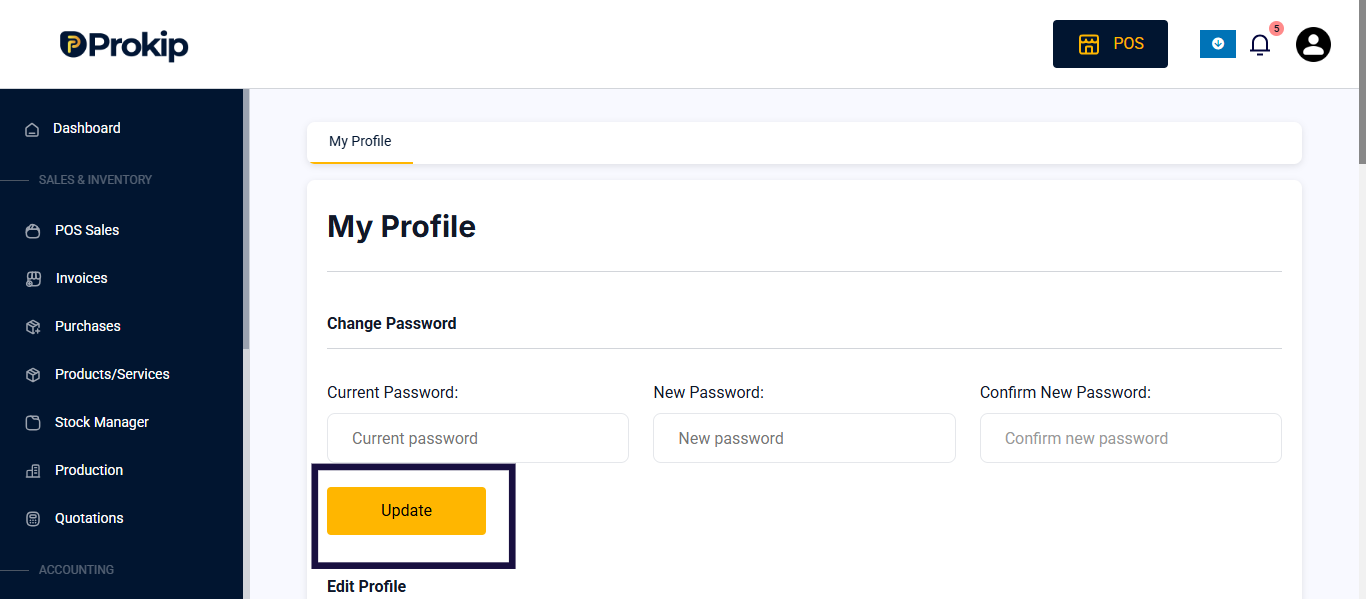
- Click on save.
FAQs
- Q.Can sub-users change their own passwords?
- A. No. Only the admin has the permission to reset or change sub-users’ passwords.
- Q. What should I do if a sub-user forgets their password?
- A. The admin should follow the steps above in the subuser details to change password.