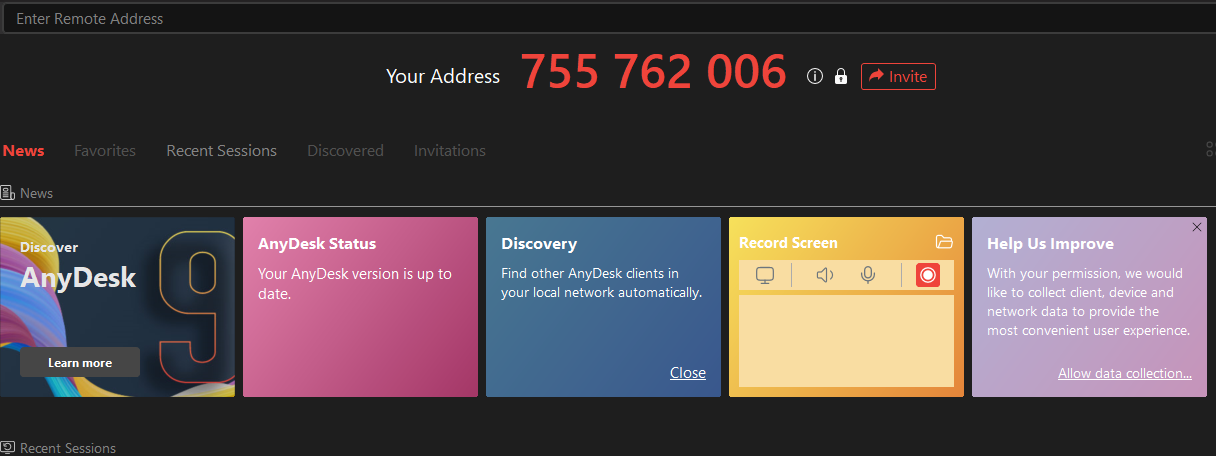
What is anydesk?
AnyDesk is a remote desktop application enabling users to access and control computers and devices from afar
purpose
It enables the technical support to have access to your system and offer the best assistance to you directly to enable the software to assist you efficiently.
Step 1
Open a web browser on your laptop: Some examples of browsers include Microsoft Edge, Google Chrome, Mozilla Firefox, Safari, and Opera., chrome
Step 2
Double-click on the Chrome browser icon:
Upon double-clicking the browser icon, the browser page will be displayed.
Step 3
Copy and paste the following URL into the search bar: “https://anydesk.com/en/downloads/windows”. Then click on Enter.
Step 3
Double click on: “Download Now” to download it to your system
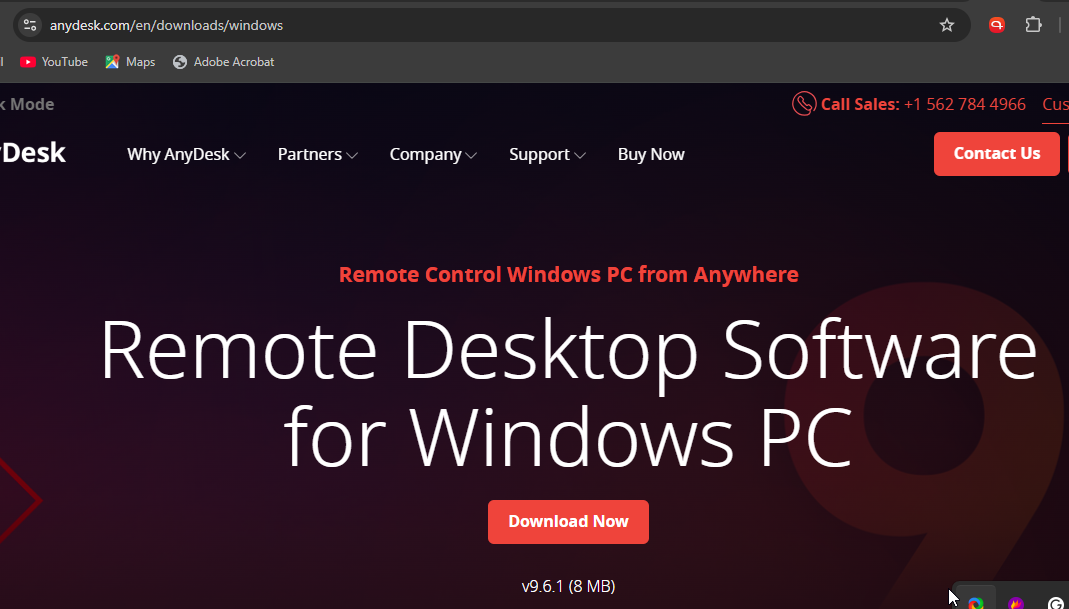
Step 4
Go to your downloads folder:
Locate the AnyDesk file, and Double-click on it to begin installation.
Step 5
AnyDesk is ready for use :
The address at the top is sent to the support team to access the system, and you will still grant permission from your system for them to do so.