Purpose
The Expenses feature helps you record, track, and categorize all your business spending from supplier payments to rent, utilities, and staff allowances.
Accurate expense tracking keeps your financial reports and profit calculations correct.
With Expenses, you can:
-
Record all outgoing payments
-
Assign expenses to specific categories or business locations
-
Track payments made by staff or through different accounts
-
Generate expense and profit reports automatically
Steps
- Log in to your Prokip account
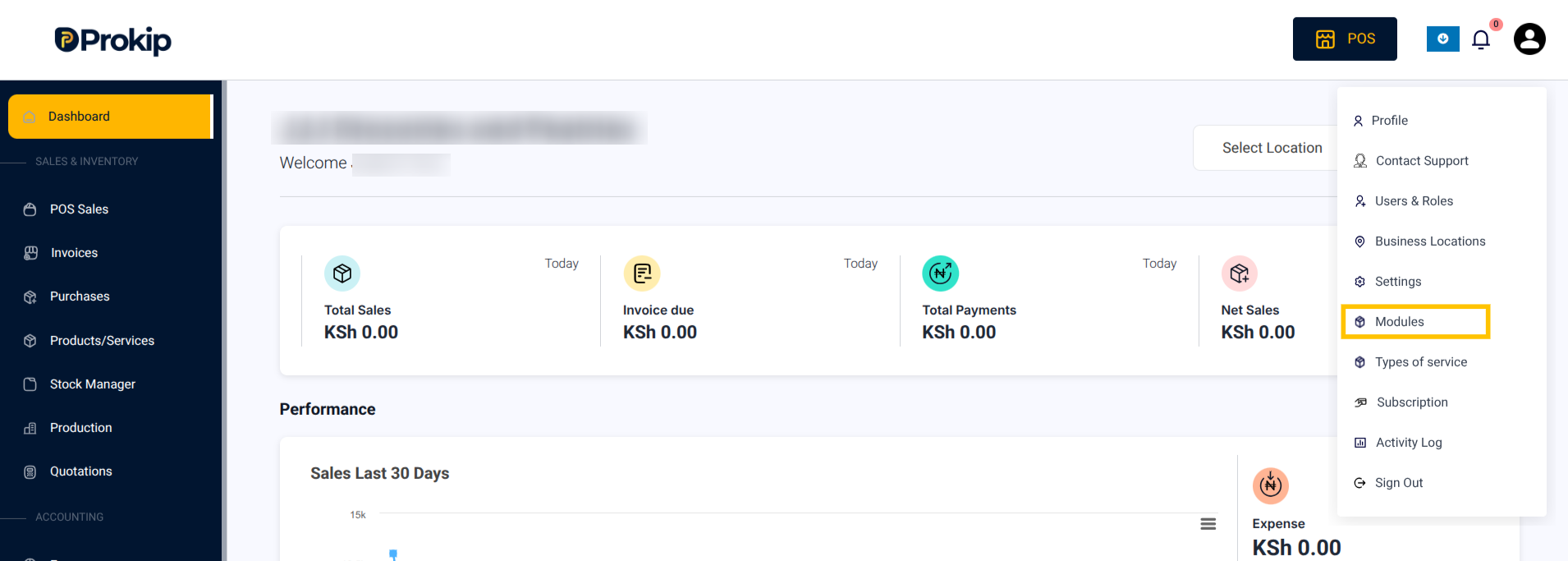
- Click on your Profile Icon in the top-right corner.
- From the menu, select Modules.
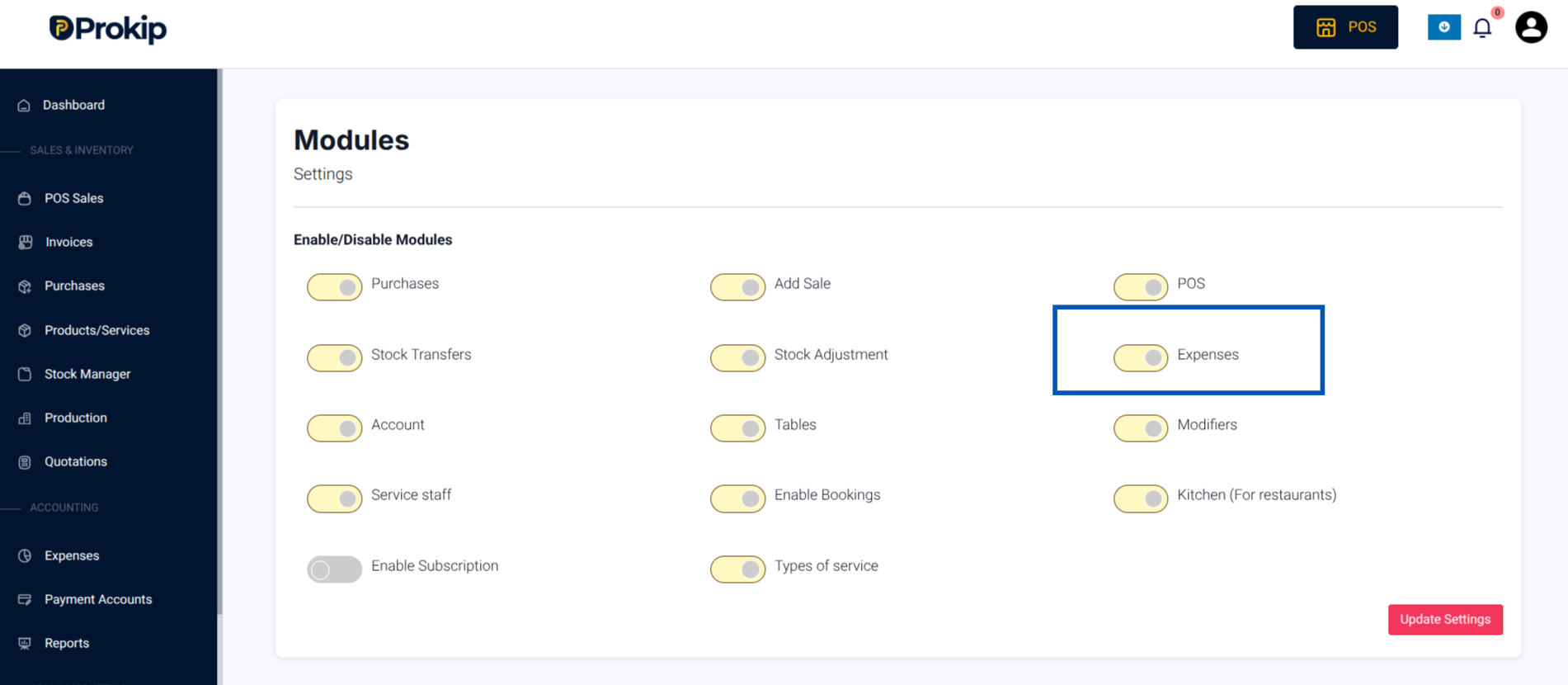
4. Toggle ON Expenses
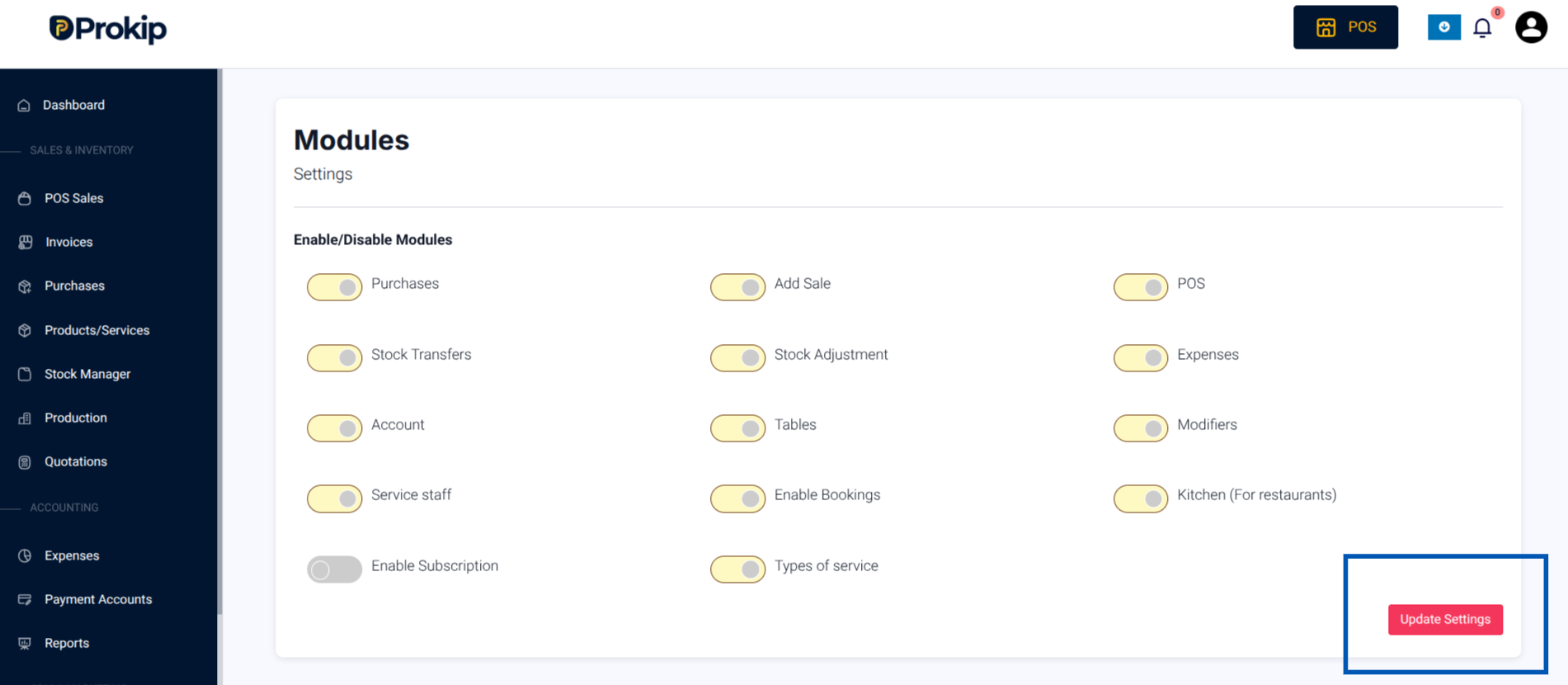
5. Click Update Settings to save changes.
What Happens Next
You can now access the Expense Module Features.