What are other component on prokip desktop application?
Other component on the desktop application is MySQL Workbench.
purpose
Allows users to select a login type for the application, serving as a database for the desktop application.
Before start
- Ensure you are connected to the internet
Step 1: Double-click on prokip desktop application to launch.
Step 2: Go to settings at the top left corner of the page and click on “settings”
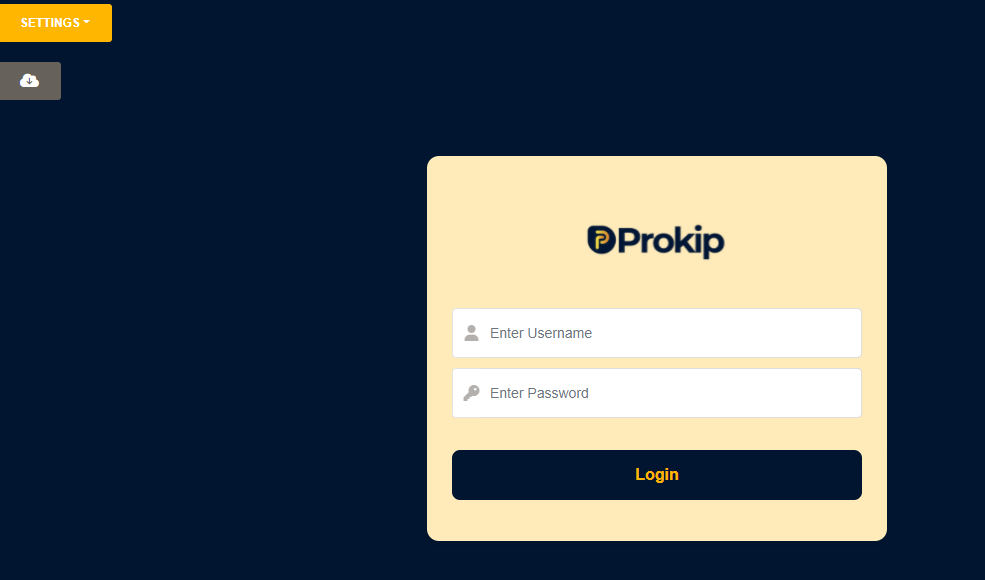
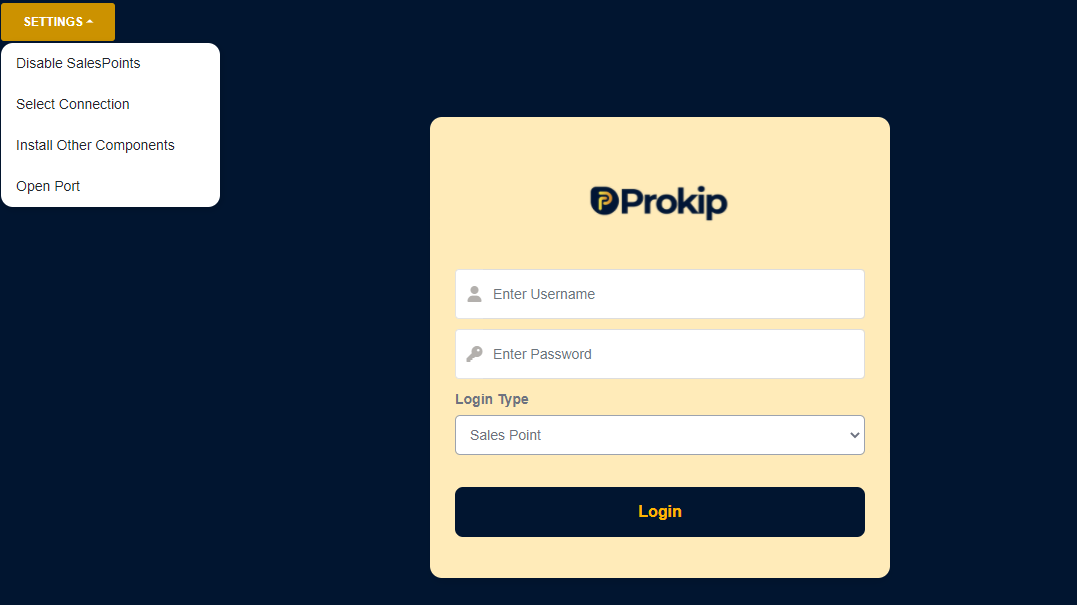
Step 3: Click on install other components.
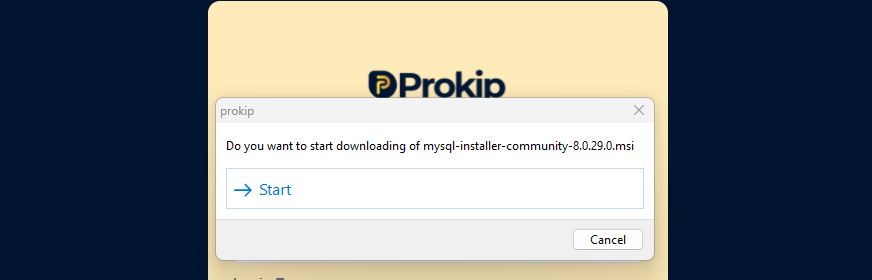
Step 4: Click on start and
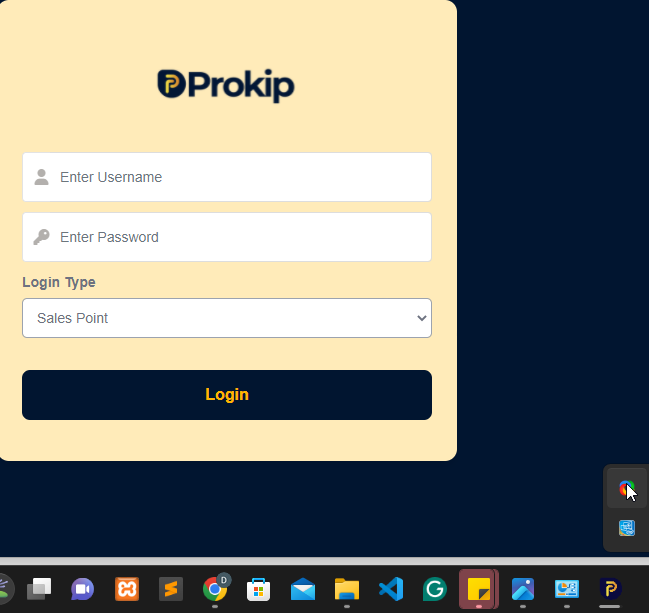
Step 5: Wait for atleast 20mins while it is still downloading in your task bar
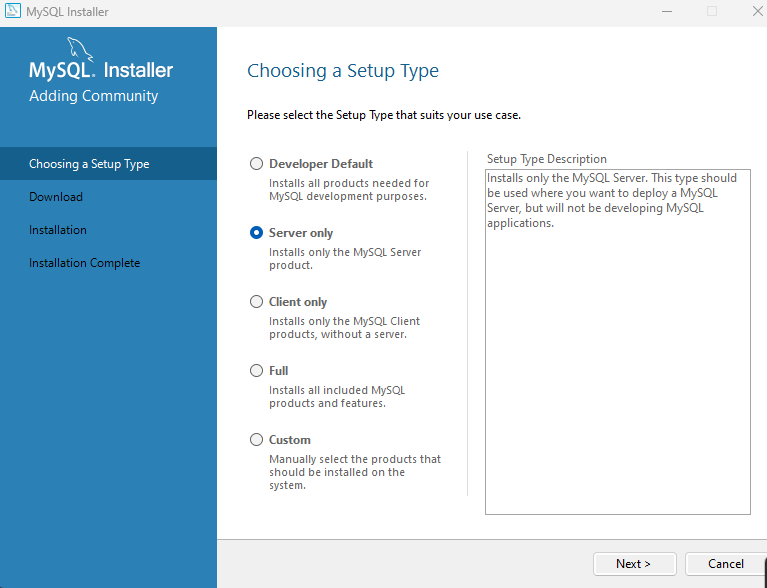
Step 6: Click on server only and then click on next.
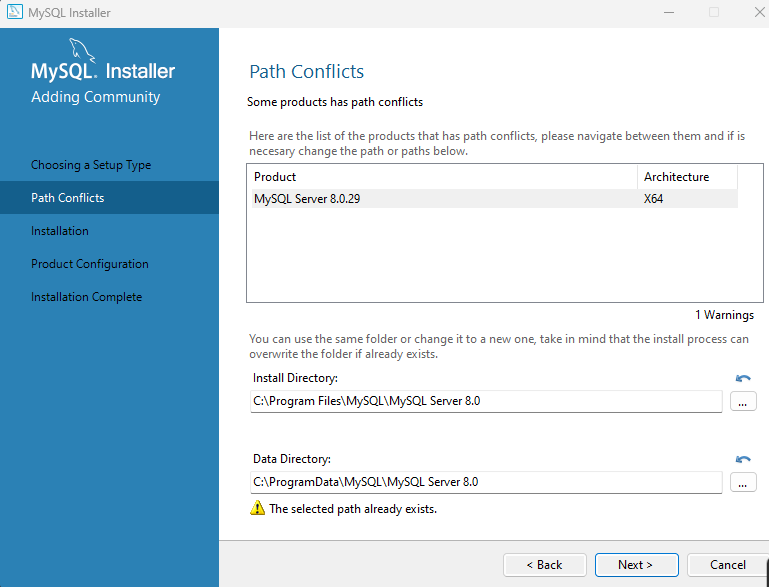
Step 7: Click on Next.
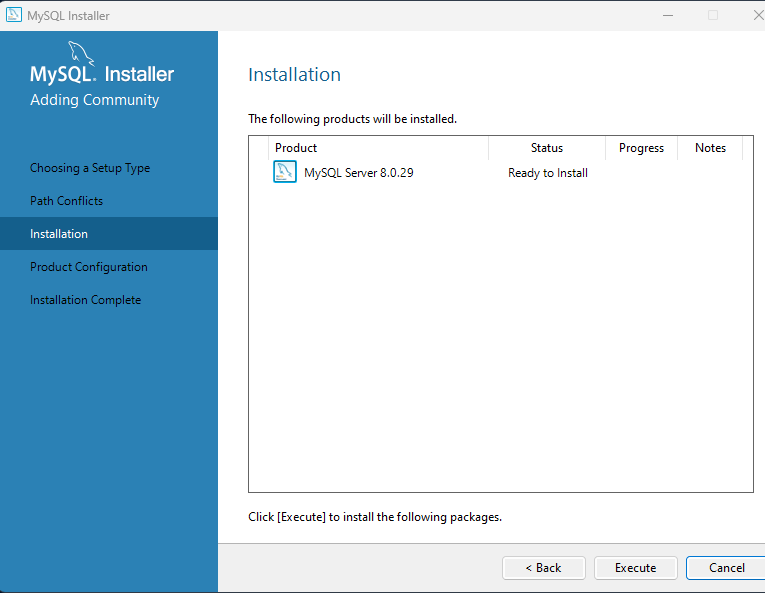
Step 8: Click on Execute and wait for some minutes to install.
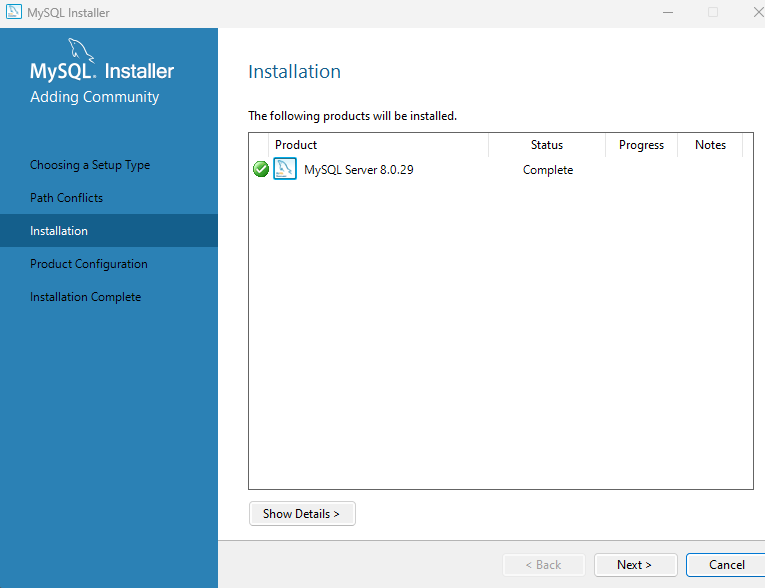
Step 9: When the status is complete, click on Next.
Step 9: Click on Next
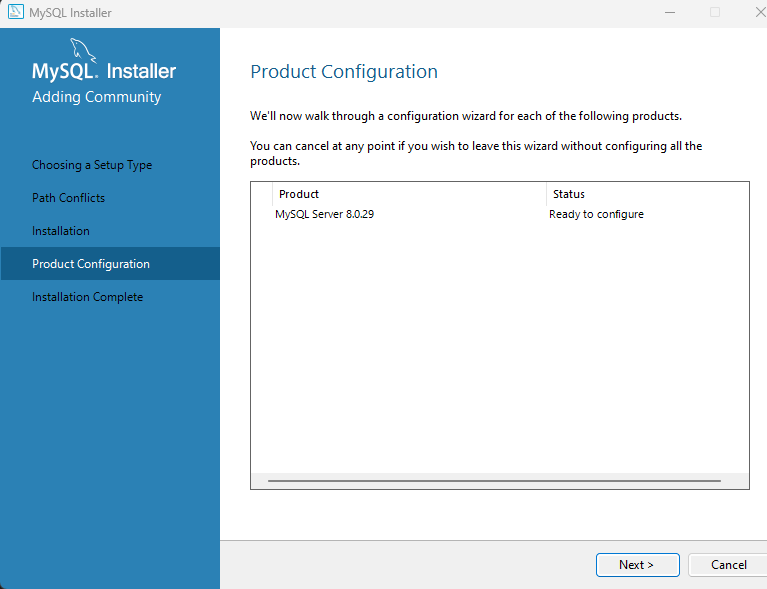
Step 9: Click on Next
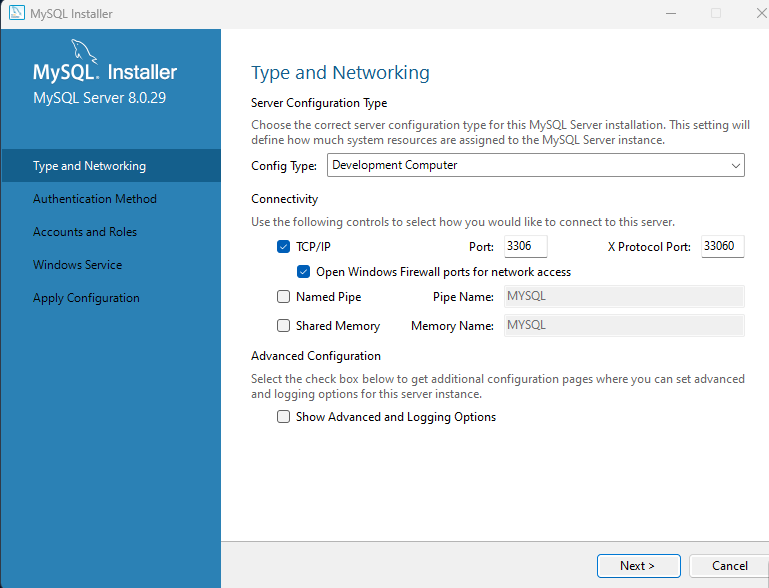
Step 10: Type a passwoord you can remember, repeat the same password below and click on
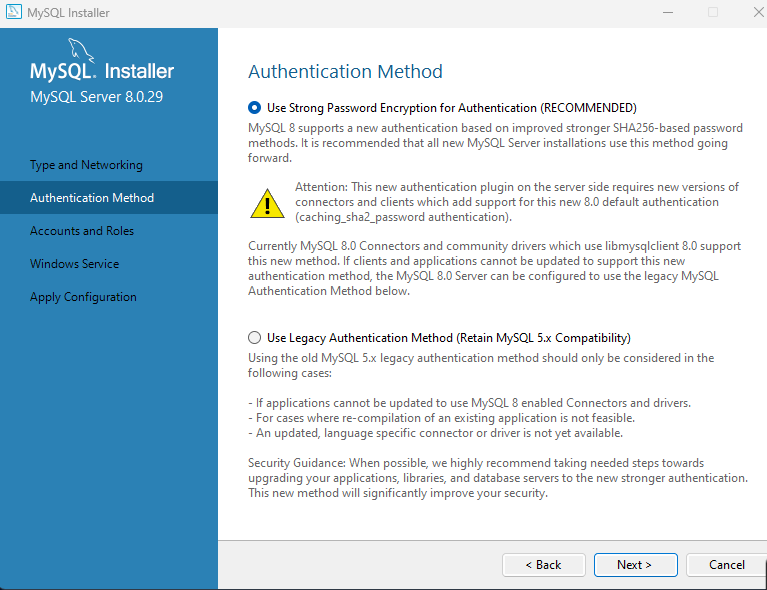
Next.Step 11: Click on Next
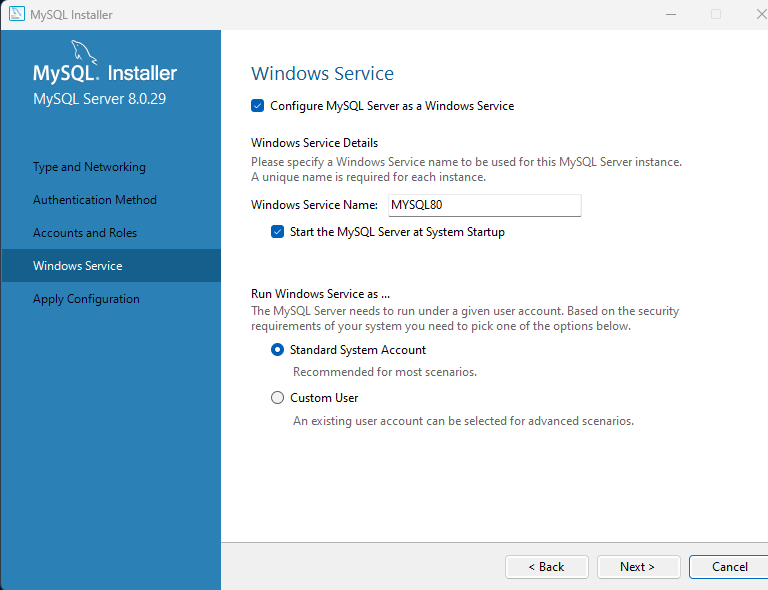
Step 12: Click on Execute
Step 13: Wait until buttons are checked then, click on finish
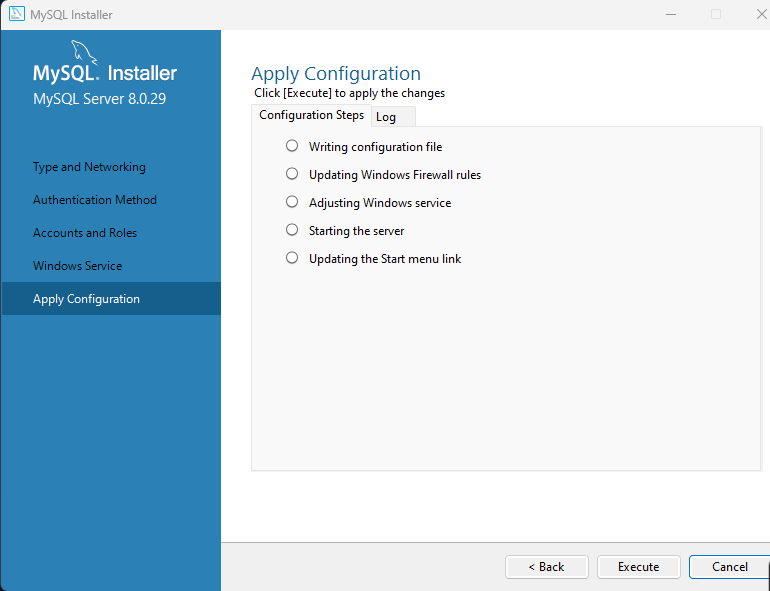
Step 14: Click on Next
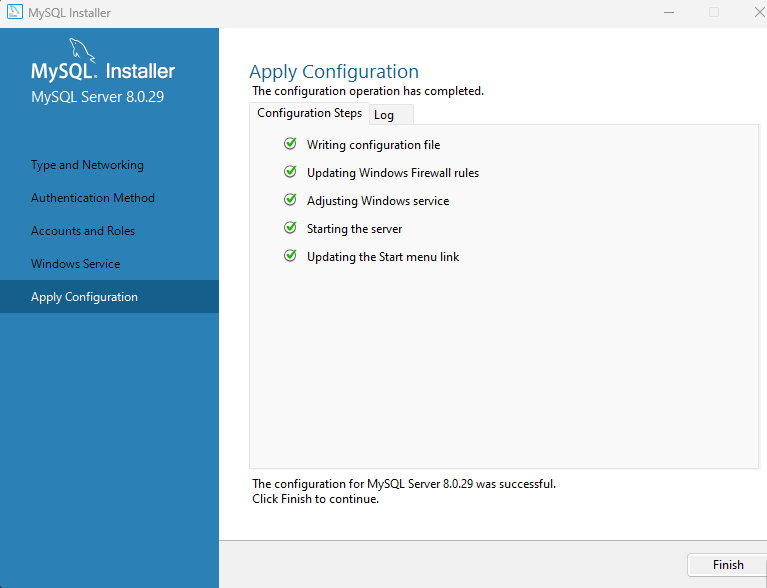
Step 15: Click on Finish.
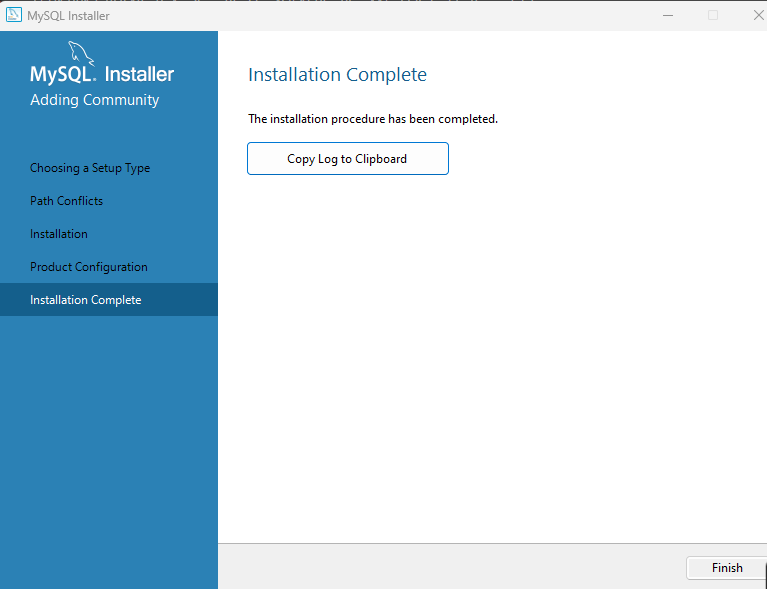
Step 16: Click on start to download portopener
Step 16: Enter the root password that you have set during installation and press enter on your enter.
Step 17:Once this message appears on the screen, you have successfully completed the installation.