Purpose
Payment methods help track how payments are received, ensure accurate financial records, and support proper reporting and reconciliation.
Steps
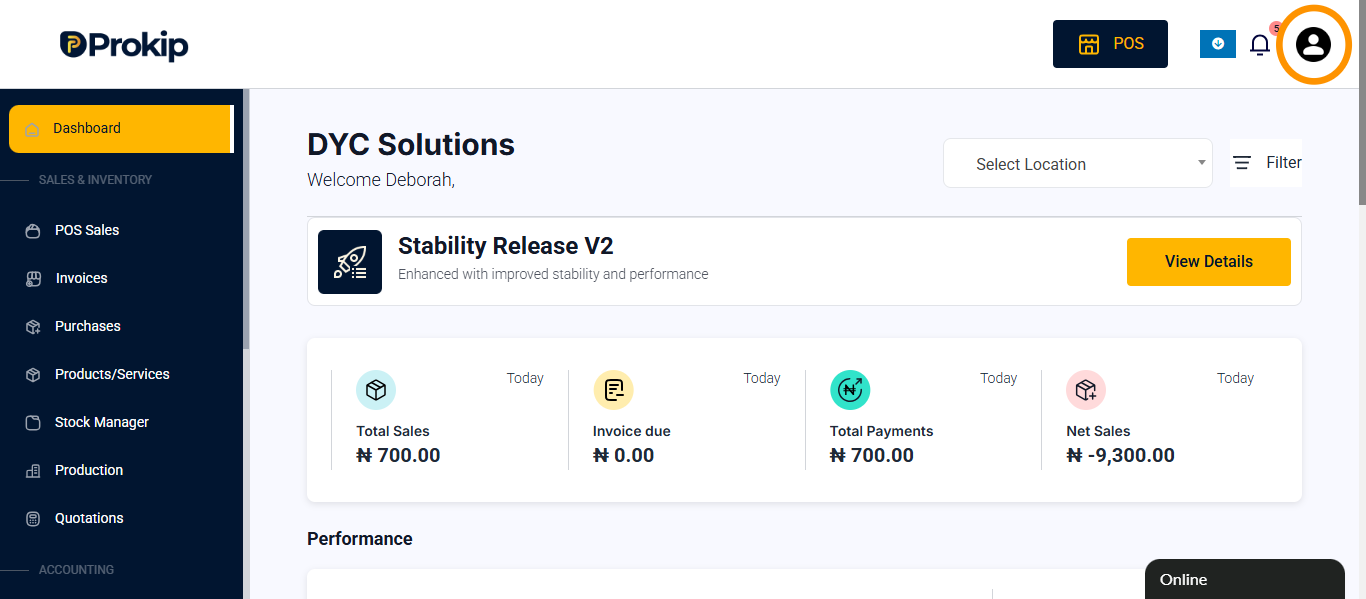
- Go to profile icon and click on it
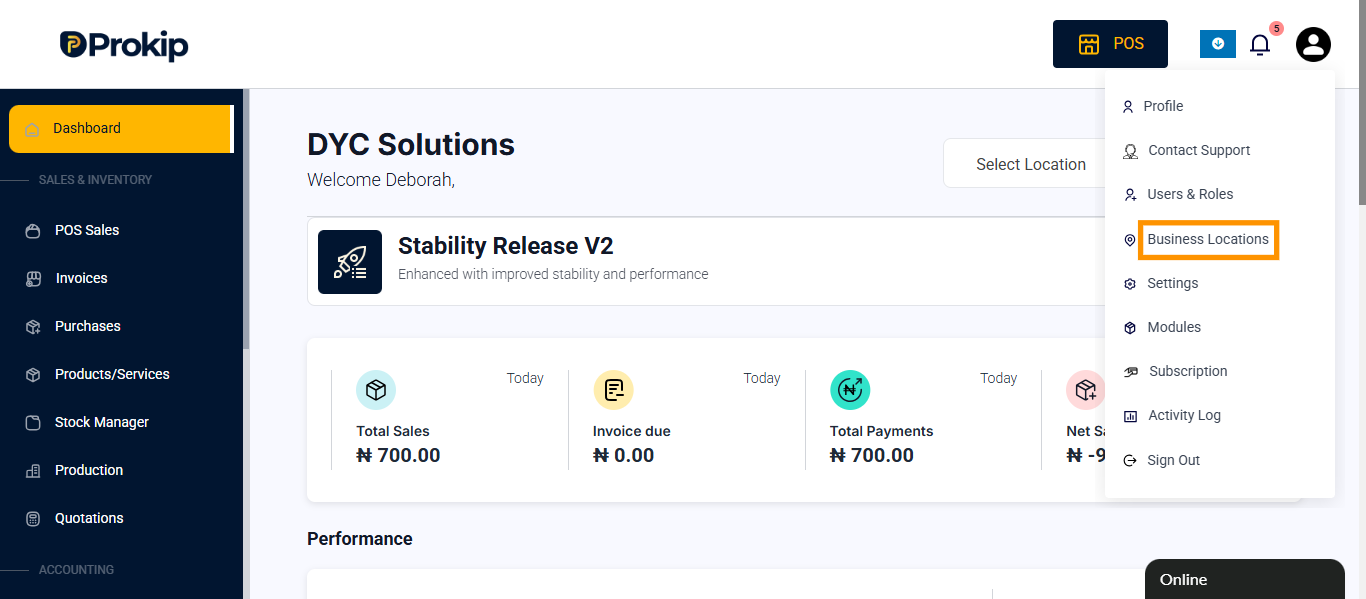
- Click on business location
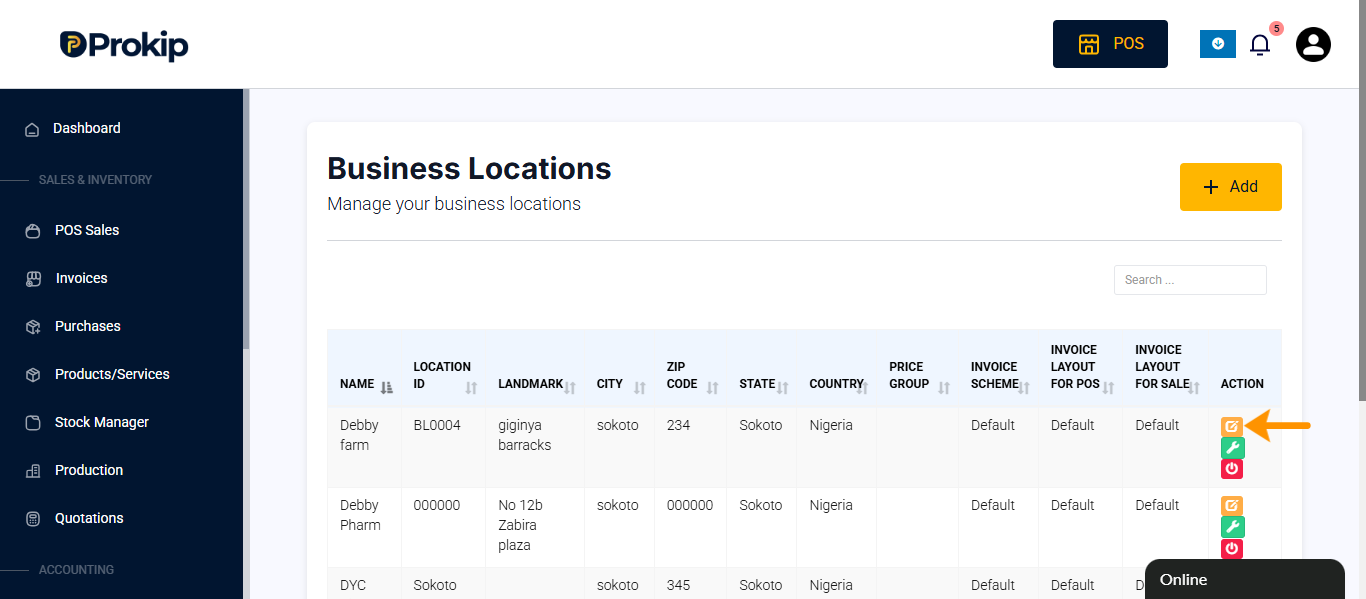
- Select the business location and click on edit button.
- Scroll down to payment method
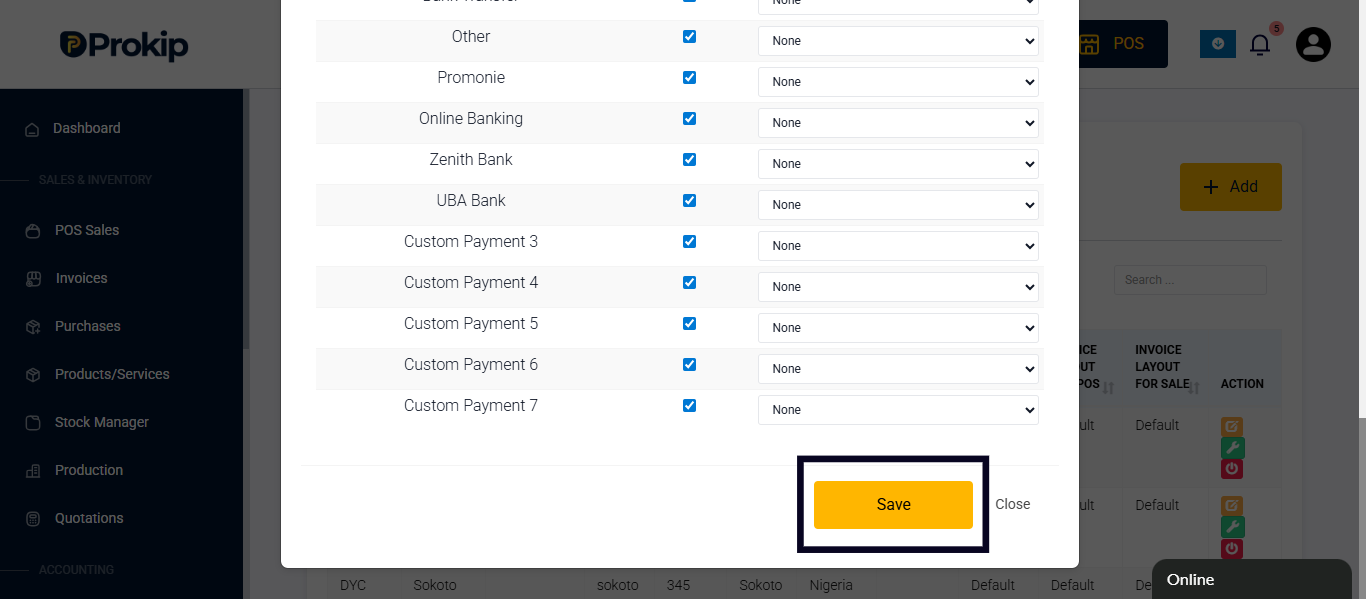
- Select payment method and click on none at the right side of the payment method
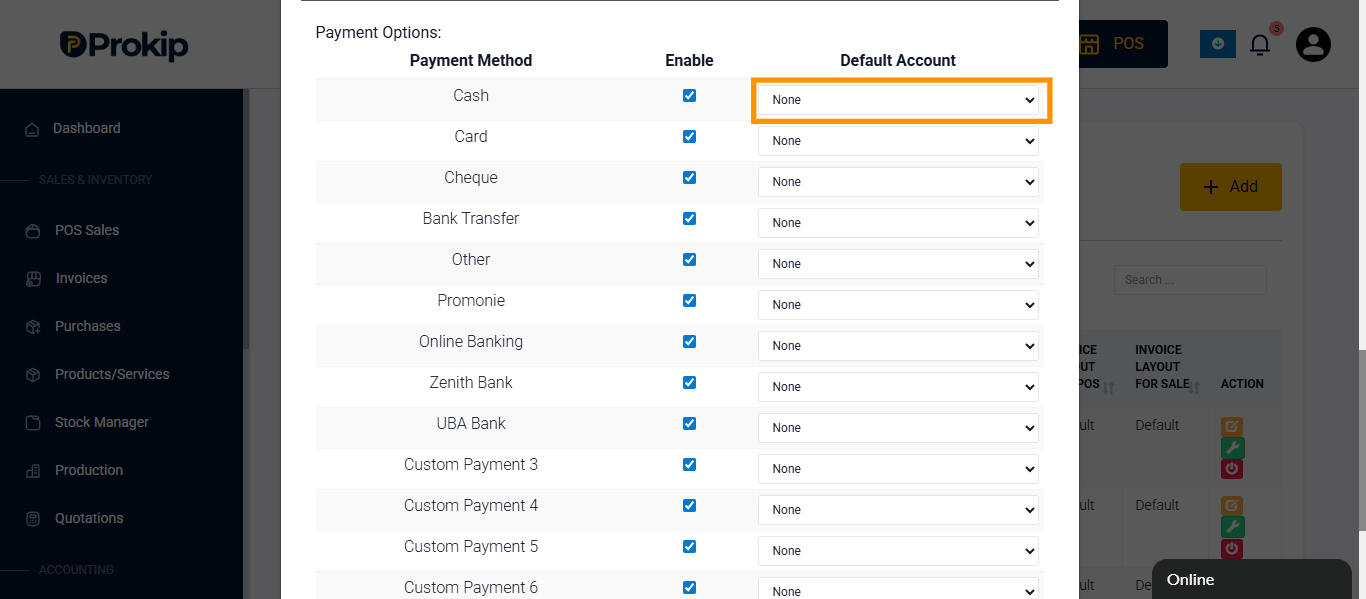
- Select the payment account you want to link and click on it
- Click on save