Steps
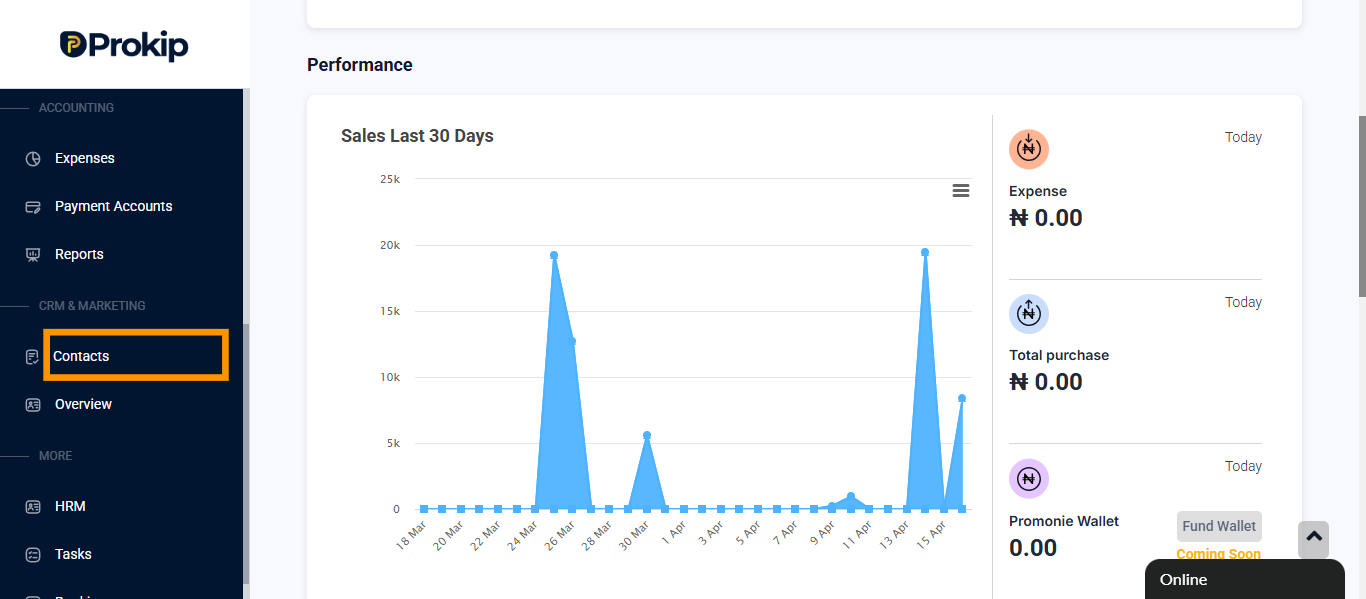
- Click on contact.
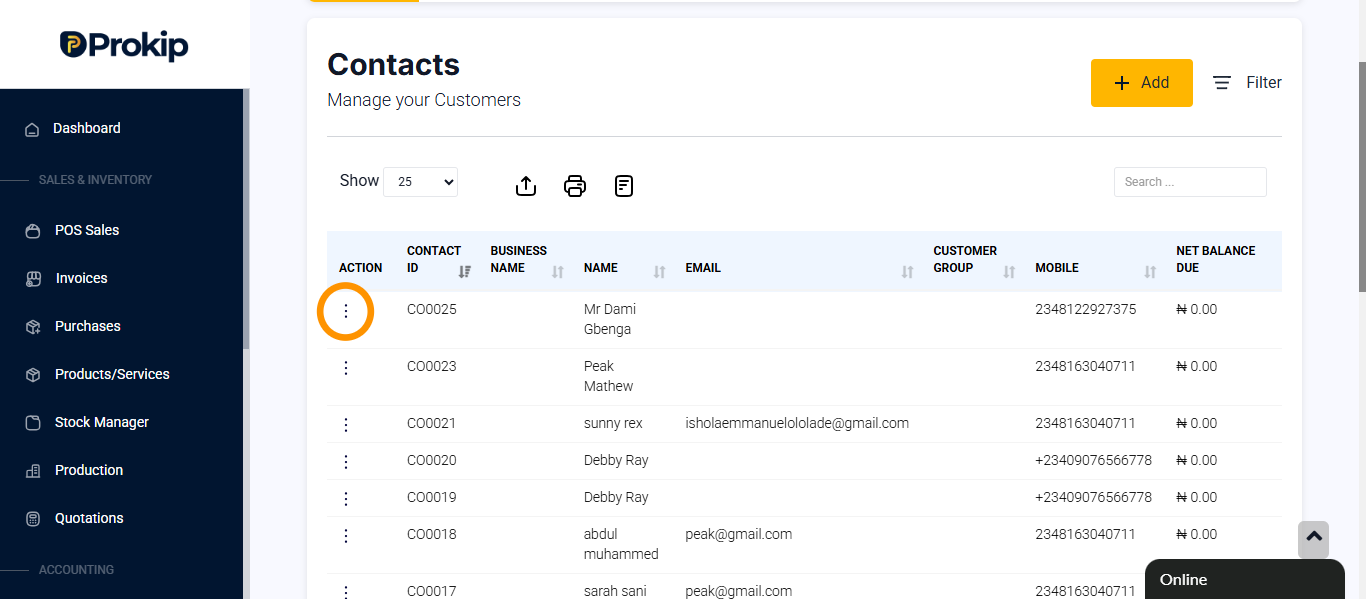
- Locate the customer.
- Click on action button.
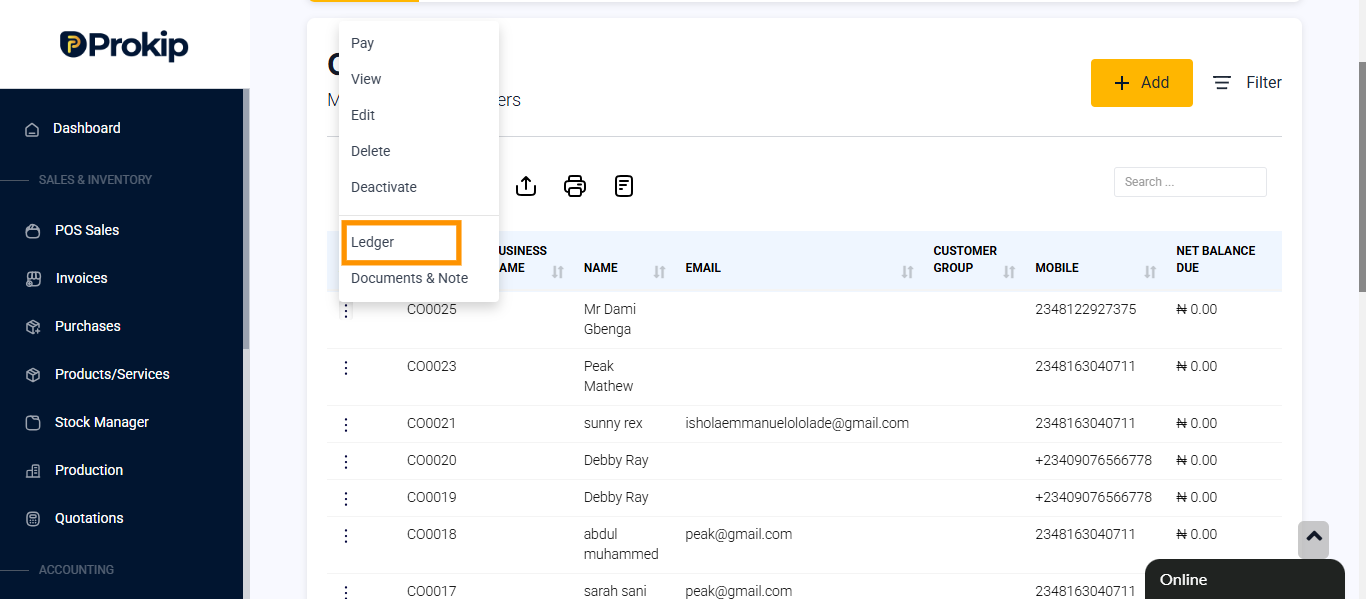
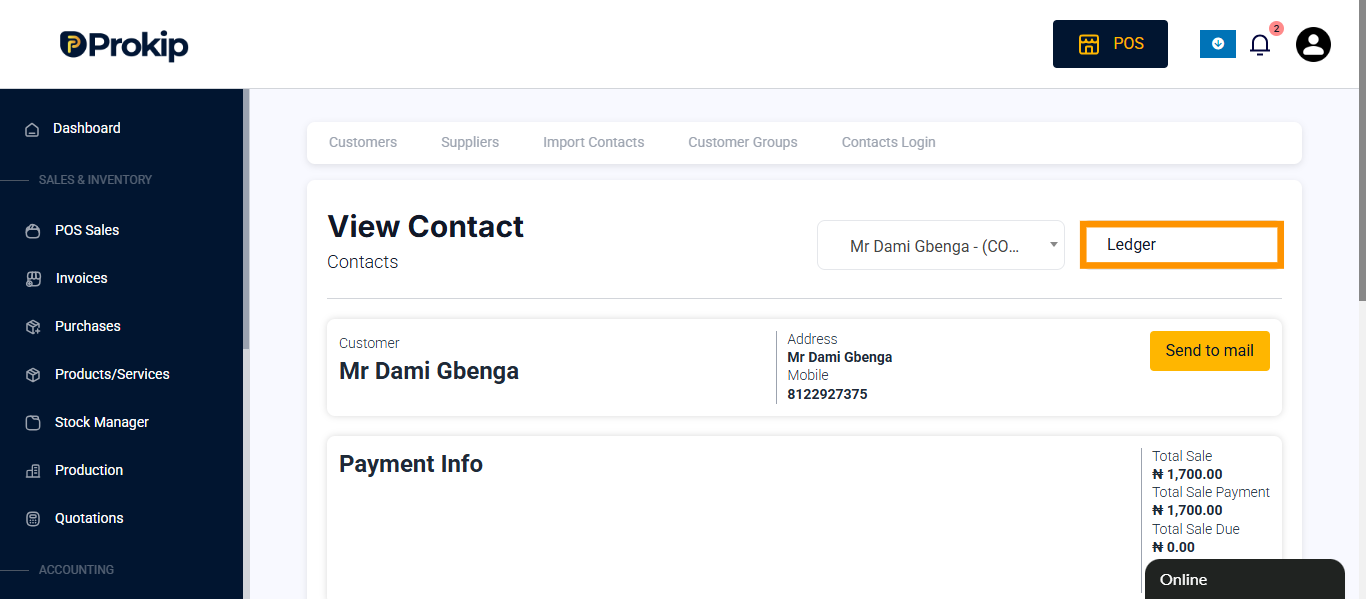
- Click on ledger.
- At the right side of the screen click on ledger and select payments.
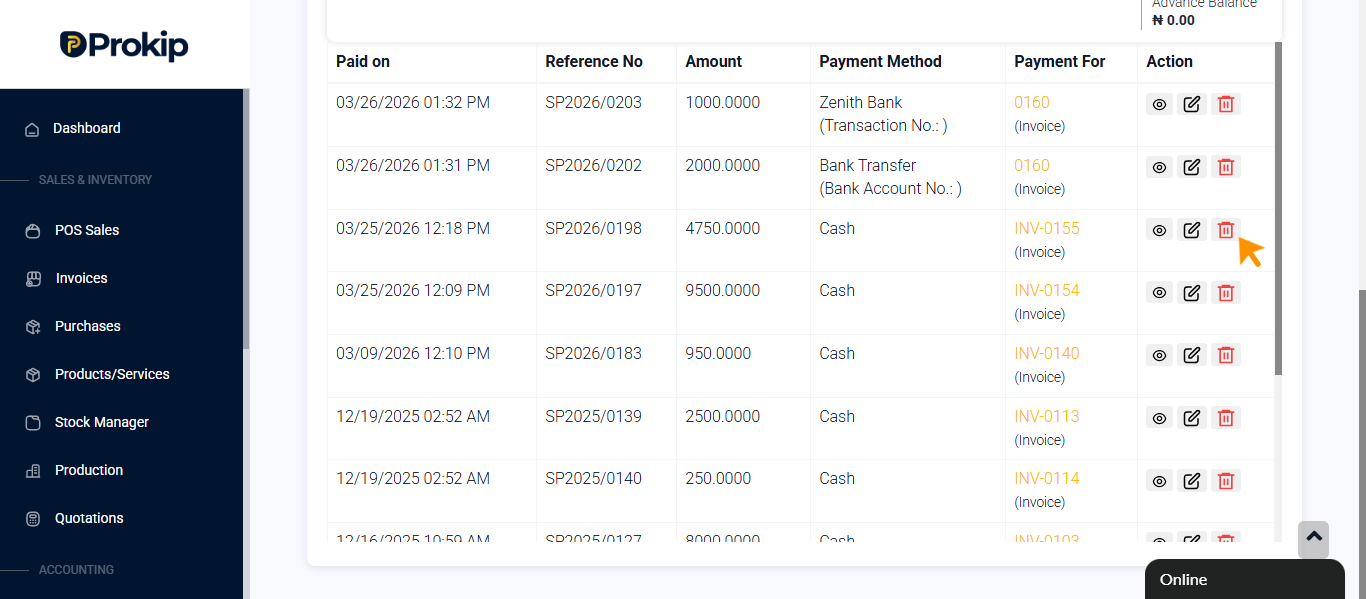
- Locate the payments or make use of the invoice number to identify the payment.
- Click on delete icon.