Overview
Welcome to Prokip — your all-in-one business management solution designed to help you manage sales, inventory, customers, suppliers, and reporting efficiently.
This guide will help you understand the basic setup process so you can start using Prokip quickly and effectively.
Whether you are setting up a new business or transitioning from another system, Prokip is built to simplify your operations and give you better visibility into your business performance.
Log In After Creating an Account
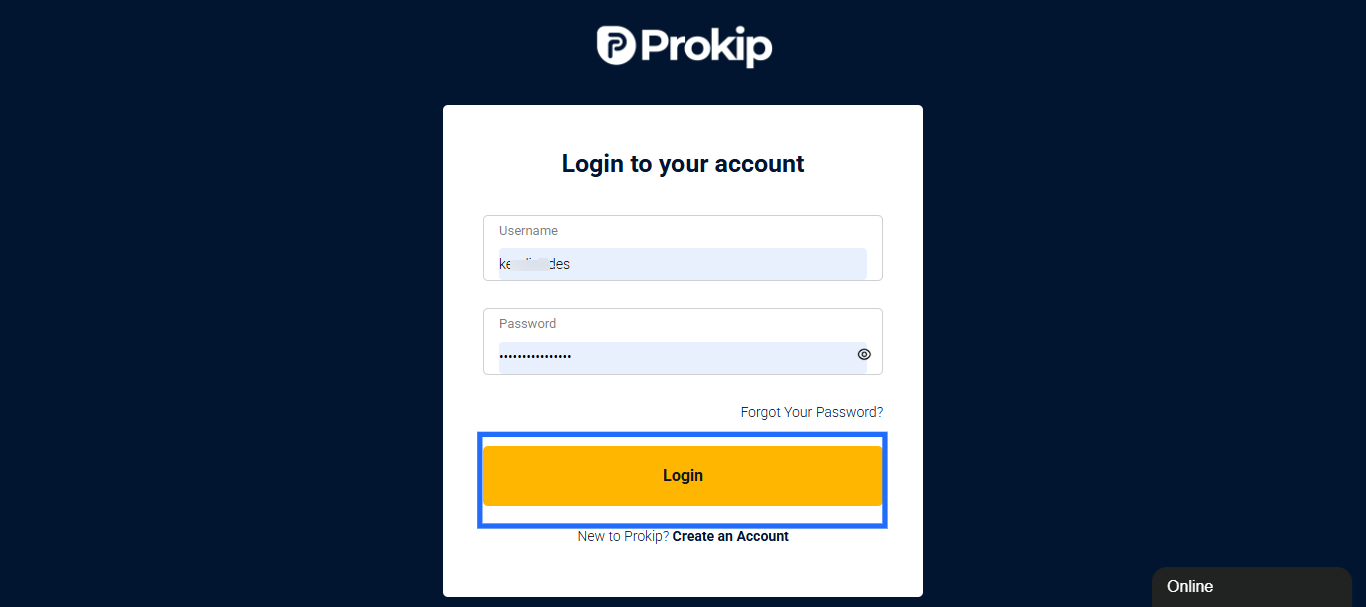
- Follow this link (https://app.prokip.africa/login) to Login to your dashboard
- Enter Details – Type your username & password.
- Click Log In, you’ll land on your Prokip Dashboard.
- First-Time Setup
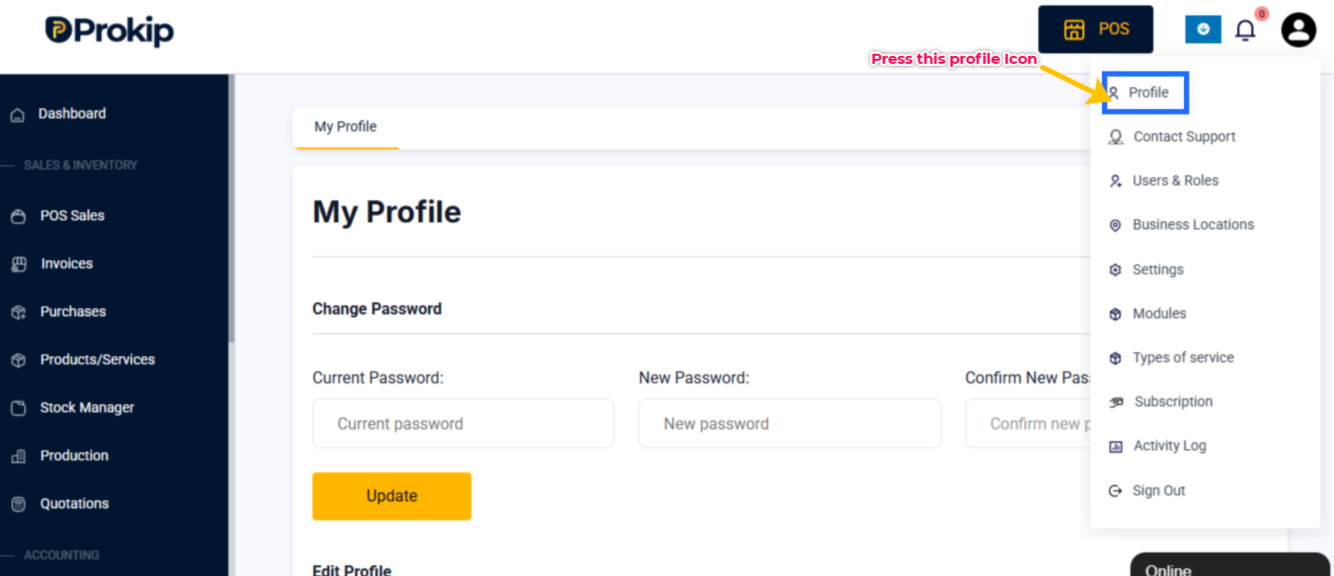
You can update your profile info by clicking on the profile icon.
-
- Add profile image, Date of Birth, Gender, Marital Status, Blood Group.
- Add Phone Numbers (main, alternate, family contact).
- Add social media links (Facebook, Twitter, etc.).
- Add Guardian info and ID details if needed.
- Bank details : Enter Account Holder Name, Account Number, Bank Name, Branch, and Tax ID (if applicable).R
- Review your details & Click Update to save changes
- Test the features; Go to Products/Services from the sidebar.
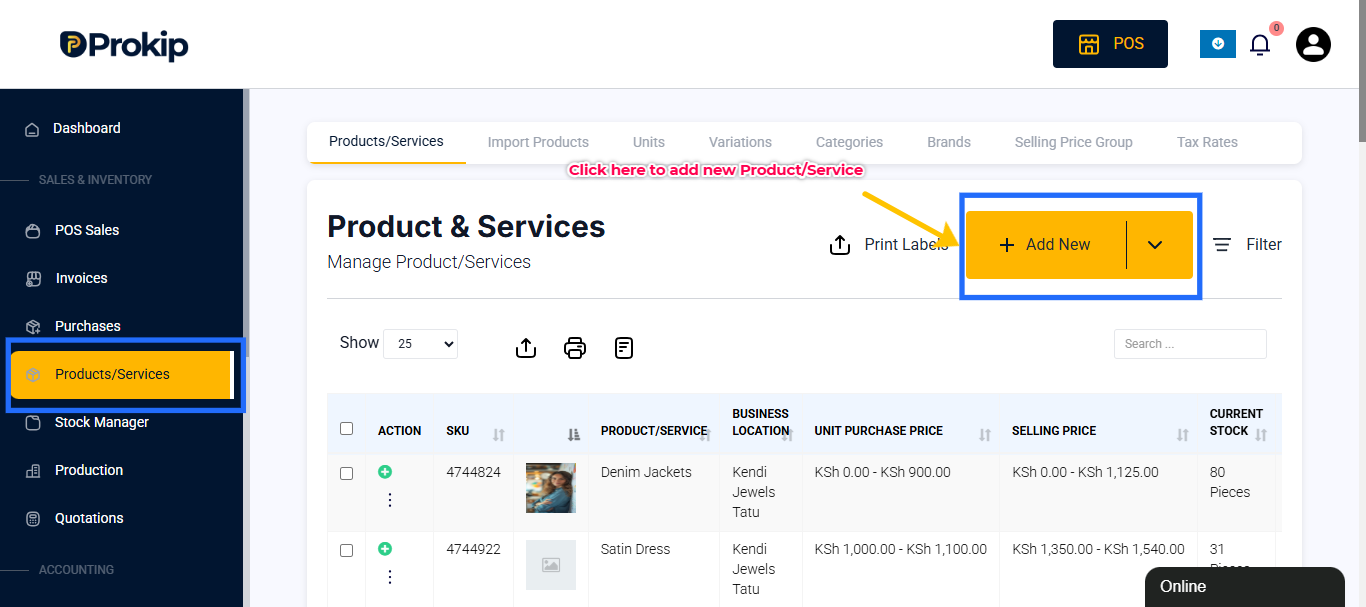
Click + Add.
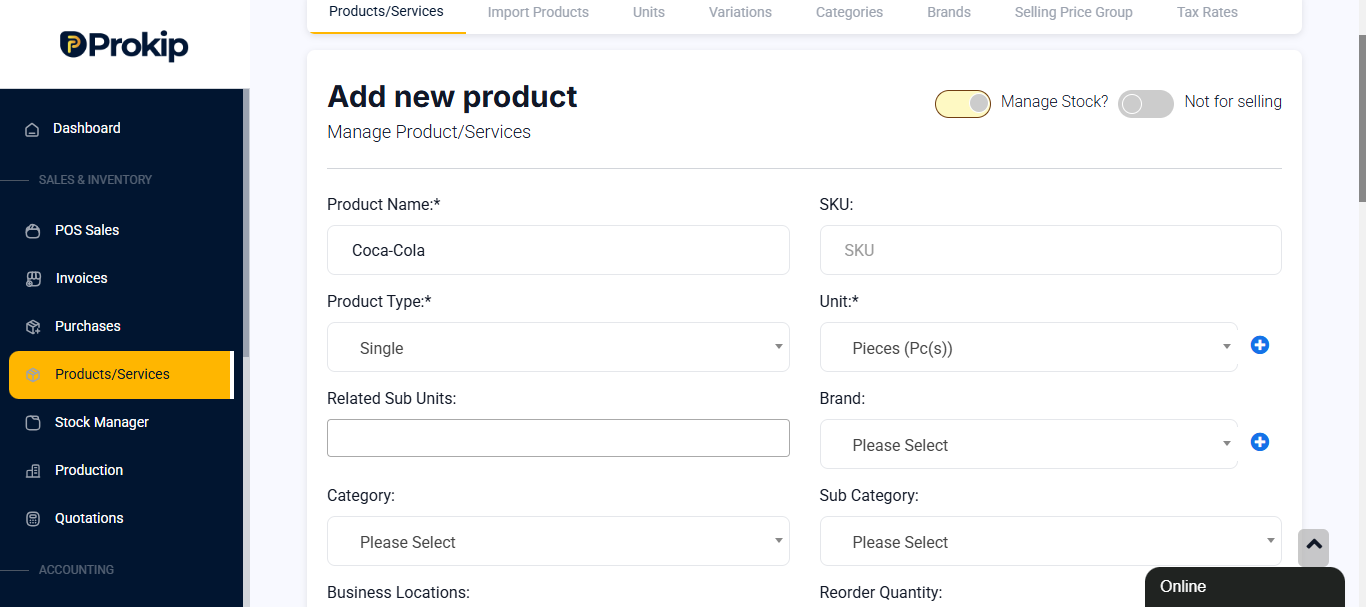
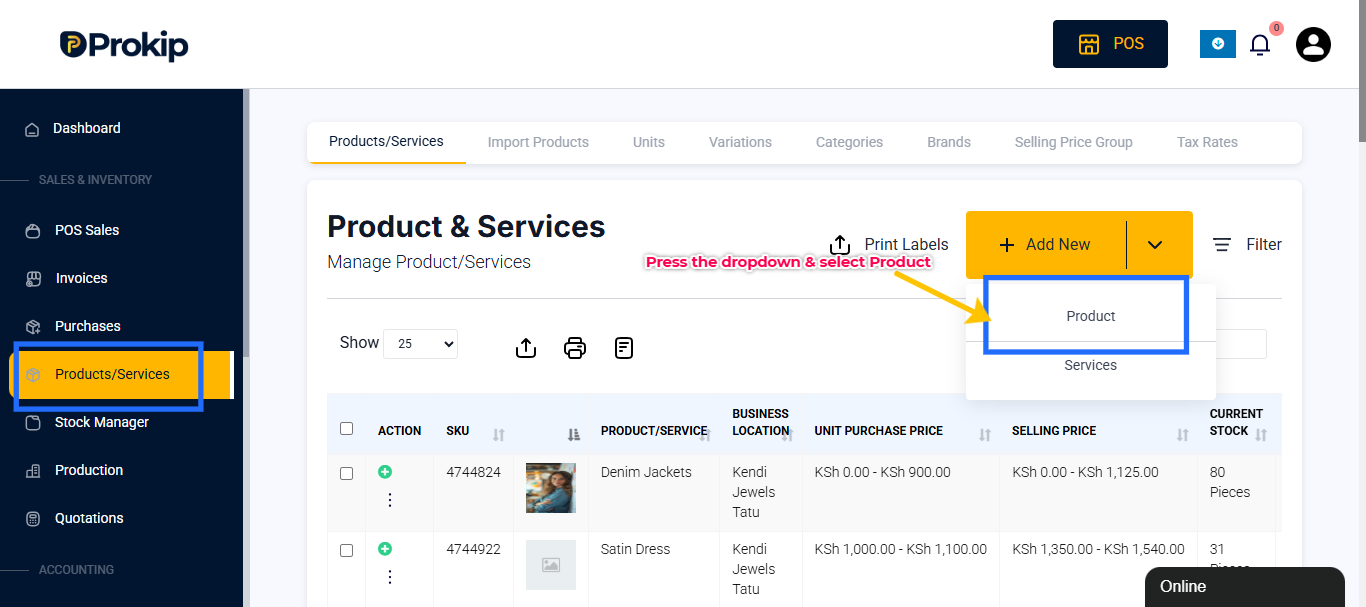 Enter product name, price, and category.& Save
You can also save & add stock to add the quantity of products you have
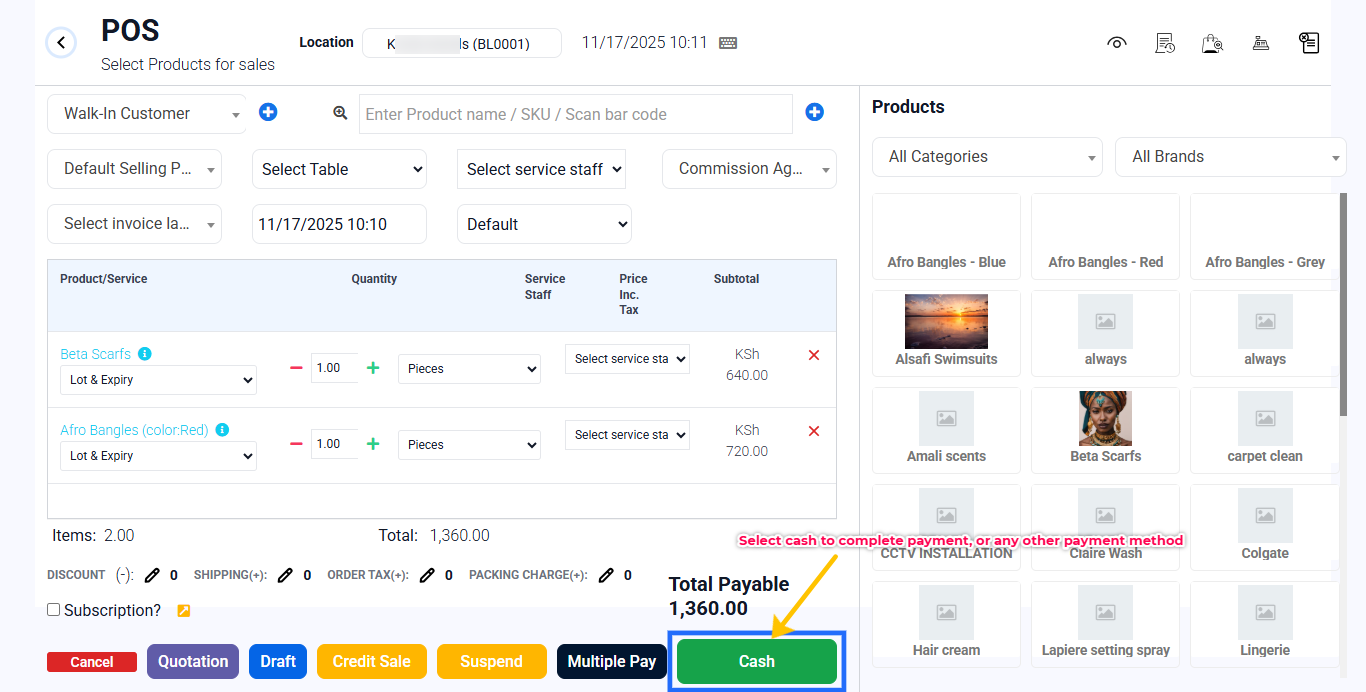
- Test a Sale on POS – Click POS on the topbar.
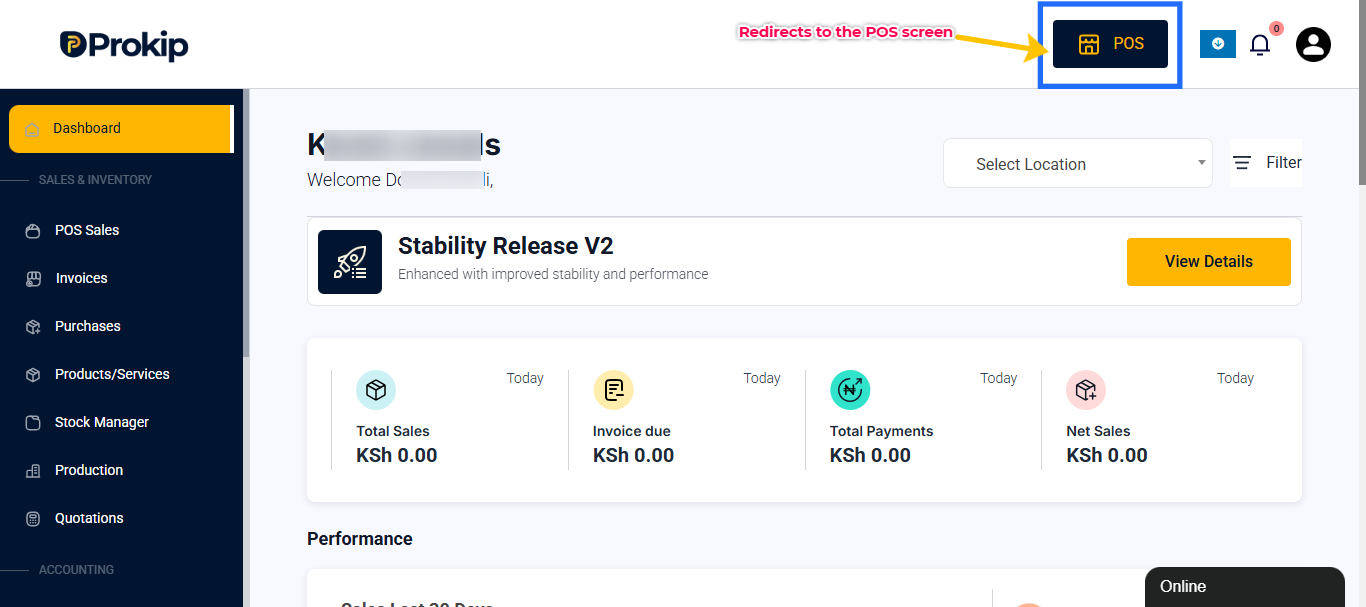 Add a product to the cart.
Select Cash or any other payment method to finalize the payment.