Sometimes you may forget your password or face issues logging in. Prokip makes it easy to reset your password and get back into your account.
1. Resetting Your Password
- Go to the Login Page. Login – Prokip Africa
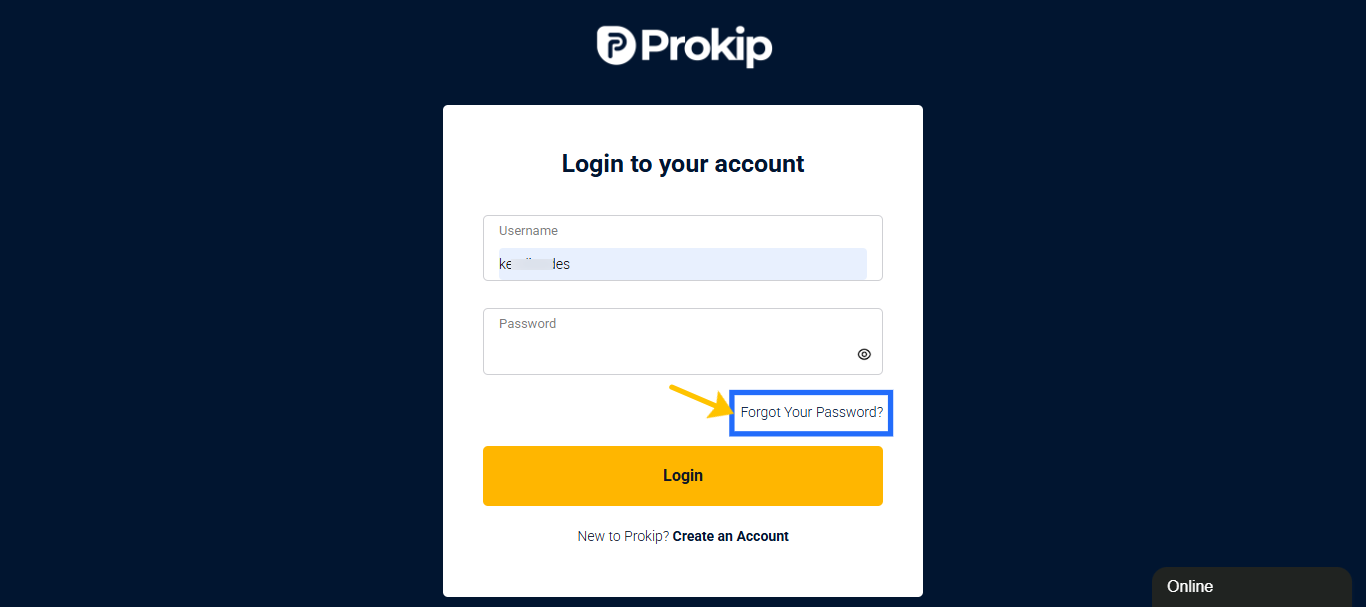
- Click on Forgot Password? under the login form to be redirected to the reset page.
- Enter your registered email address on the input field.
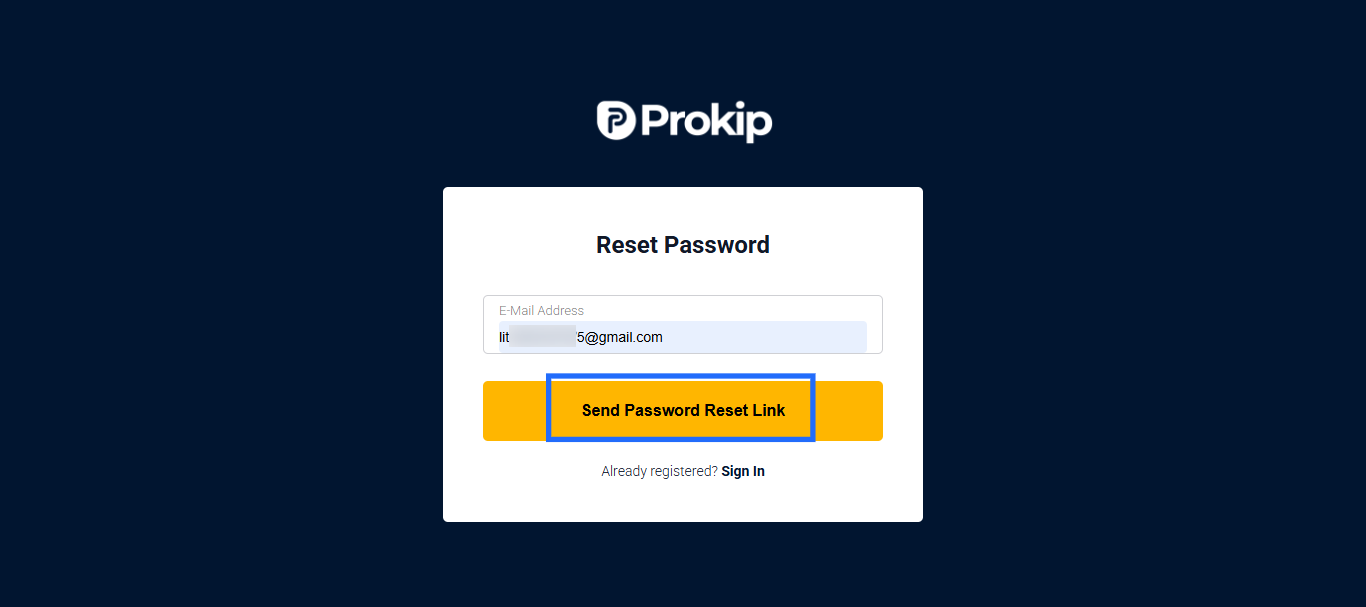
- Check your email inbox for a reset link.
- If you don’t see it, check the Spam/Junk folder.
- Click the link and enter a new password.
Must include:: At least 8 characters,1 uppercase & 1 lowercase letter, 1 number, 1 special character (e.g., @, #, !)
Example: Prokip@2024
- Confirm the new password and click Save.
- Go back to the login page and use your new password.
Tip: Write down your new password or save it in a password manager.