Use this when you only want to update details for one product.
Steps:
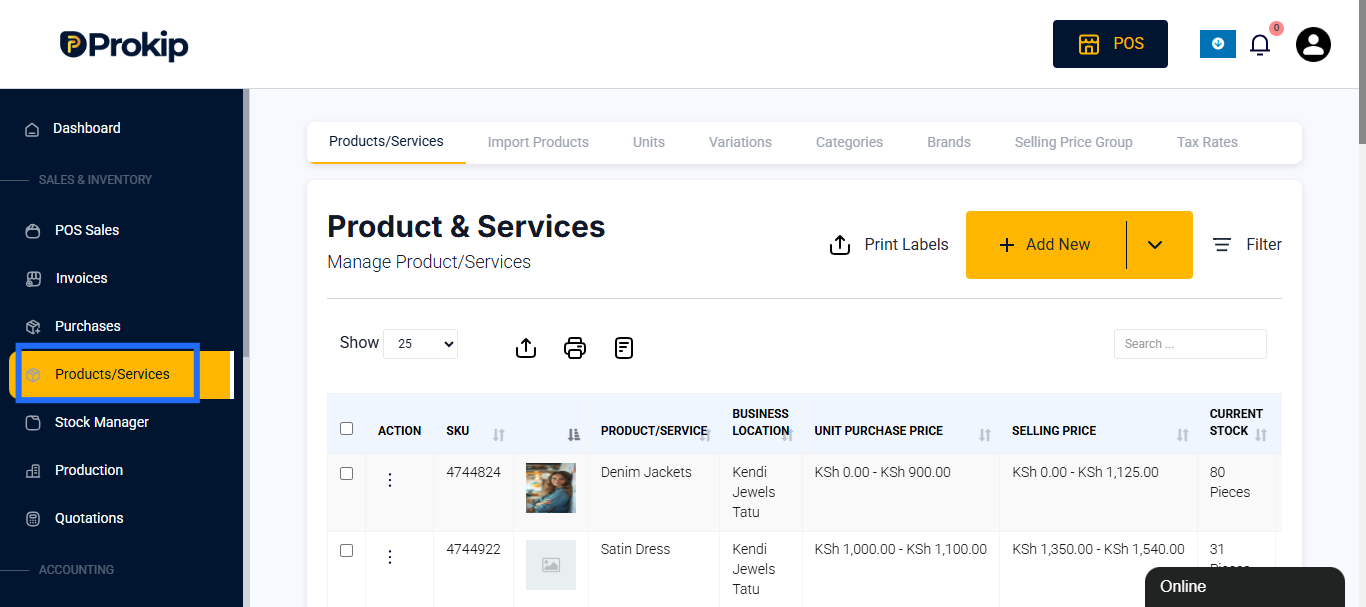
- Go to Products/Services in the sidebar.
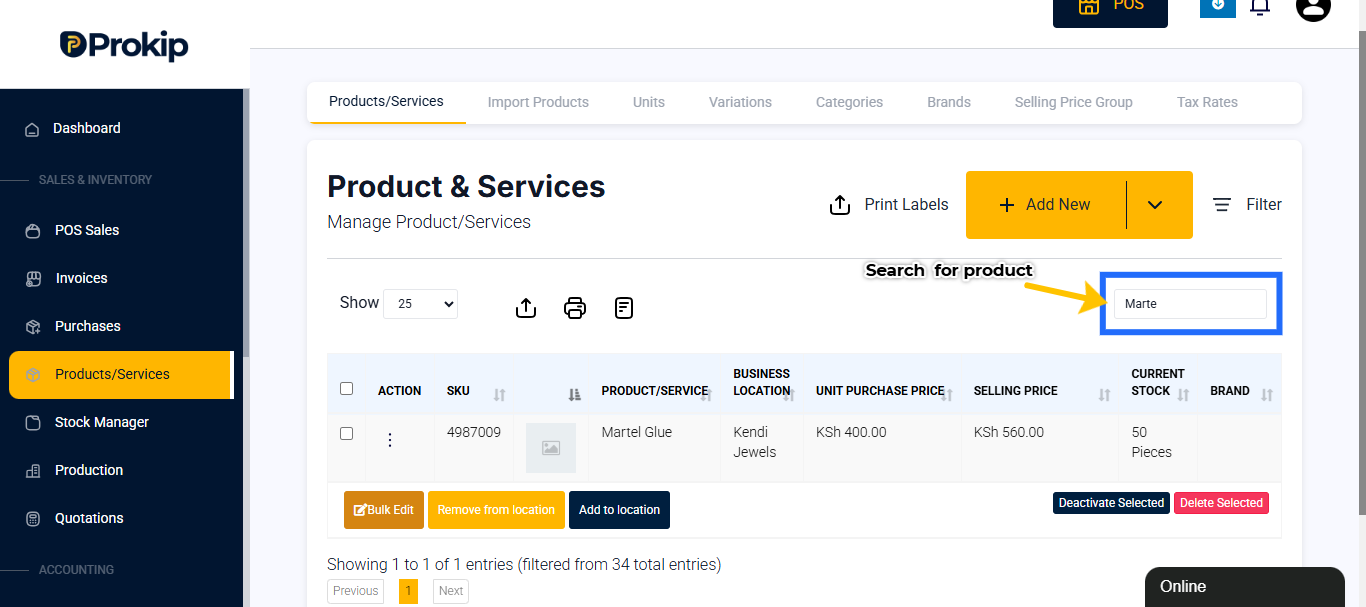
- Search for the product/service you want to change.
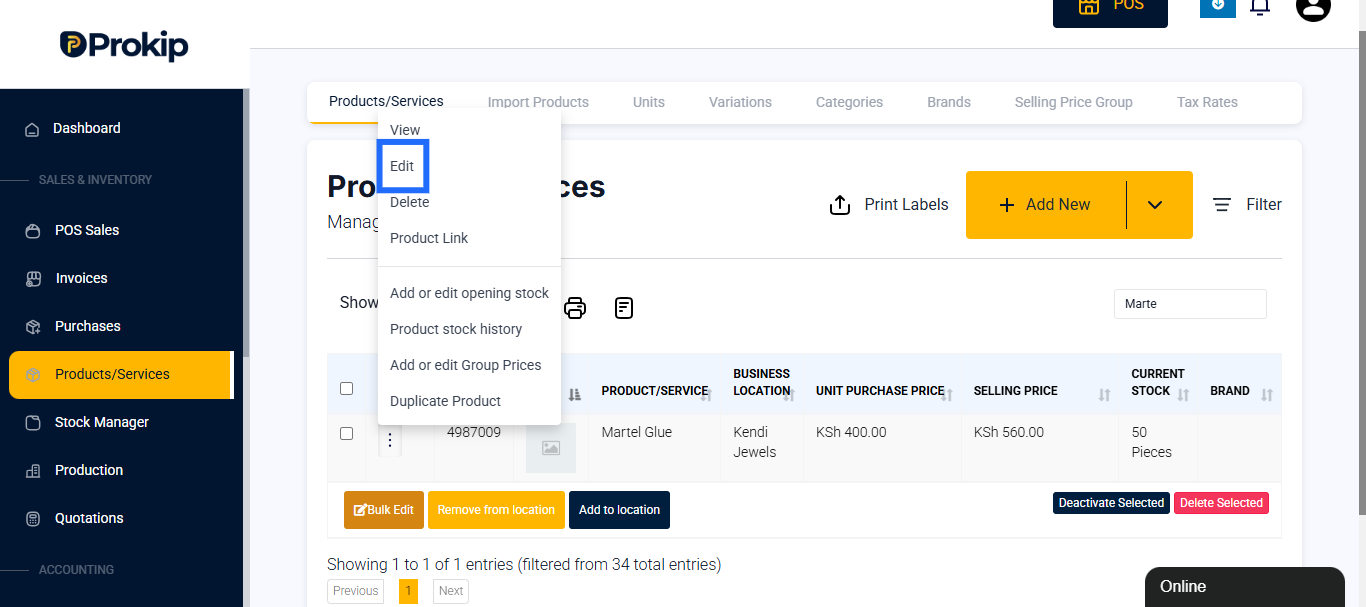
- Click the action menu to see the overflow menu.
- Click Edit.
- Update details like:
- Name, Category, or SKU
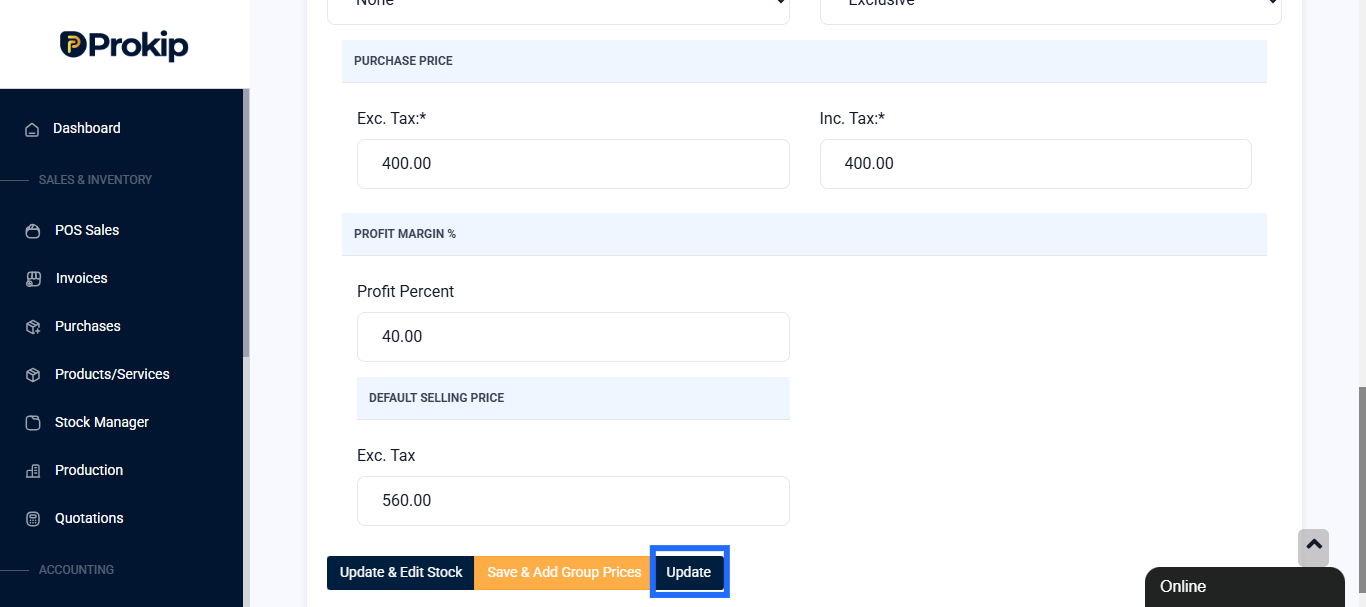
- Price or Tax rate
- The expiry date
- Click Update.
Best practice: Always double-check the product name and SKU before saving to avoid mistakes.