Purpose
Export product data to Excel, edit it offline, and re-import it to Prokip.
Before You Start
Make sure Microsoft Excel is installed on your computer.
Steps
- Log in to Prokip.
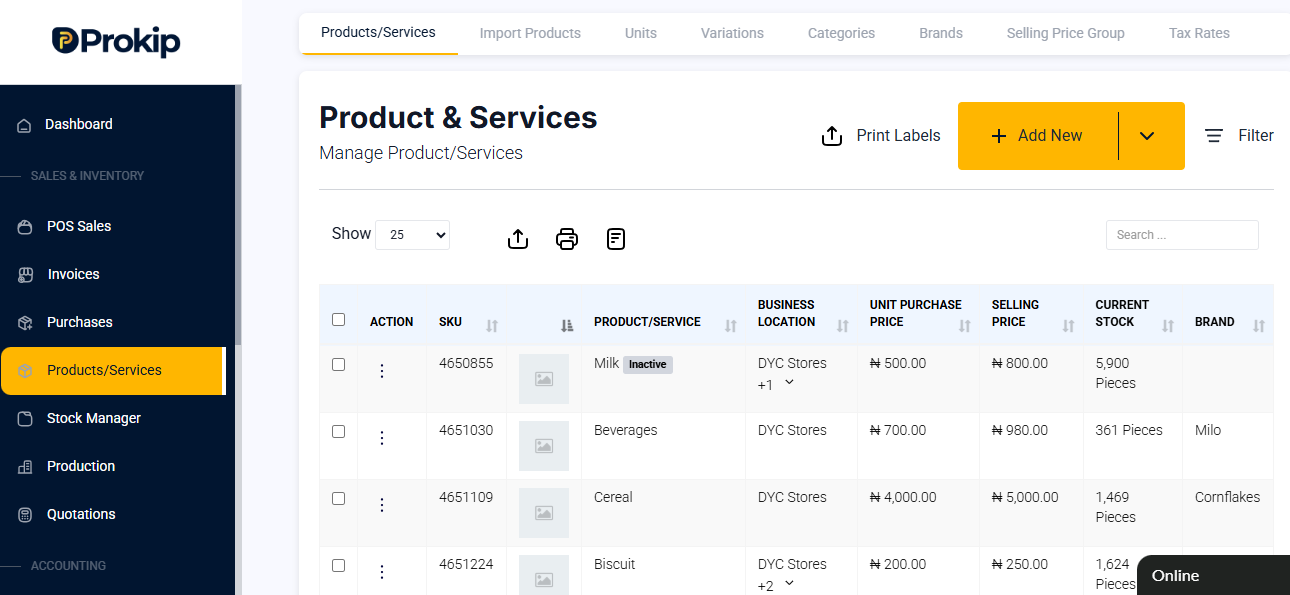
- Go to Products/Services.
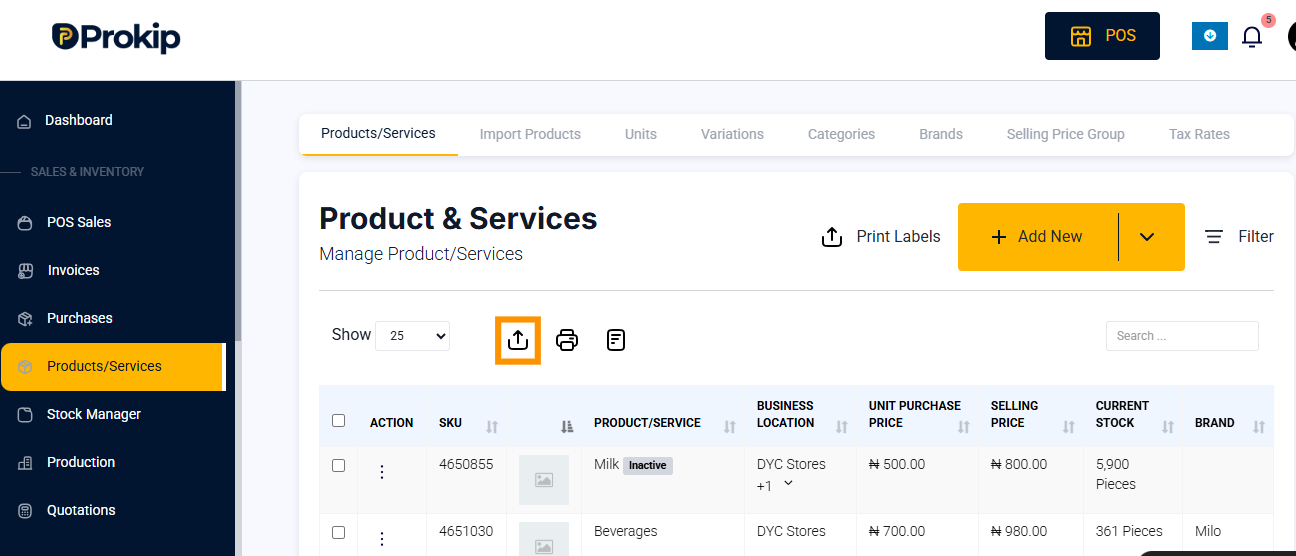
- Click the Export icon to download the product list.
- Open your Downloads folder to locate the Excel file.
FAQ
Q1: Can I add new products using the exported file?
A: Yes, you can add or edit product details directly in the sheet.
Q2: What file format is supported for import?
A: Only Excel (.xlsx) format is accepted.