Purpose
The Import Product List feature in Prokip allows you to upload multiple products at once using an Excel file.
Steps
- Login to prokip.
- Click on products/services.
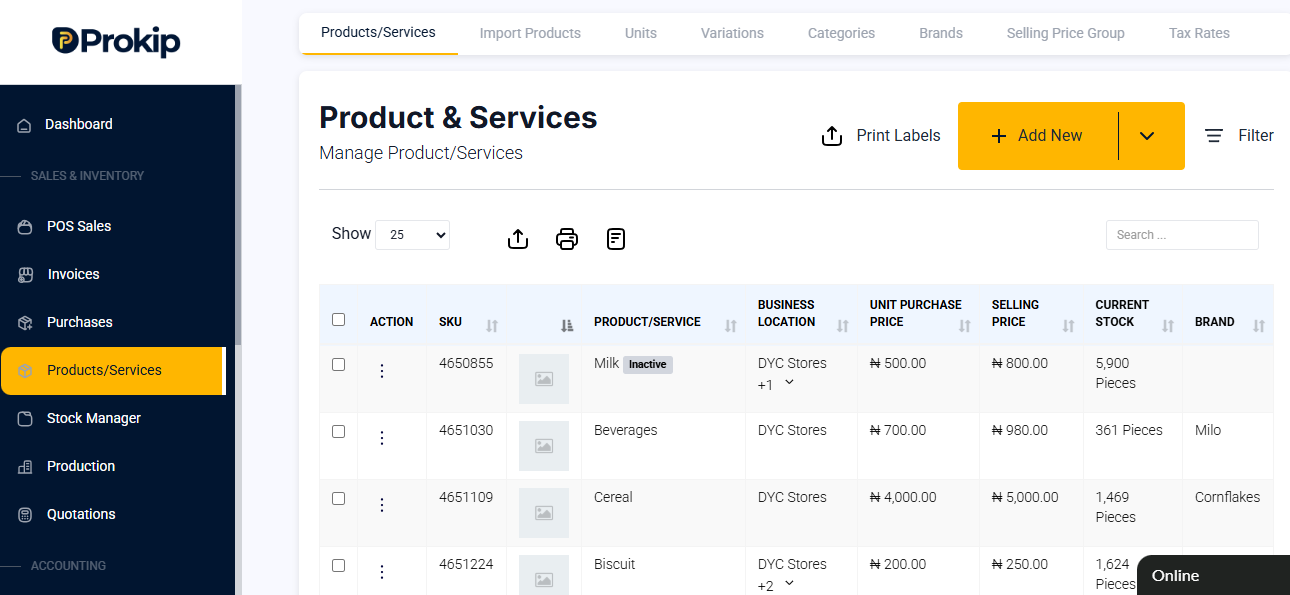
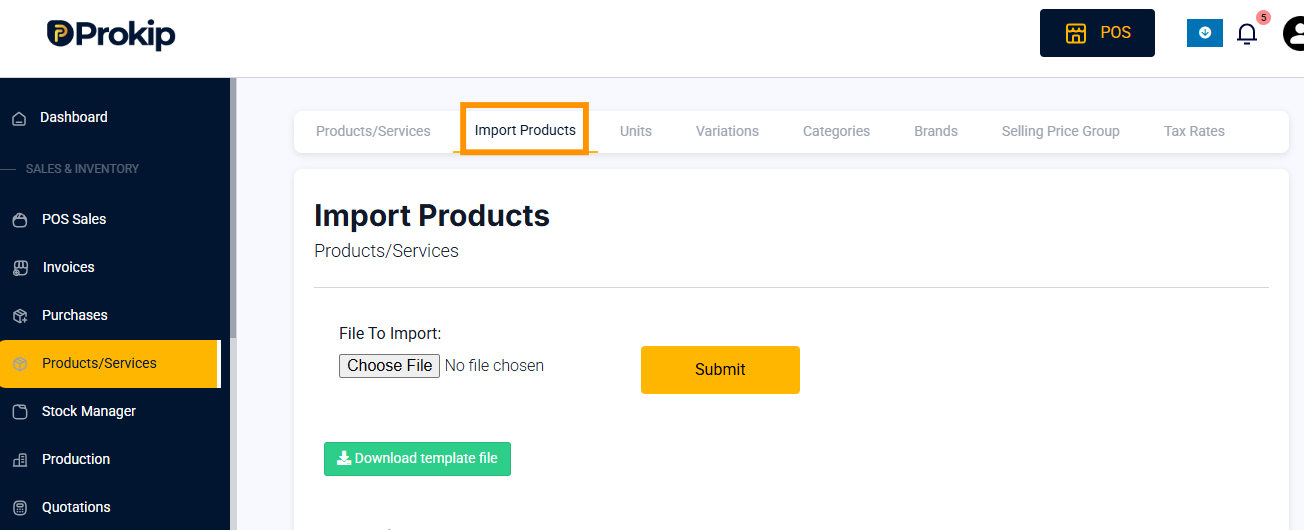
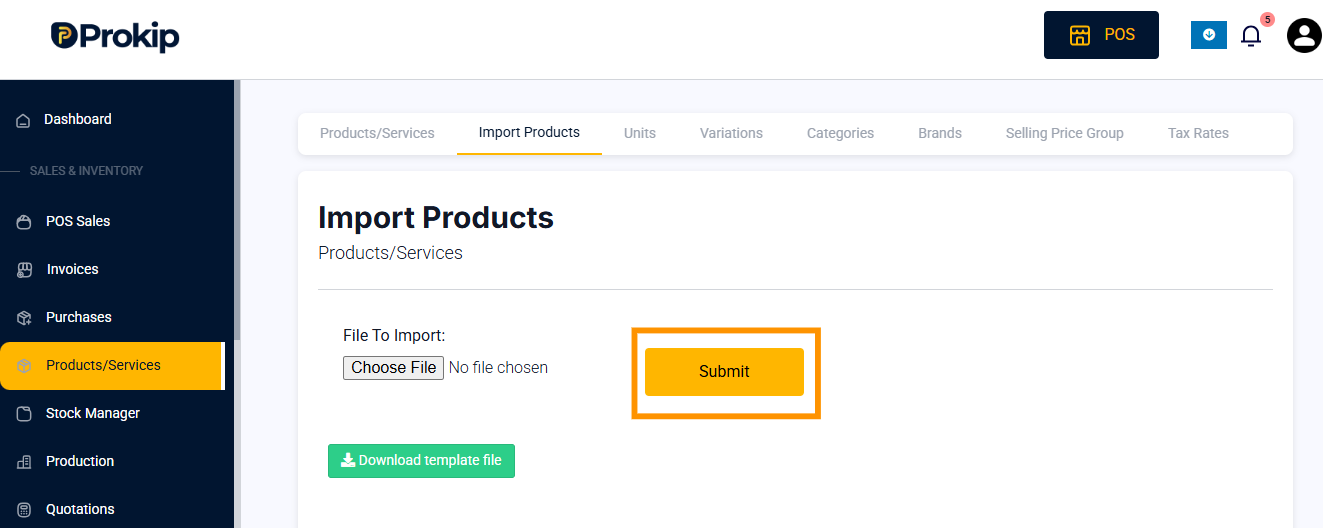
- Click on import product.
- Click on download template file.
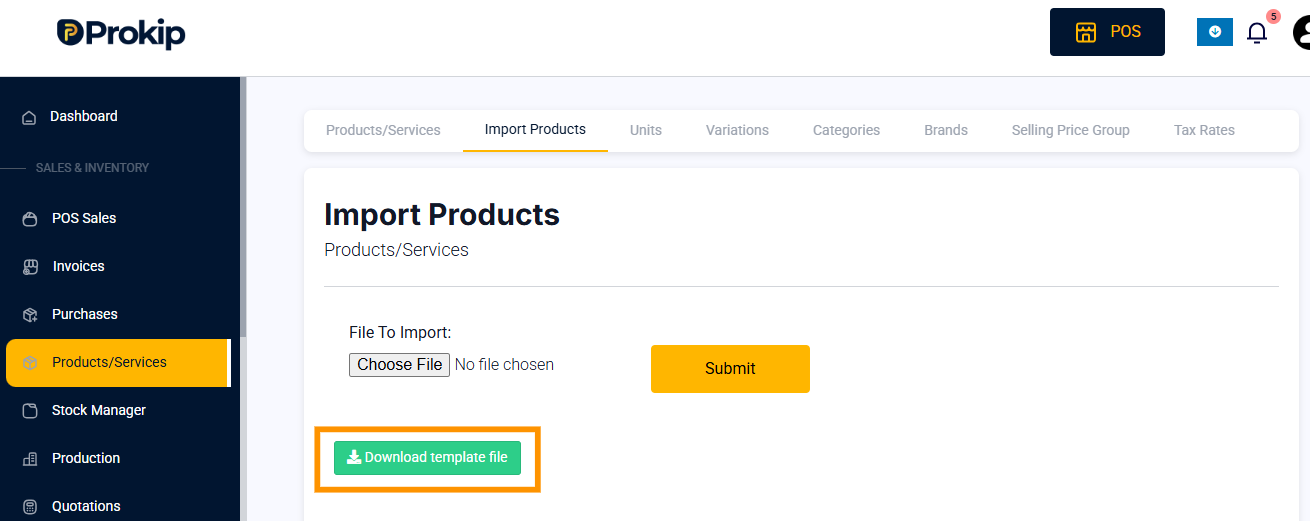
- Locate the file in your download folder.
- Fill products according to the template.
- On prokip click on choose file .
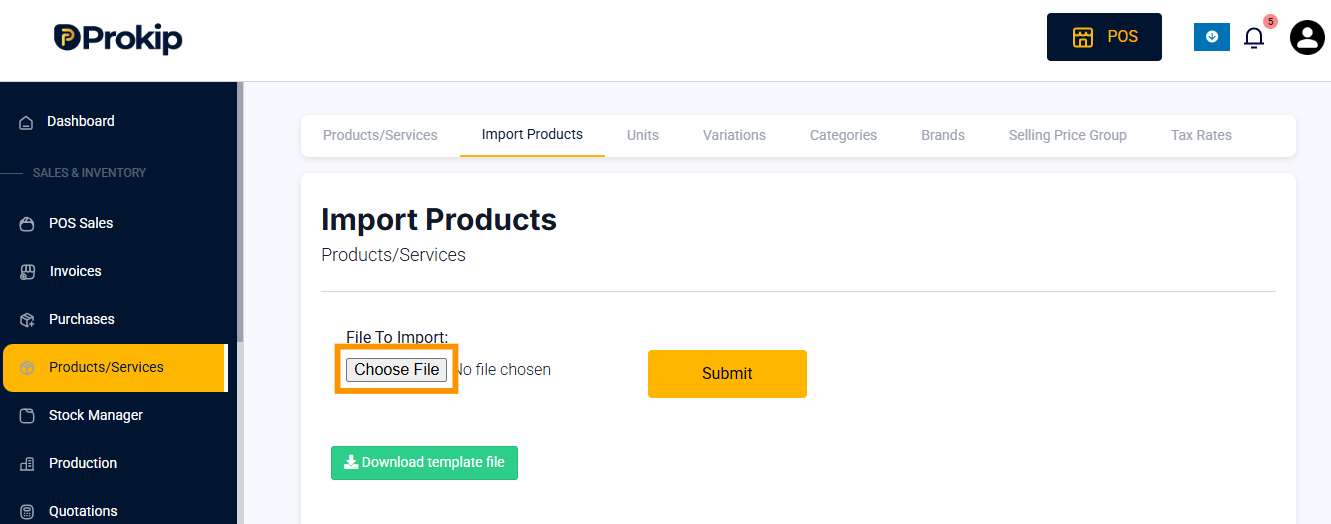
- Locate the file on your system and click on open to upload.
- Click on submit.
FAQs
- What should I do if my file fails to upload?
Check for:
- Incorrect file format (only Excel or CSV allowed).
- Missing or wrongly labeled columns.
- Extra spaces or special characters in column headers.
Fix the issues and re-upload the file.