Purpose
Record payments for invoices without using the POS.
Steps
- Log in to Prokip.
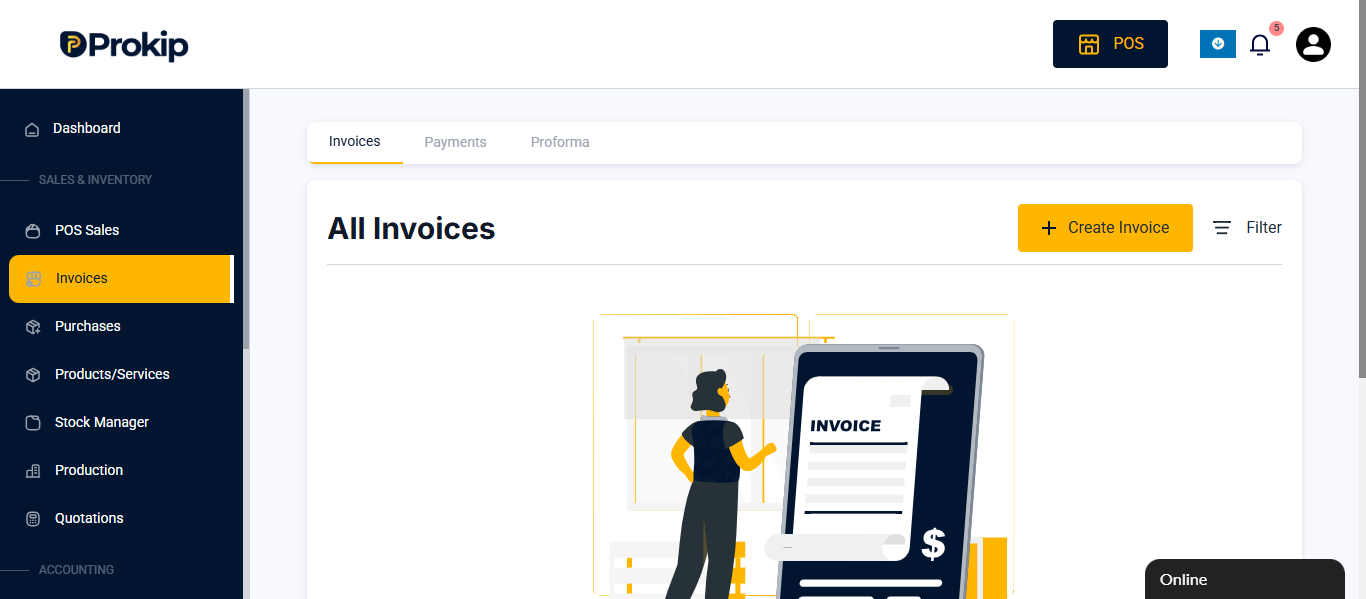
- Click Invoice.
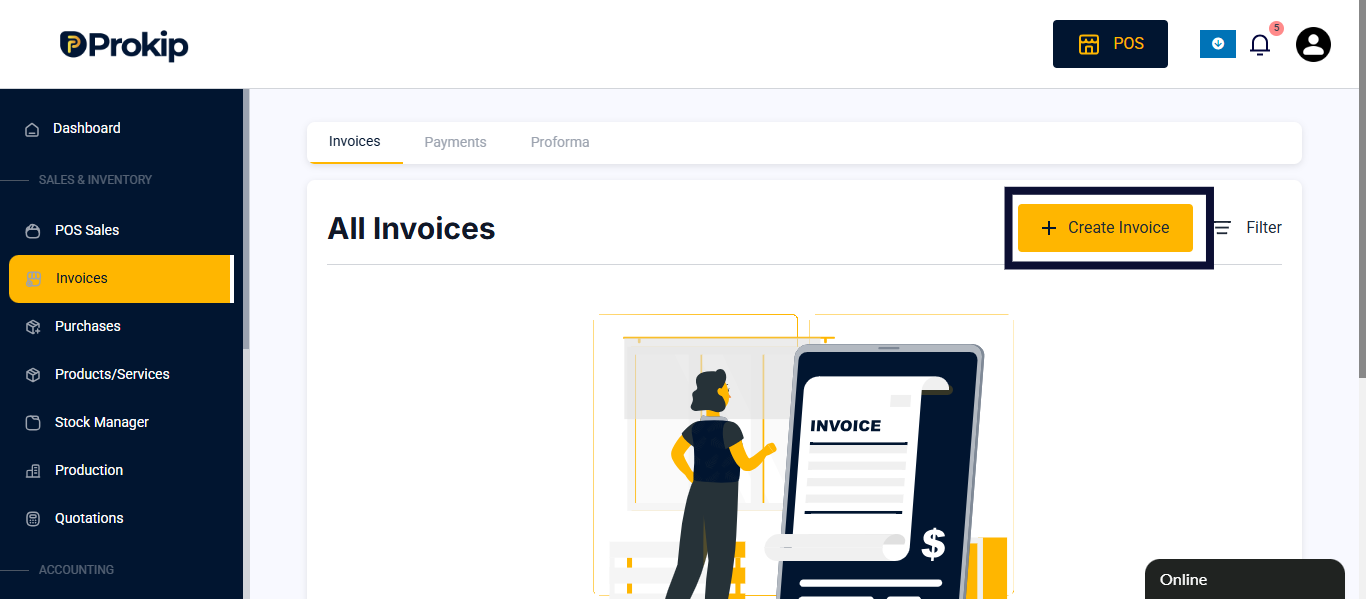
- Click Create Invoice.
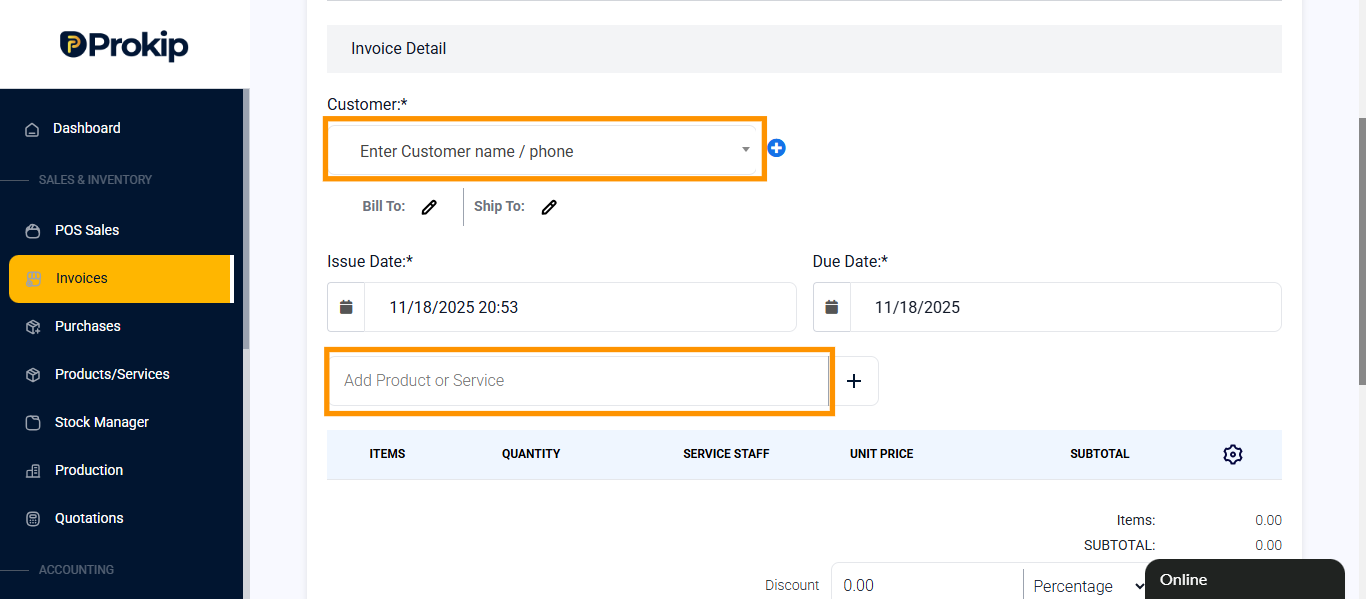
- Enter customer name or phone number and add product.
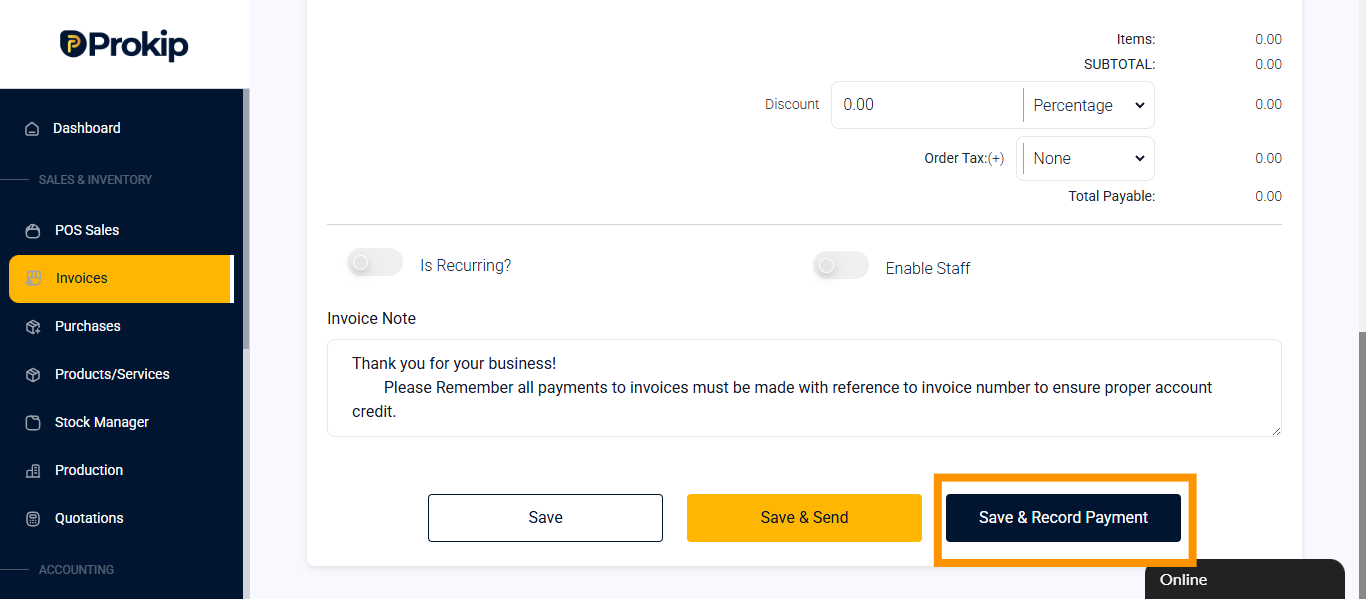
- Click on Save & Record Payment.
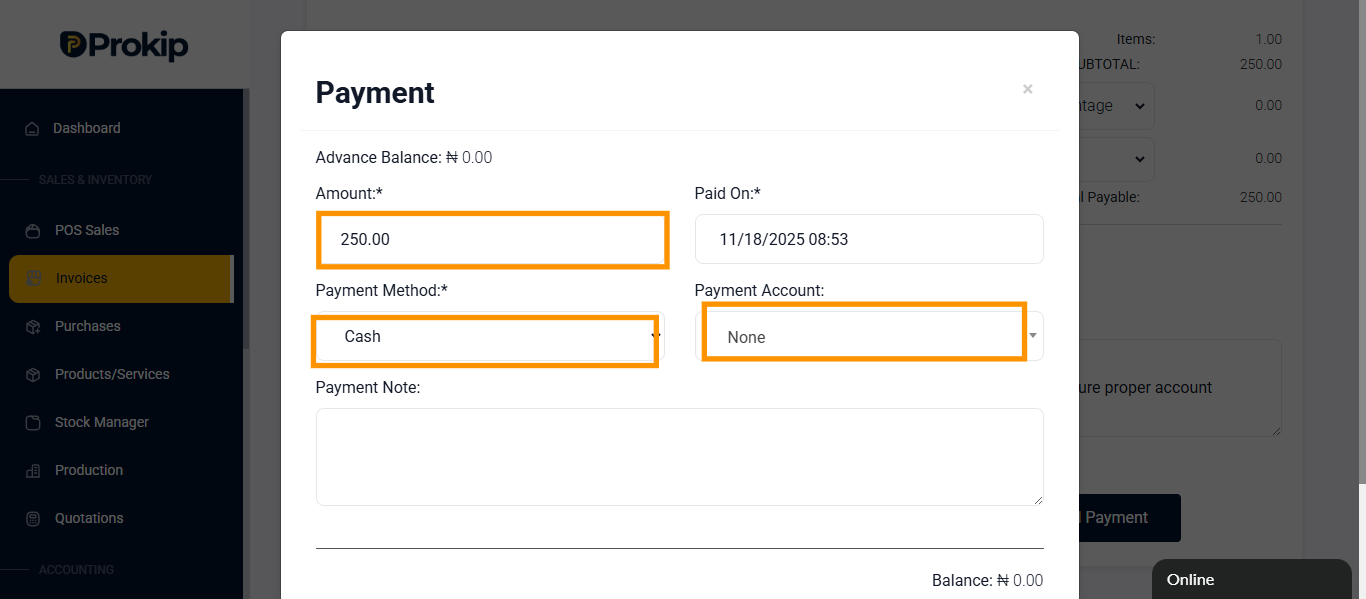
- Enter amount, payment method and select payment account.
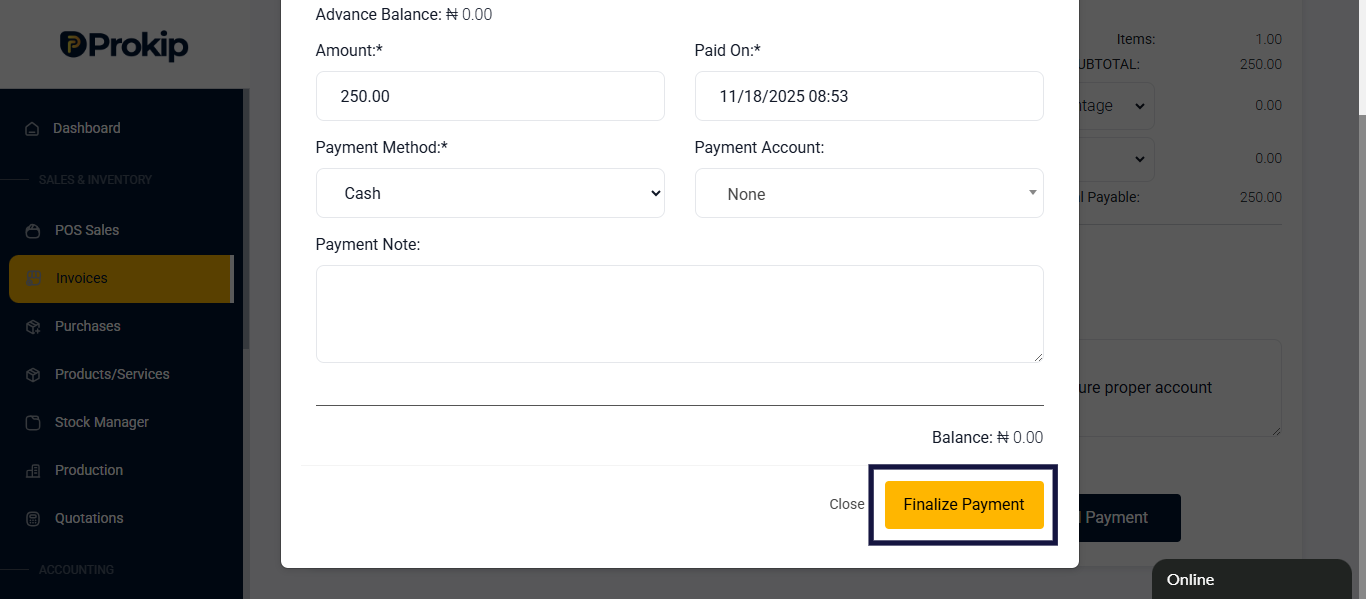
- Scroll down and Click Finalize.
FAQ
Q1: Does it automatically record payments?
A: Yes.
Q2: Is it used for credit sales?
A: No, it’s for full payments only.
Q3: Can I print the invoice after recording payment?
A: Yes, you can print or download the invoice from the invoice list.