Purpose
Roles define what actions each user can perform. You can use default roles (Admin, Cashier) or create custom roles with specific permissions.
Before You Start
- Confirm you have Admin Access
- List the permissions you intend to grant for the new role
Steps
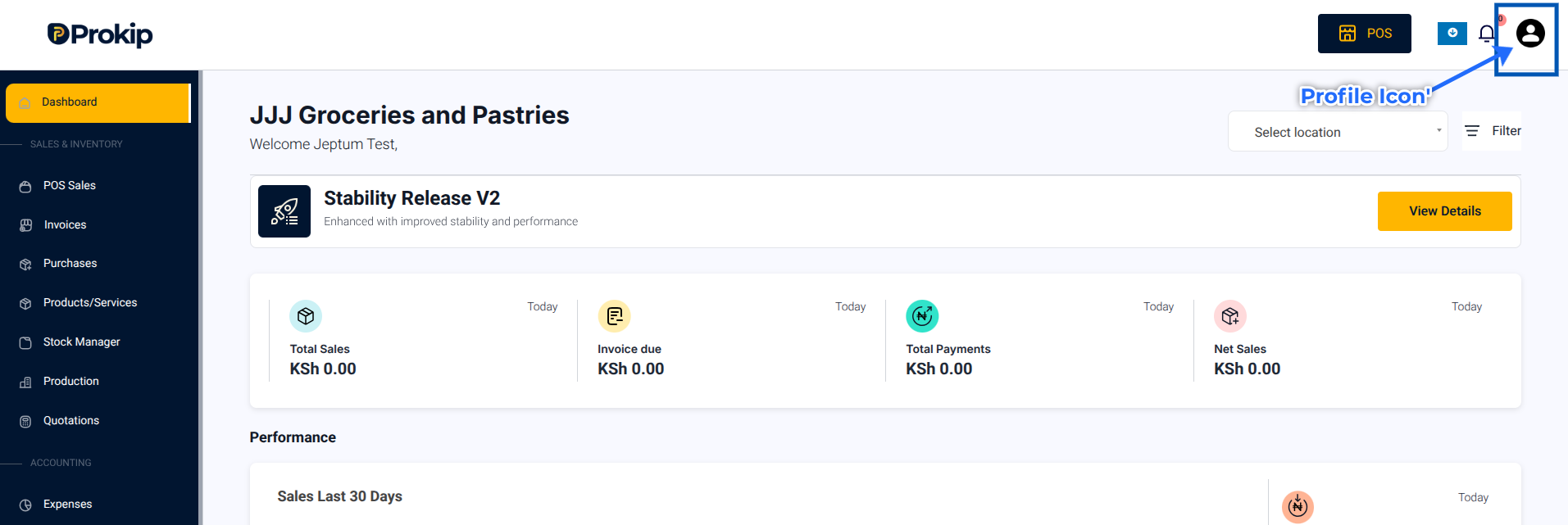
- Click on your Profile Icon in the top-right corner.
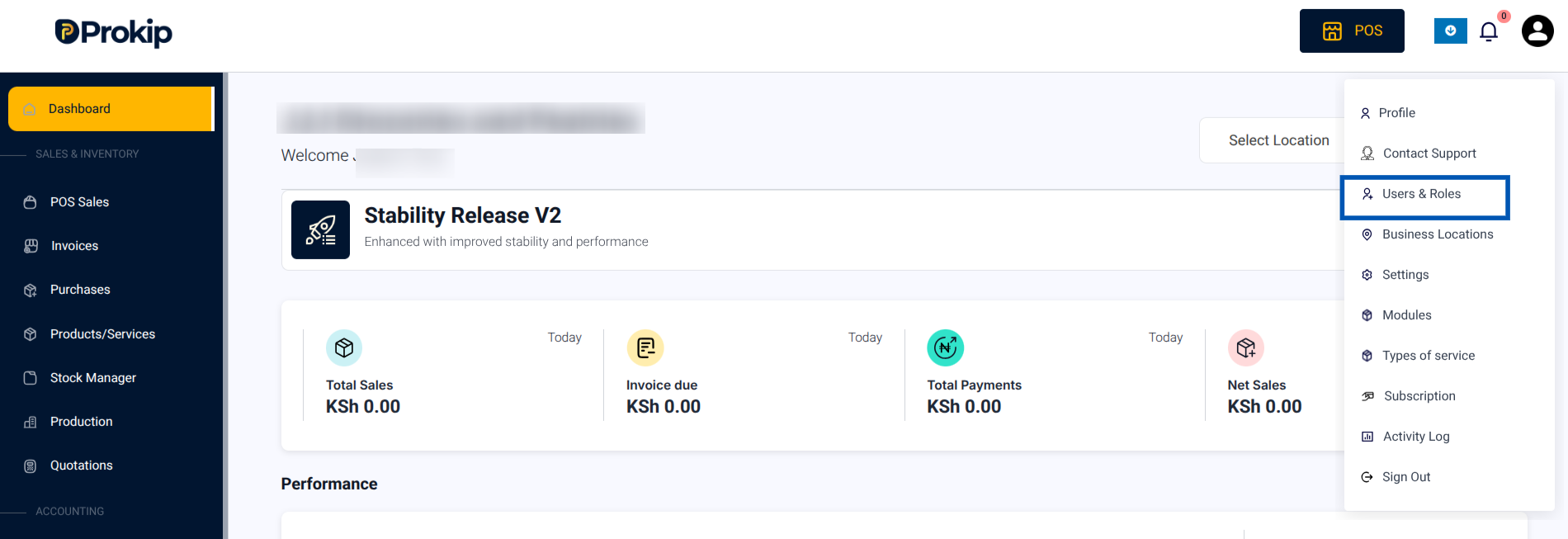
2. From the menu, select Users & Roles.
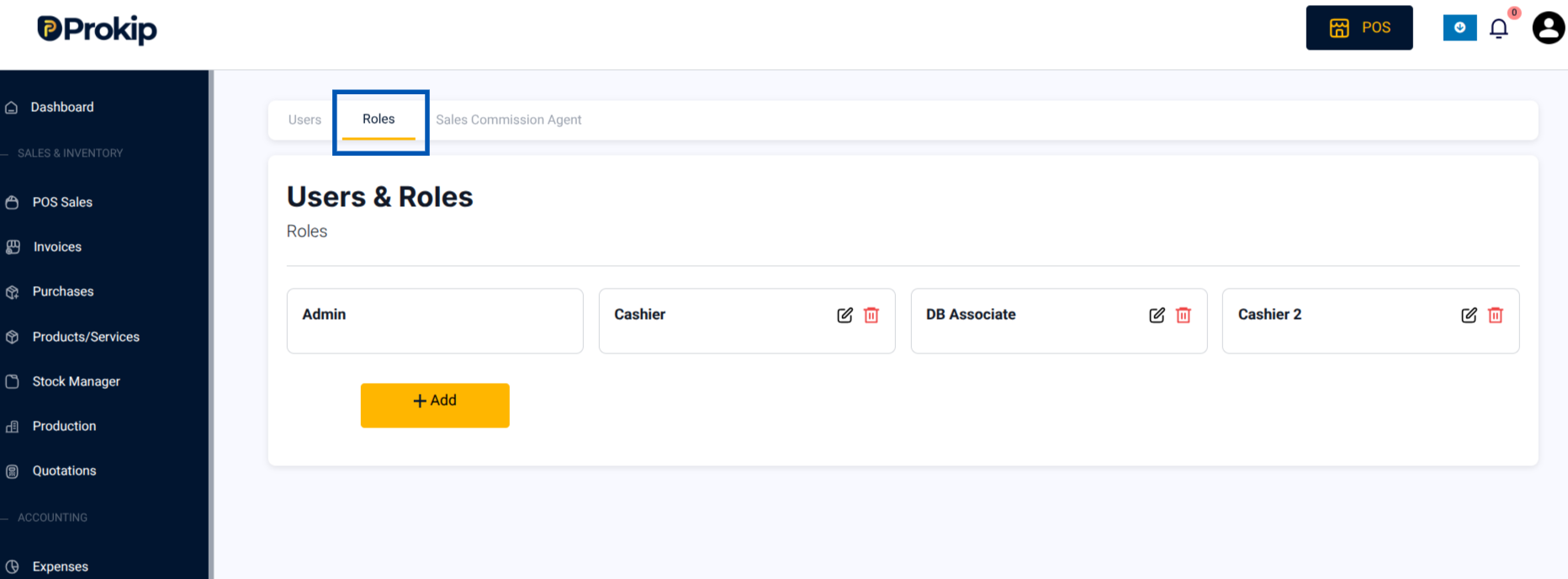
3.Open the Roles tab at the top
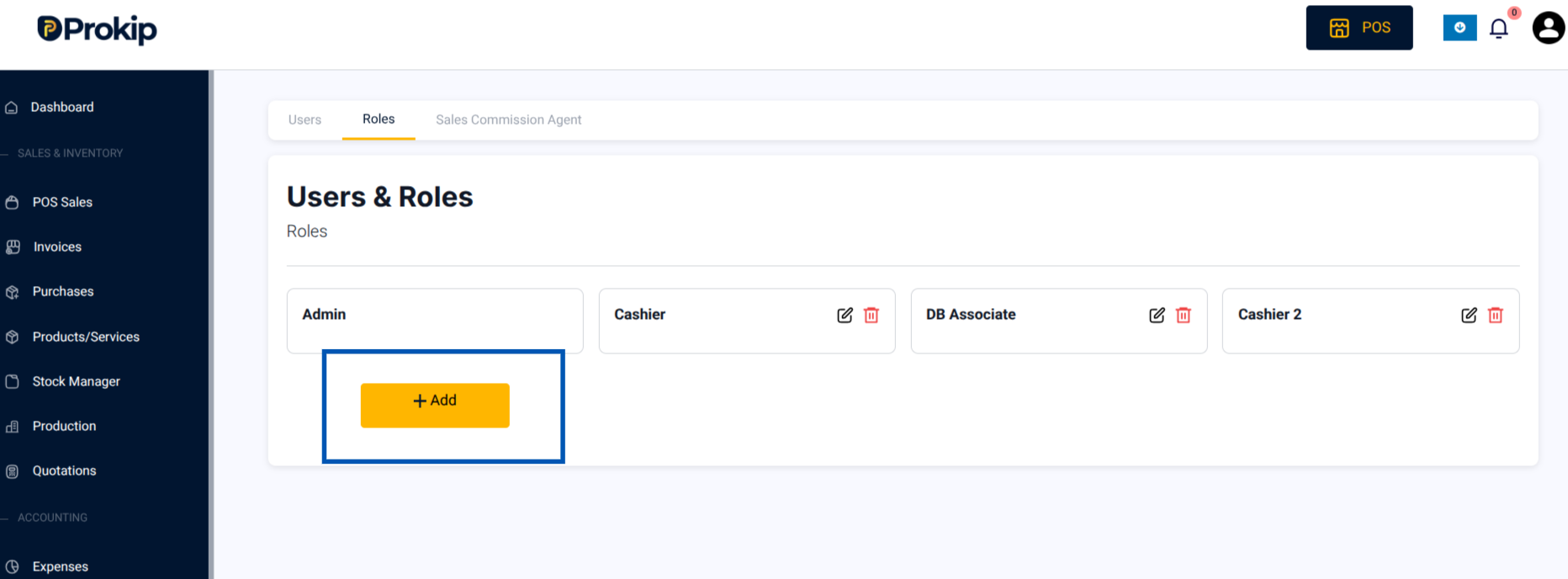
4.Click Add to add a new role.
5. Enter the name of the role (e.g., “Accountant”)
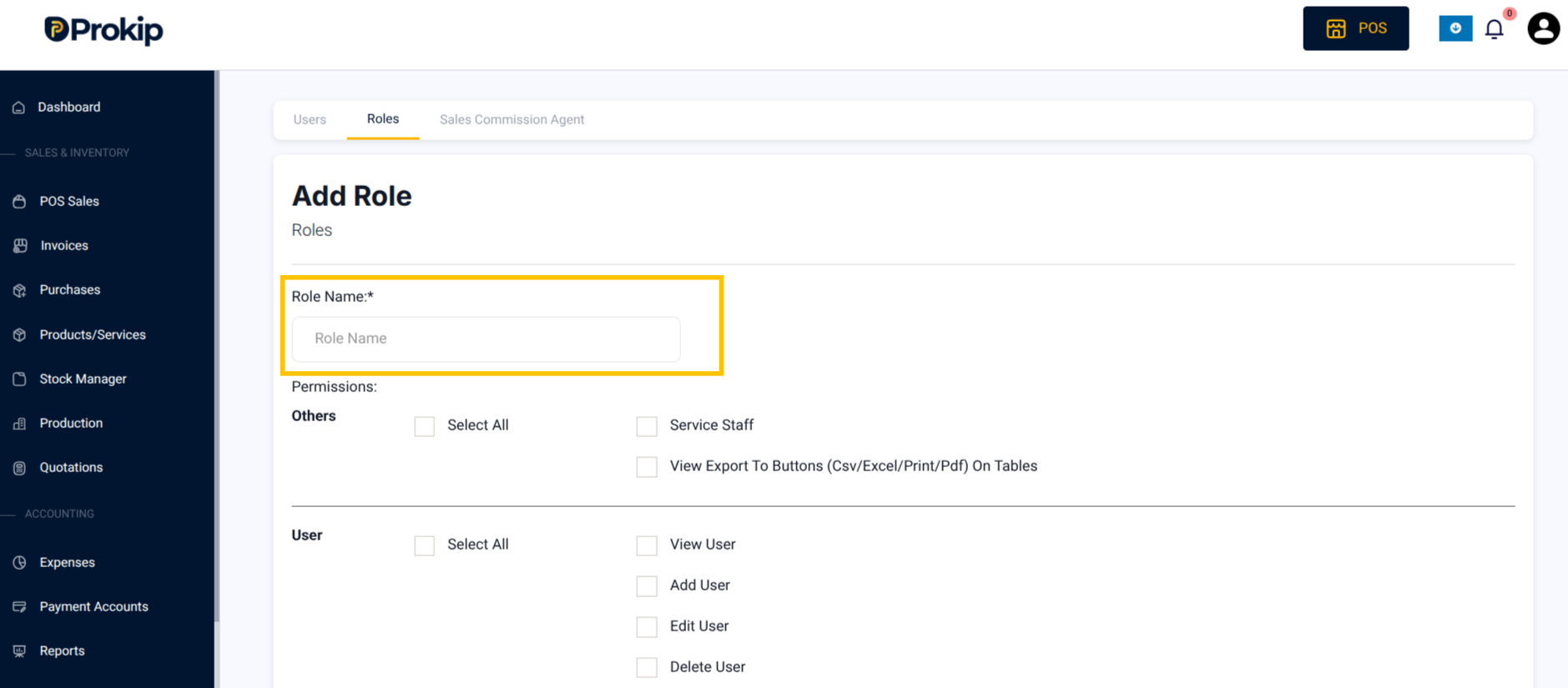
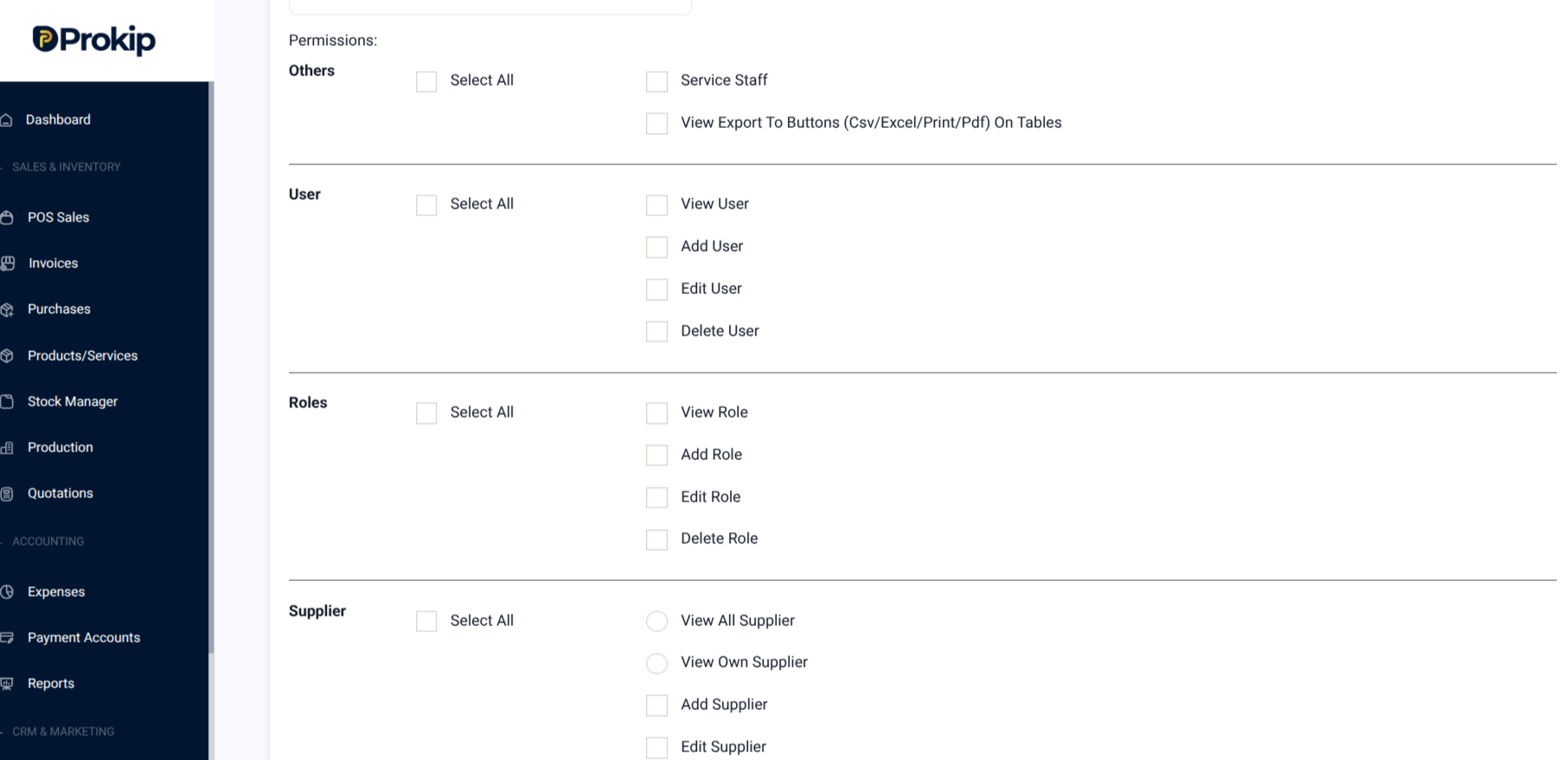
6. Select the permissions you want to give (e.g., View Product, Add Product).
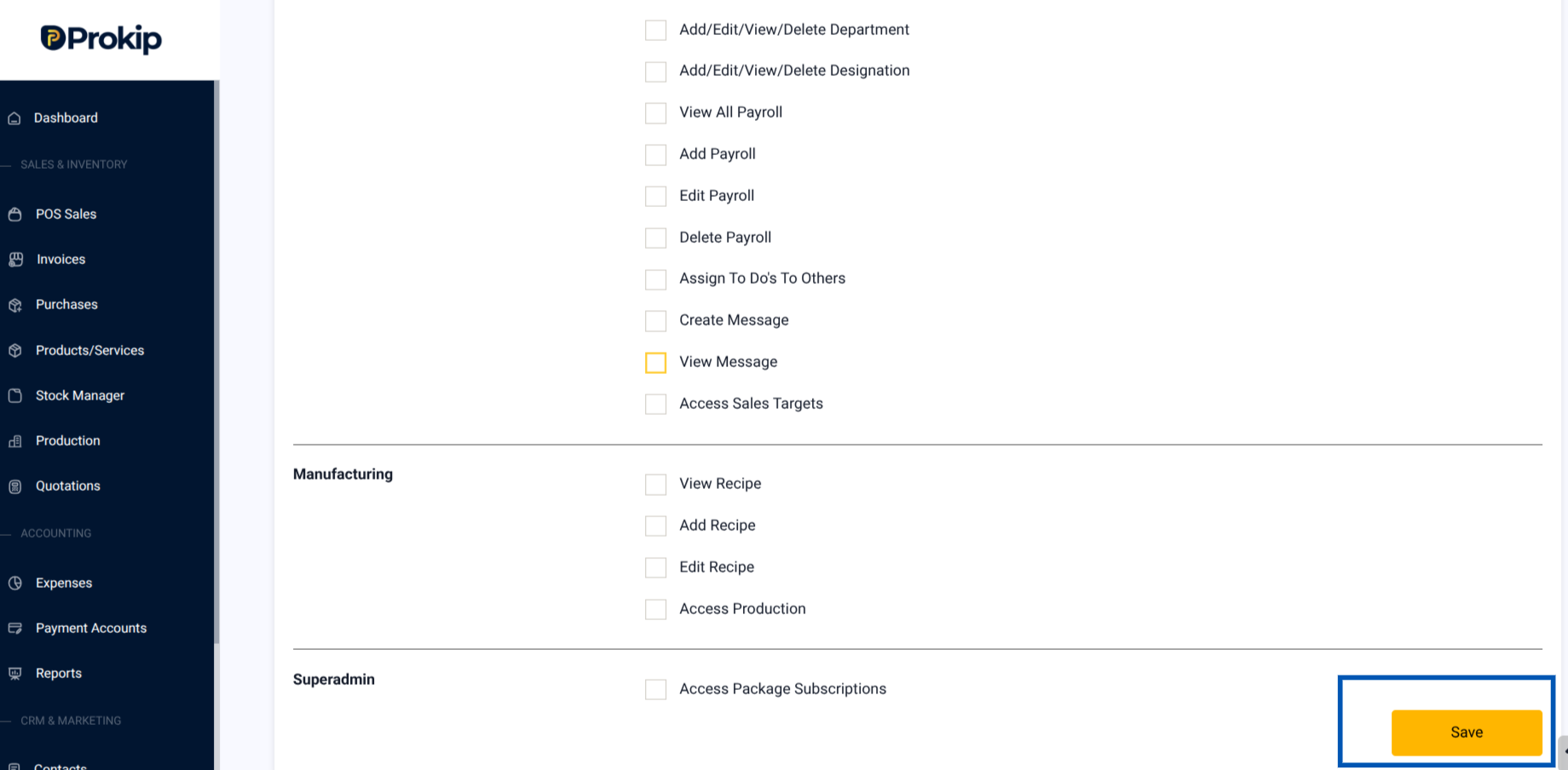
7. Click Save.
What Happens Next
The new role becomes available in the Roles list and can be assigned to users.
Best Practice
- Admin: Full control of the system.
- Accountant: Access to reports & expenses, but no delete rights.
- Cashier/Sales: POS access only.