Multiple units allow you to sell products in different quantities or packages (like one bottle or a carton).
Steps:
- Go to POS.
- Add your product.
- Click the Unit Dropdown beside the product name.
- Choose the unit you want (e.g., Piece, Dozen, Carton).
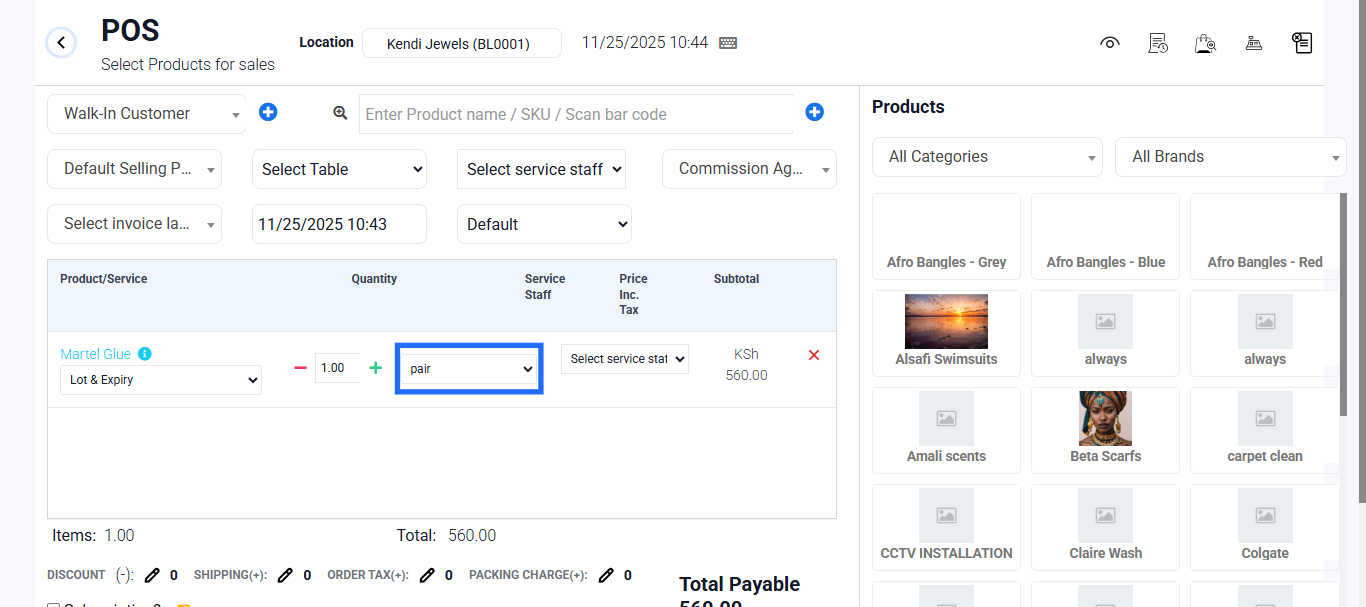
- Enter the quantity and check the total.
- Complete the transaction.