Purpose
Ensures a unified and professional brand identity, while including specific business locations, helps monitor and report sales performance for each branch.
Steps
- Login to Prokip.
- Click on the Profile Icon at the top right of the page.
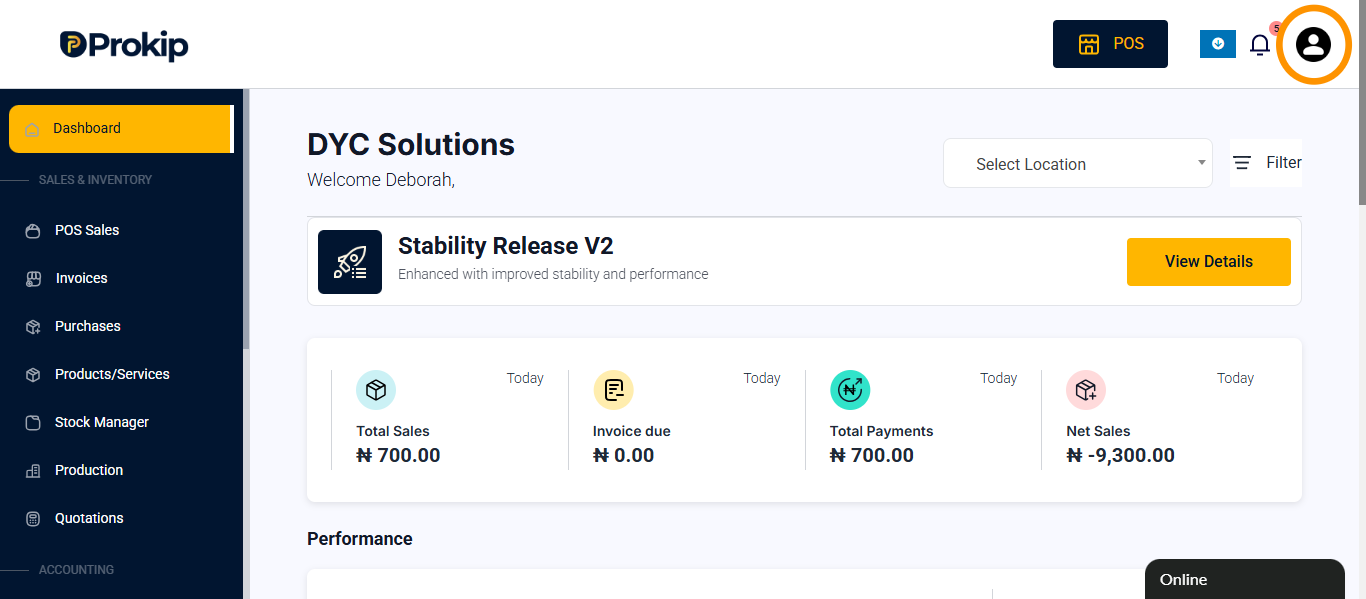
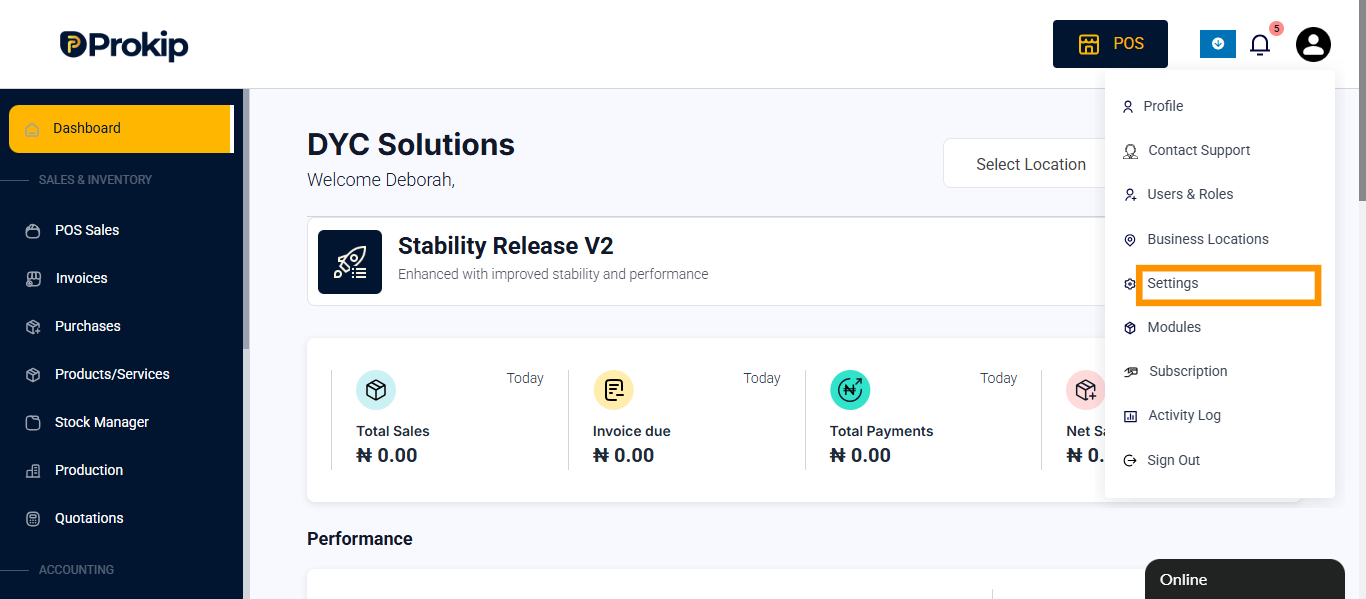
- Click on Settings.
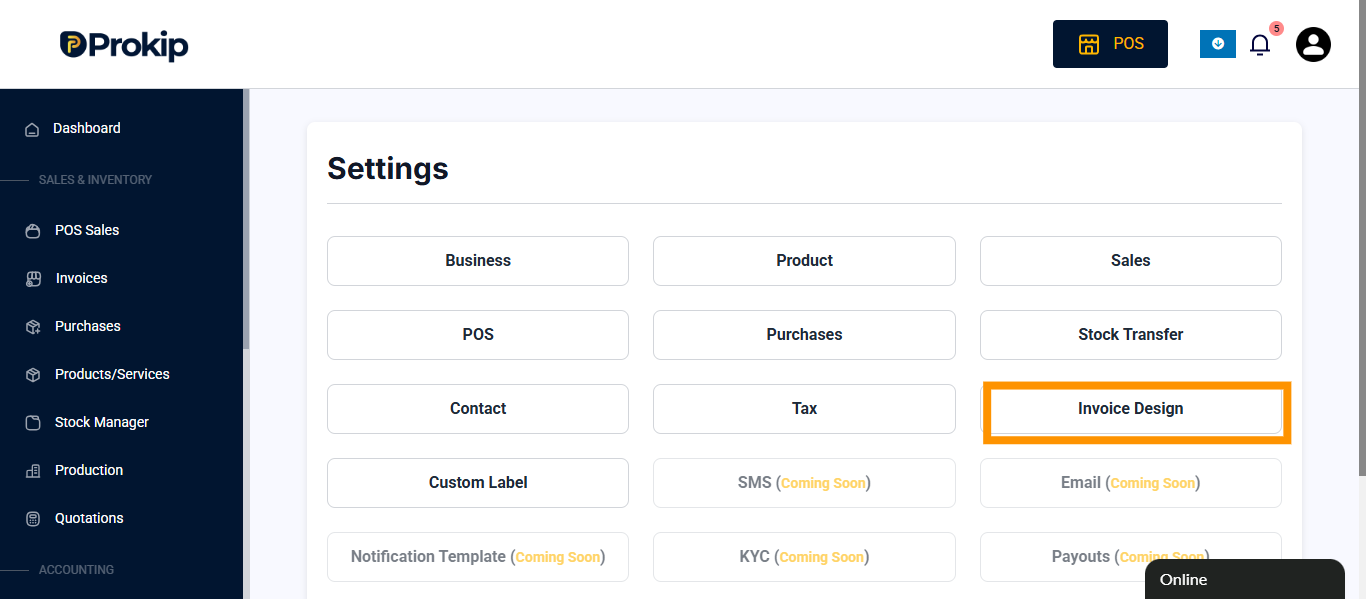
- Click on Invoice Design.
- Select the Invoice you want to edit and click on it.
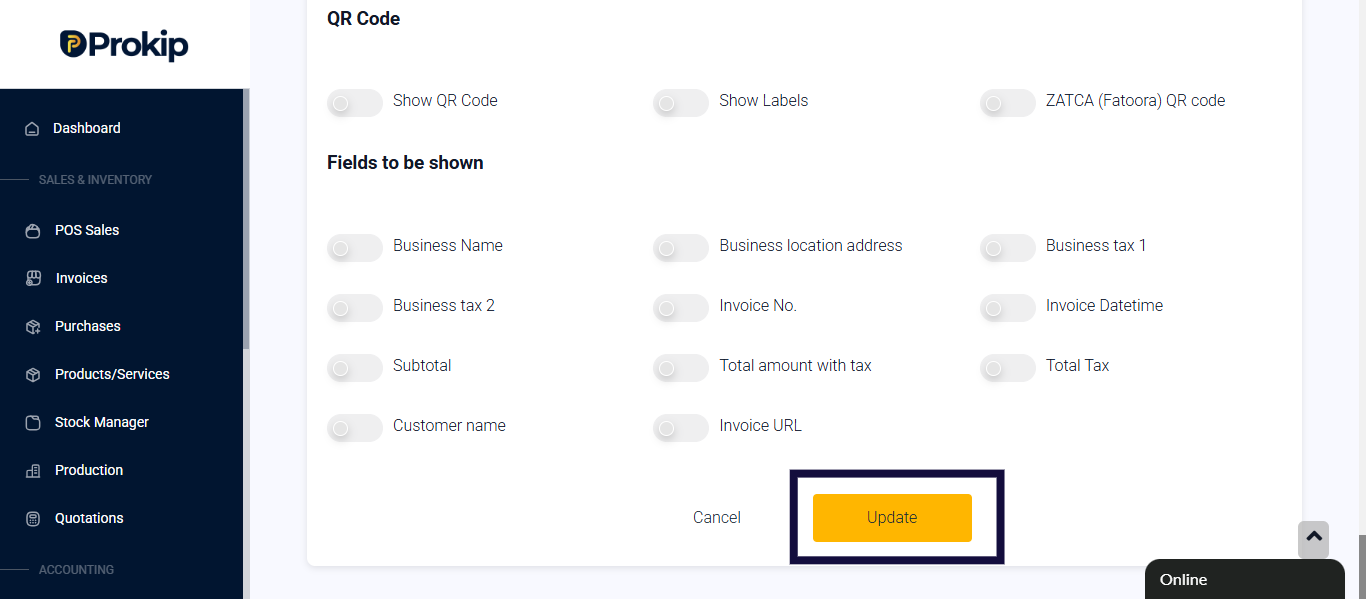
- Scroll down and toggle on Show Business Name and Show Location Name.
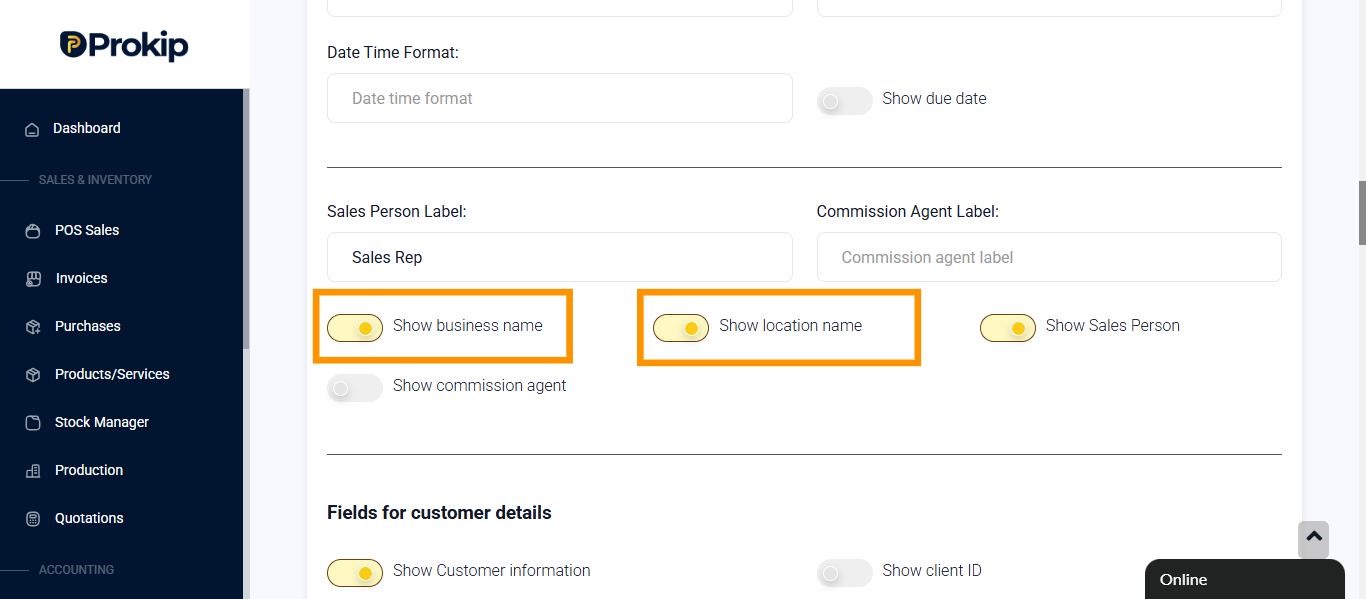
- Click on Update.
Tips
- If you are creating a new invoice, click on Add at the top right of the screen and follow the same process.
- If the business name and location do not appear on the invoice:
a. Go to the Profile Icon.
b. Click on Business and Locations.
c. Click on Settings for the particular location you are setting.
d. Click on Invoice Layout.
e. Select the Invoice to be added to the location.
FAQ
Q: Why would someone want to have the same business name but different locations on invoices?
A: To maintain brand consistency across branches while tracking and reporting sales performance per location.