Purpose
Categories help you organize your products into groups, making them easier to manage, search, and report on.
Steps
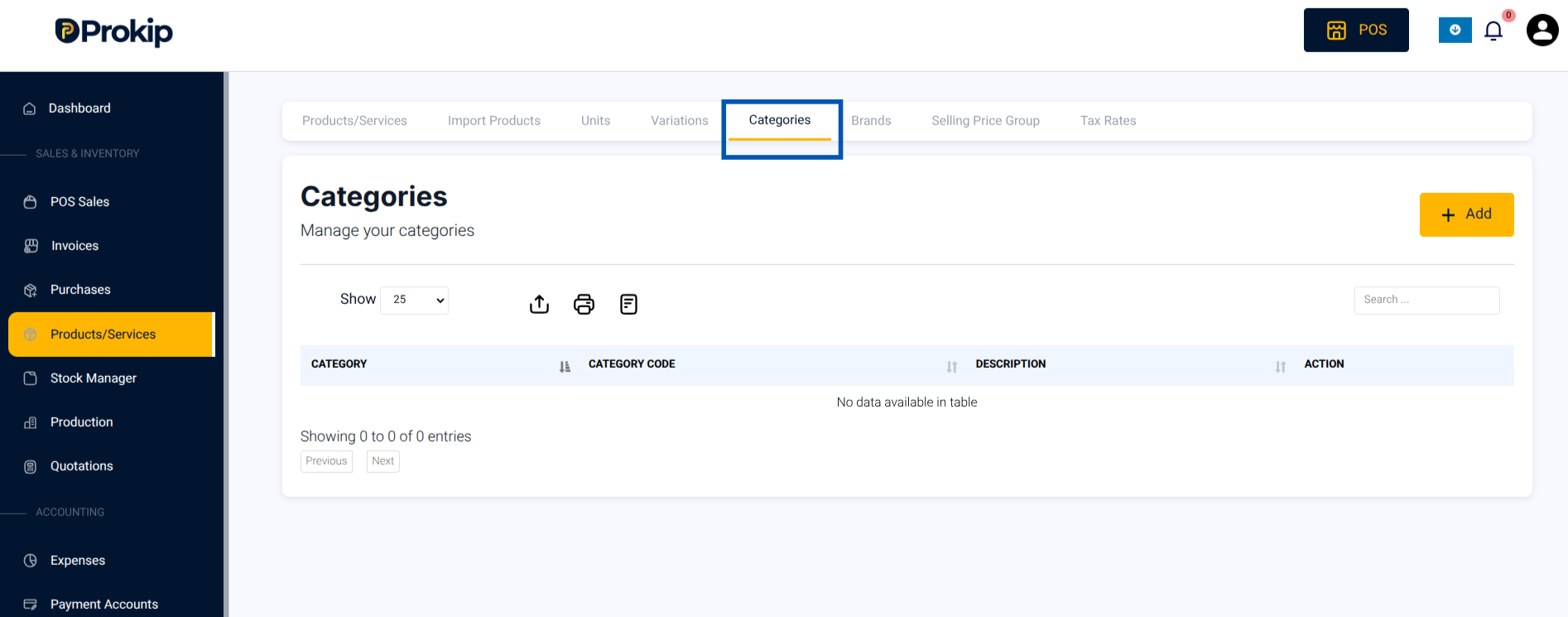
- Click Categories in the Products menu.
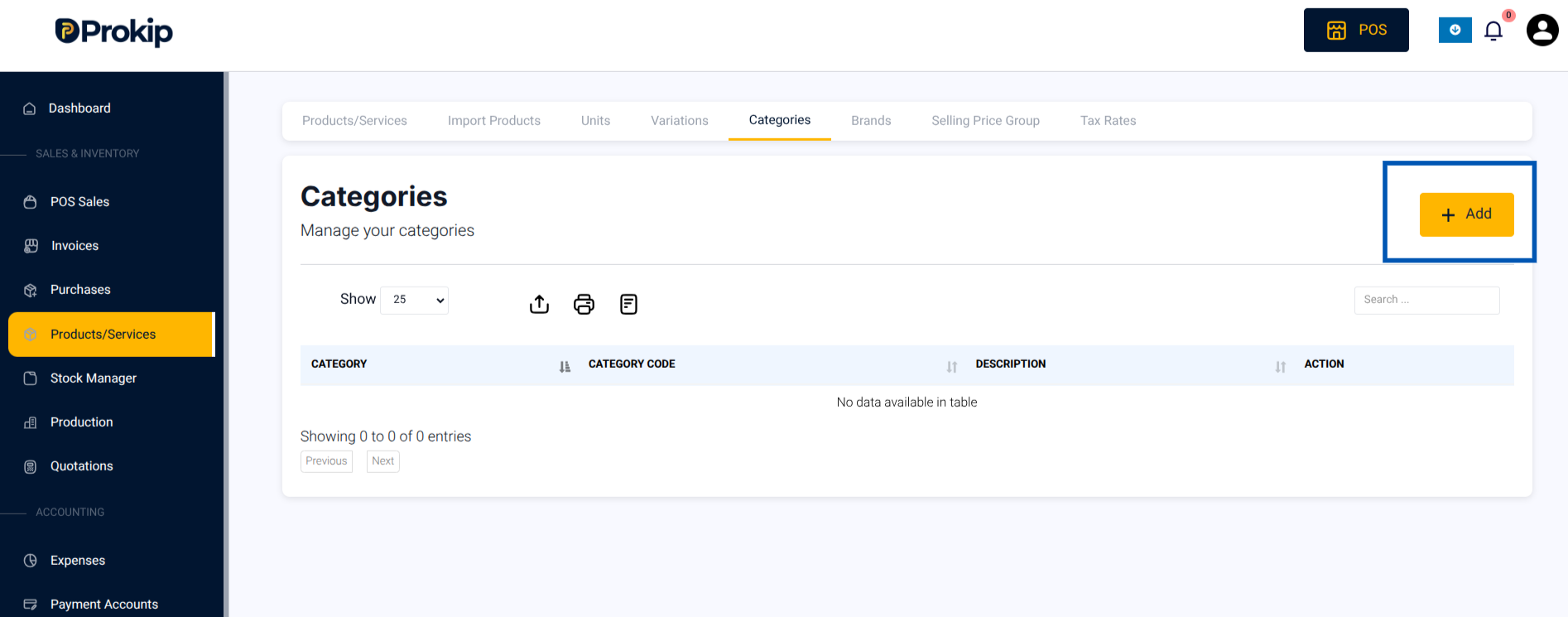
2. Tap Add.
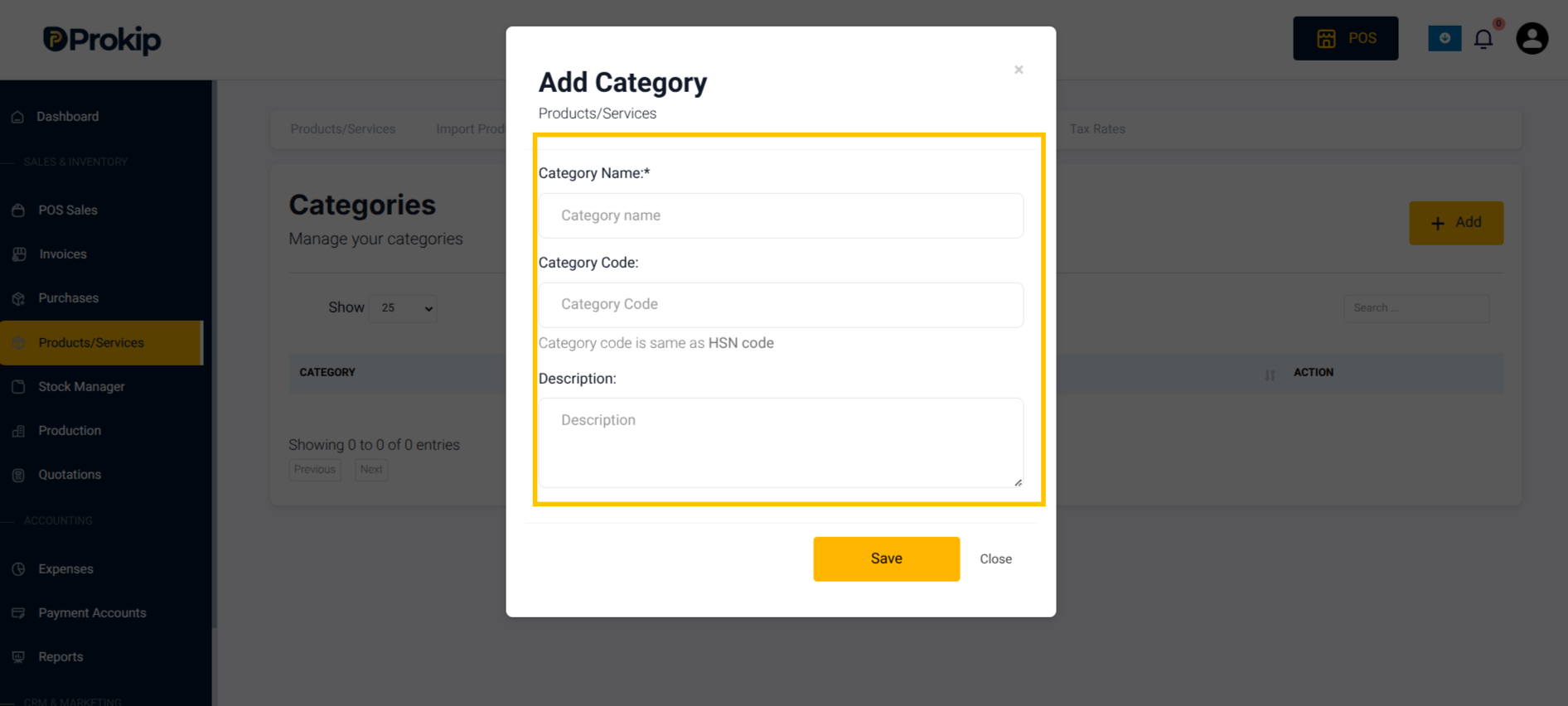
3. Enter category details:
-
- Name
- Code (optional)
- Description
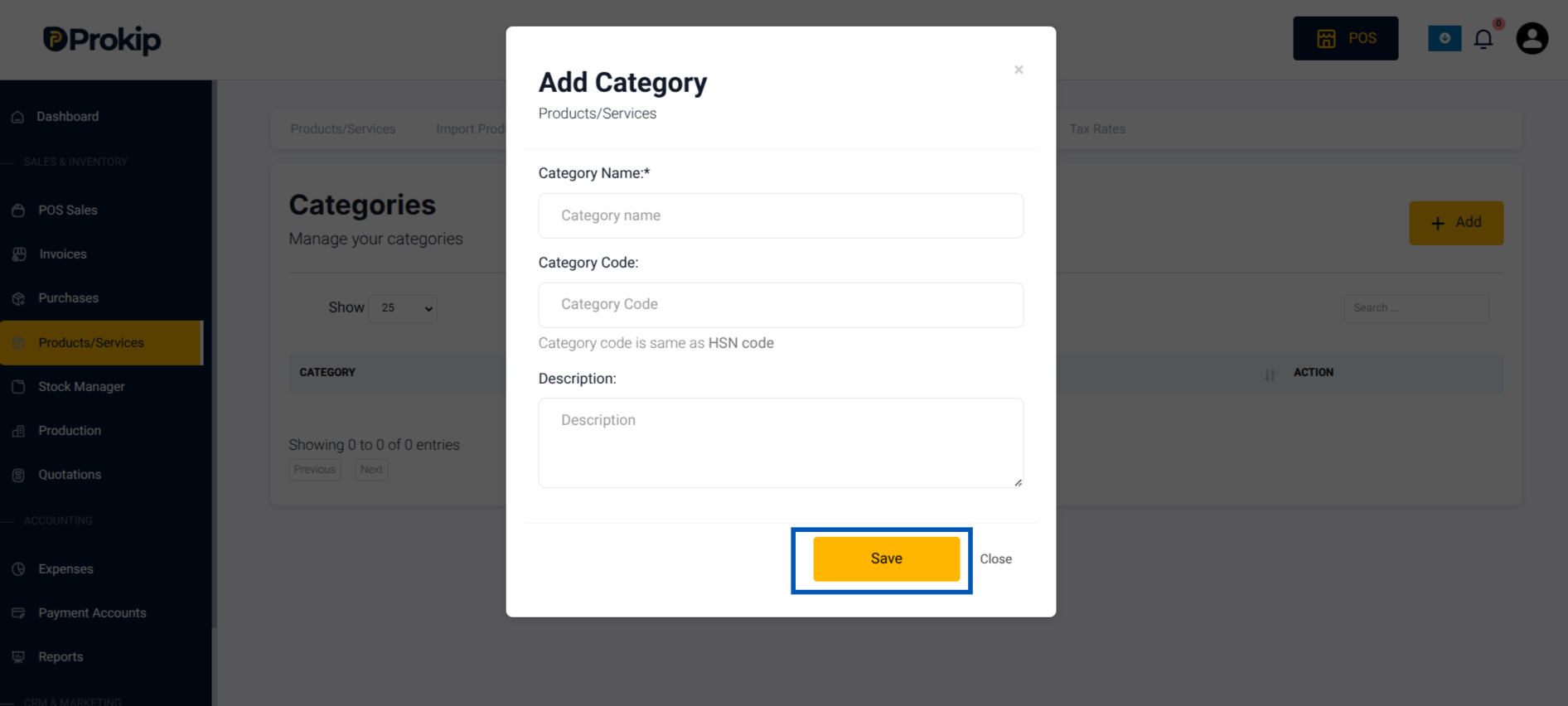
4. Save.
Troubleshooting
- If products don’t appear in a category, confirm that the category was selected when creating/editing the product.