Purpose
Managing service staff allows businesses to assign employees who attend to customers, such as waiters, attendants, or sales reps, and track the transactions they handle. This helps improve accountability, performance monitoring, and service efficiency.
How to enable service staff
Steps
-
- Log in to Prokip.
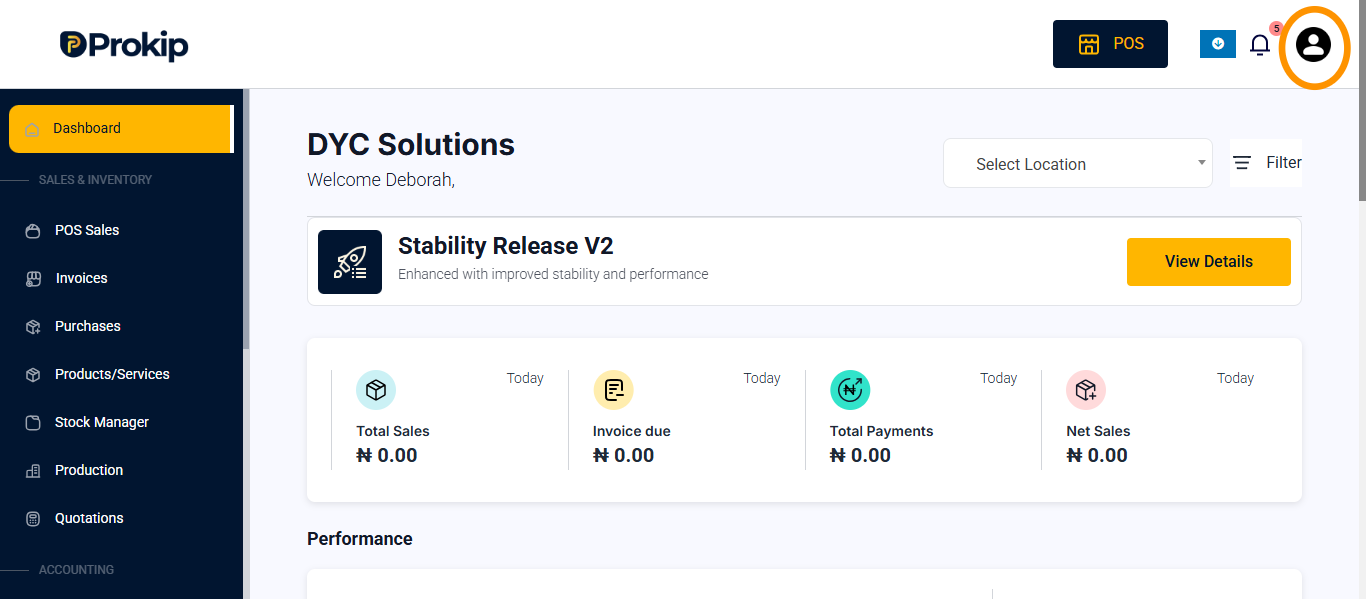
- Click on profile icon
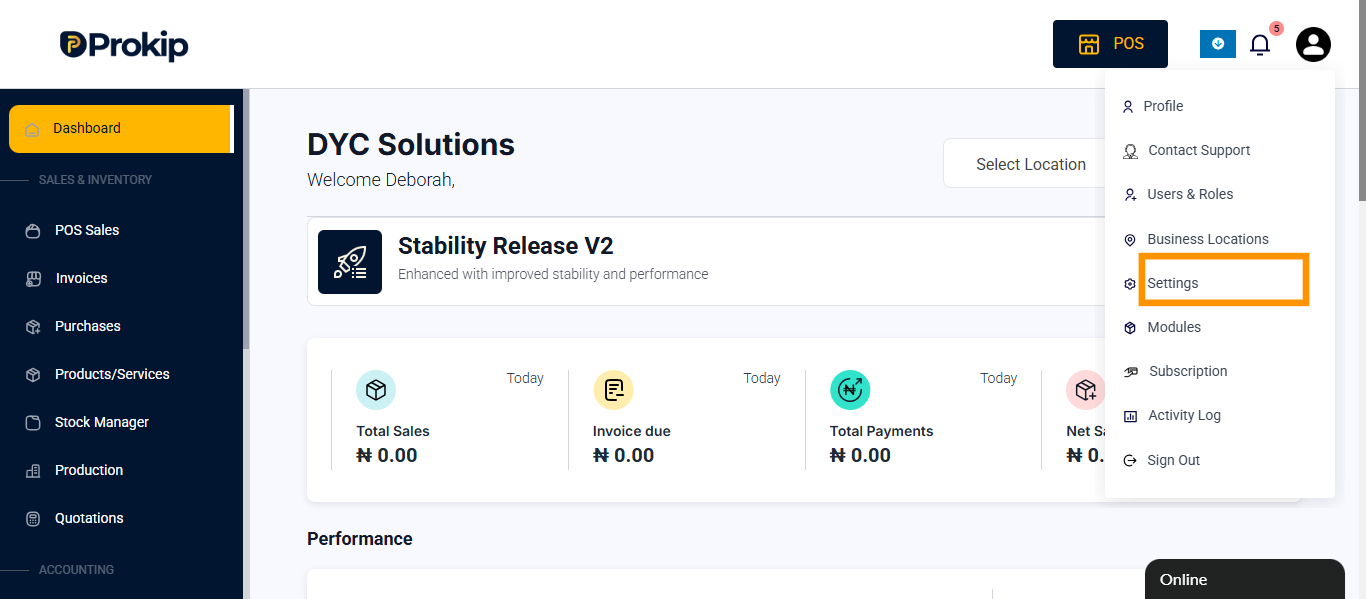
- Click on Settings.
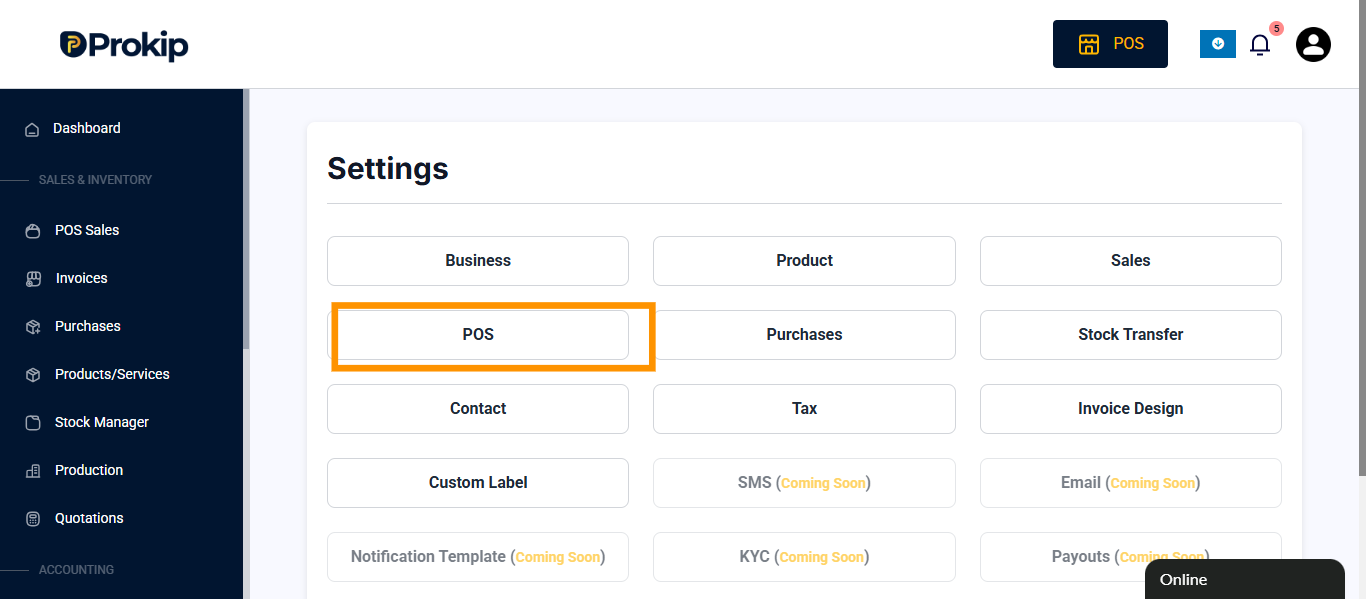
- Click on POS
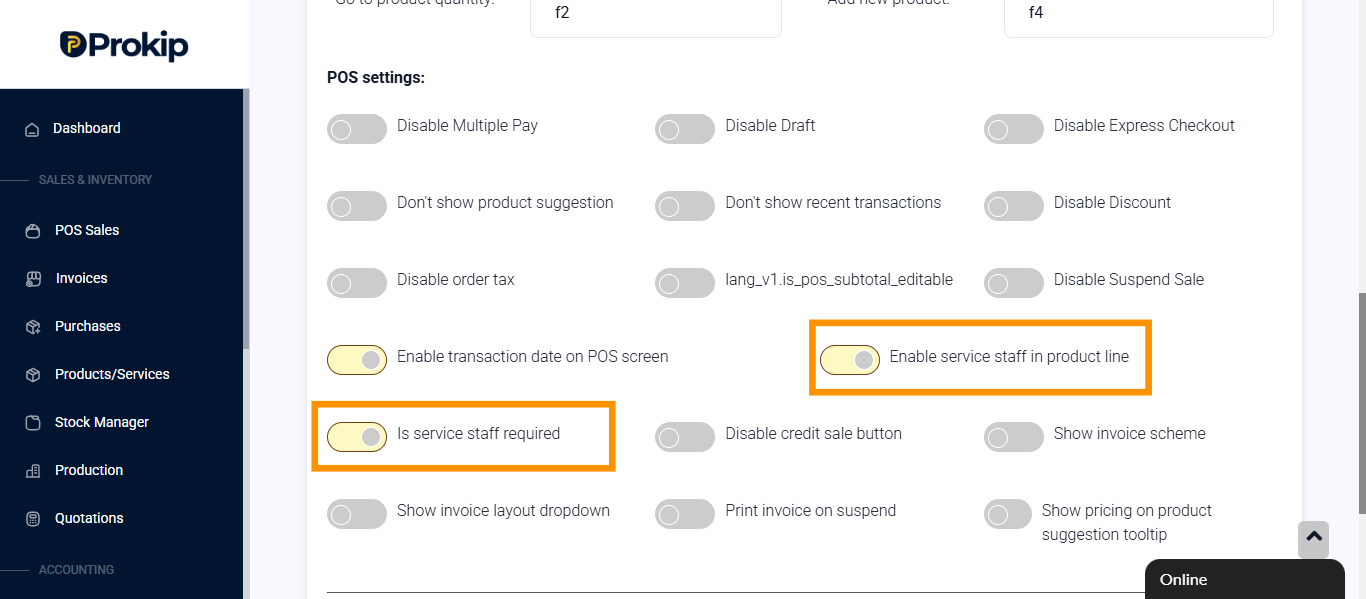
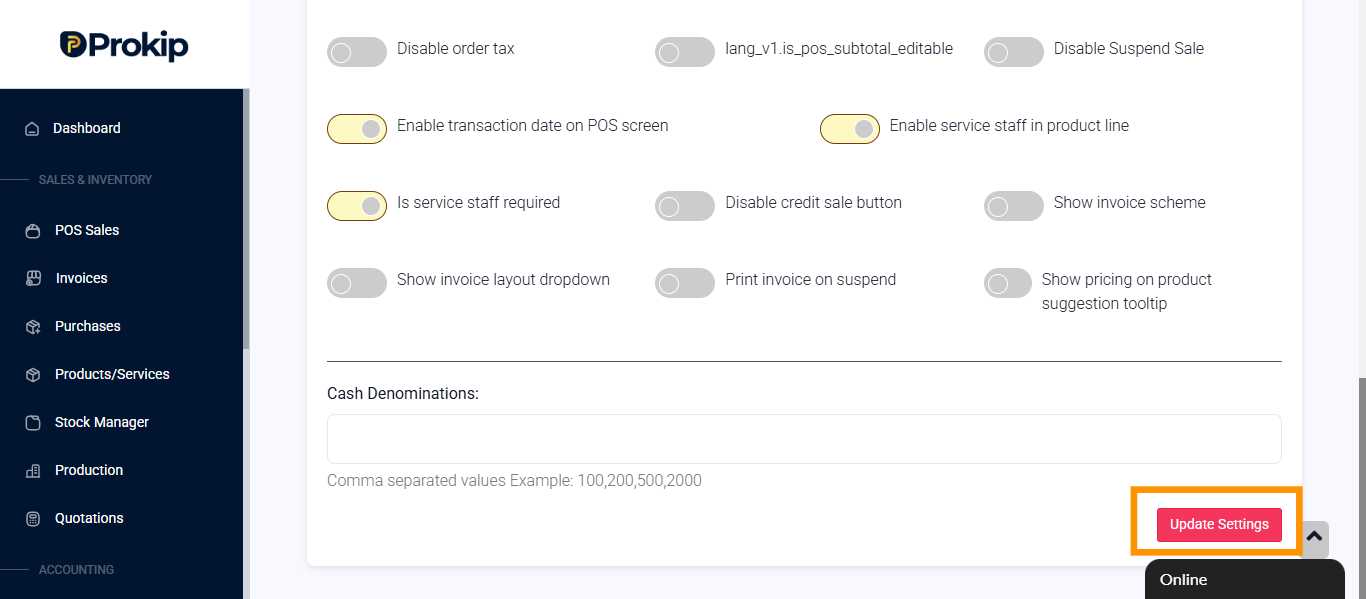
- Toggle on Is service staff required, and enable service staff in the product line for.
- Click on update settings.
How to add service staff
Steps
- Login to prokip
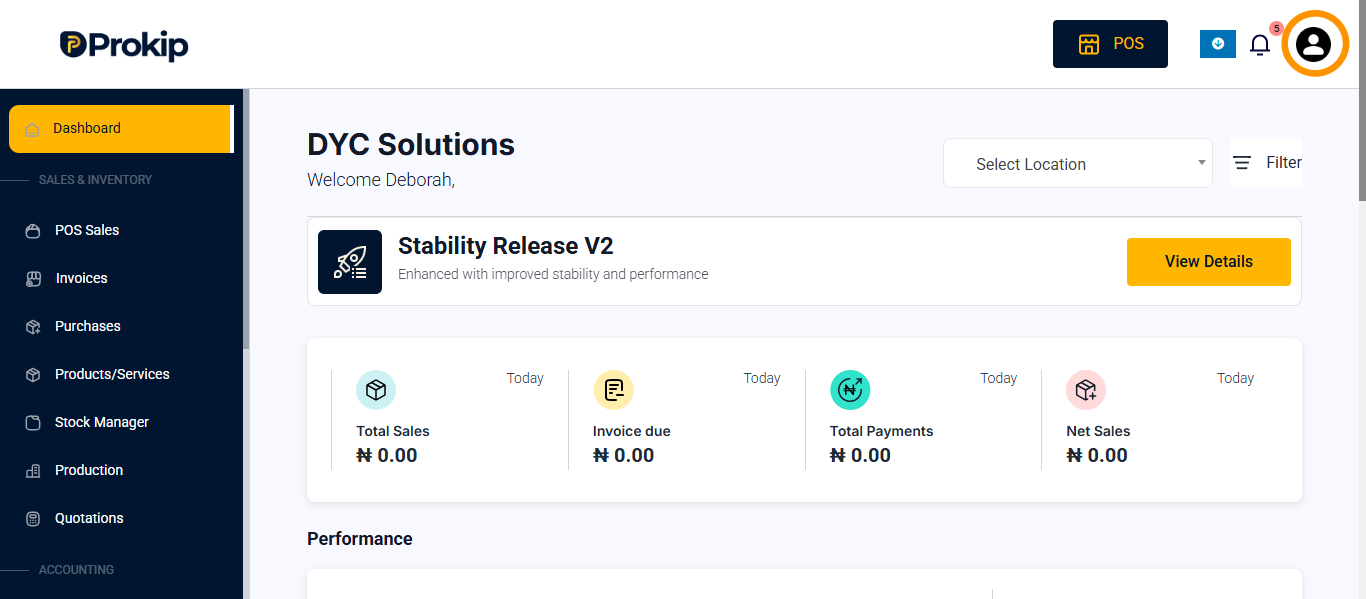
- Click on profile icon
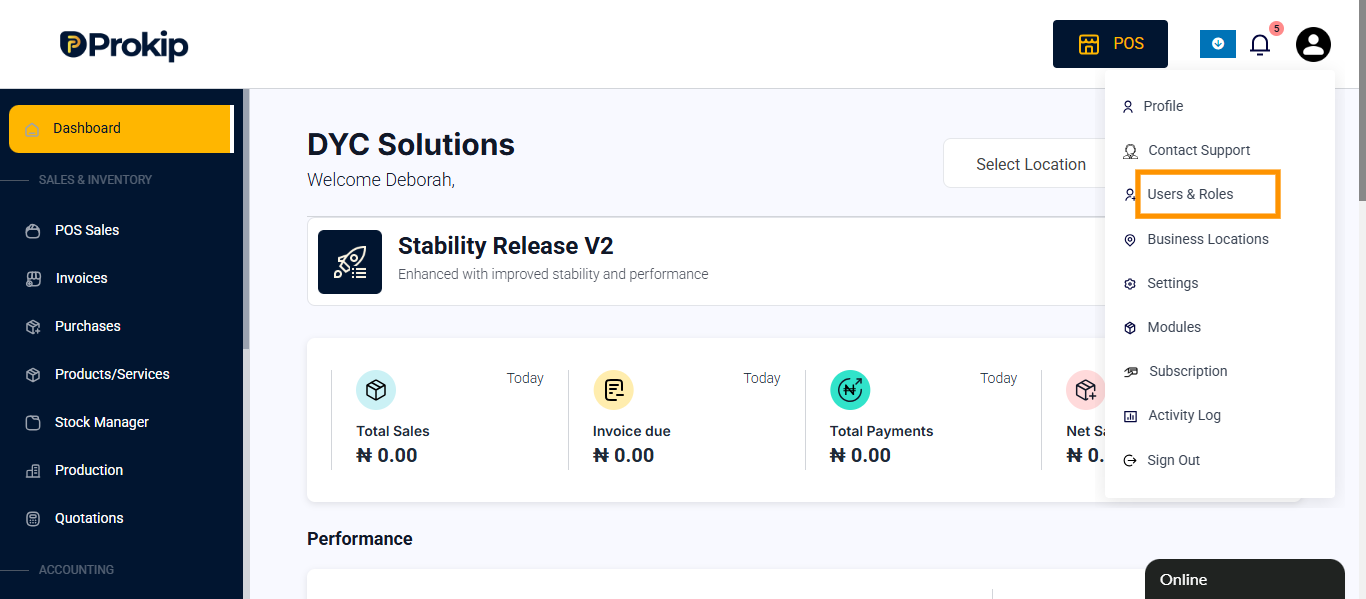
- Click on user&roles
- Click on roles
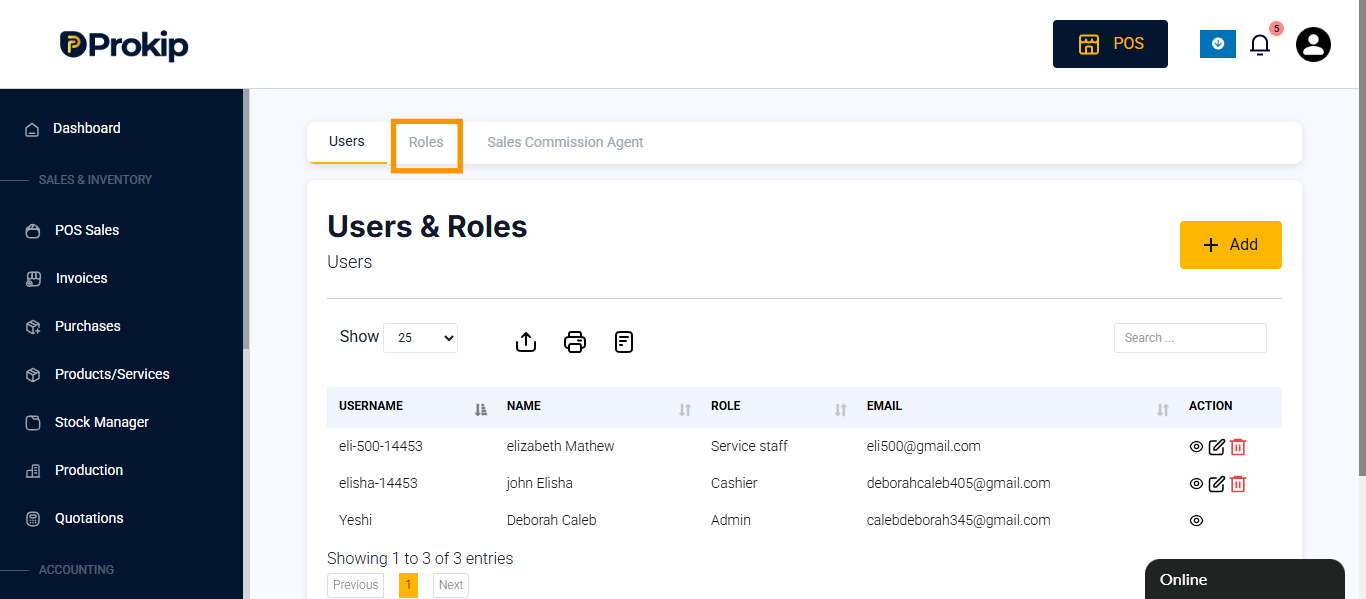
- Click on the role you want to edit or click on add to enter new role.
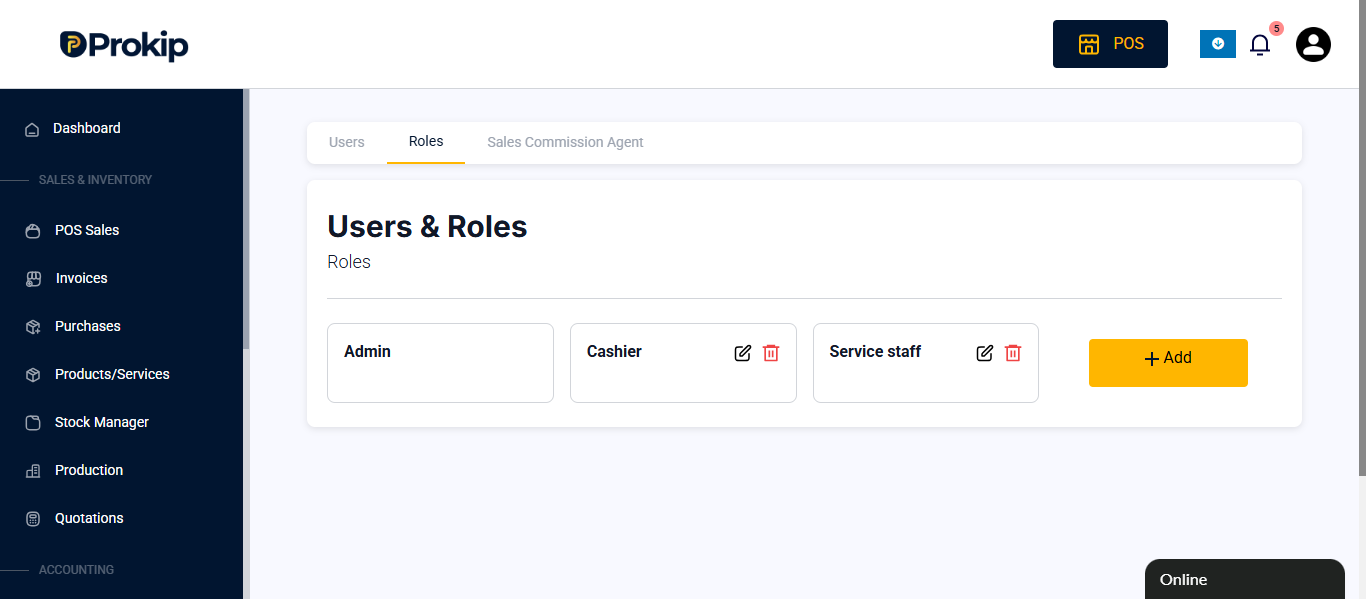
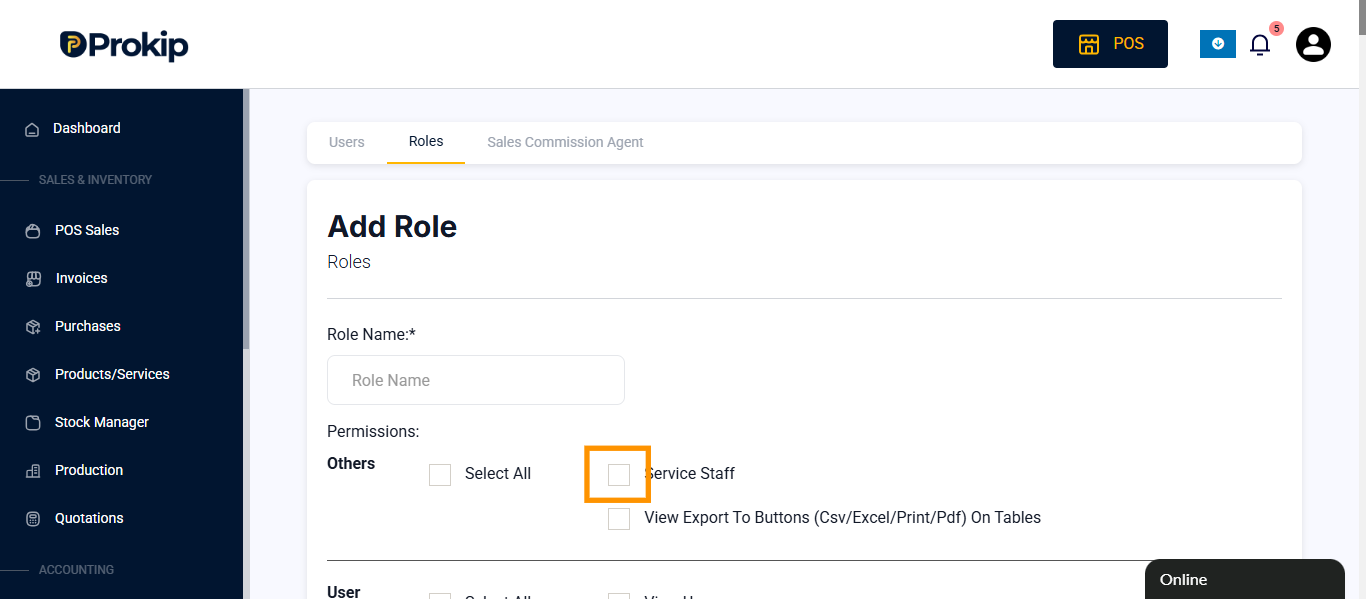
- Click on service staff checkbox.
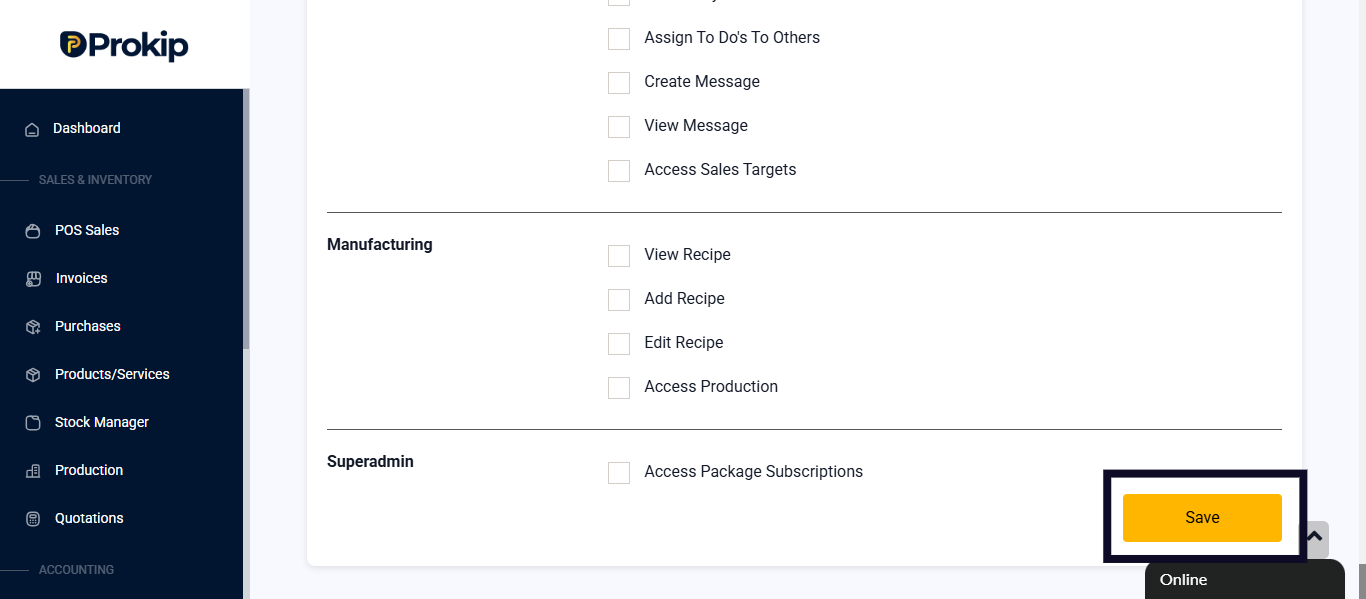
- Click on update settings
FAQ
Q1: Can a service staff log in to the system?
No. Service staff are linked to sales but do not have login access.
Q2: Can I assign more than one service staff to a location?
Yes