Before You Start
- Have the finished products listed under Products.
- Make sure you have created all the raw materials.
- Confirm that you have permission to add or edit production entries.
- Add your business locations.
Steps
- Login to your Prokip account
- From the left side-bar menu, select Products/Services.
- Click Add New.
- Select Product.
- Leave the “Not for selling” box unchecked (since this is a sellable item).
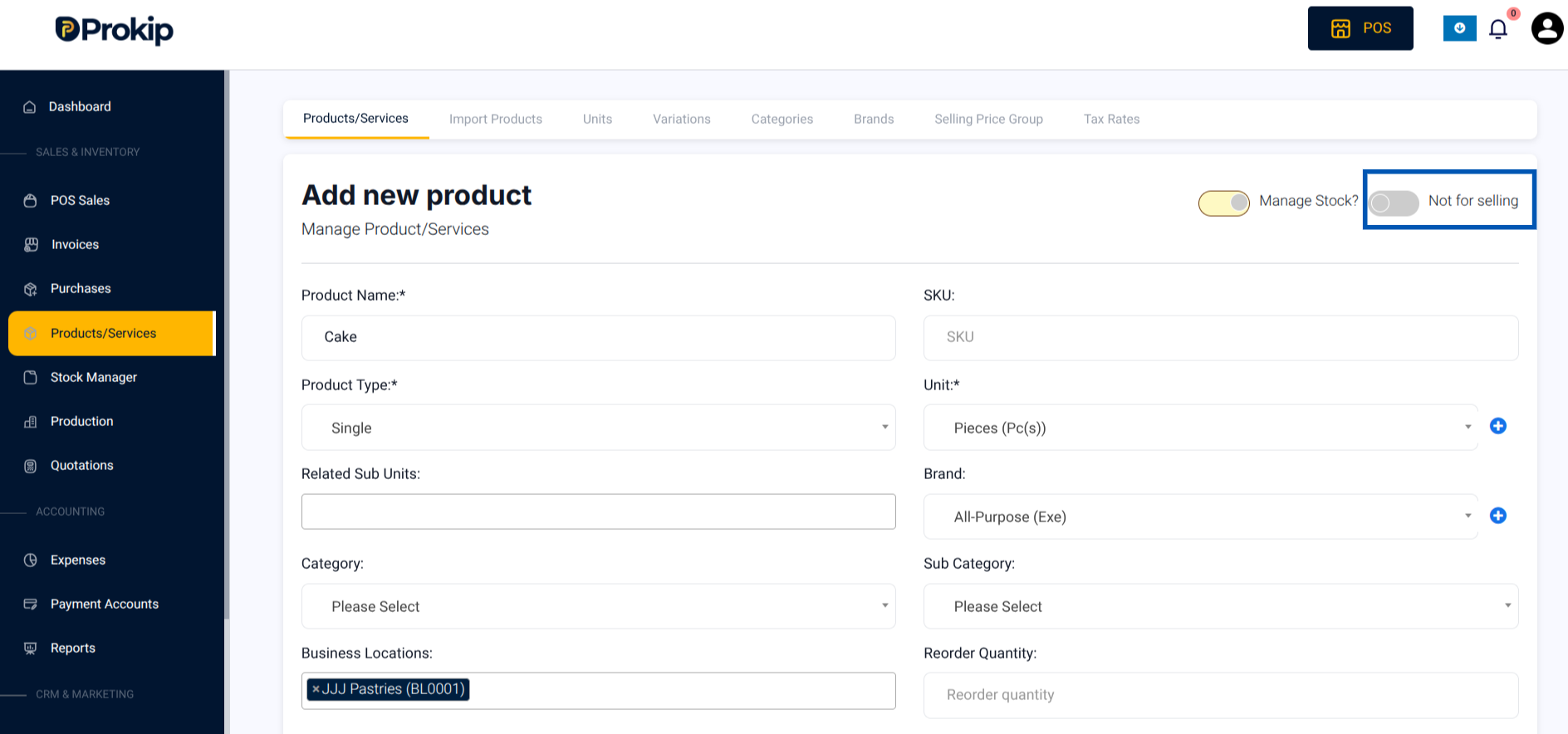
6. Fill in details of the finished product:
-
- Product Name (e.g., Bread)
- SKU or barcode
- Product Type
- Choose the Unit (e.g., Pieces)
- Brand
- Business Location – the location where the product is being produced and to be sold
- Selling Price
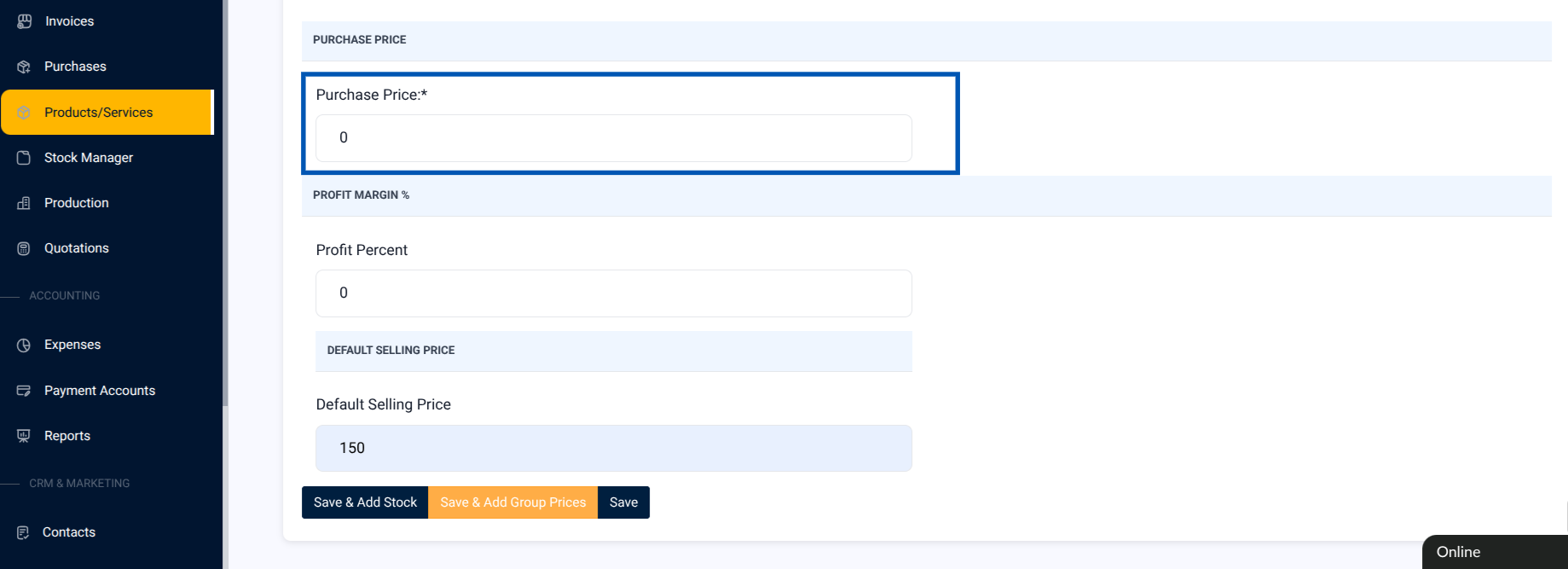
7. Leave Purchase Price blank (because it is self-produced).
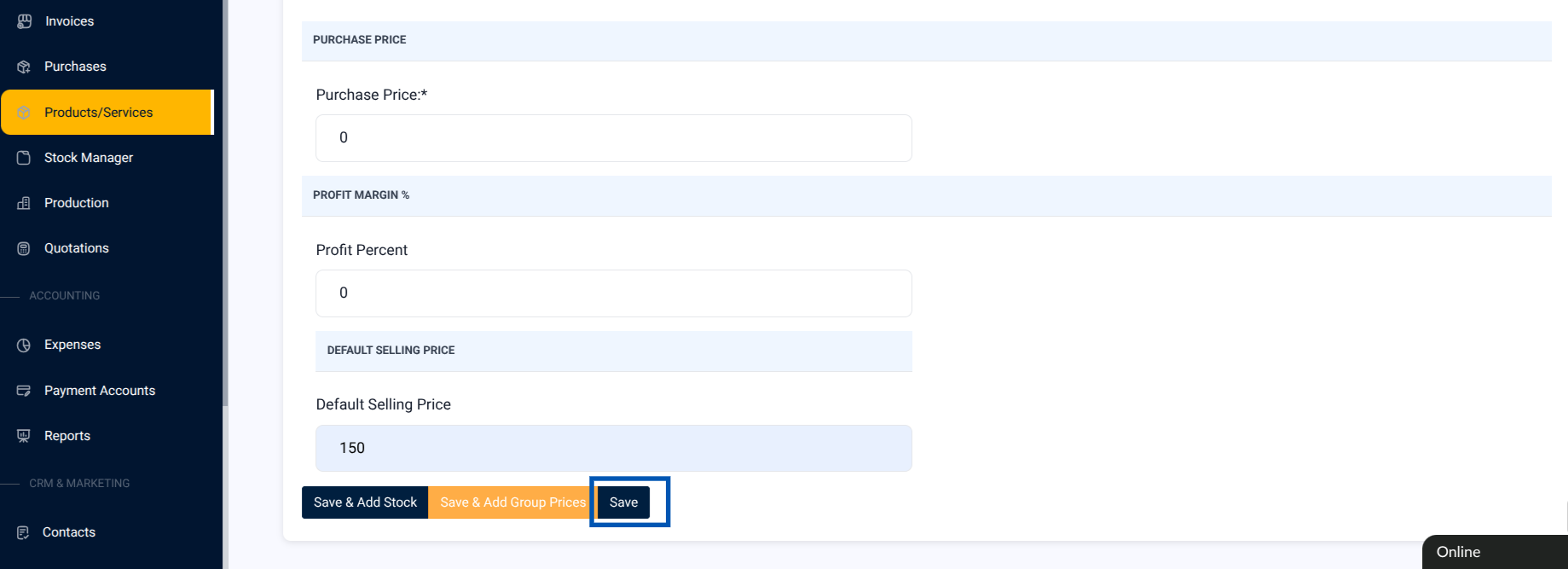
8. Click Save.