Before You Start
- Ensure Expense module is enabled in Profile –> Modules.
- Know who the expense is for business, customer, or staff.
- Know what expense categories you would like created (e.g., Rent, Salary, Utilities)
Steps
- Log in to your Prokip account.
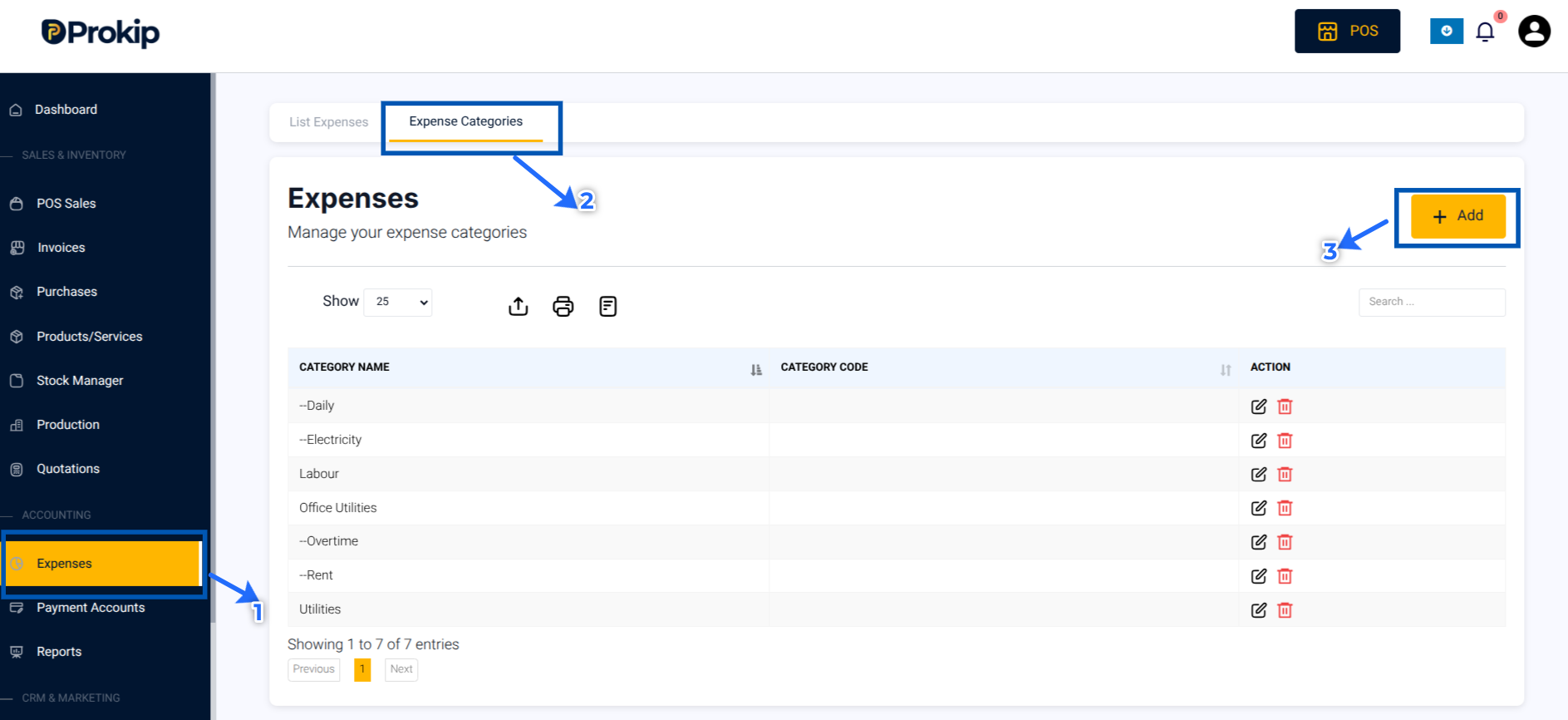
- Click on Expenses on the left-side bar menu
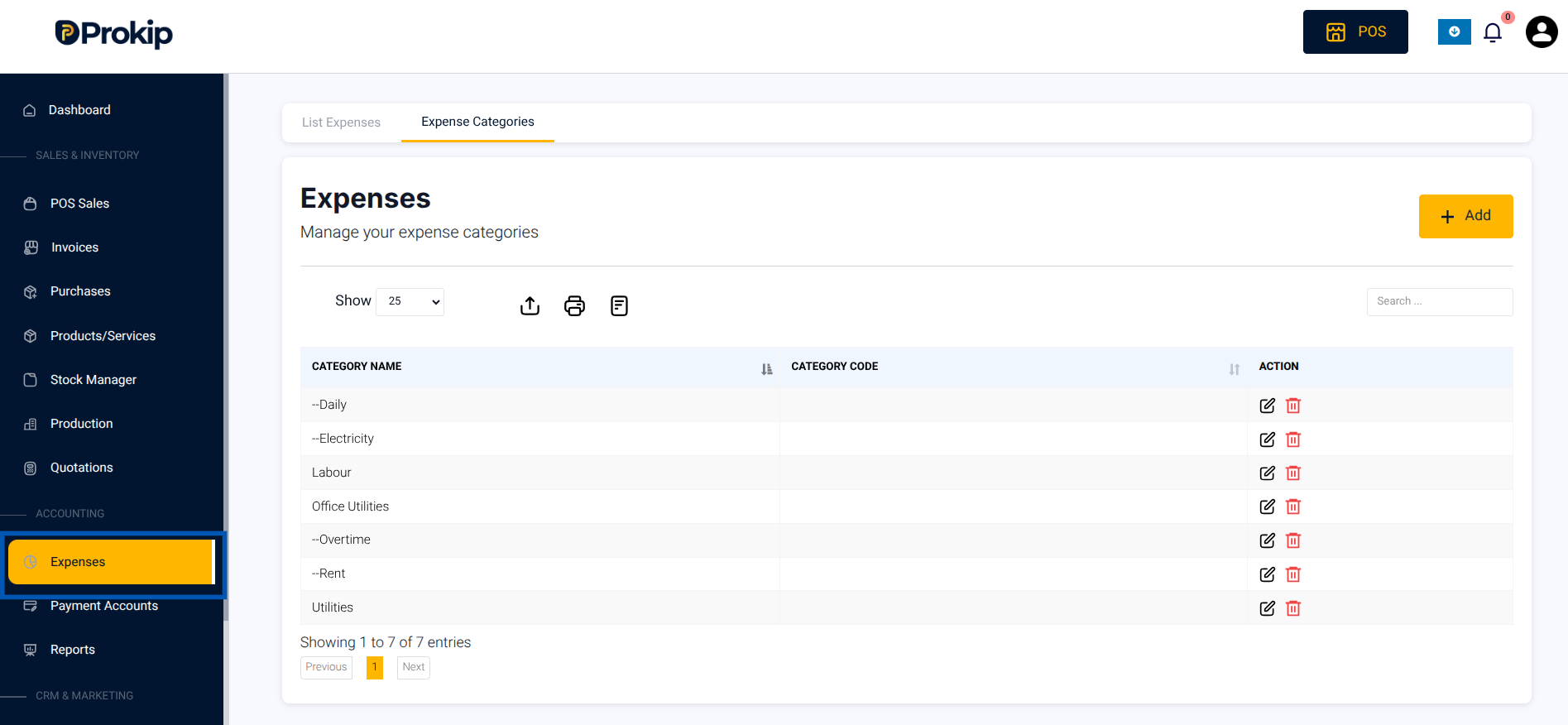
3. Click Expense Categories on the top-menu bar.Click Add.
4. Enter a Category Name (e.g., Utilities, Staff Salary, Rent).
5. If the Expense has a parent category, check Add as a Sub-Category.
Then, select the Parent Category from the drop-down list.
Note: Make sure to have added the parent category first.
Example: Overtime can be a sub-category of Labour expenses.
6. Click Save.