Purpose
Helps organize and monitor the layout of tables within your business useful for restaurants, lounges, or bars. It ensures smooth order flow and prevents confusion in service management.
Steps
- Log in to Prokip.
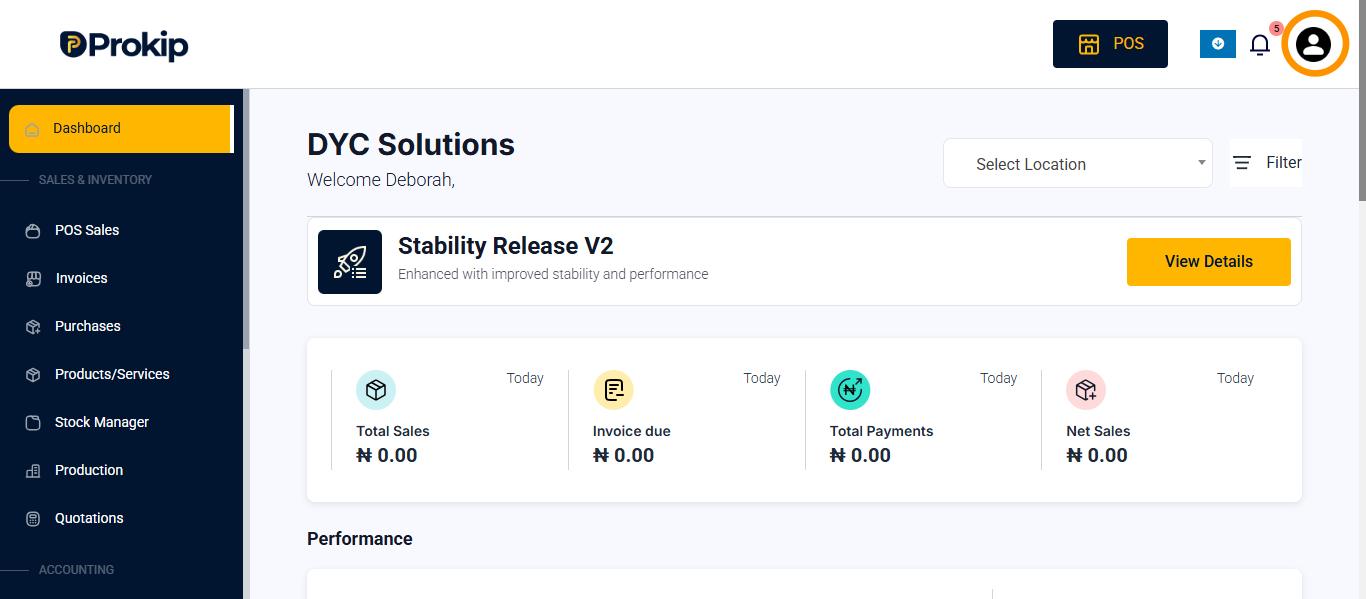
- Click on profile icon.
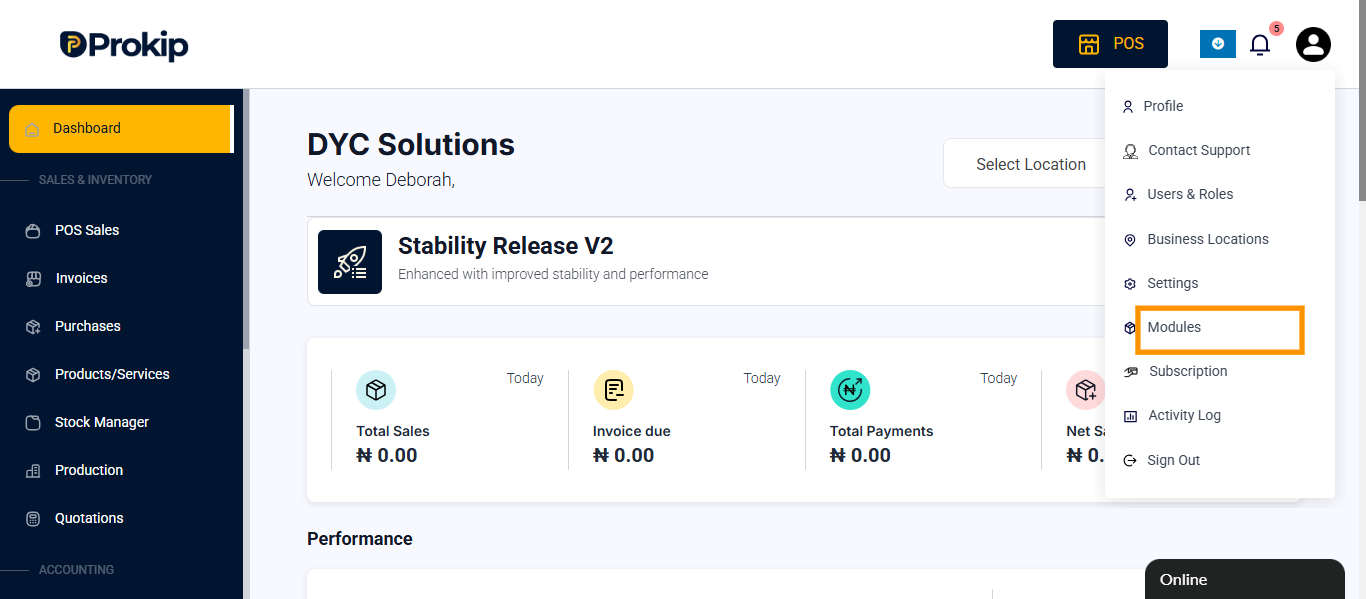
- Click on modules
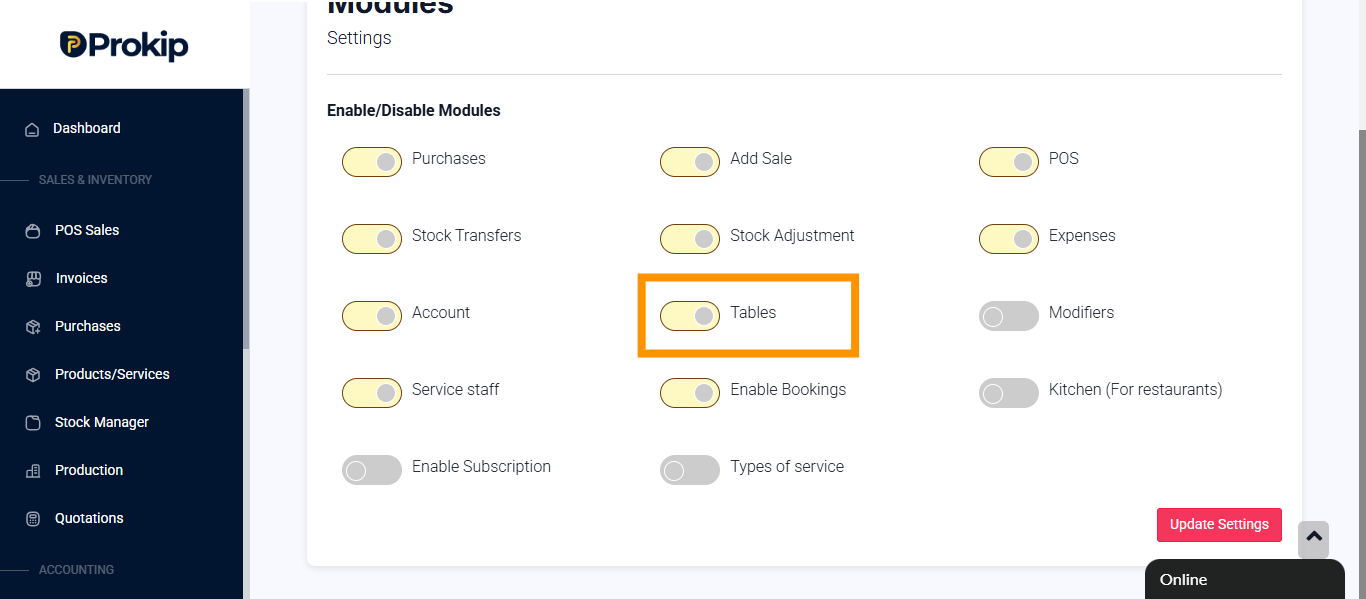
- Toggle on tables.
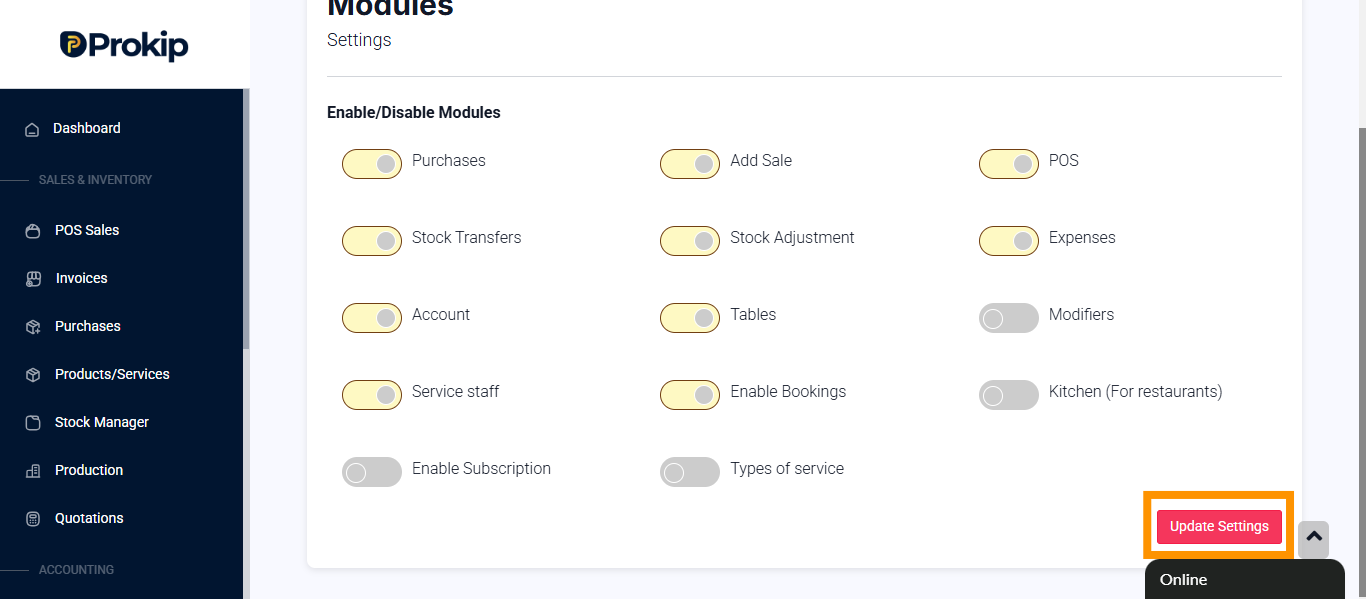
- Click update settings.
Tips
- You can view tables under bookings.
FAQ
Q: Can I rename a table later?
A: Yes, you can edit or rename tables anytime under the Tables section.
Q: Can multiple staff handle one table?
A: No, each table should be assigned to one service staff at a time for proper tracking.