Purpose
Enable payments made in a specific location to be linked to its designated account.
Steps
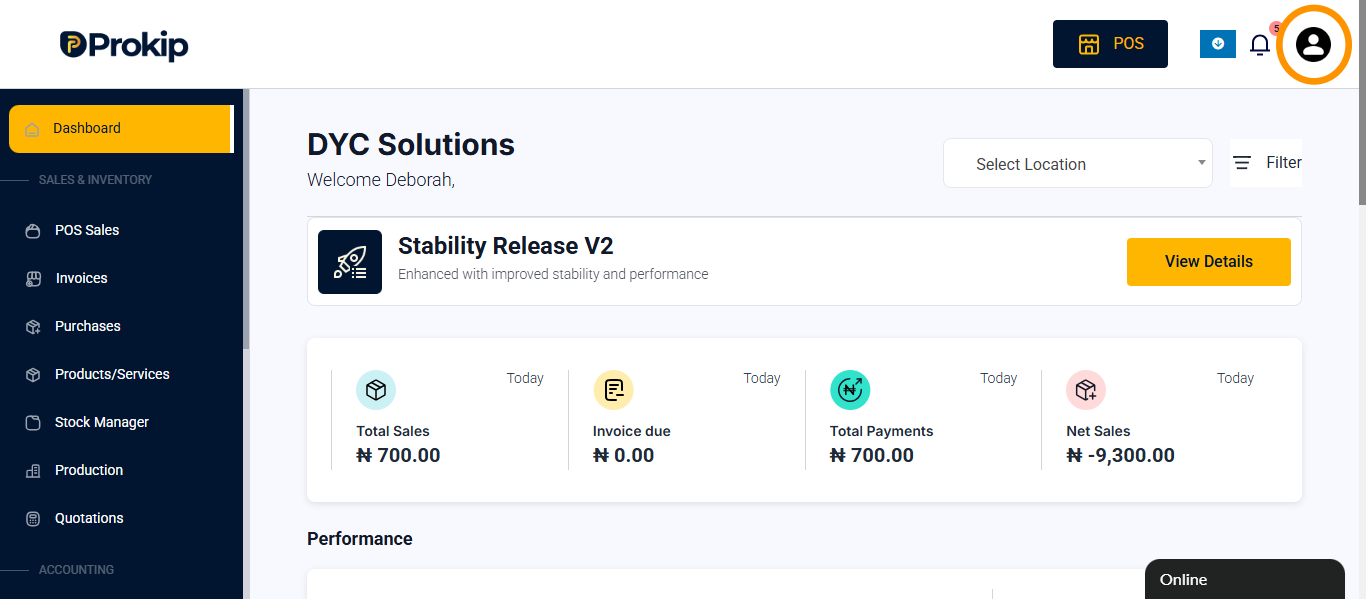
- Click the Profile Icon.
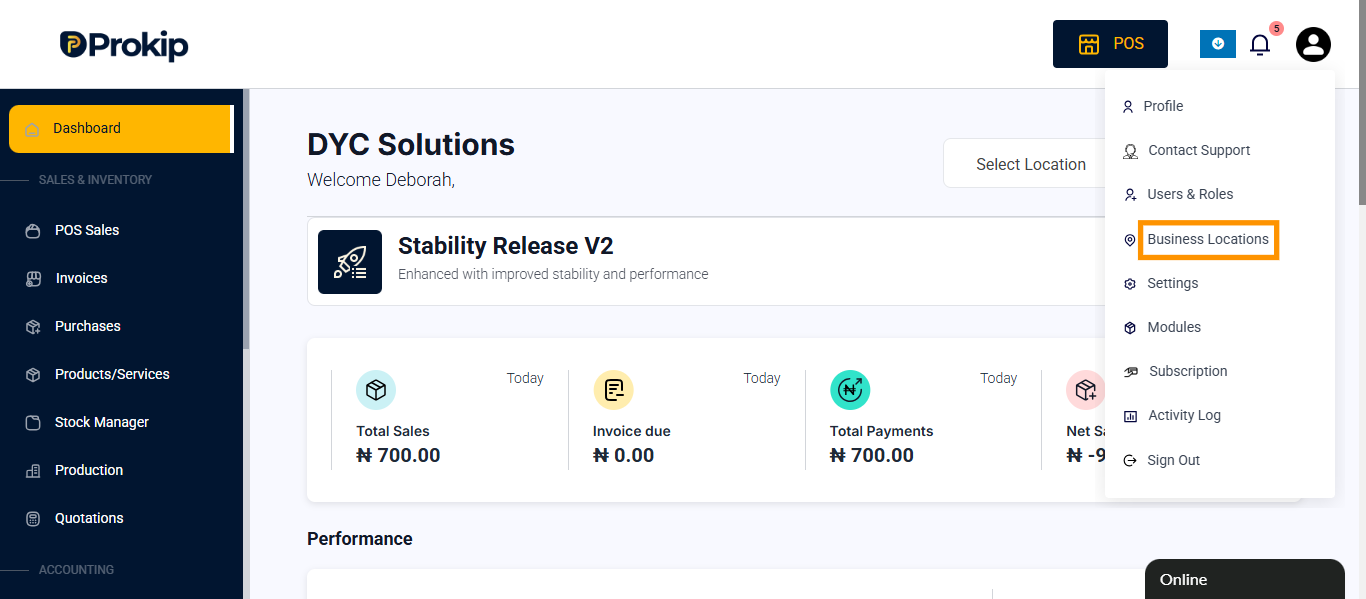
- Select Business Locations.
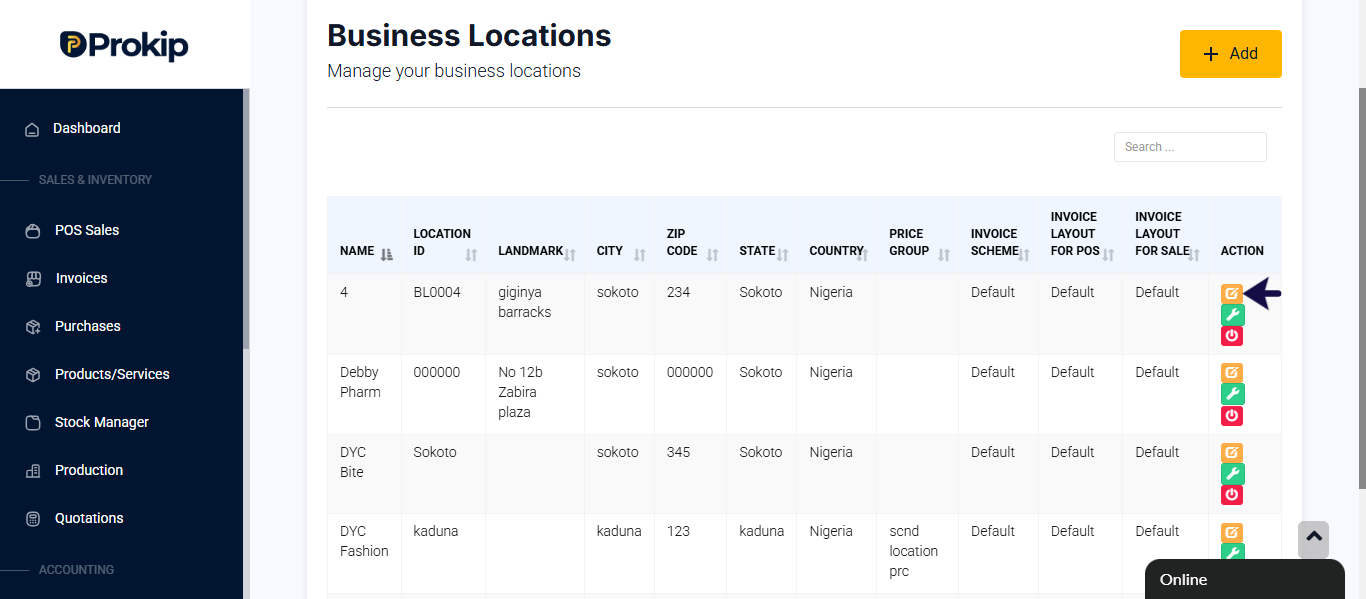
- Select the location and click on edit icon Click.
- Scroll to Payment Options.
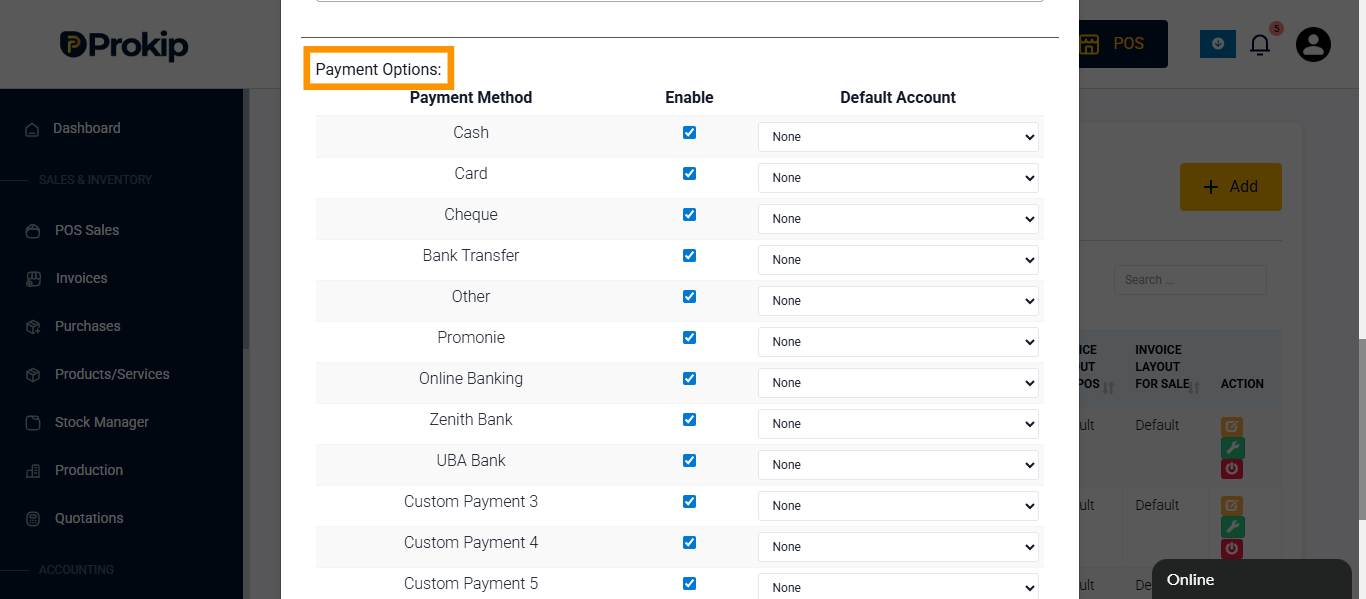
- Click None beside the payment method.
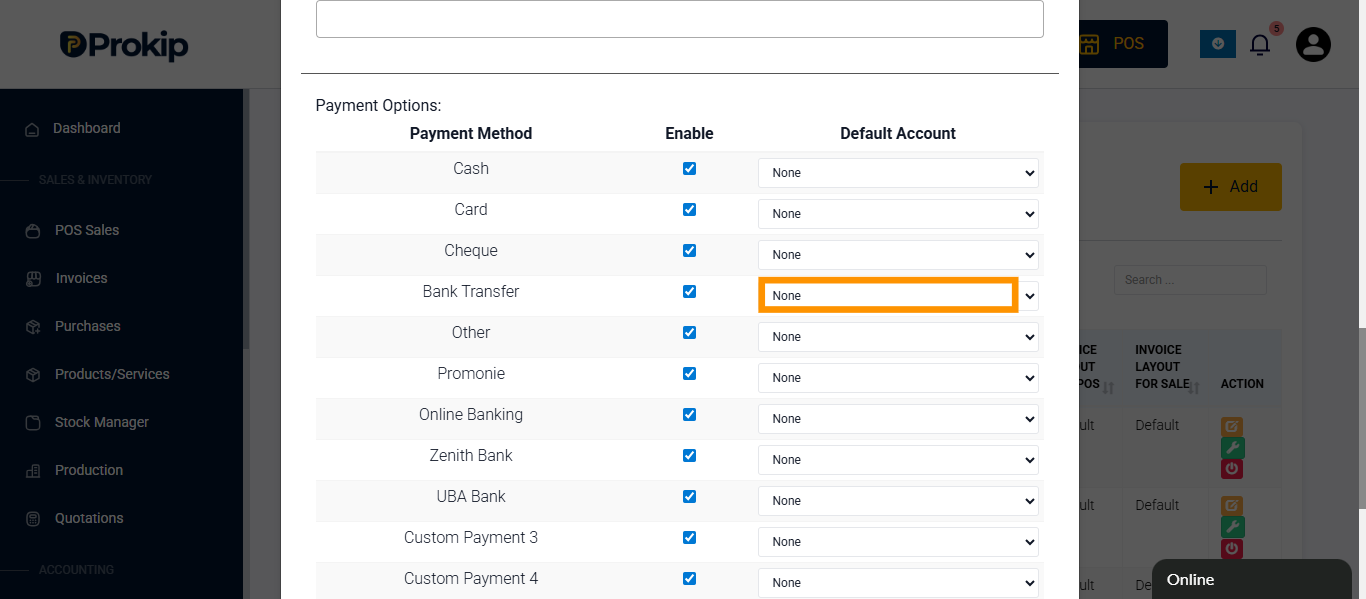
- Select the preferred account.
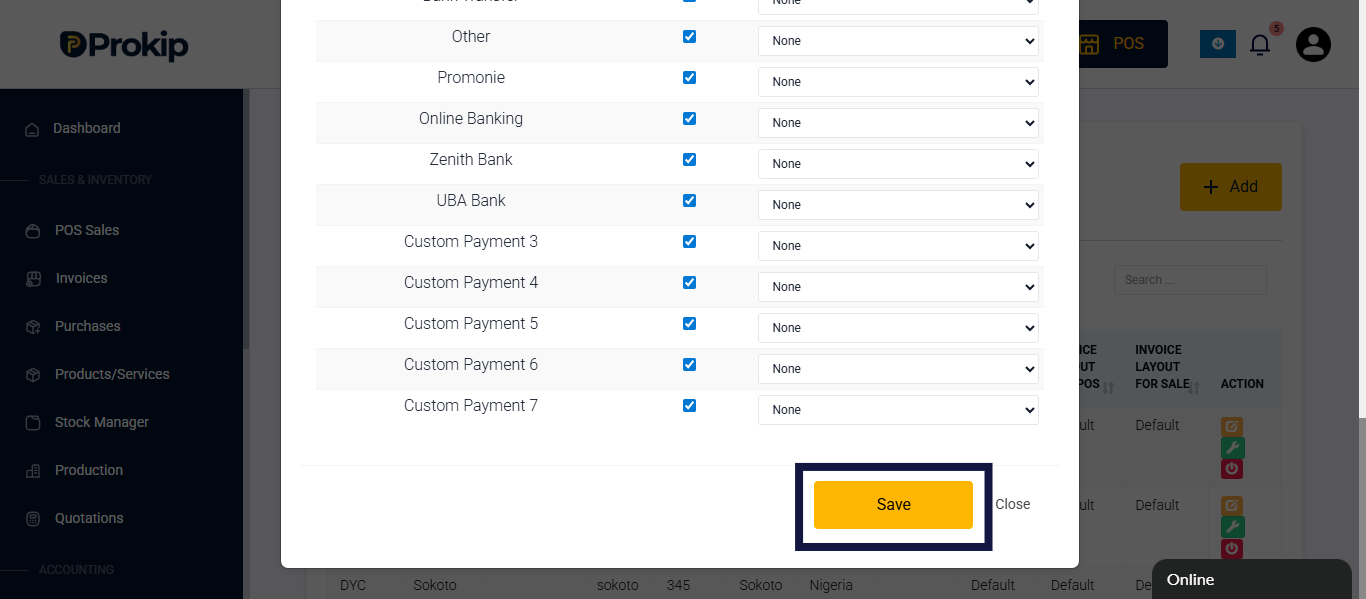
- Click Save.
FAQ
Q1: Can each location have a different account?
A: Yes, this helps separate financial records by branch.
Q2: Can I change assigned accounts later?
A: Yes, edit the location and choose a new account.
Q3: Will old transactions move to the new account?
A: No, only new payments will go to the updated account.