- Log in to your Prokip account.
- From the left side- menu, click on Production.
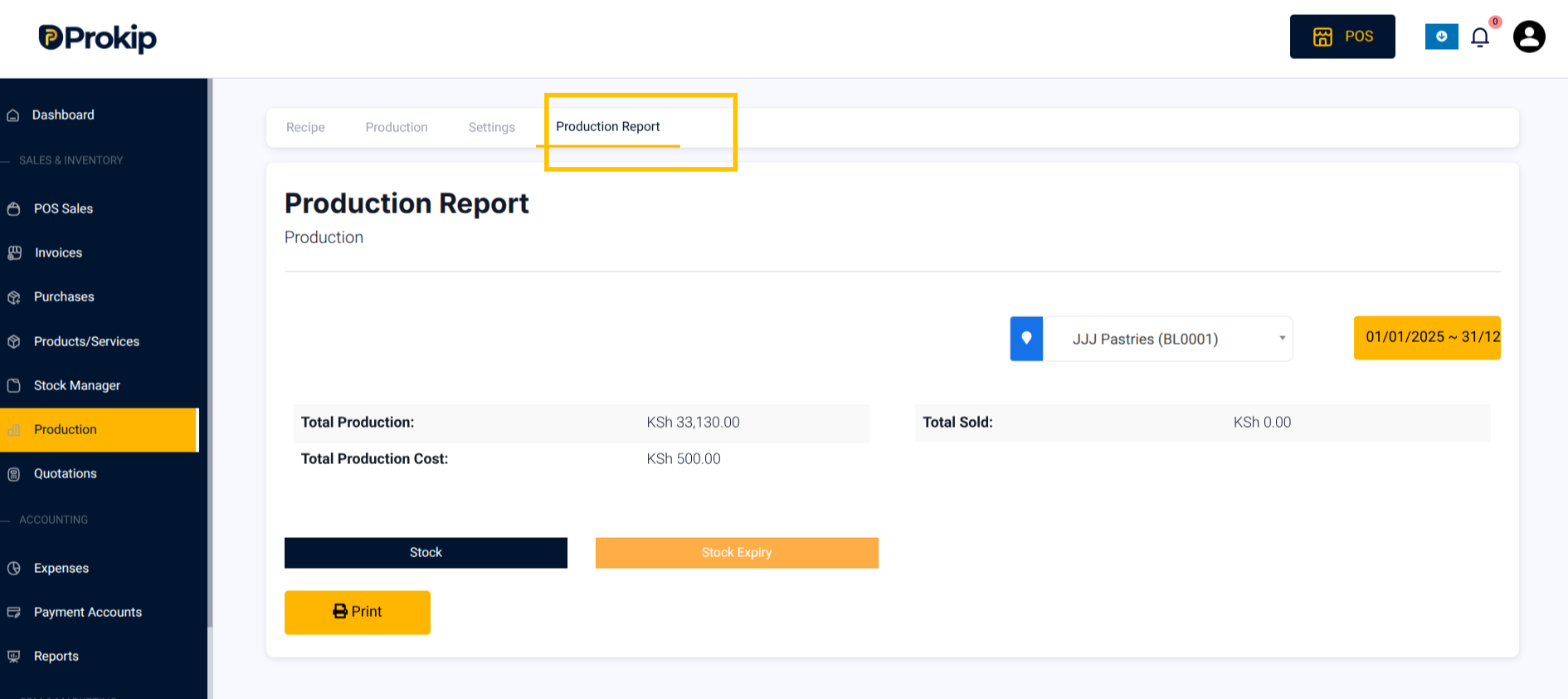
- On the top bar, click Production Report.
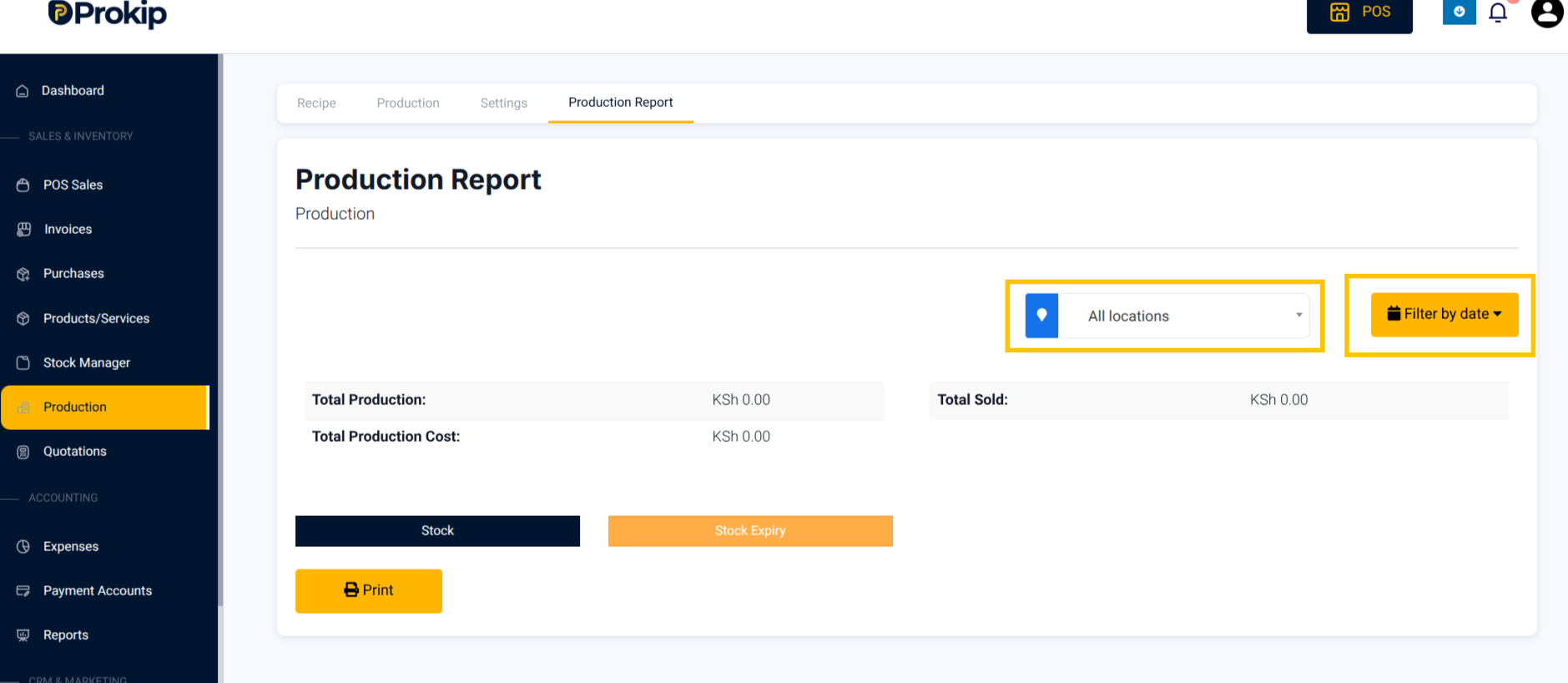
4. Filter by location and date.
5. View:
-
- Total Production
- Total Sold
- Total Production Cost
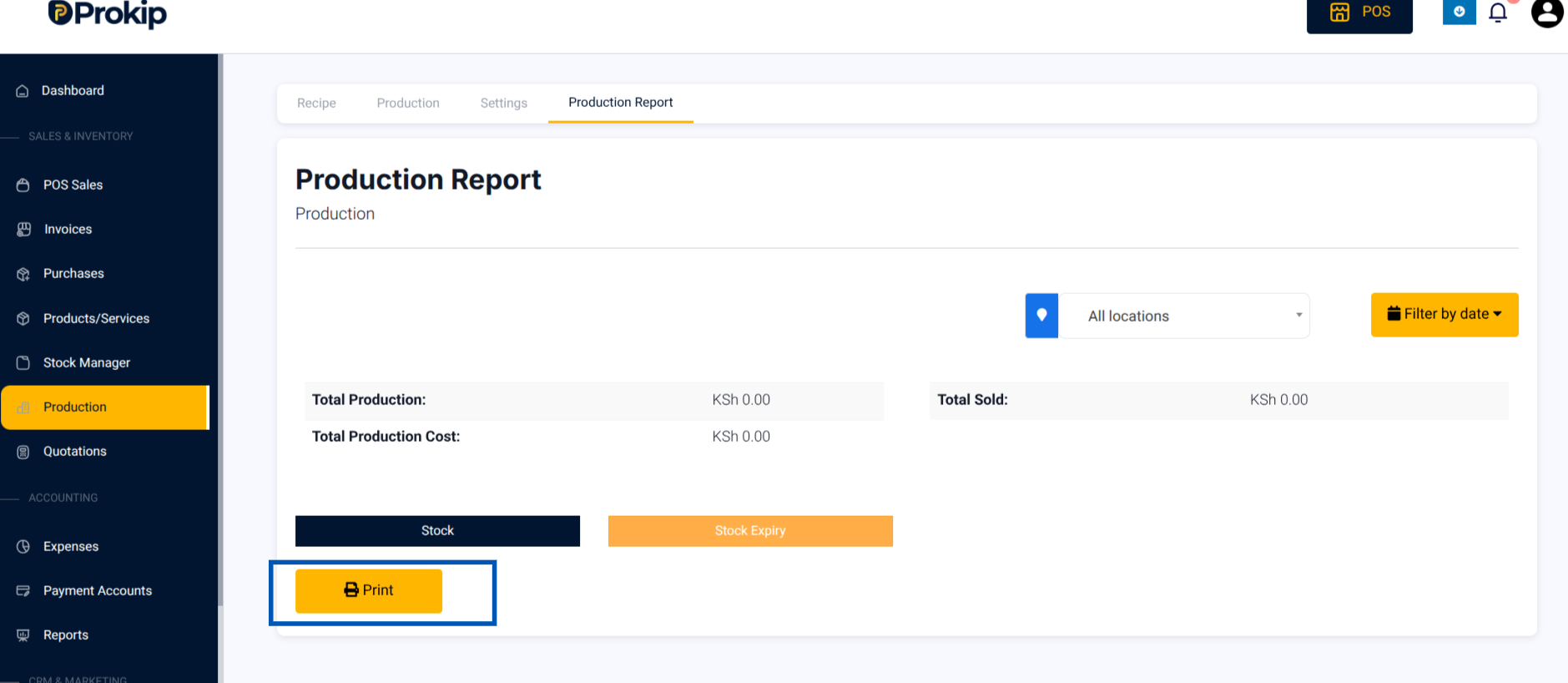
6. Click Print to print out the summary shown.