Purpose
Allows you to personalise your invoice layout to include your business details, branding, and preferred design elements.
Steps
- Login to Prokip.
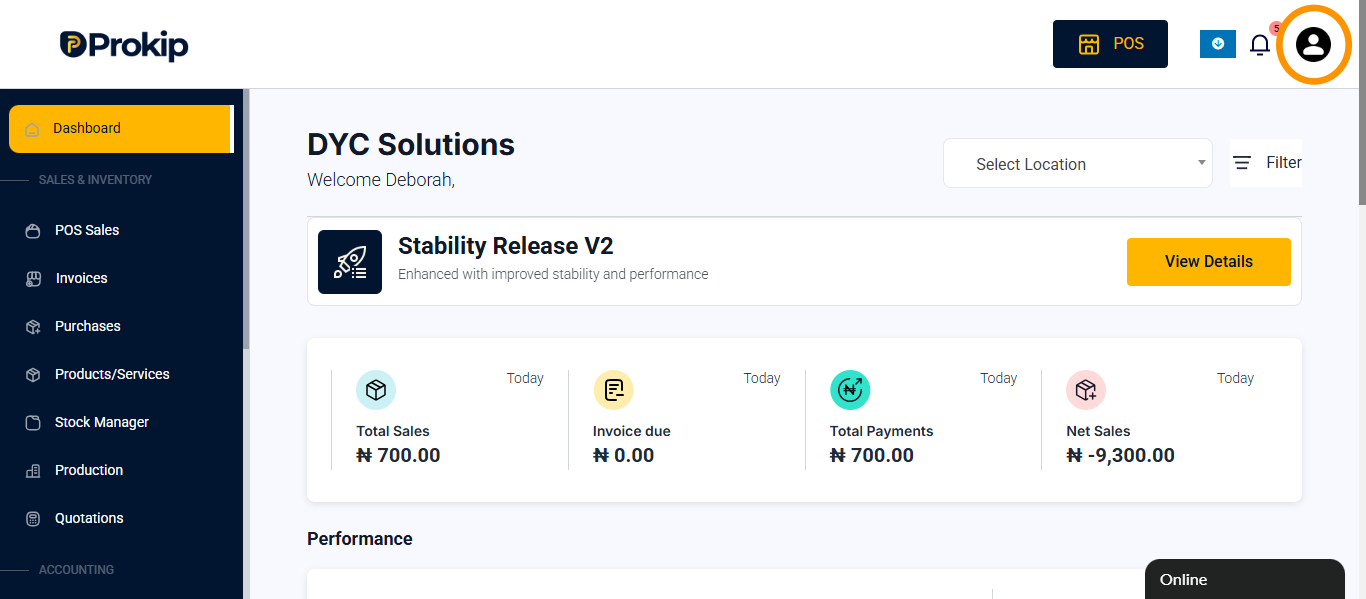
- Click on the Profile Icon at the top right of the page.
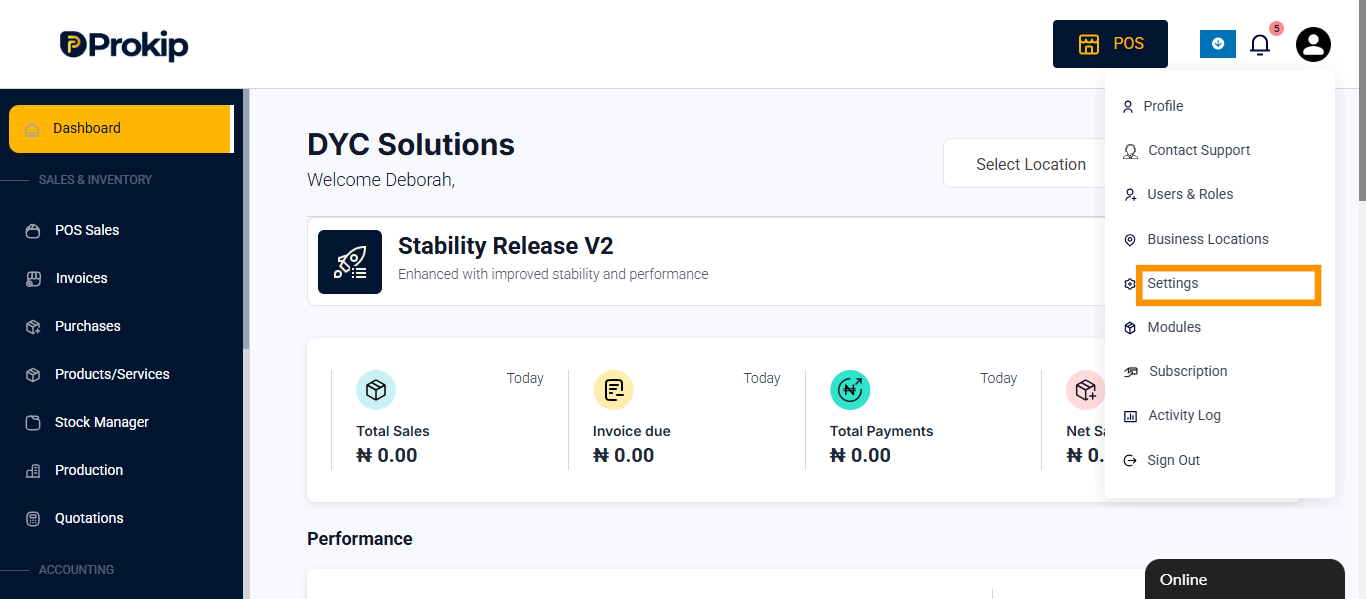
- Select Settings.
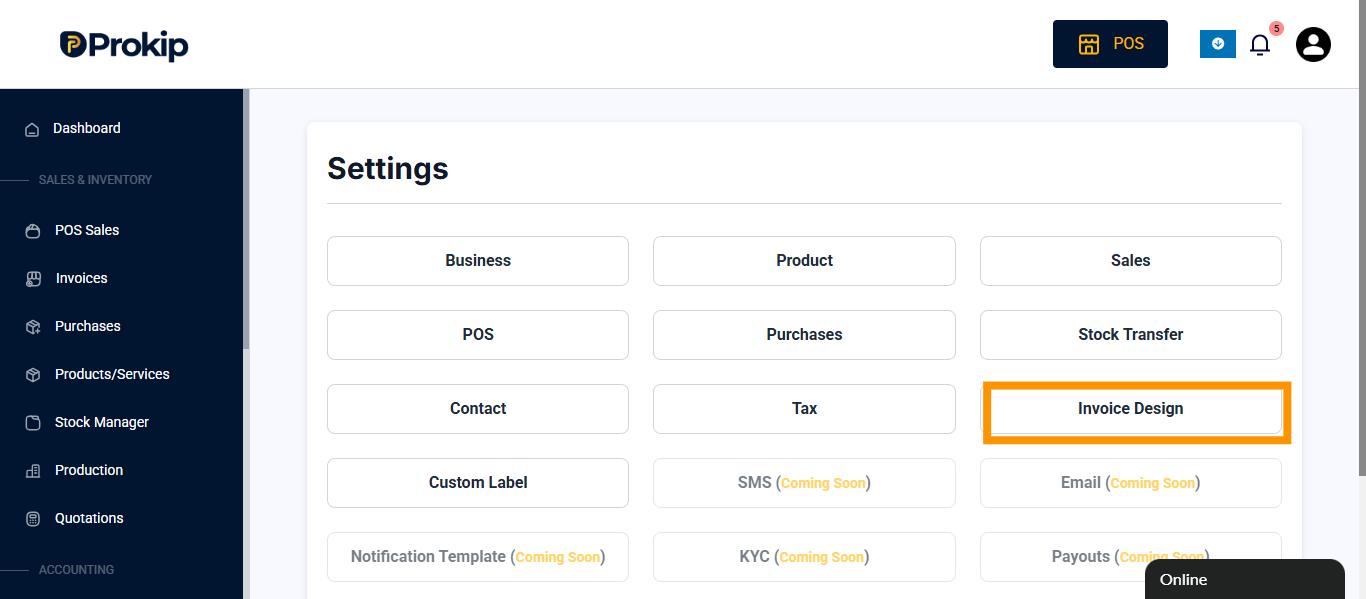
- Click on Invoice Design.
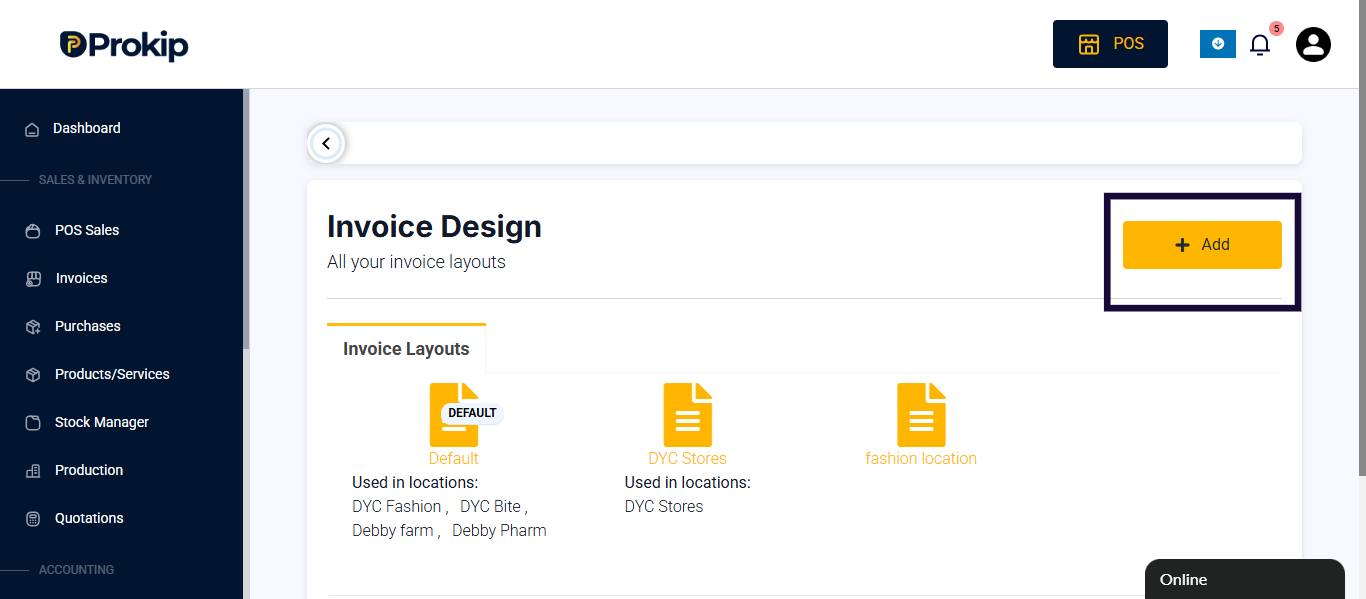
- To add a new invoice, click on add or click on existing invoice to edit.
- (Optional) Toggle on show invoice logo Click Choose File to upload your Logo.
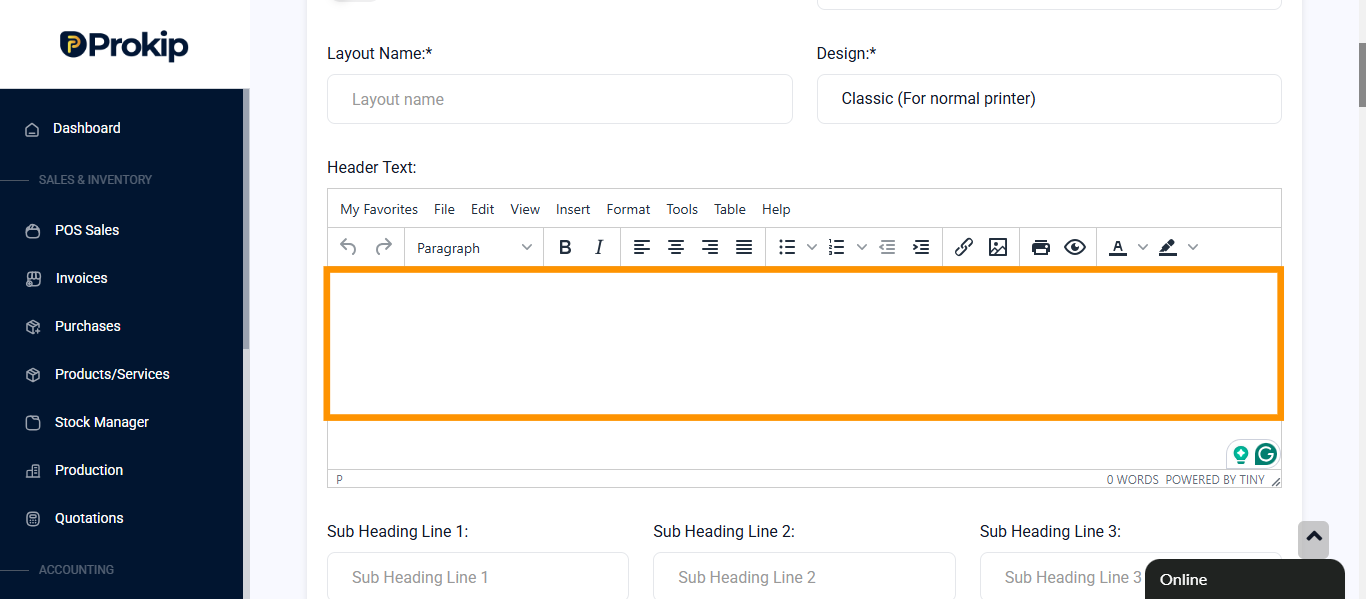
- (Optional) Enter Header text.
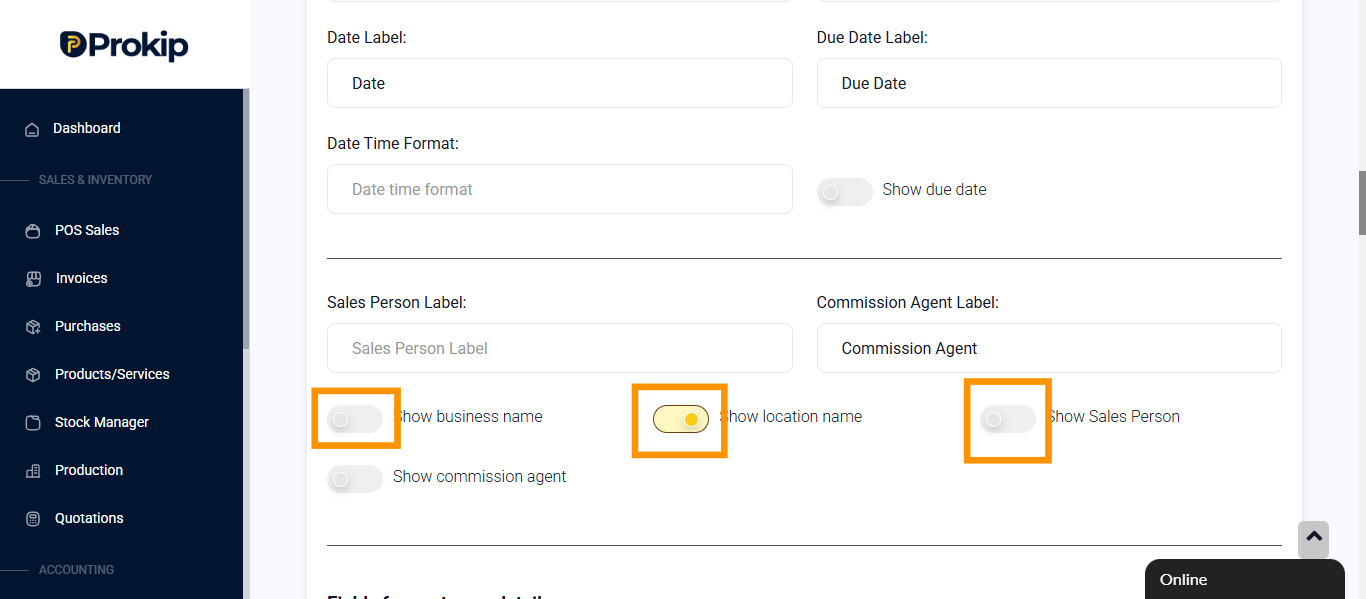
- Toggle on show Salesperson name, Show location name, Show business name.
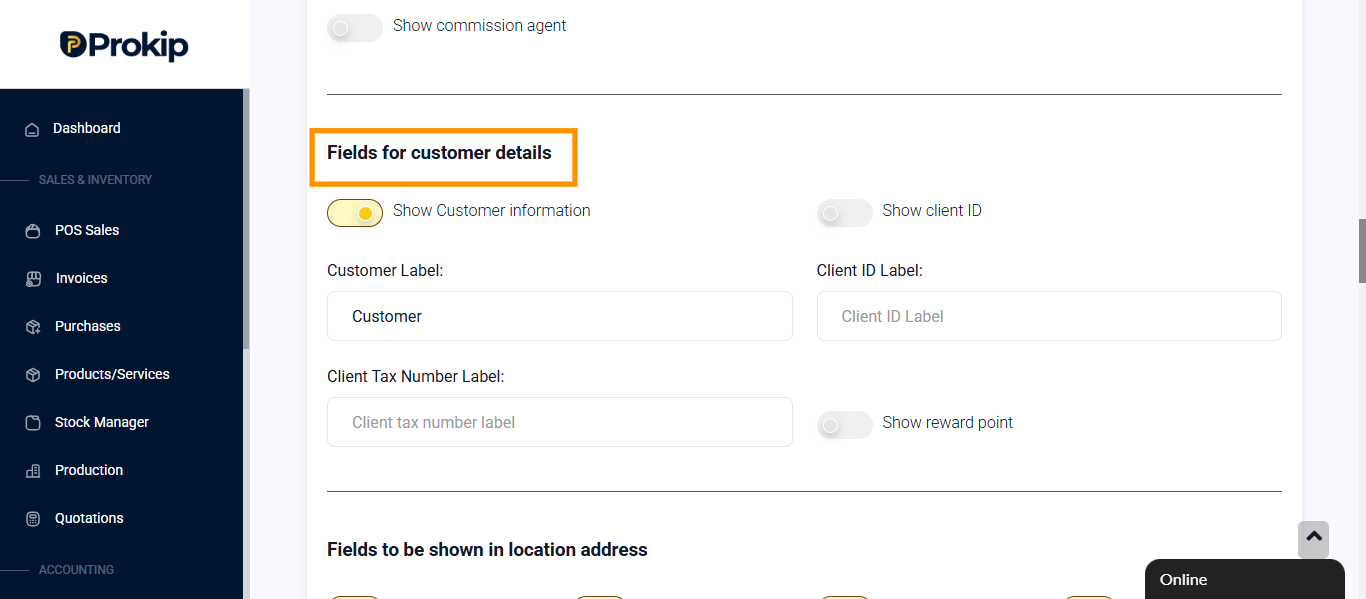
- Under Fields for customer details, toggle on any field of interest.
- (Optional) Under Fields to be shown in location address and Fields for Communication details, toggle on any information you want to appear on the invoice.
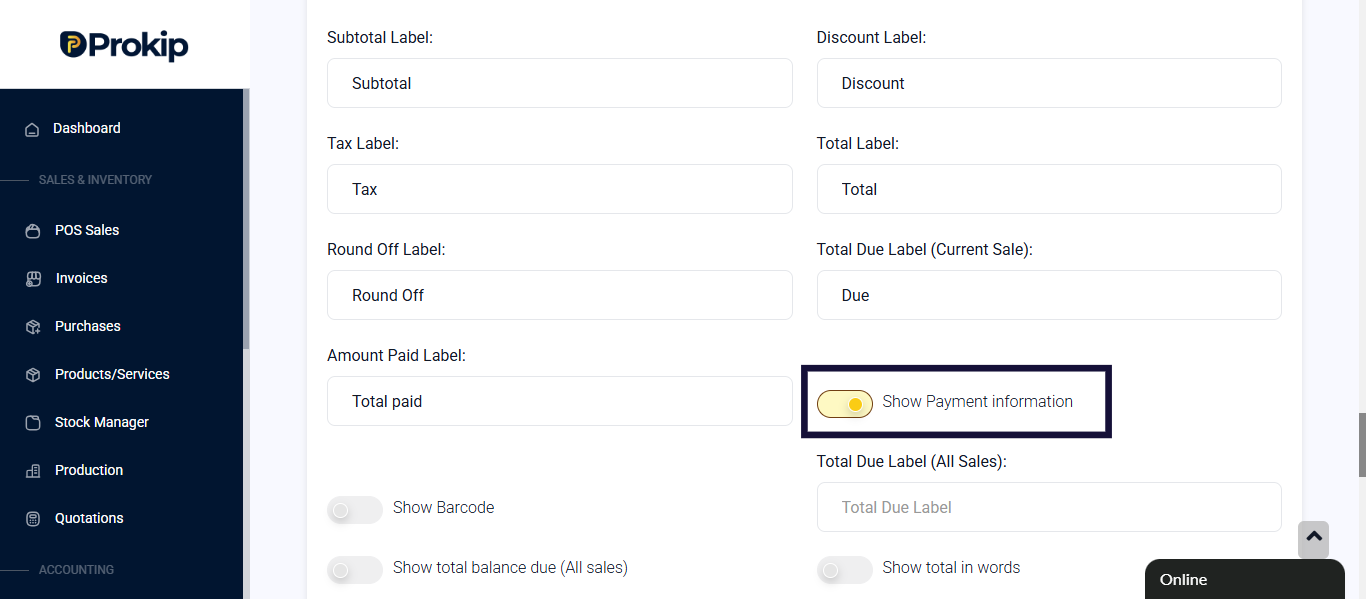
- Scroll down under Product details to be shown and toggle on Show Payment Information.
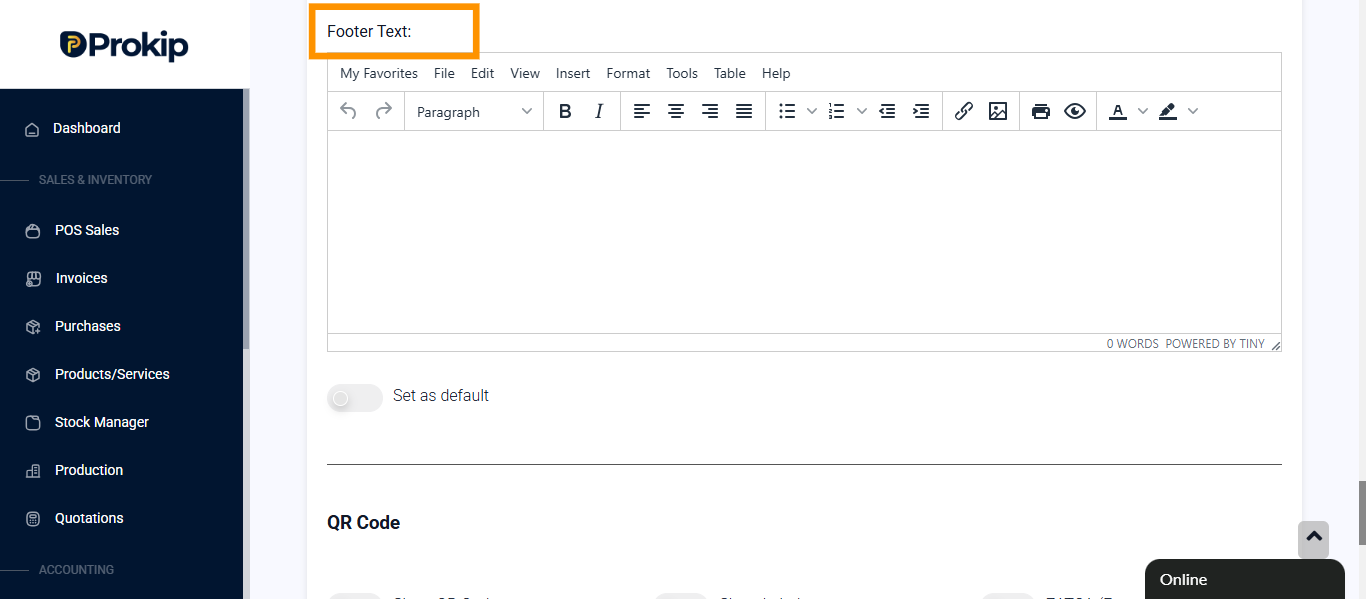
- (Optional) Enter Footer Text.
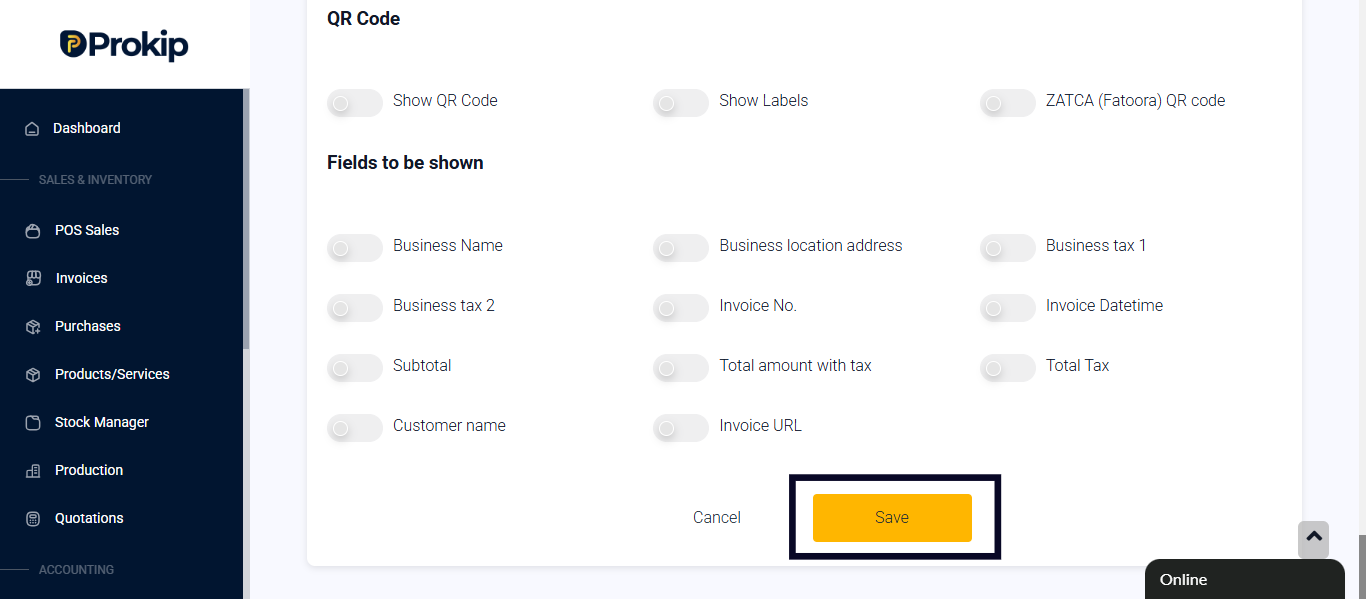
- Click on Save.
FAQ
Q: Can I create multiple invoice layouts?
A: Yes, you can create and save multiple layouts for different locations