Purpose
Deactivate products that are no longer needed but cannot be deleted due to past transactions.
Steps
- Log in to Prokip.
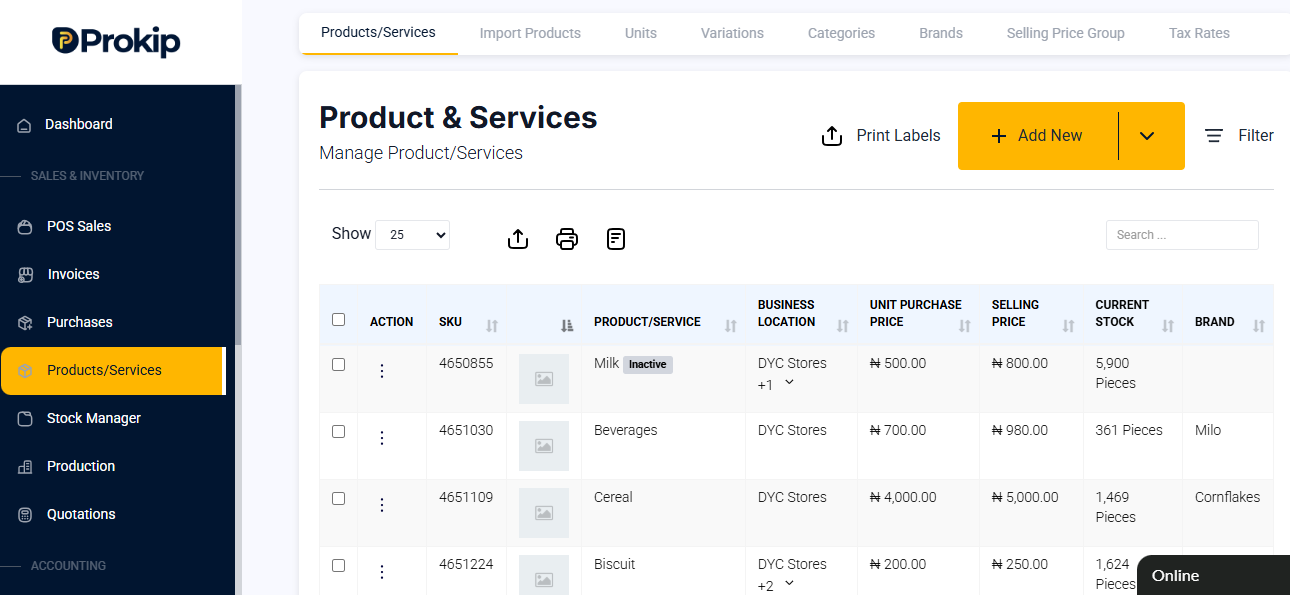
- Click Products/Services.
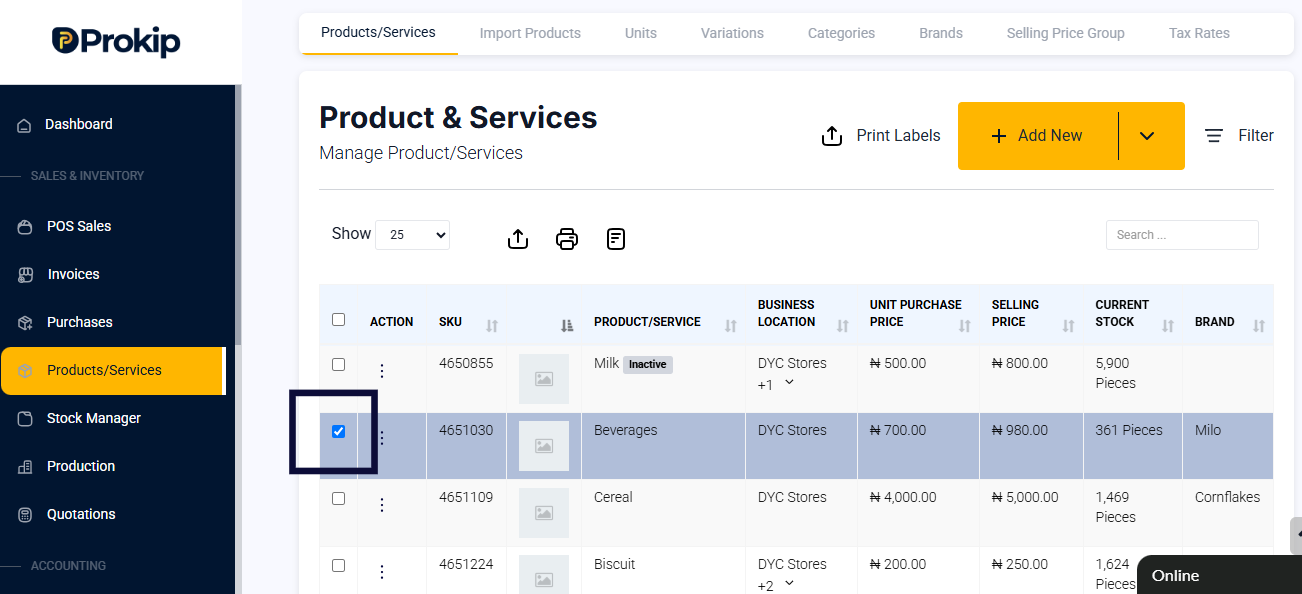
- Click on the check box on the product.
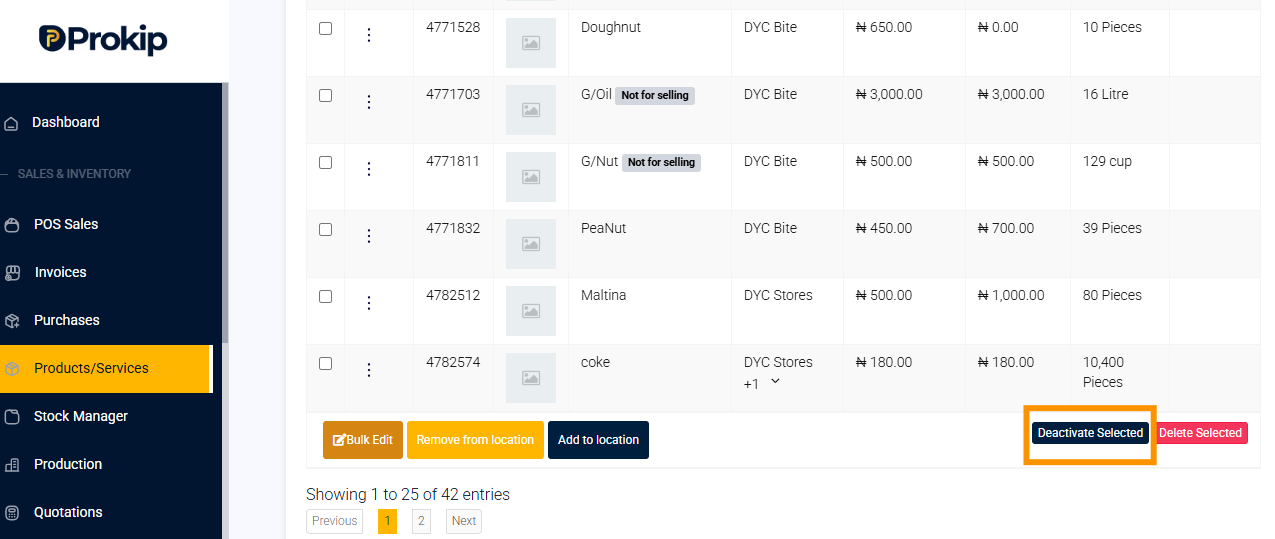
- Scroll down and click Deactivate.
FAQ
Q1: Can I reactivate a product later?
A: Yes, simply go back to the product list and click Activate.
Q2: Will deactivated products show in search results?
A: They’ll appear as inactive but won’t be usable in new transactions.
Q3: Can I delete a deactivated product?
A: Only if it has no recorded transactions.