Skip to content
Prokip
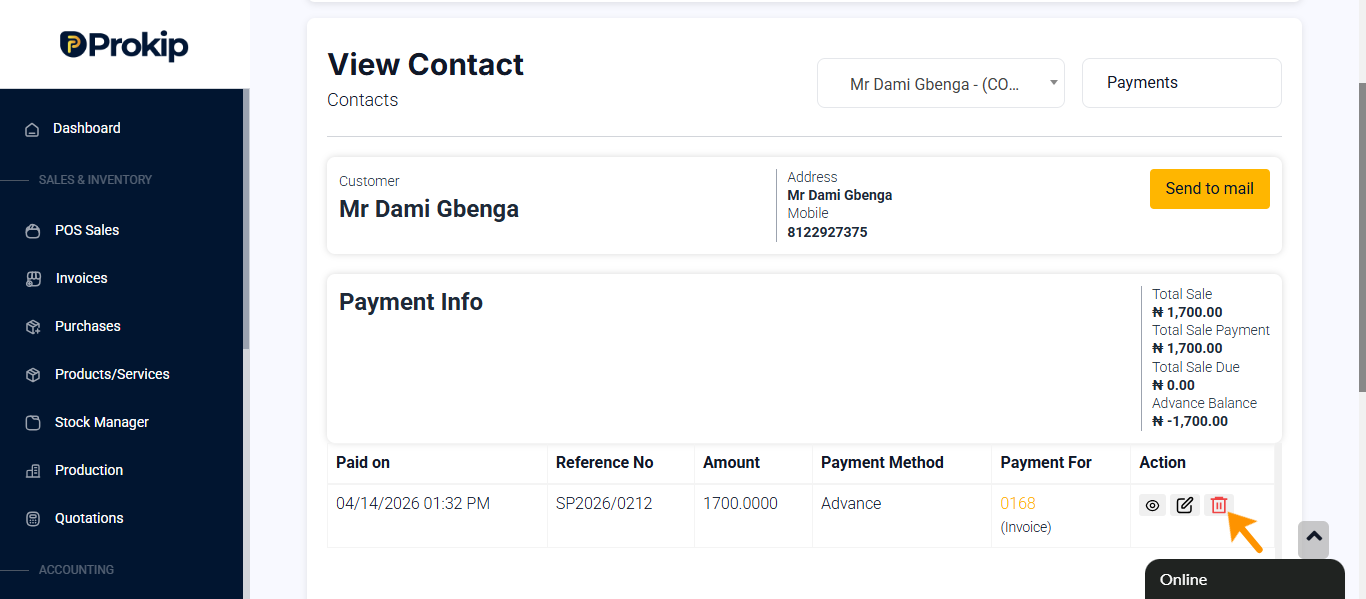
How to delete advance payment
Steps
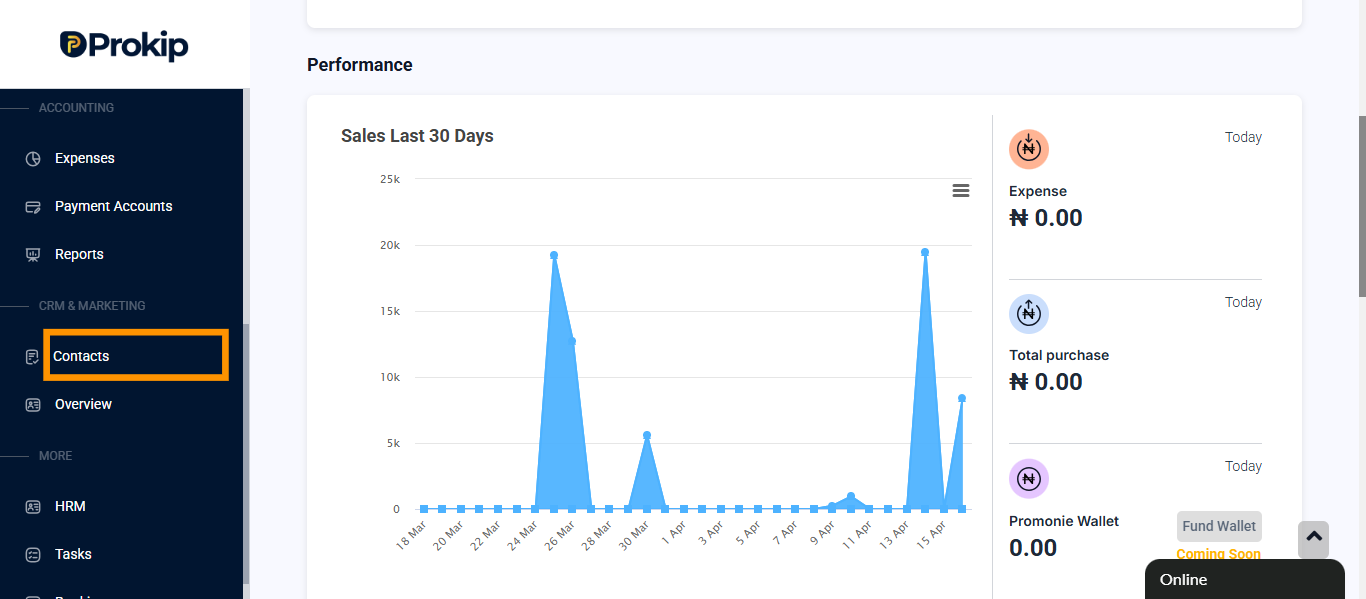
Click on contact.
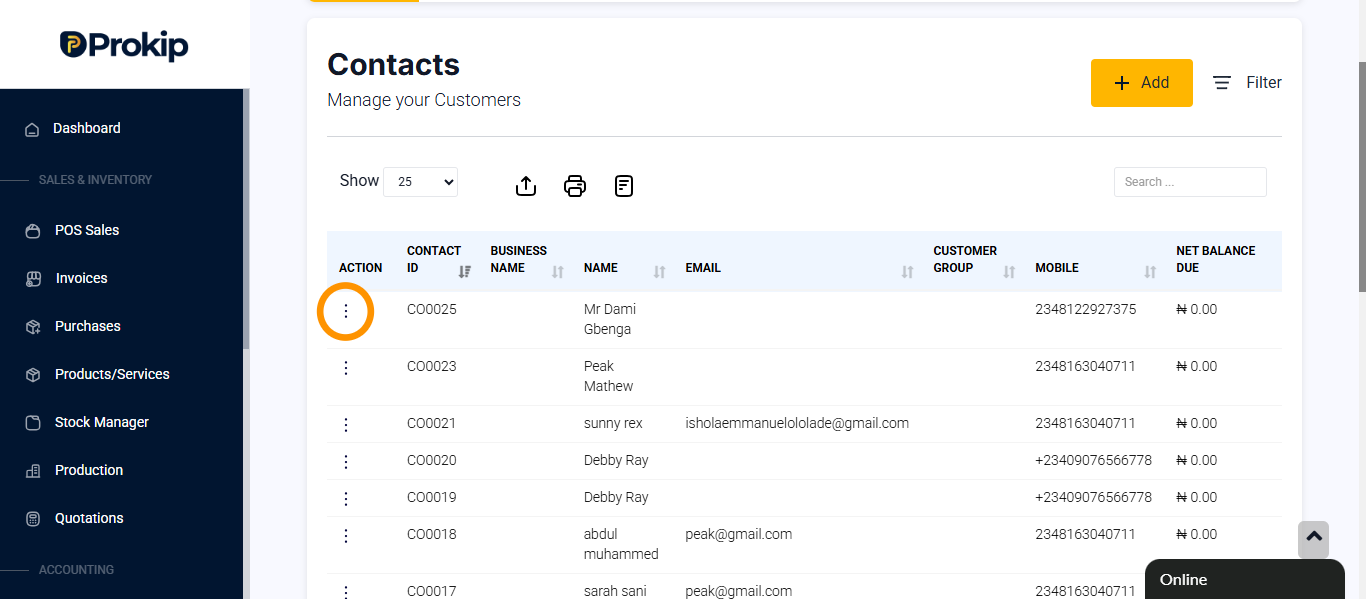
Locate the customer.
Click on action button.
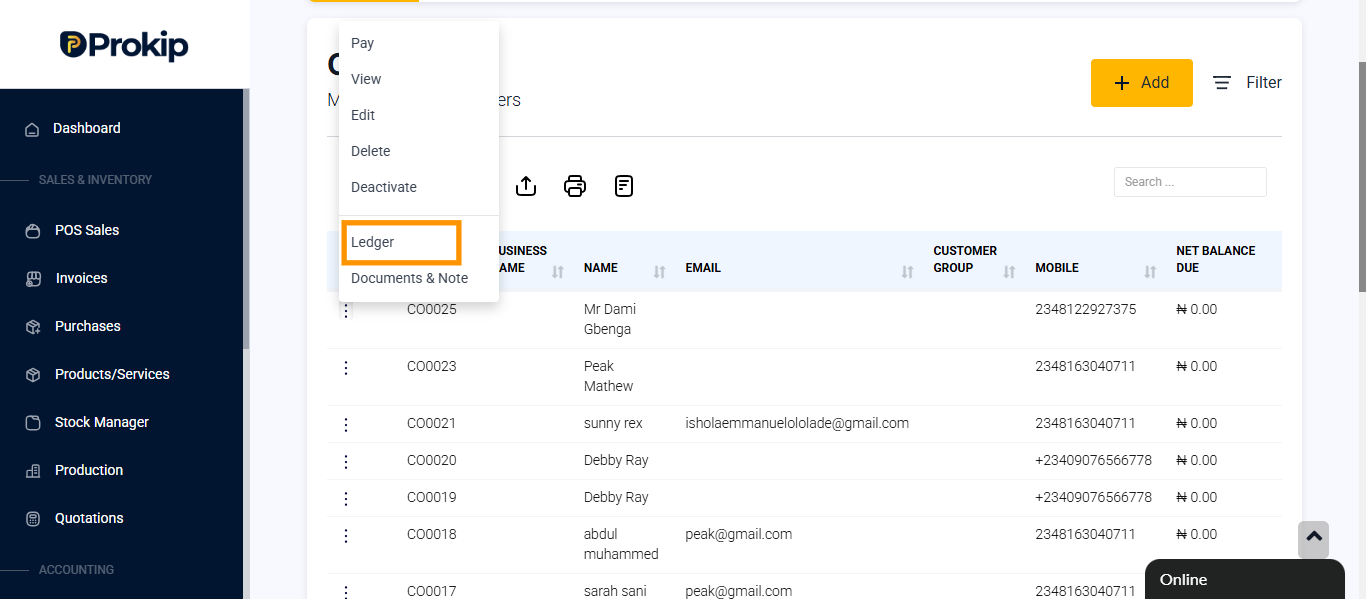
Click on ledger.
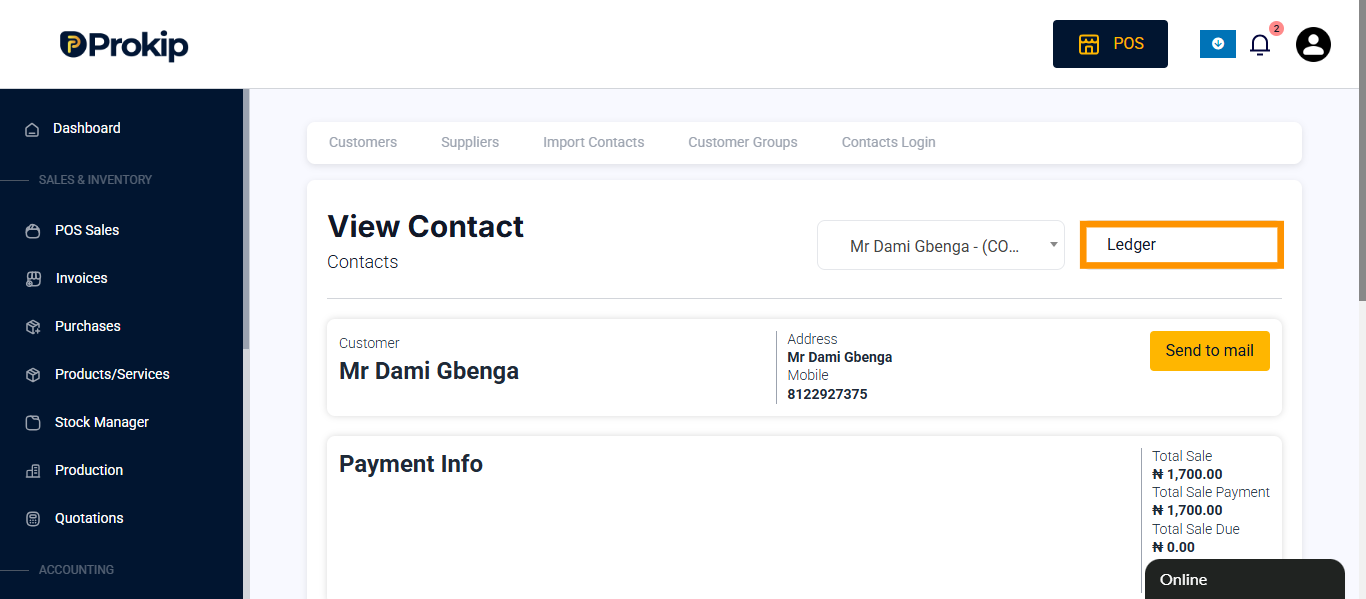
Click on ledger and select payments.
Click on the delete icon beside the advance payments.