Purpose
Allows users to make corrections or updates to an invoice after a sale has been completed.
Steps
- Login to Prokip.
- Click on Invoice.
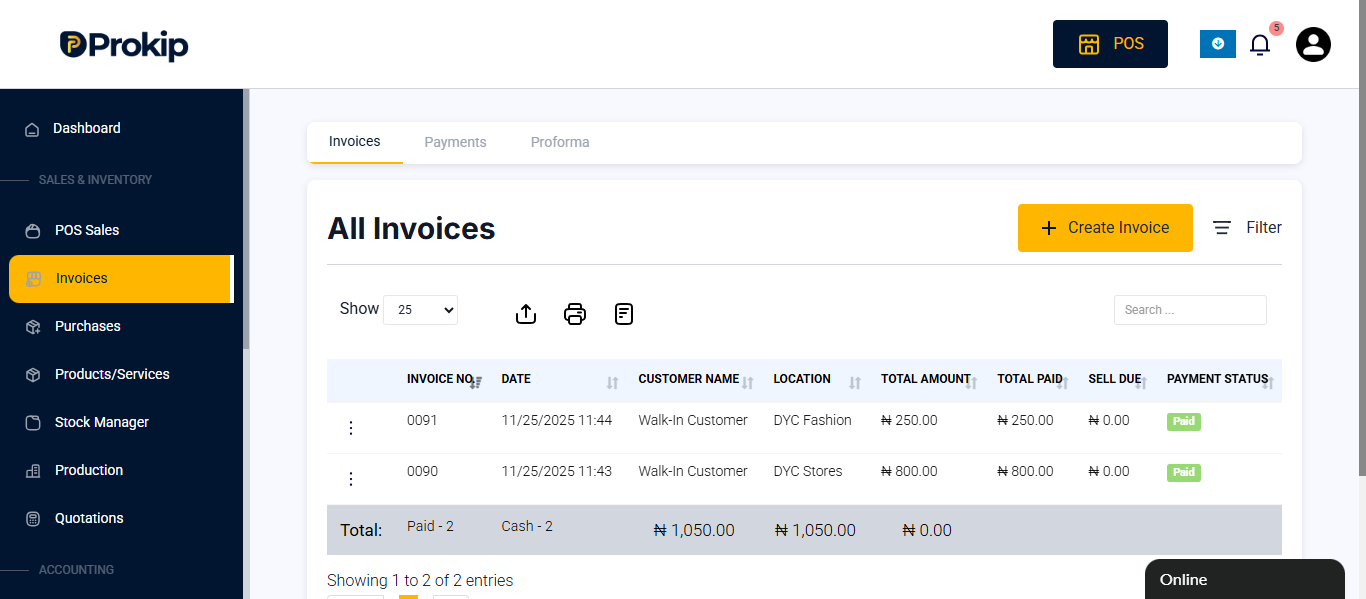
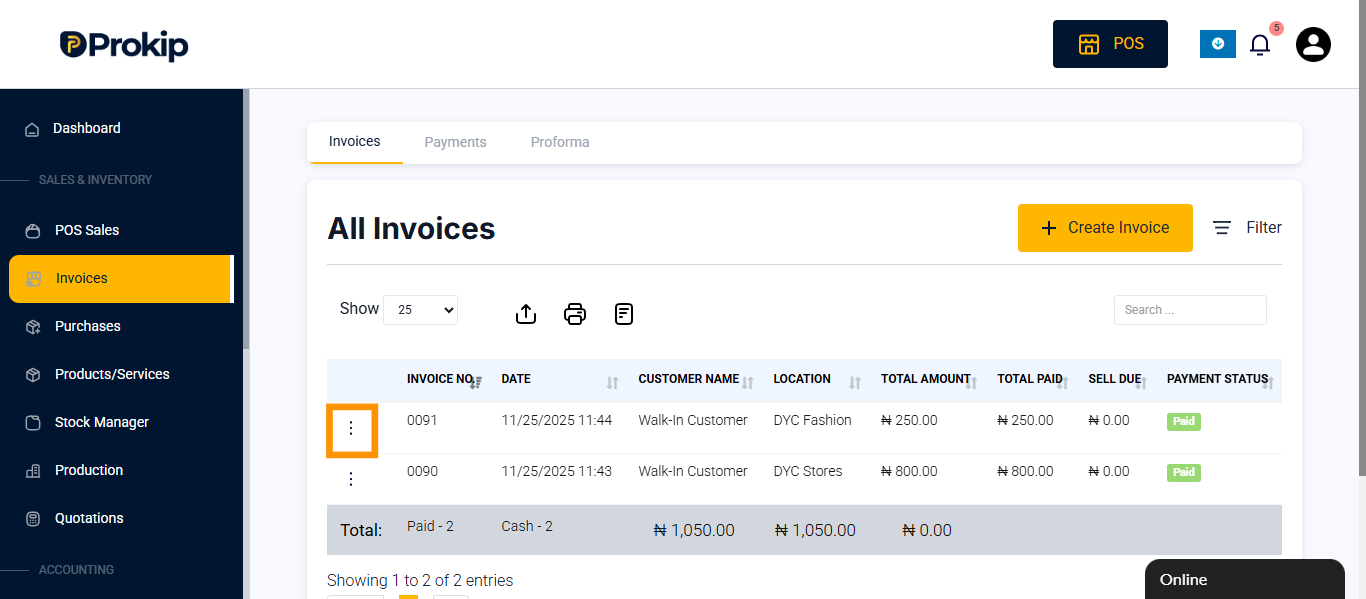
- Click on the three dots beside the invoice.
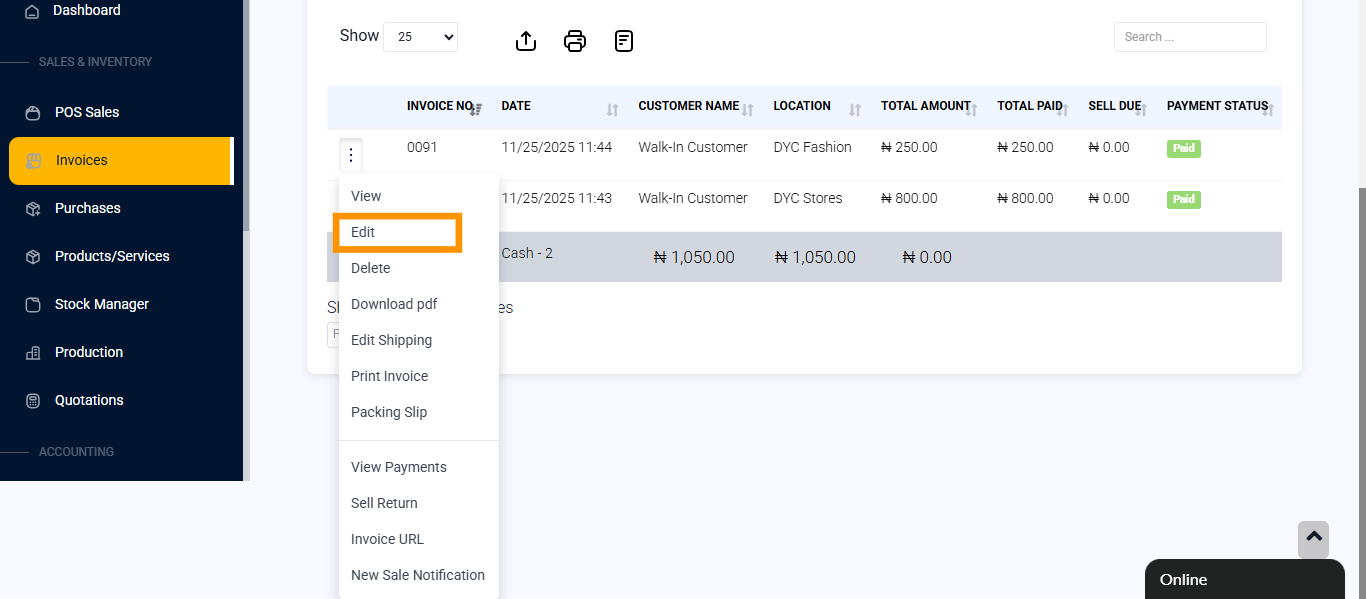
- Select Edit.
- Make the necessary changes to the invoice.
- Click on the payment method the customer is paying with.
FAQ
Q: Can I edit an invoice after sales?
A: Yes, you can edit an invoice even after a sale has been made.