What is Overselling?
Overselling is a feature in Prokip that allows you to sell products even when the system shows insufficient or zero stock quantity.
purpose
It enables you carry out sale even if the item is not currently available in inventory records.
How to enable overselling
Steps
- Login to prokip
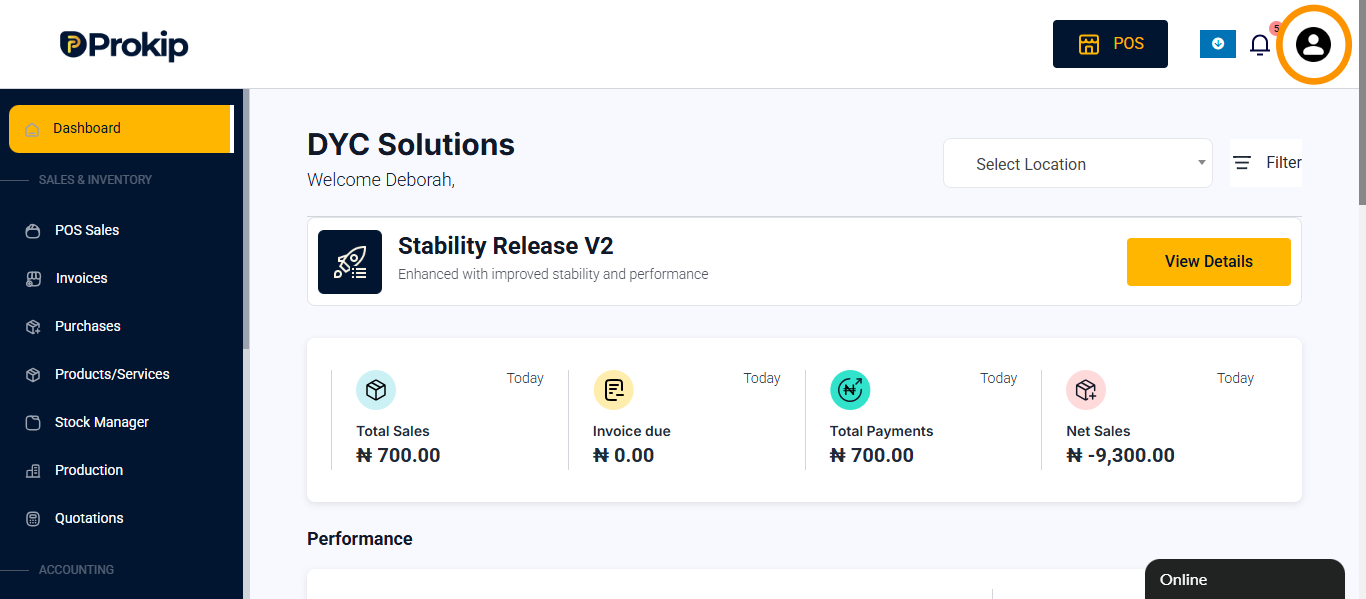
- Click on the profile icon
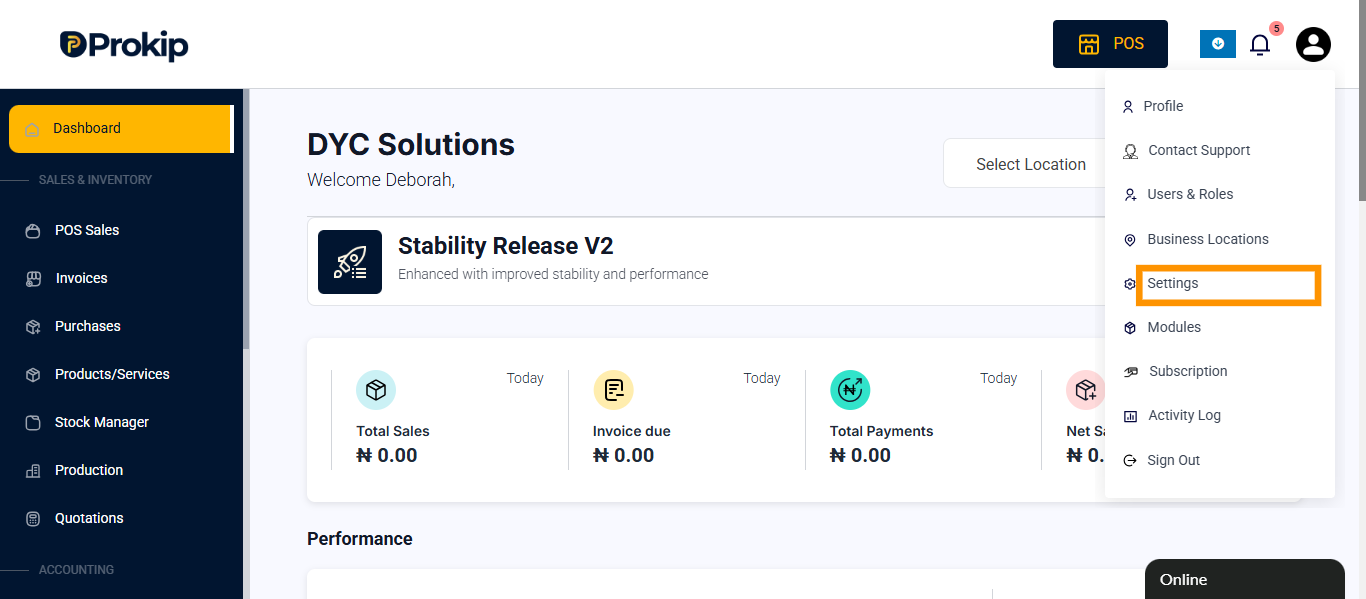
- Click on settings
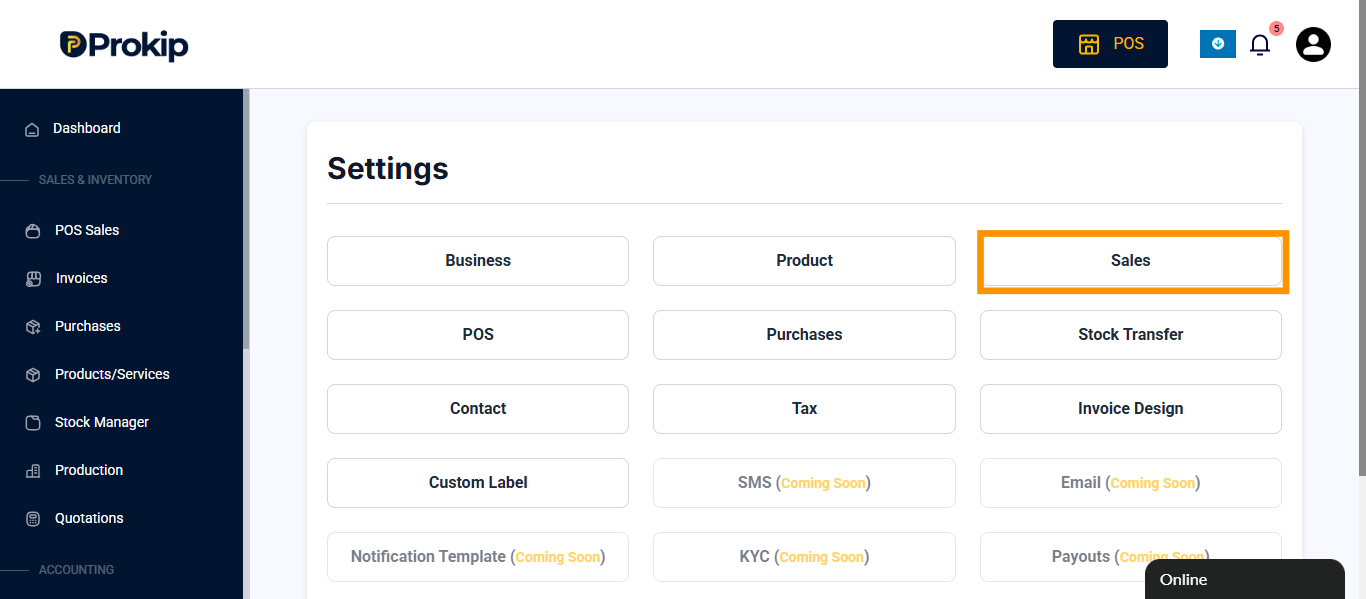
- Click on sales
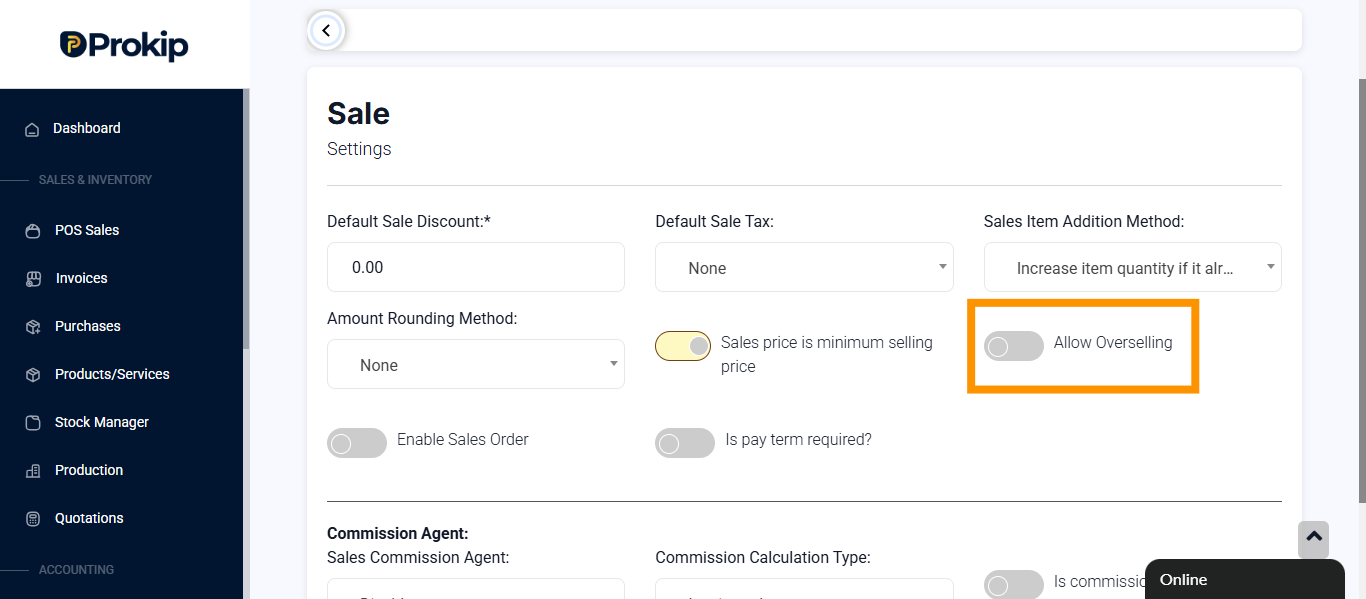
- Toggle on allow overselling
- Click on update settings
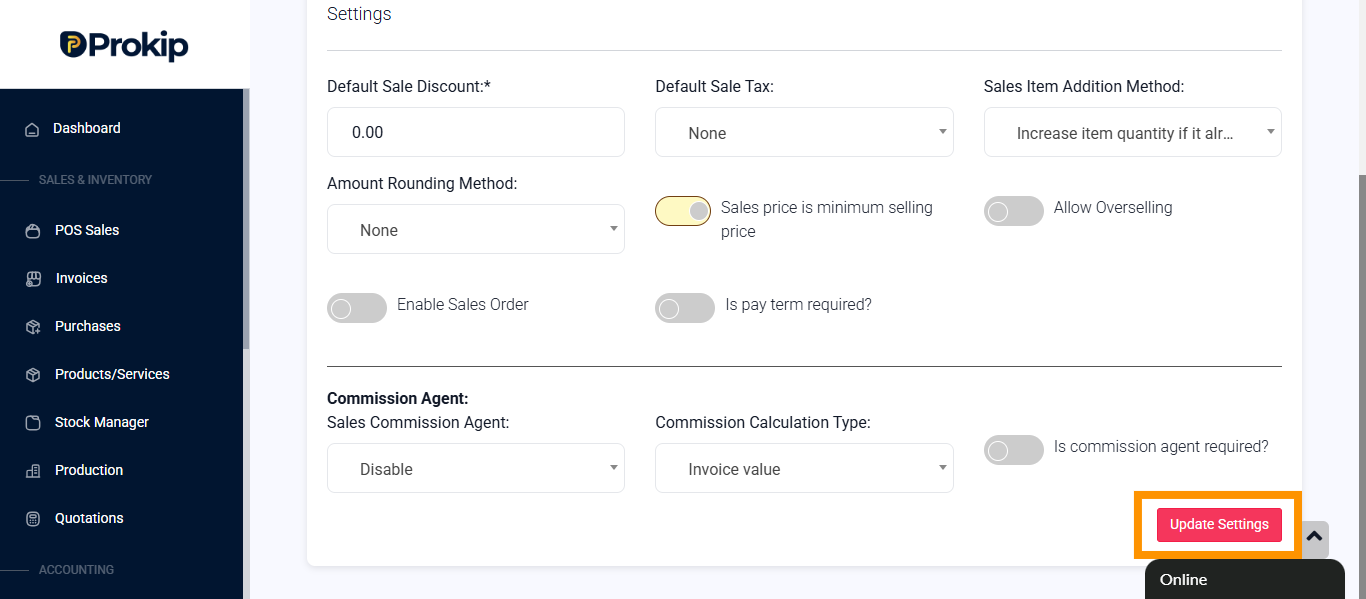
The effect of overselling
- The system records negative stock for products sold beyond available quantity when overselling is enabled.
- It helps maintain sales flow and prevents interruption during transactions.
- It can cause stock discrepancies if not managed properly.
When to use
- You have a high-demand product that’s temporarily out of stock but will be restocked soon.
- You want to allow continuous sales during busy periods or system updates.
- You trust your reordering or supply process to fulfill pending sales quickly.
When not to
- You want accurate real-time stock tracking.
- You are conducting a stock audit or performing reconciliation.
- You manage perishable or lot-tracked goods, where quantity accuracy is critical.
FAQs
- Can i include overselling for a particular product
Tip
- If you enable overselling, perform regular stock reconciliation to correct negative quantities and maintain accurate records.