Purpose
Allows you to customize labels based on user preferences, enabling better personalization and alignment with your business needs.
How to set custom label
Steps
- Login to prokip
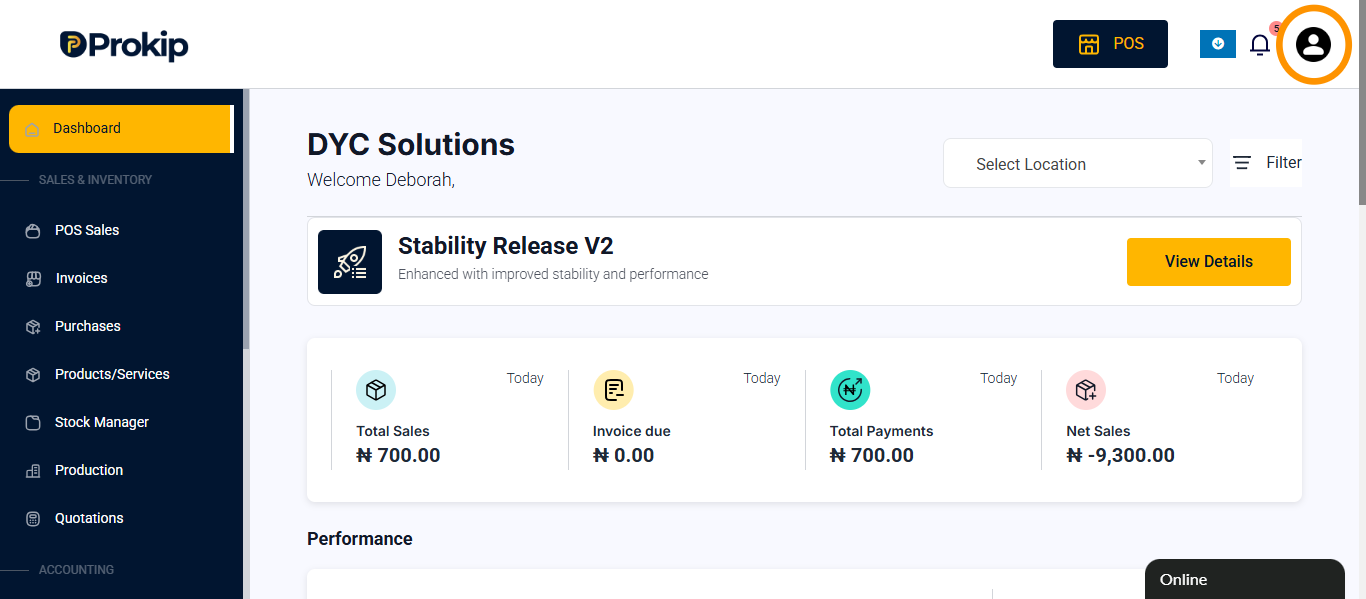
- Click on profile icon
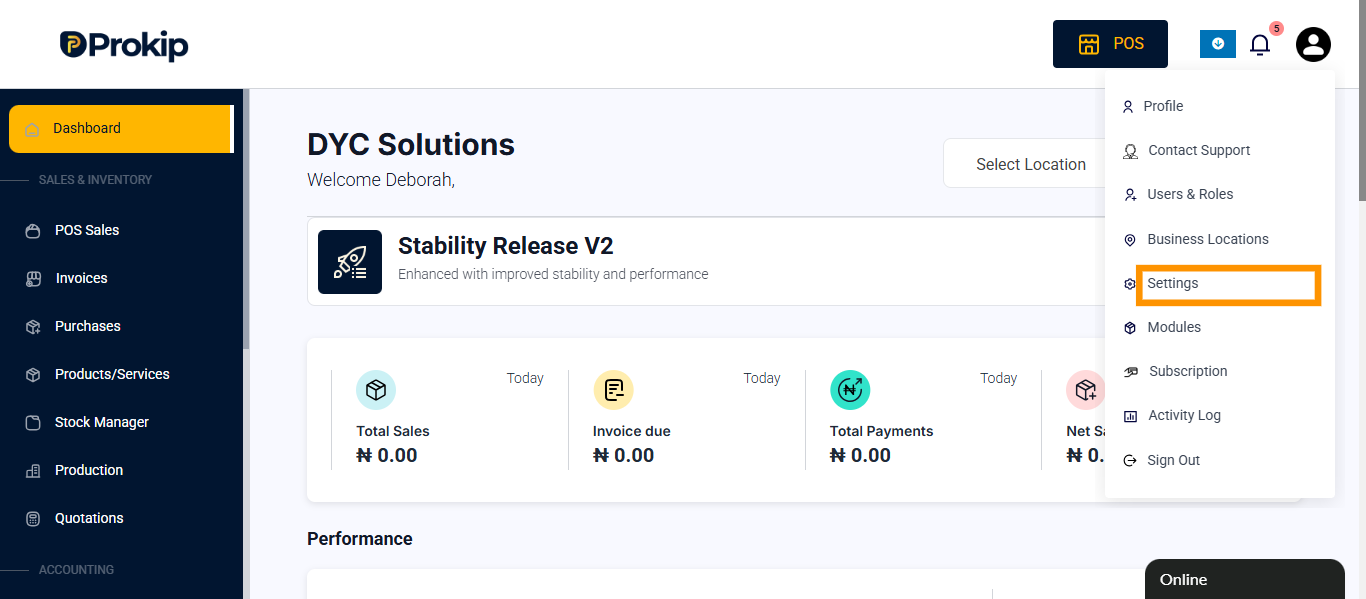
- Click on settings
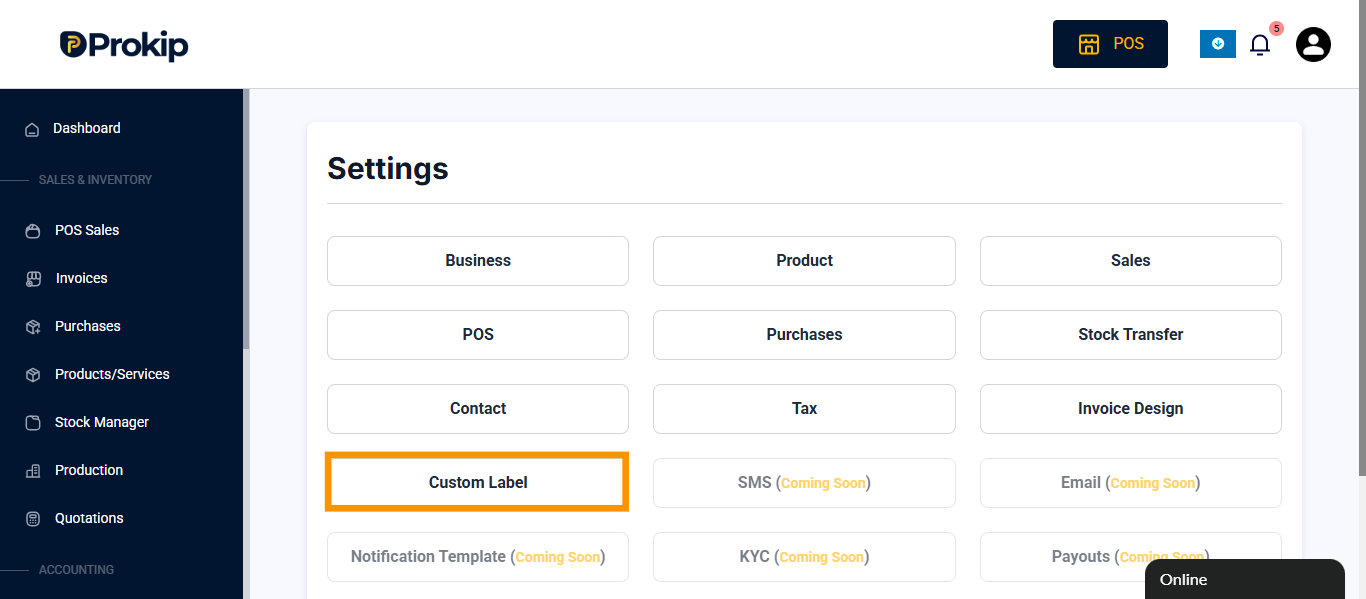
- Click on custom label
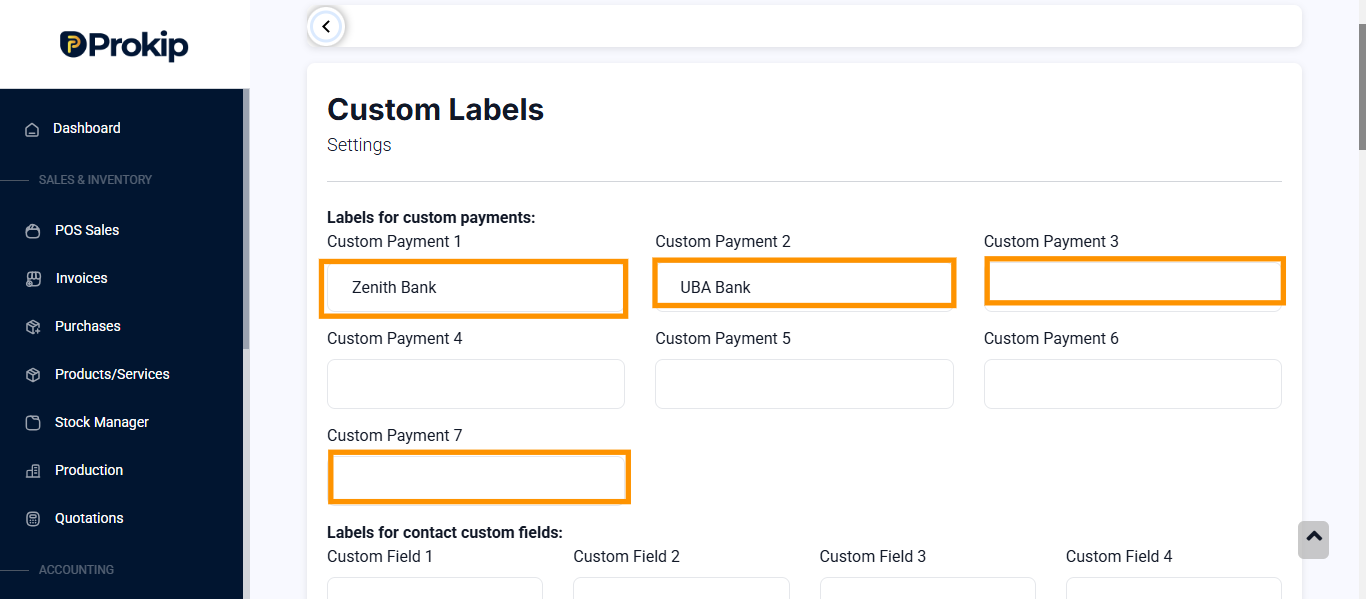
- You can find custom label for:
-
- Labels for custom payment
- Contact custom fields
- Product custom fields
- Purchase custom fields
-
purchase shipping custom fields:
-
sell custom fields:
-
sale shipping custom fields
Prefixes: Prefixes in Prokip are automatically assigned to transactions (such as invoices, purchases, quotations, and expenses) to help identify and organise them easily.
- Click on the label and type the name of your choice to replace the field at the top
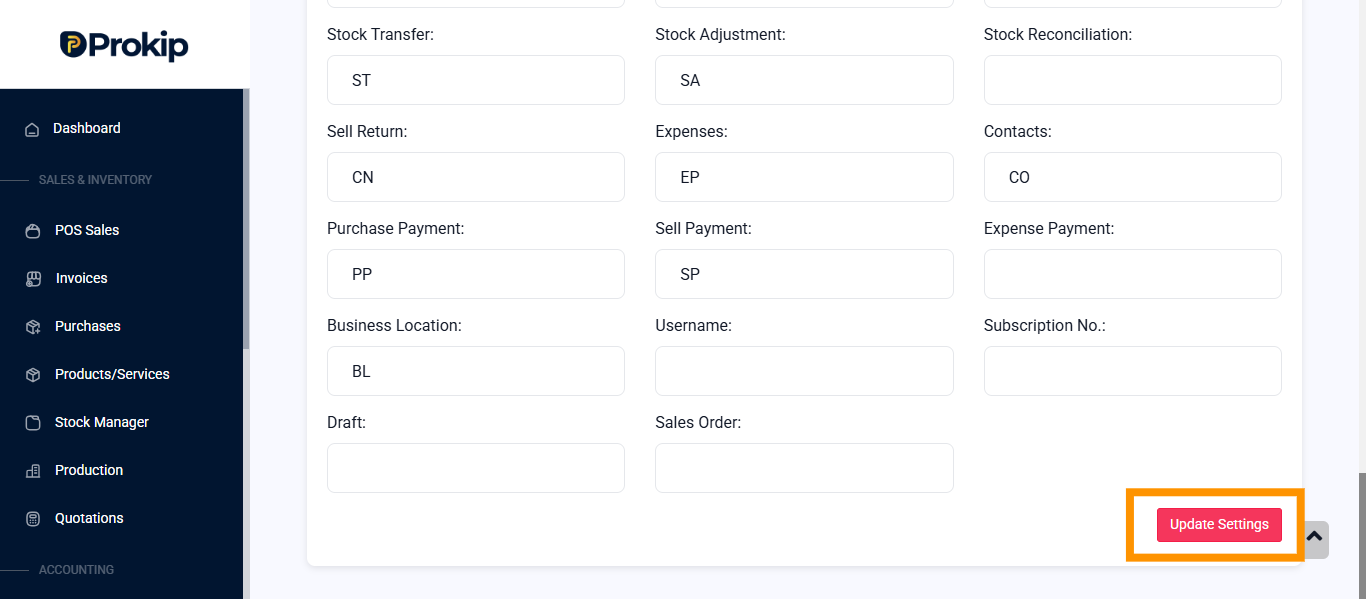
- Scroll down and Click on update settings.