Purpose
Enabling tax in Prokip allows you to apply and calculate tax correctly on sales transactions.
You can choose to apply tax per individual product or on the total invoice, depending on your business or regulatory requirements.
How to enable tax for individual items
You can enables when adding new product on the system
Steps
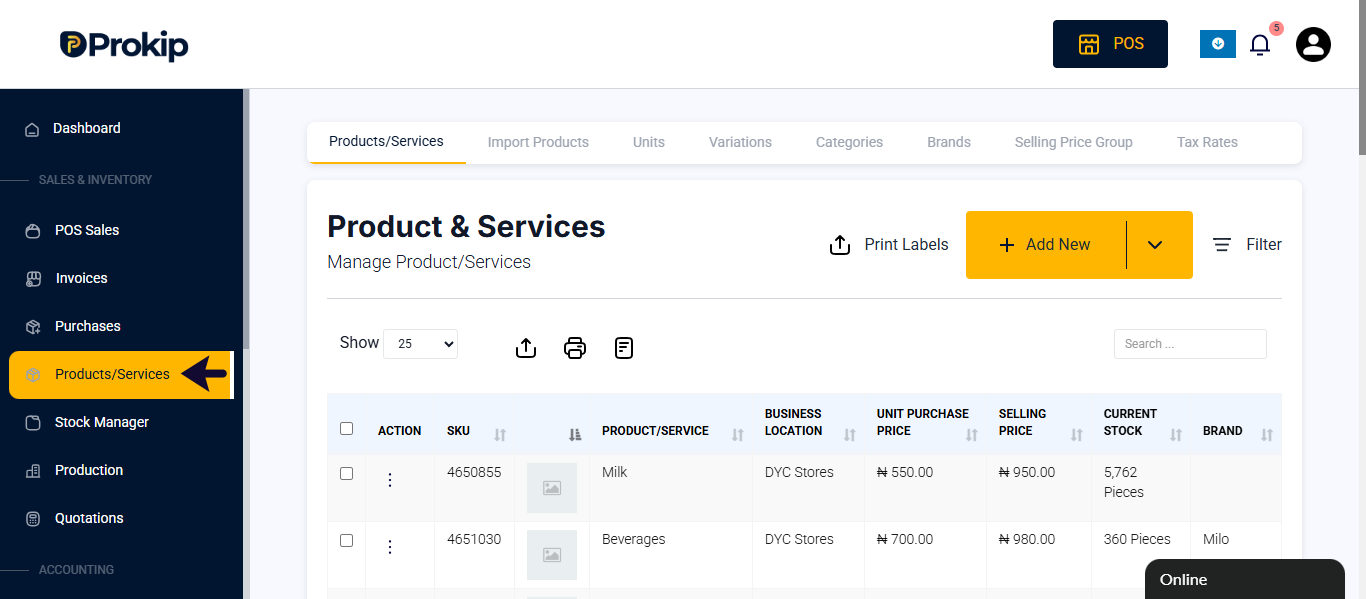
- Click on product and services
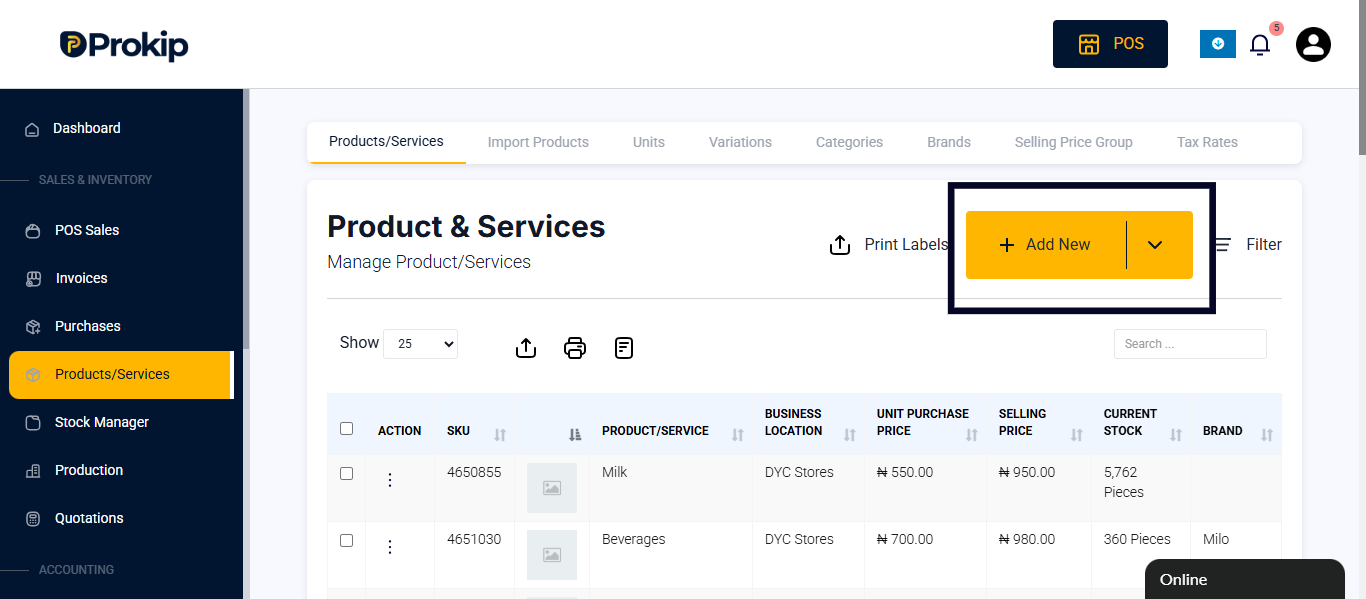
- Click on the add button
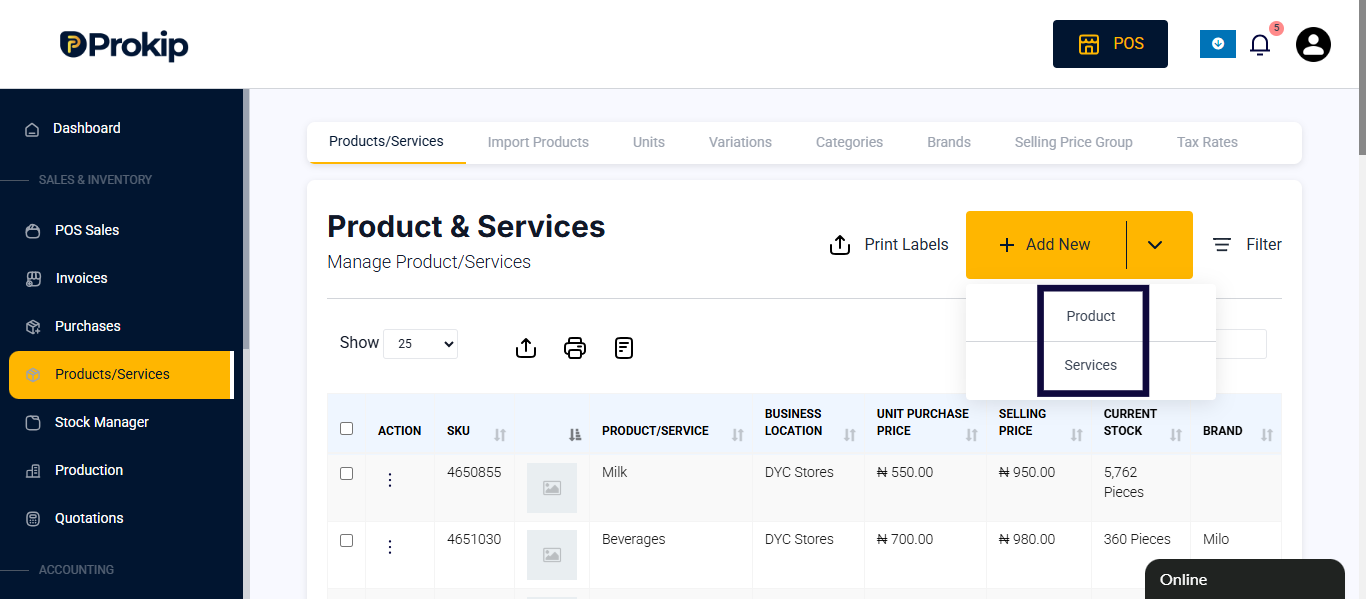
- Select either product or services.
- Fill in product details
- Toggle on taxable
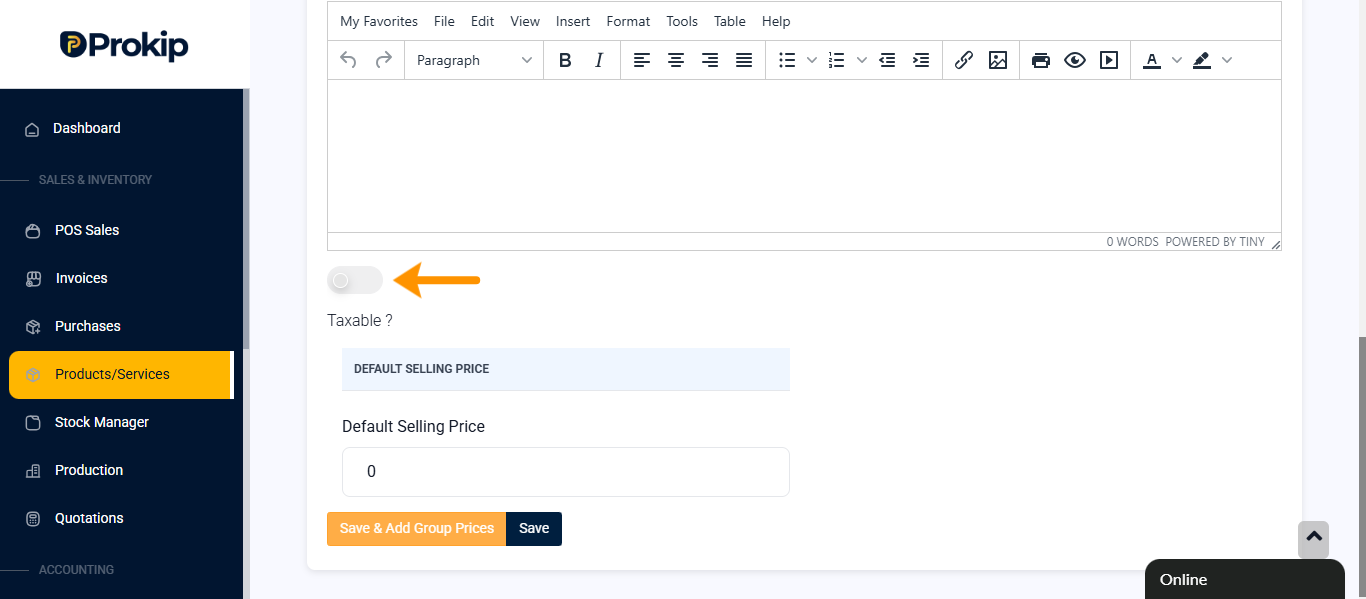
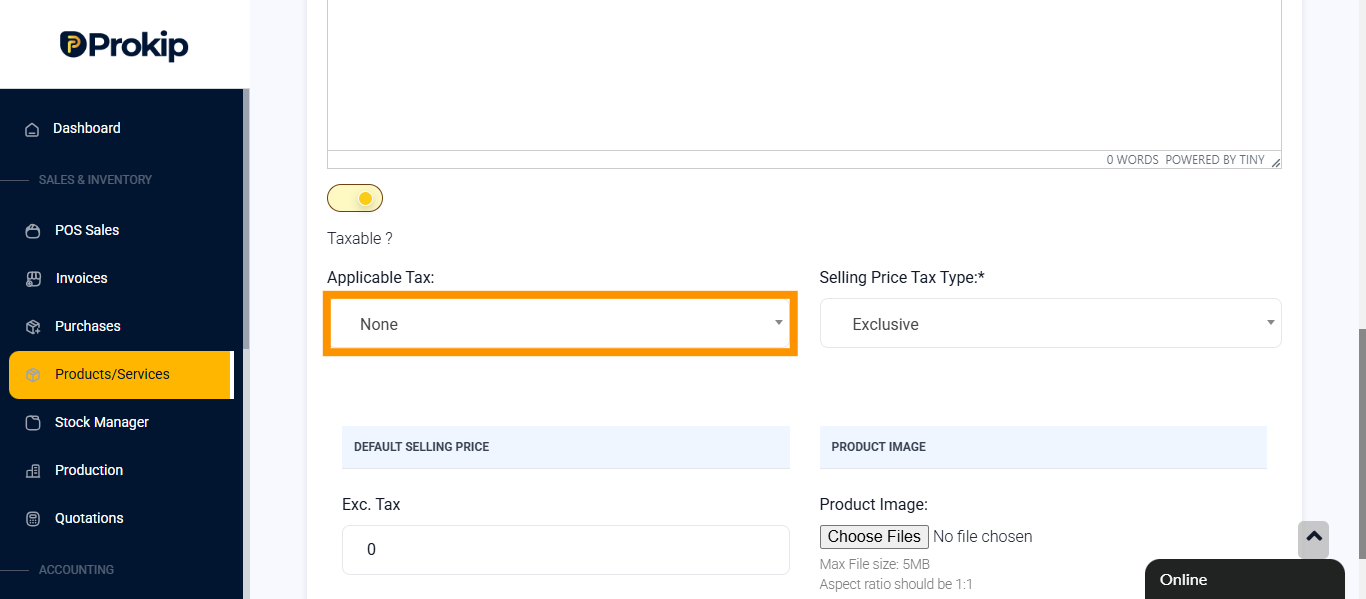
- Click on applicable tax to select tax.
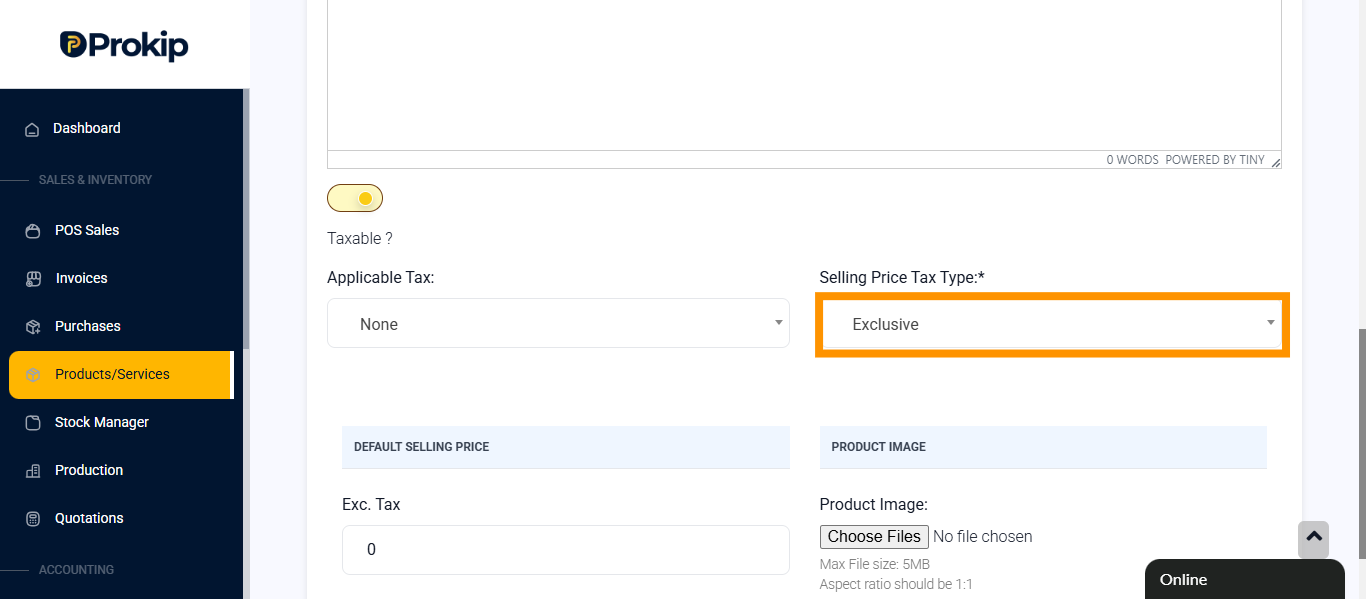
- Click on Selling Price Tax Type and select inclusive.
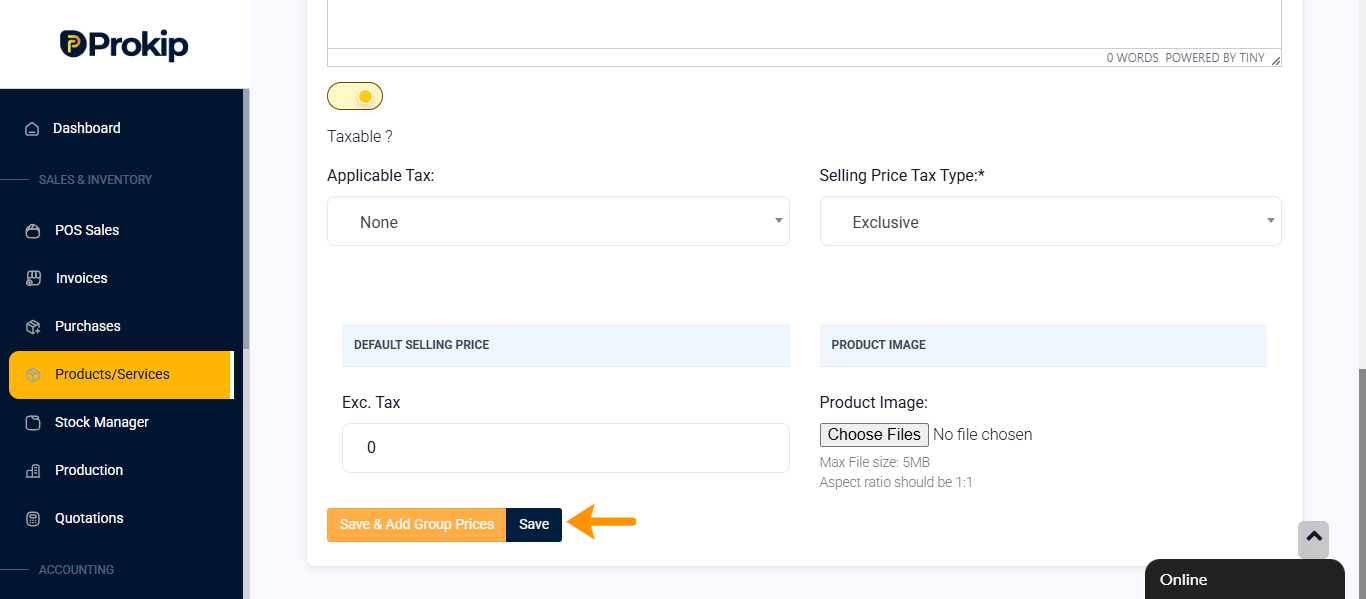
- Click on save.
How to enable tax for total products
You can enable tax for total products when it has been added on the POS
Steps
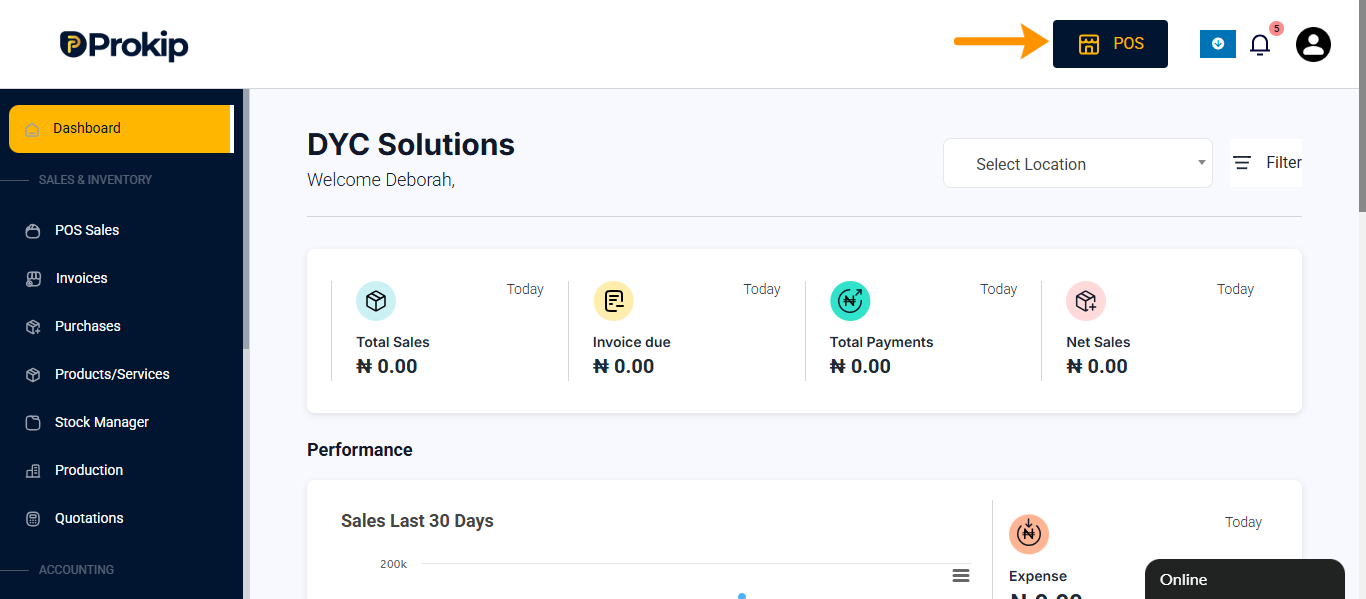
- Click on POS.
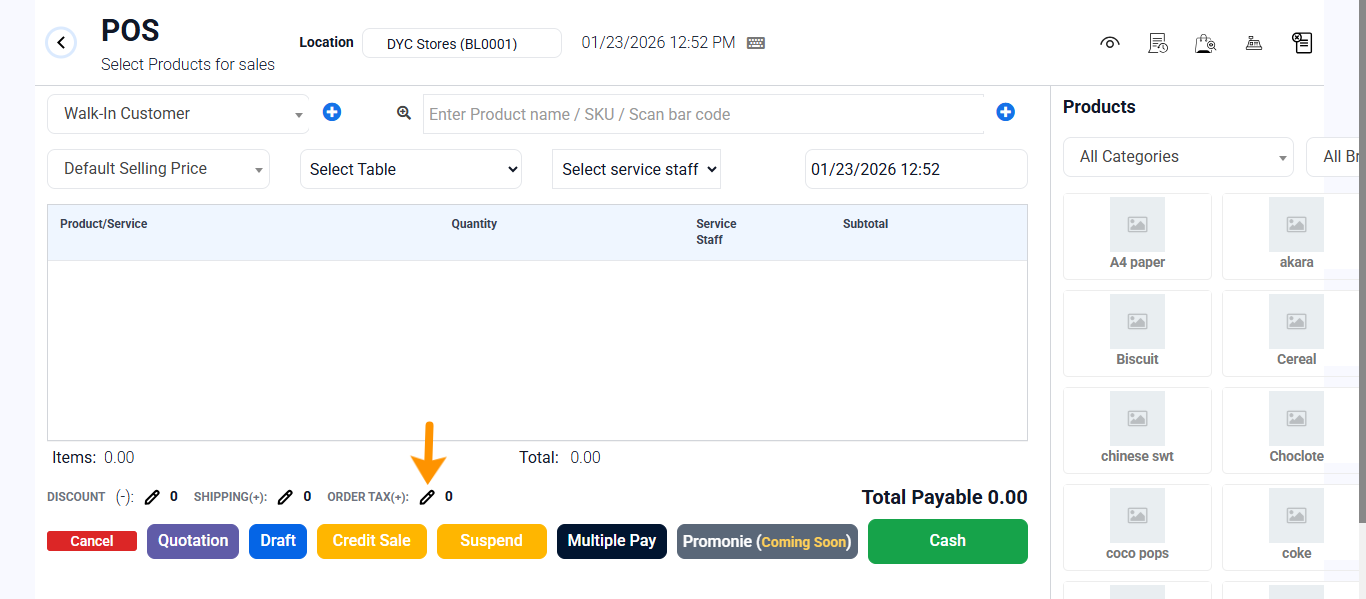
- Select product you want to sell.
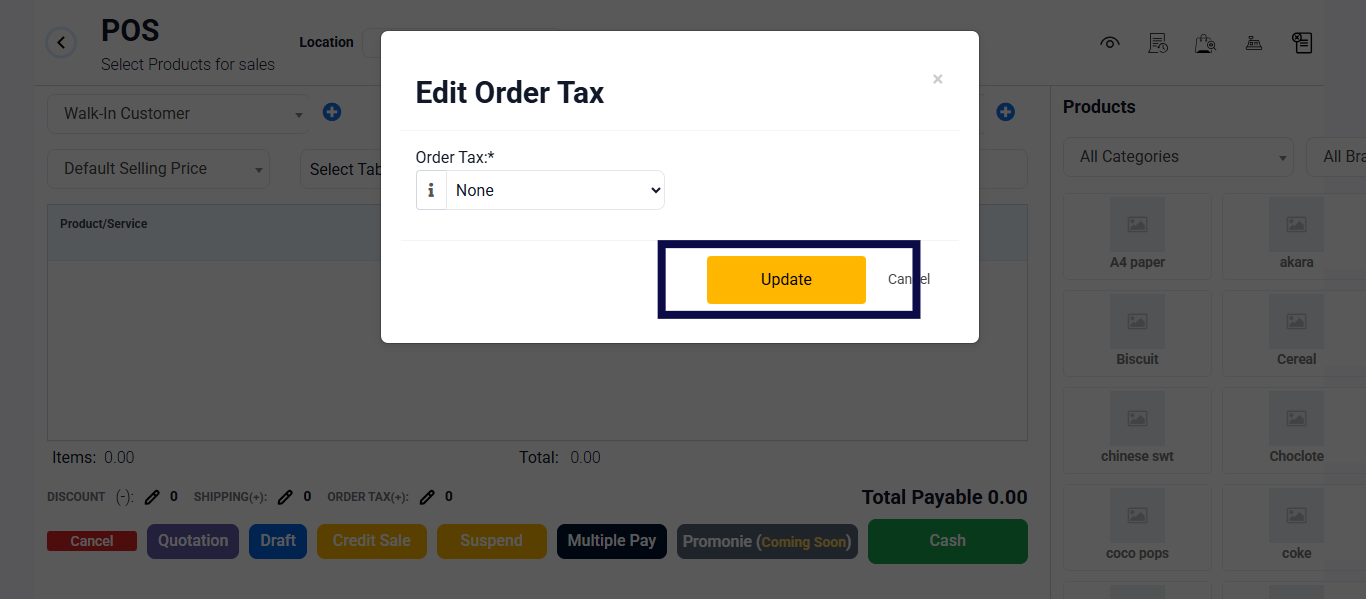
- Click on order tax.
- A modal will appears then click on none to select tax.
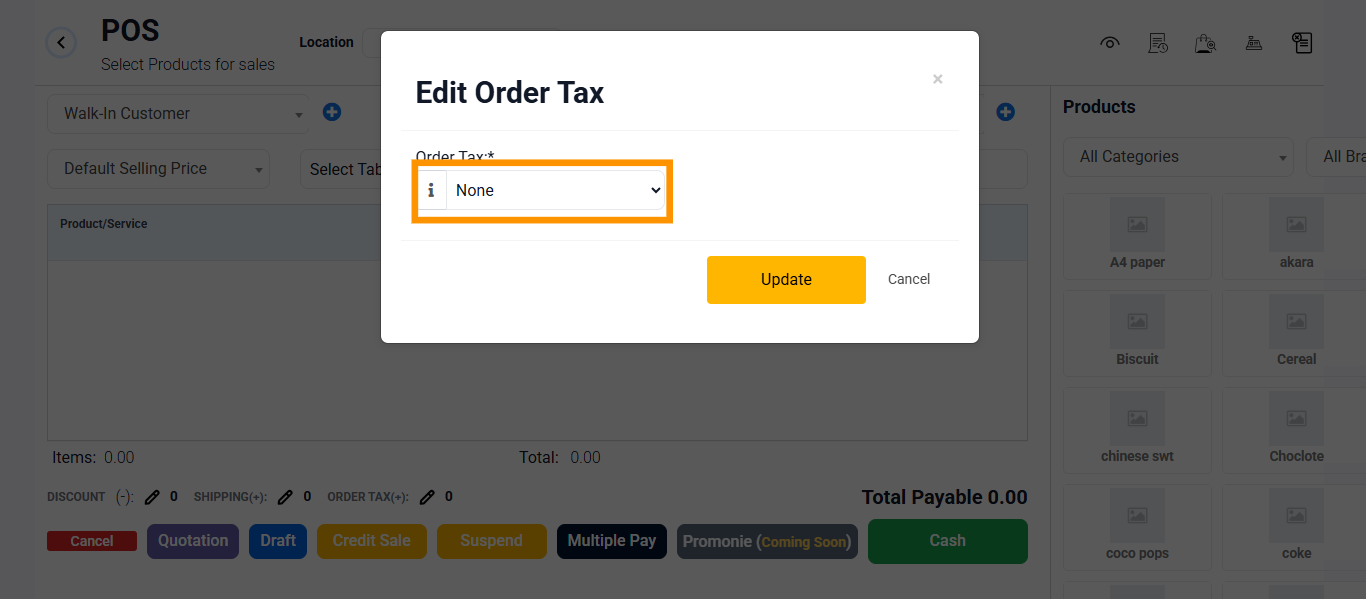
- Click on update