Use a quotation when a customer requests a price estimate before making a purchase. Quotations don’t affect your stock or register until converted into a sale.
Steps
- Go to POS.
- Select the customer, add products or services, and adjust the quantities, prices, or discounts as needed.
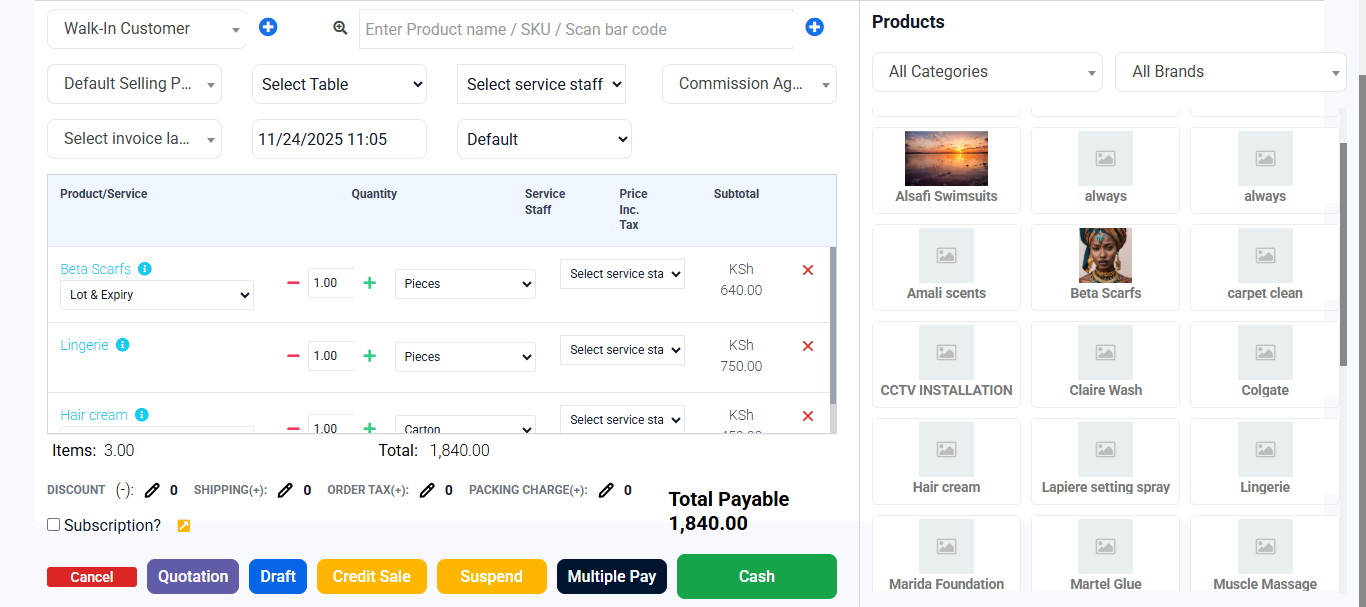
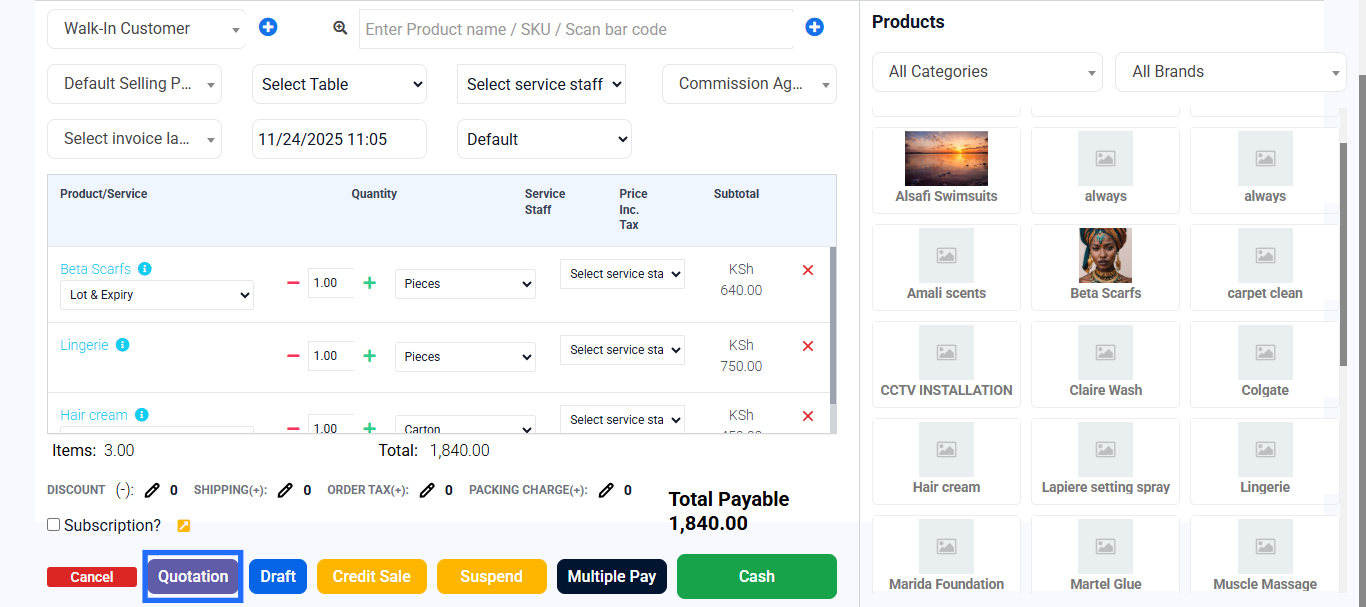
- Click Quotation to add a quotation.
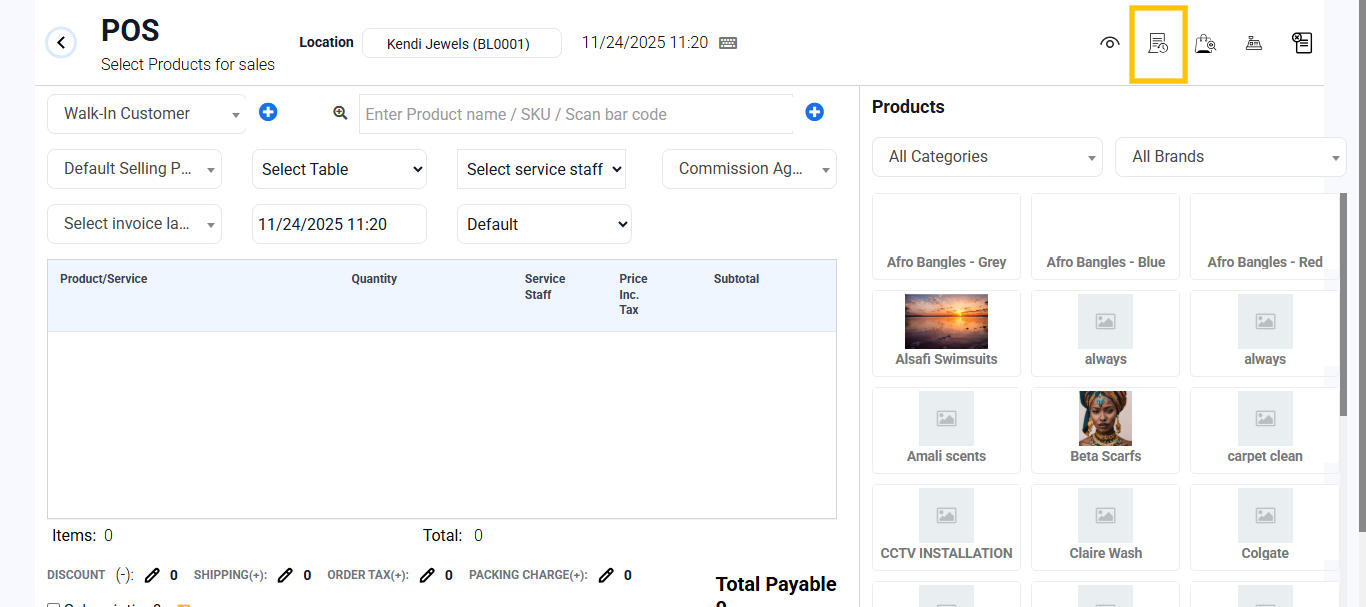
To update the Quotation;
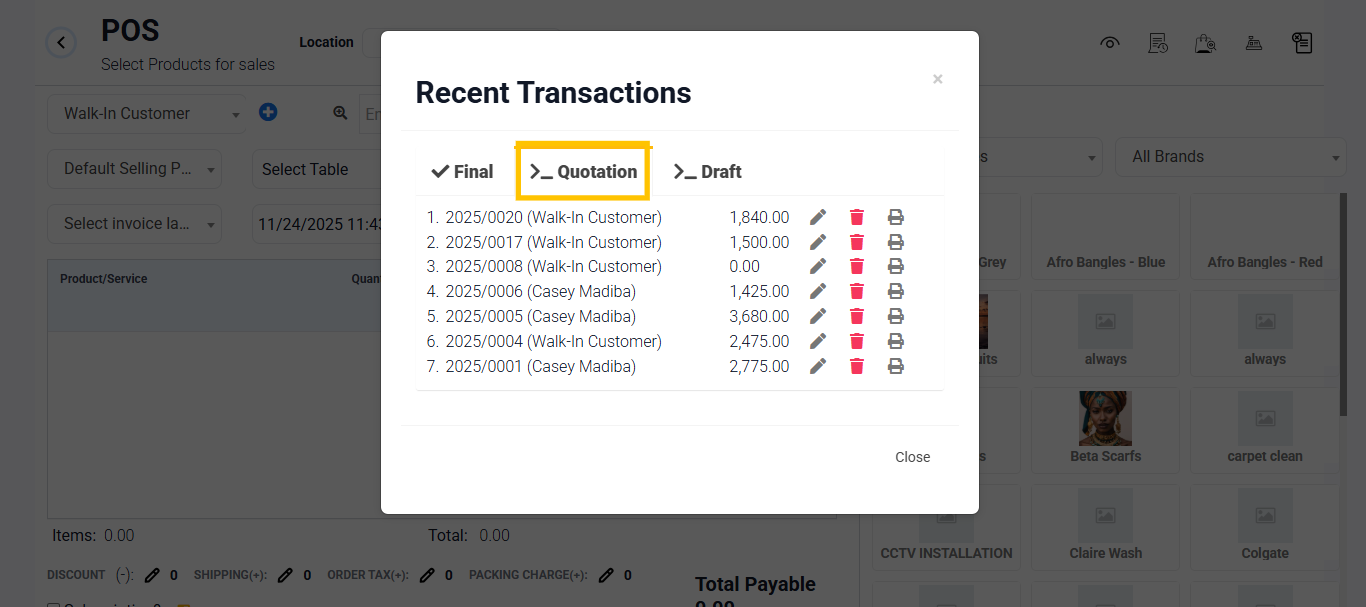
- On the top-right, Open recent transactions and scroll to the quotation tab.
- Locate the quotation you added and click the Edit button to go to POS and finish the sale.
- Alternatively, you can use the Quotation Dashboard to select the product, and click Edit from the action item. It will redirect to POS to complete the sale.
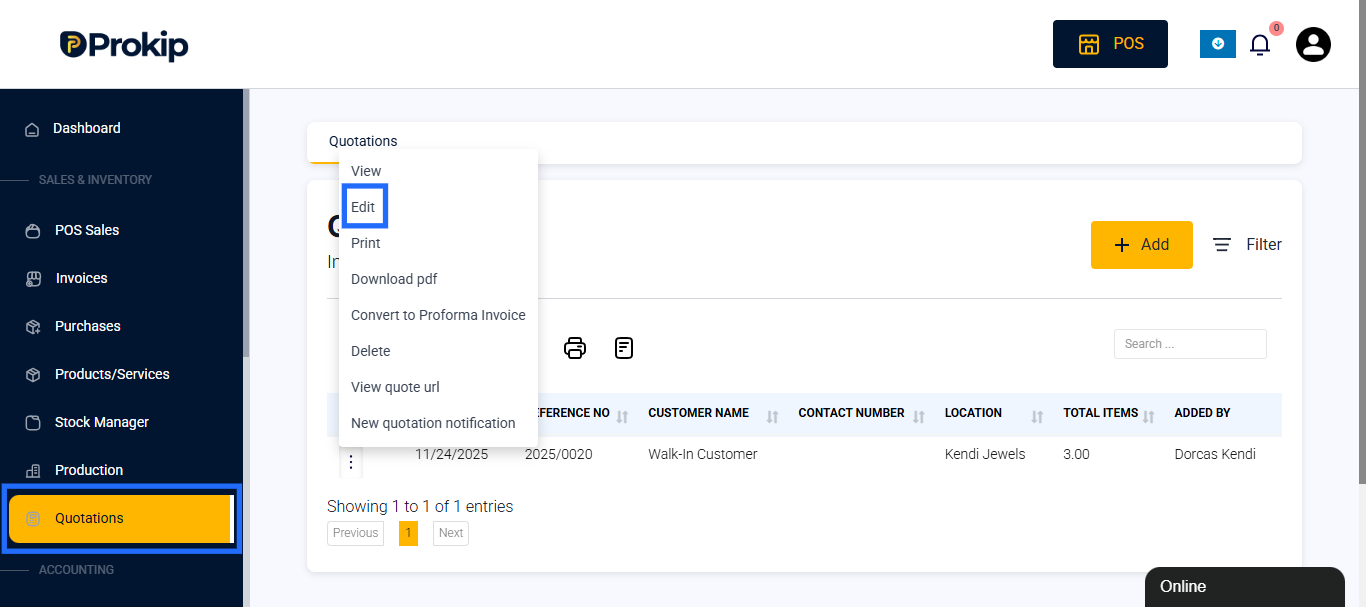
- Review details and complete the sale as normal.
Best Practice:
Always include clear terms, such as “Valid for 7 days,” and double-check customer and product details before sending.